About Maintenance Mode
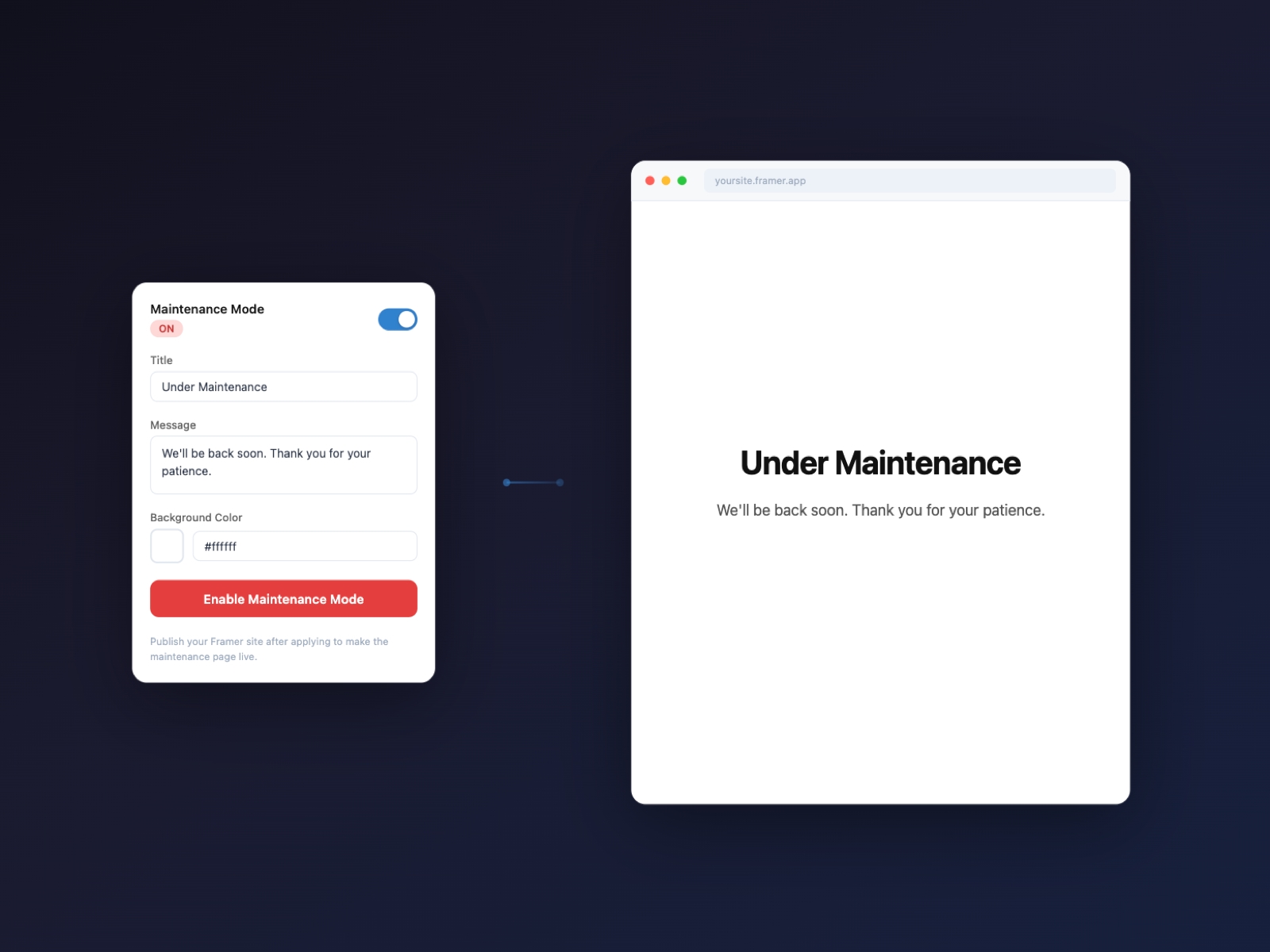
Maintenance Mode lets you put your Framer site into maintenance mode with a single click — no coding required.
Features
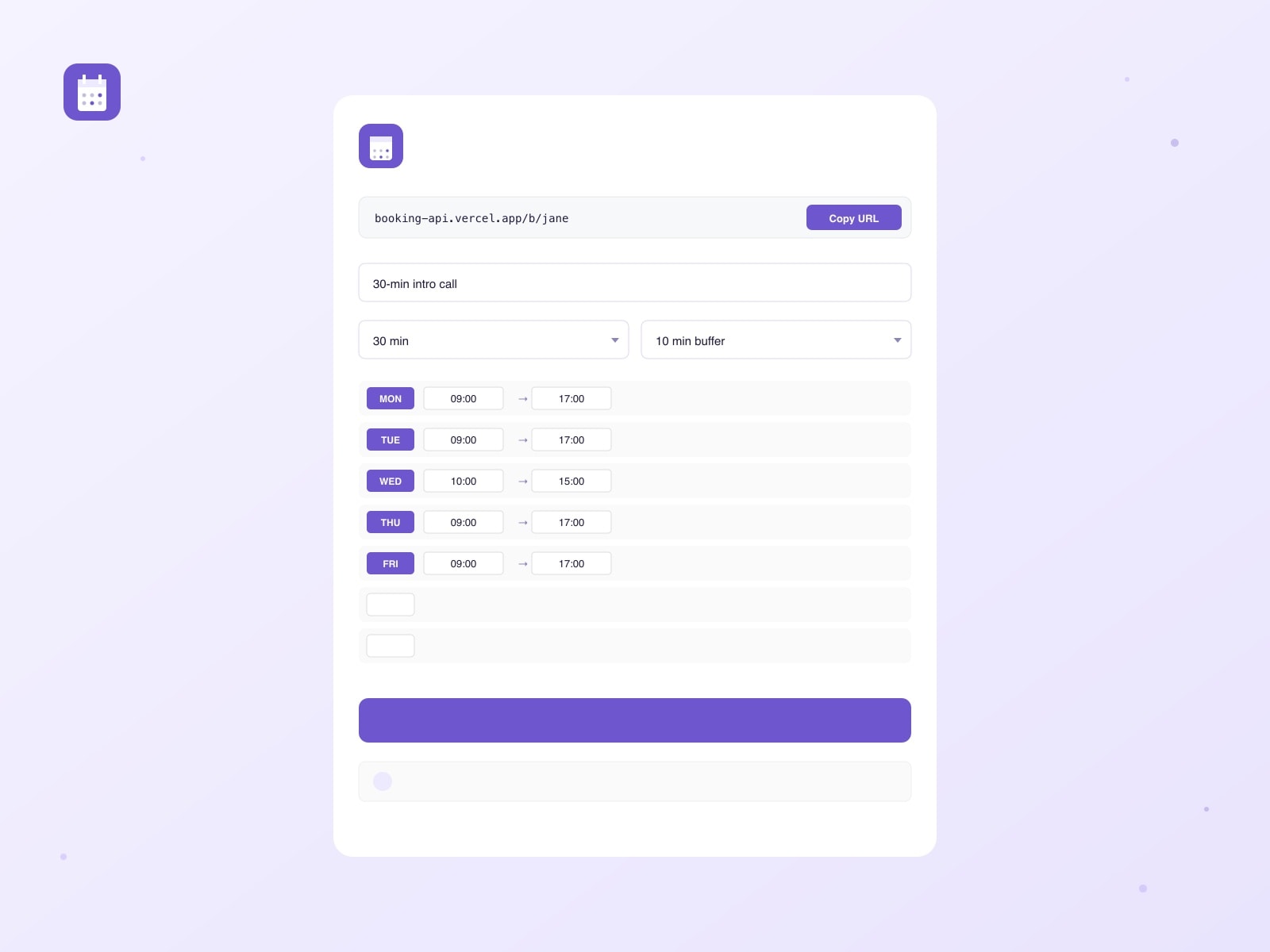
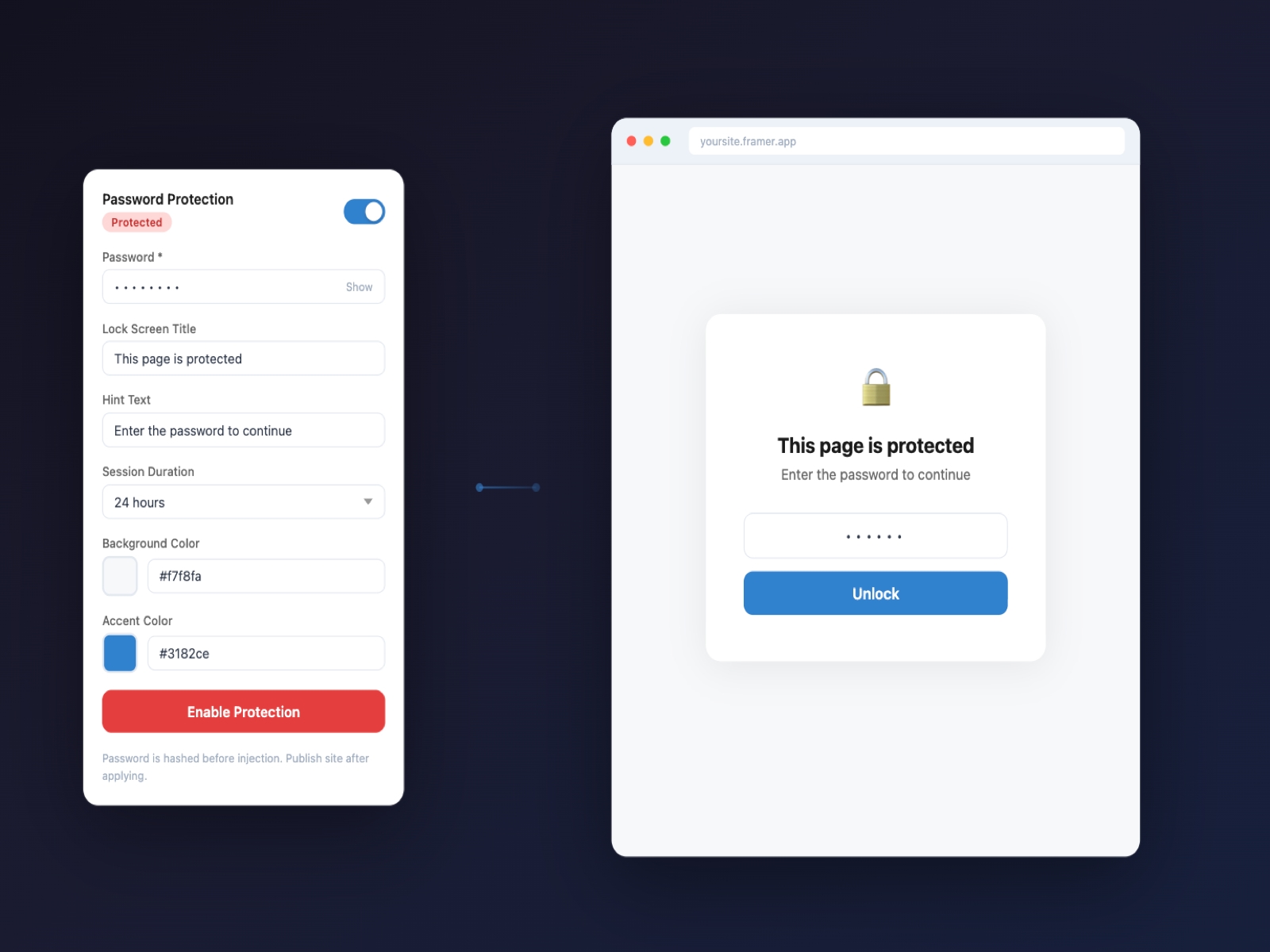
- One-click toggle to enable or disable maintenance mode
- Customizable title and message
- Background color picker
- Visitors see a clean maintenance page instantly after publishing
- Settings are saved between sessions
How it works
1. Toggle Maintenance Mode to ON
2. Customize your title, message, and background color
3. Click "Enable Maintenance Mode"
4. Publish your site — visitors will see the maintenance page
Turning it off
Toggle to OFF and click the button. Publish again to restore your site.
Perfect for site updates, redesigns, and temporary downtime.