About CSV File Tools
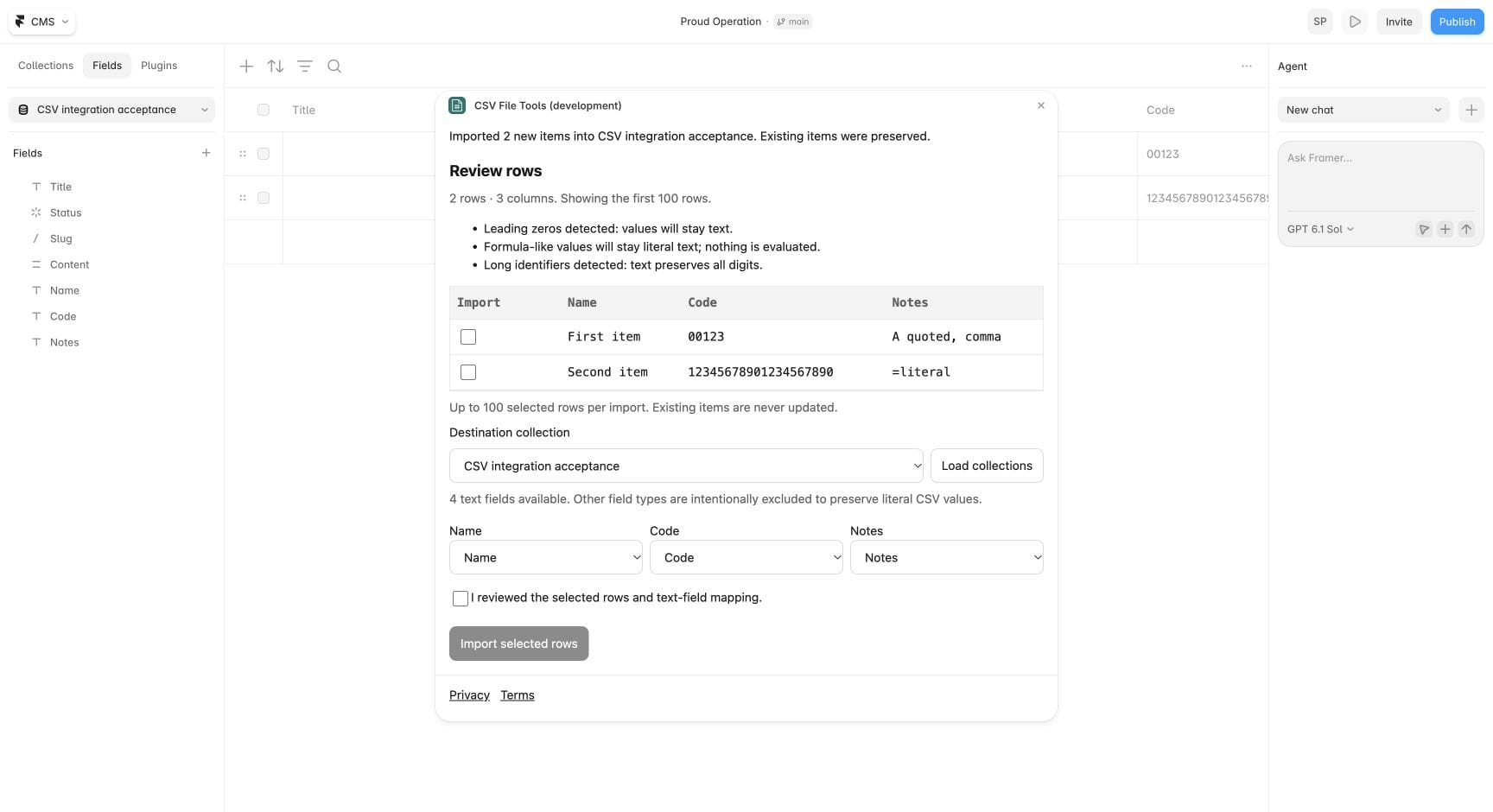
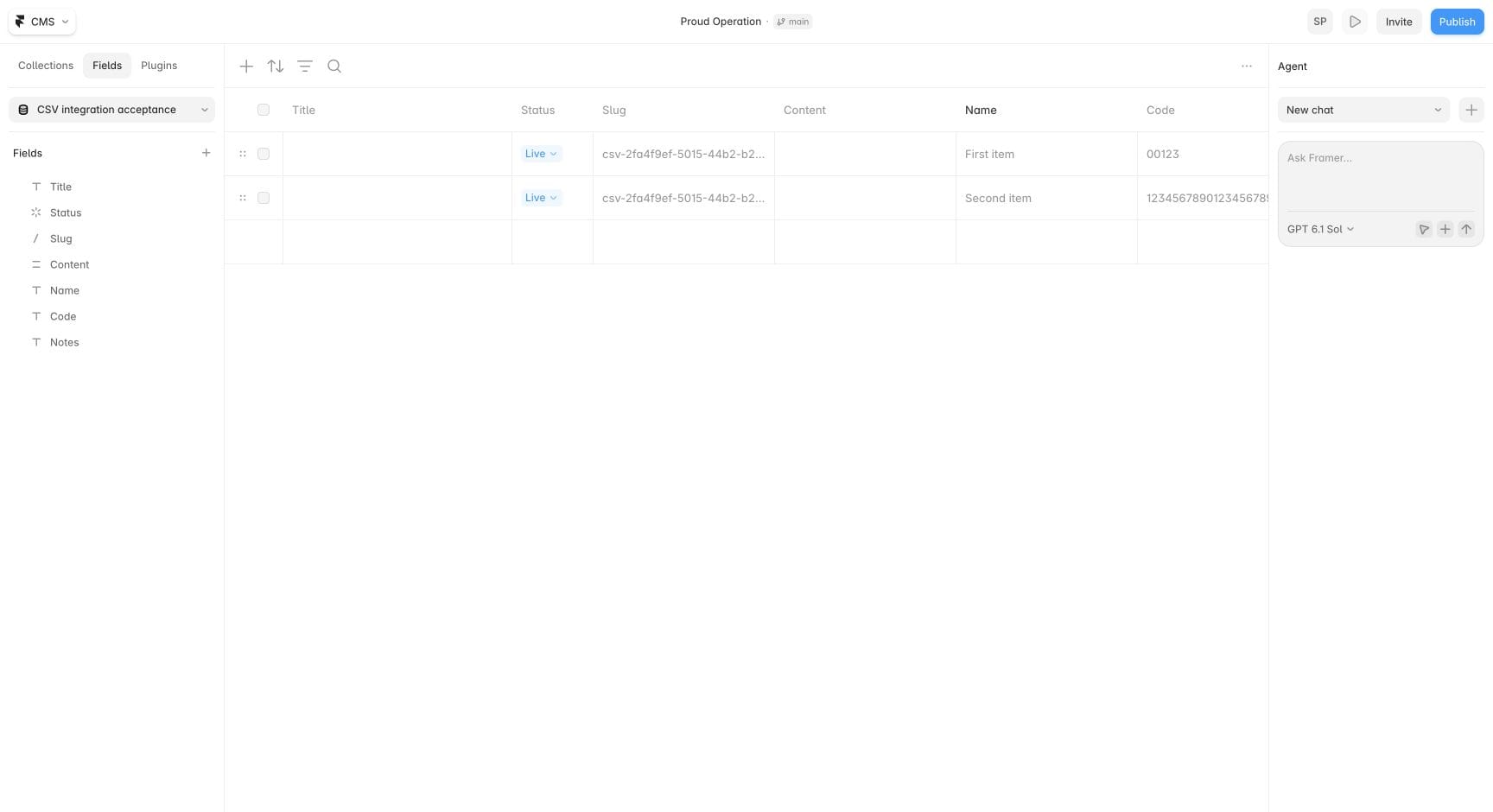
Bring your spreadsheet content into Framer CMS with more confidence. Preview a CSV, choose the rows you want and match columns to your CMS text fields before importing. Keep product codes and leading zeros intact, and add new content without replacing your existing items.
No CSV File Tools account is needed. Files are inspected locally. Selected rows go only to your Framer project when you choose Import. Import up to 100 selected rows at a time from files up to 256 KiB; plain-text CMS fields are supported.
For broader CSV editing and cleanup before import, open CSV File Tools: https://csvfile.tools/editor
Privacy: https://csvfile.tools/privacy
Terms: https://csvfile.tools/terms