
About CMS Filter
CMS Filter
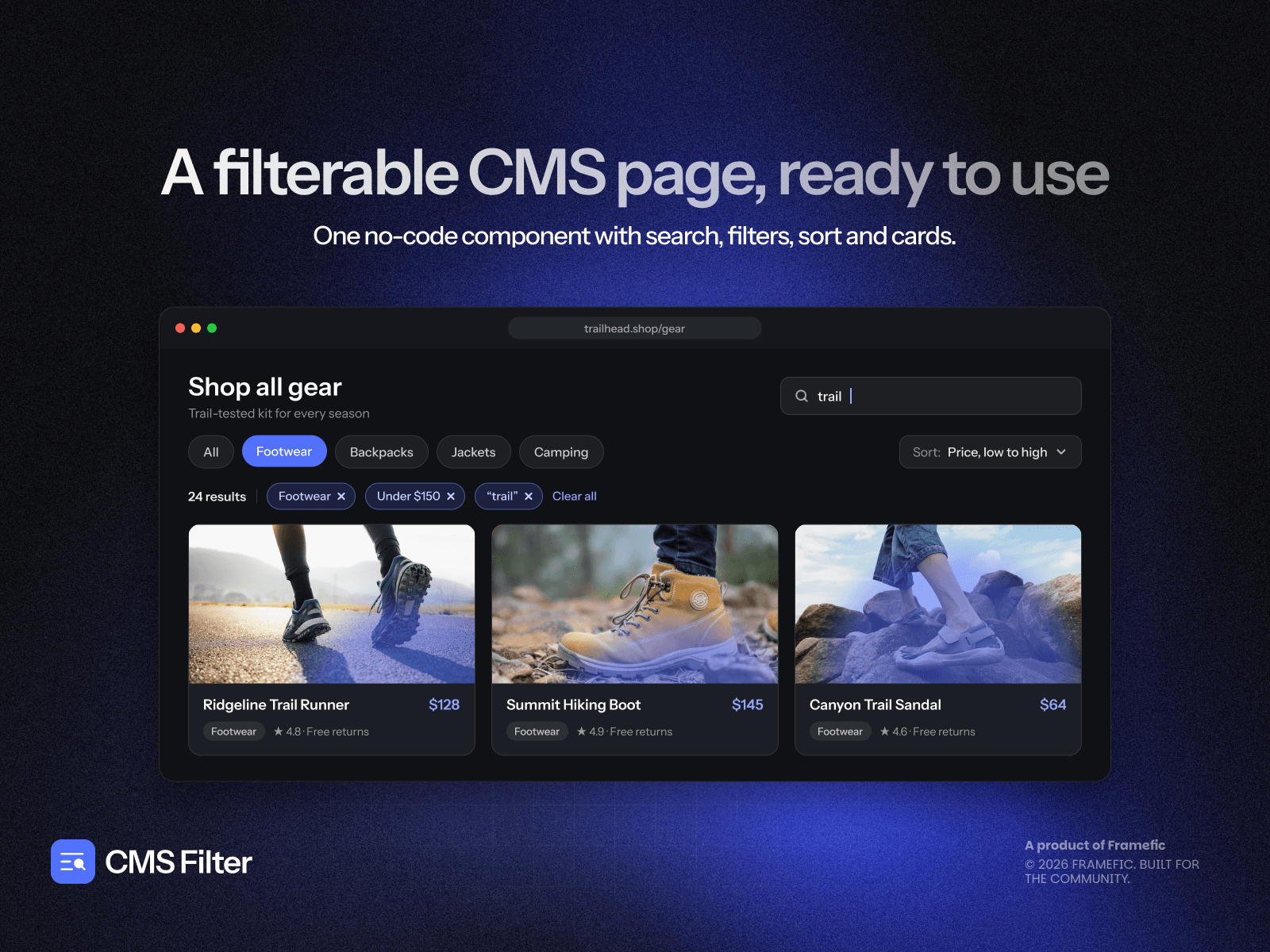
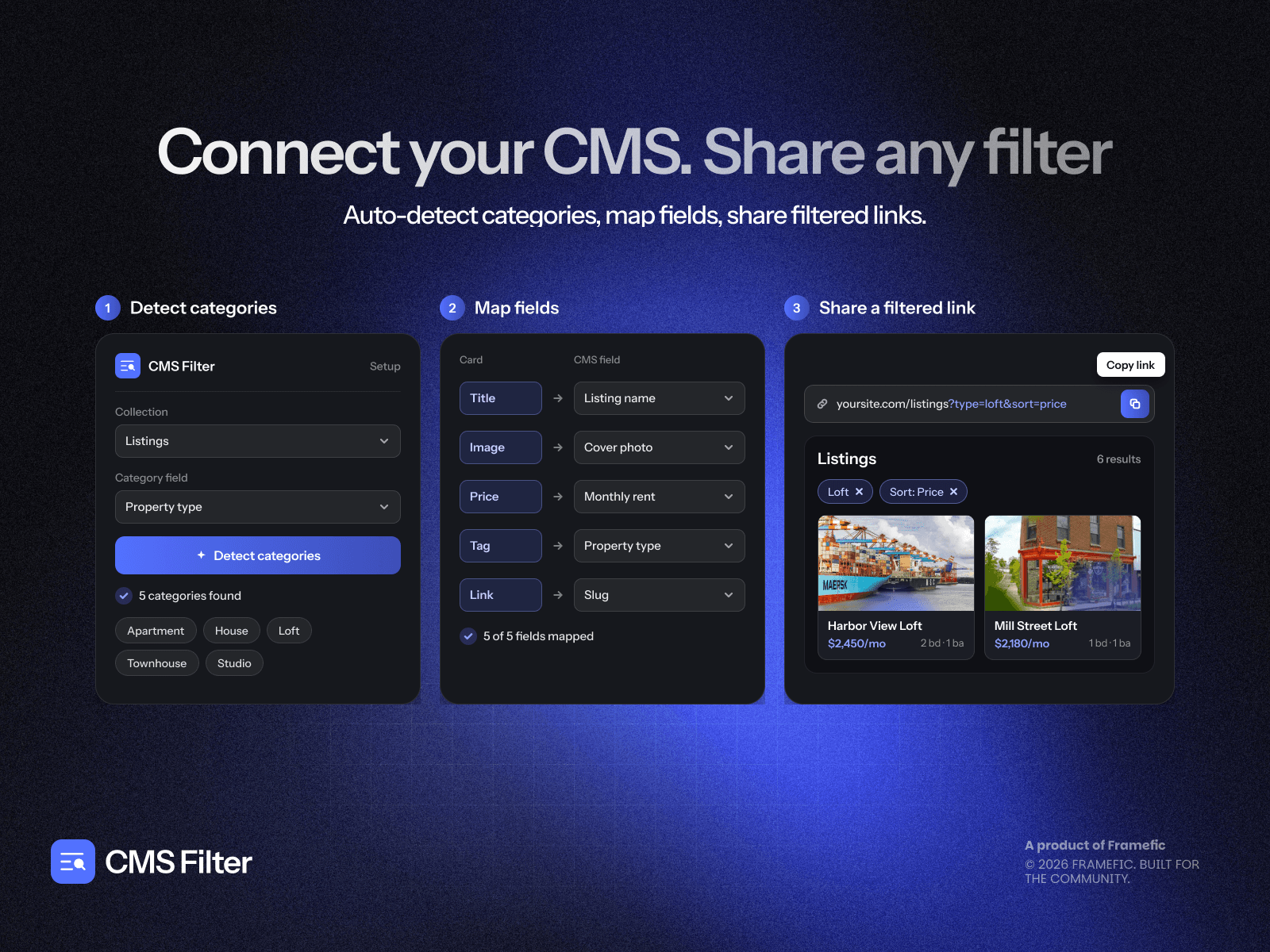
Turn your Framer CMS into an interactive browsing experience. Add live search, flexible filters, and animated grids so visitors can find the right product, article, or resource without page reloads. Built for stores, blogs, directories, and real estate listings.
Highlights
Instant search: Find items as you type across mapped fields or a specific field, such as titles.
Combined filters: Refine results with categories, checkboxes, numeric ranges, dates, and stock availability.
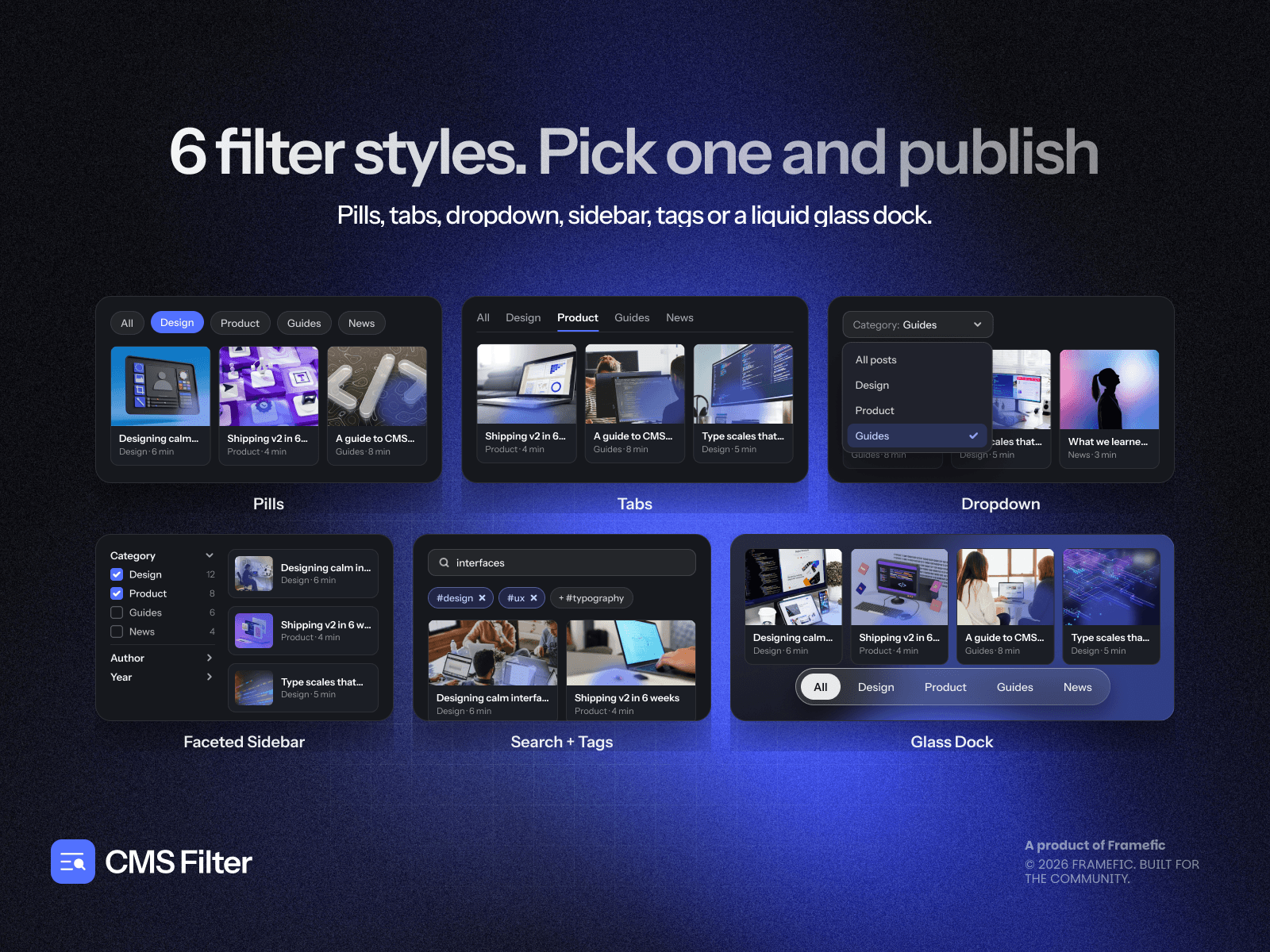
Flexible styling: Choose rounded pills, segmented tabs, dropdowns, or liquid glass docks. Adjust colors, fonts, borders, and spacing in the visual Studio.
Smooth animations: Pick Fade & Scale, Stagger Slide, Flip Morph, Blur Dissolve, or Elastic Pop for fluid card transitions.
Responsive layouts: Set separate column counts for desktop, tablet, and mobile.
Shareable results: Sync selections to URL parameters so visitors can bookmark, share, and restore filtered views.
Components
CMS Filter Grid: A responsive card grid with category filters, price or date sorting, and pagination.
Smart CMS Search Bar: Live keyword search with a one-click clear button.
Filter Checkboxes: Let visitors select multiple options to narrow results.
Filter Number Slider: Filter by price or other numeric ranges.
Filter Date Picker: Refine collection items by date.
Filter Toggle: Switch between in-stock or out-of-stock items.
Active Filters / Results: Display removable filter tags and a Clear all button.
Already designed your collection list? Use Smart CMS Code Overrides and the included withCMSFilter override to connect filter controls without rebuilding your layout.
Try Pro Free for 7 Days
Explore every component, style, and animation with no payment details required upfront. Upgrade to a paid license to remove watermarks permanently.
Add CMS Filter and make your next collection easier to explore.