About Email Button by getseo.pro
Email Button by getseo.pro
Make it effortless for visitors to email you. One click opens their email client with your address ready — no contact form, no delay.
How it works
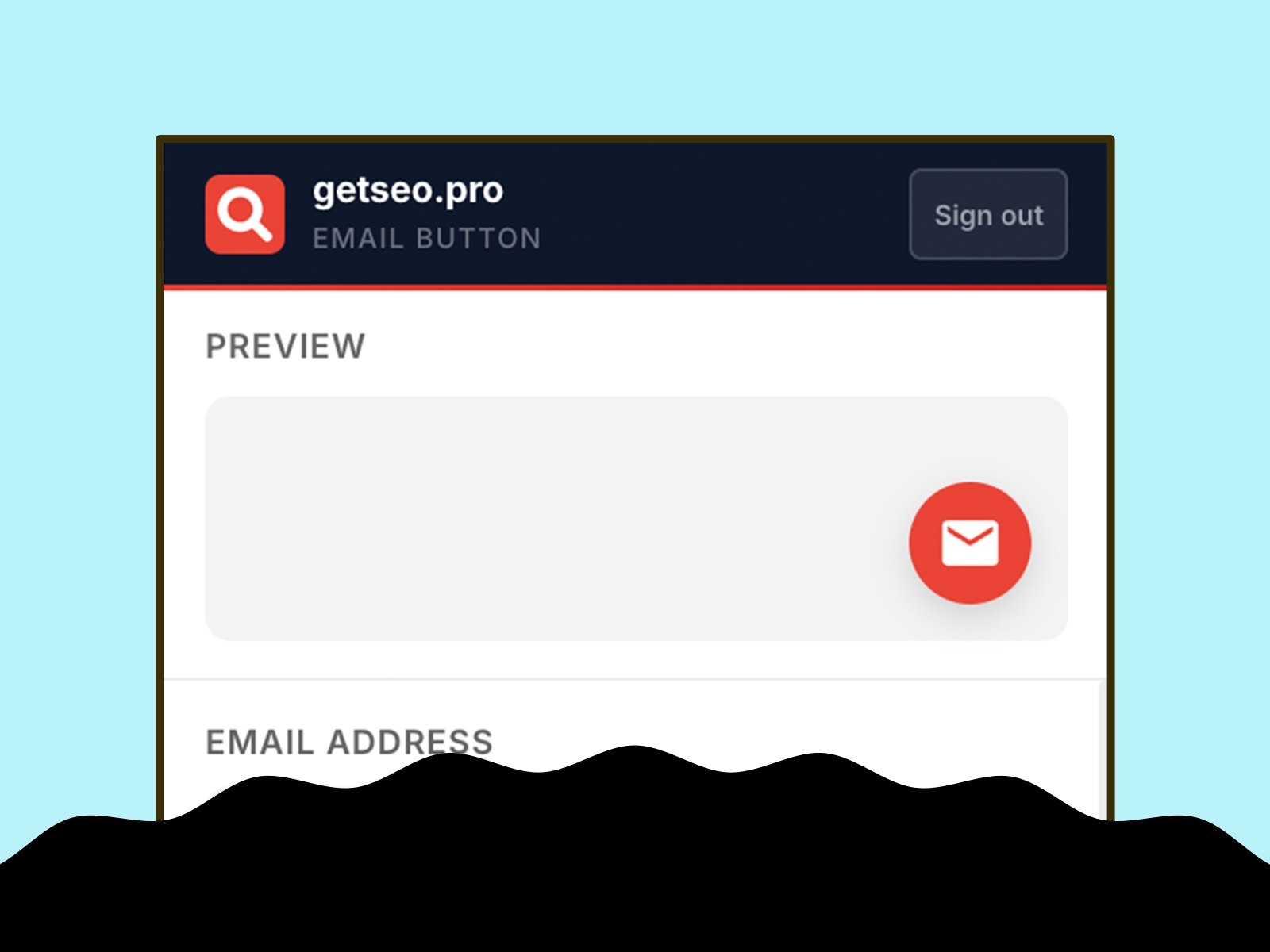
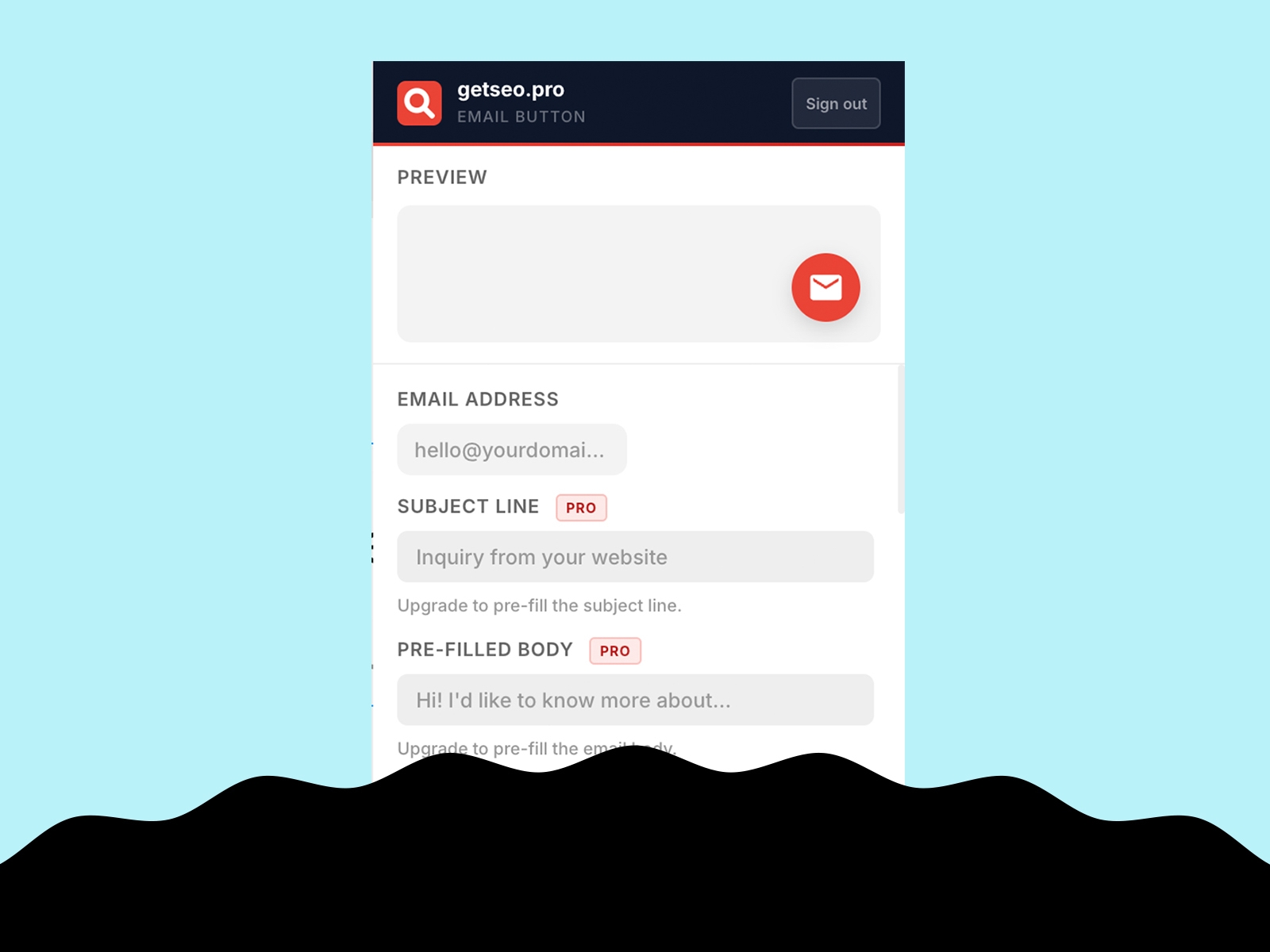
Enter your email address, optionally set a subject line and pre-filled body text, then click "Add to Site." The button injects a mailto: link on your live Framer site instantly.
Features
Floating email button linked to your address
Live in-editor preview
Bottom-right position
Default red (#EA4335)
Pre-filled subject line
Pre-filled email body text
Custom background and icon colors
Custom button size (40–80px)
Pulse or bounce animation
Shadow: subtle, strong, glow
Notification badge (1–99)
Tooltip on hover
Delay appearance (0–30s)
Pre-chat bubble with dismiss button
Hide on mobile
Business hours: hide button or display offline message outside set hours
GTM dataLayer event on click: fires `{ event, page, email }`
Part of the getseo.pro suite for Framer.