About Facebook Chat Button by getseo.pro
Facebook Chat Button by getseo.pro
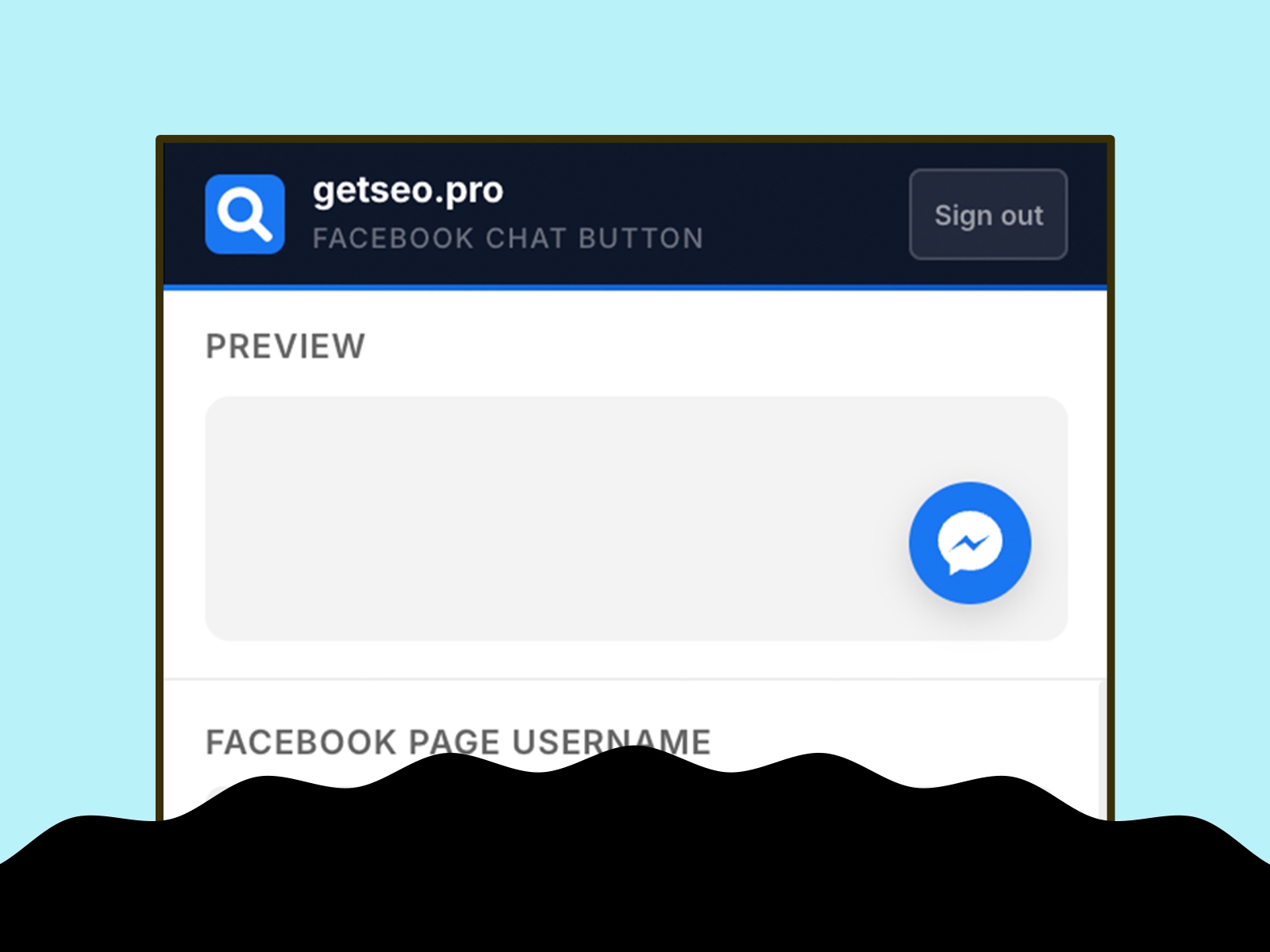
Connect your Framer site directly to Facebook Messenger. Visitors click once to start a conversation with your page — no form, no wait, no friction.
How it works
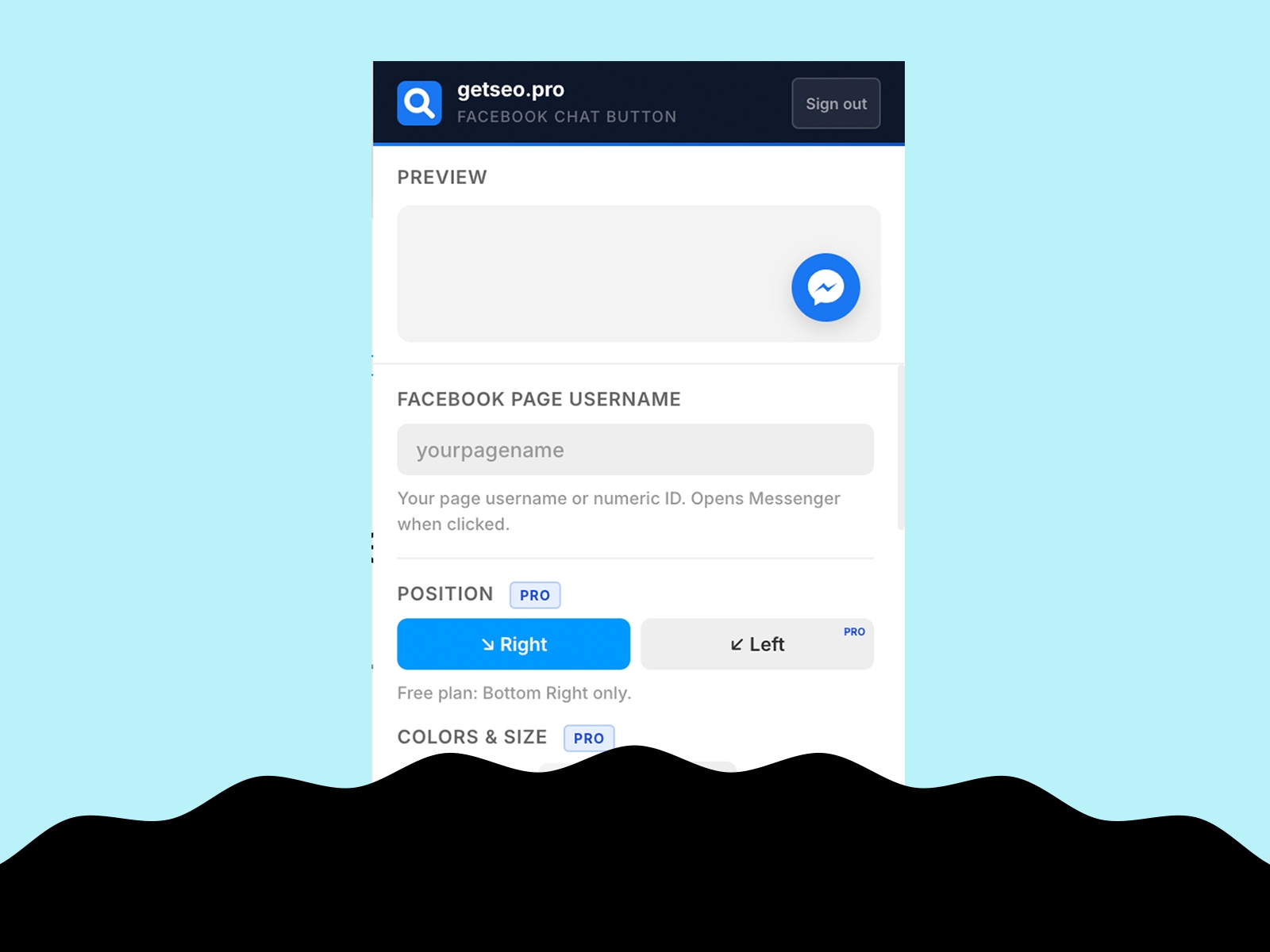
Enter your Facebook Page username (or numeric Page ID), click "Add to Site," and the Messenger button appears on your live Framer site immediately. It uses the m.me deep link, which works on all browsers and devices.
Features
Floating Messenger button linked to your Facebook Page
Live in-editor preview
Bottom-right position
Default Messenger blue (#1877F2)
Custom background and icon colors
Custom button size (40–80px)
Pulse or bounce animation
Shadow options: subtle, strong, glow
Notification badge with custom count
Tooltip on hover with custom label
Delay appearance (0–30s)
Pre-chat message bubble with dismiss button
Hide on mobile
Business hours logic: hide button or show offline message outside set hours
GTM dataLayer event on click (fire `{ event, page, page_username }`)
Part of the getseo.pro suite for Framer.