About FAQs Builder
FAQ Builder lets you turn any content into a fully responsive FAQ section inside Framer.
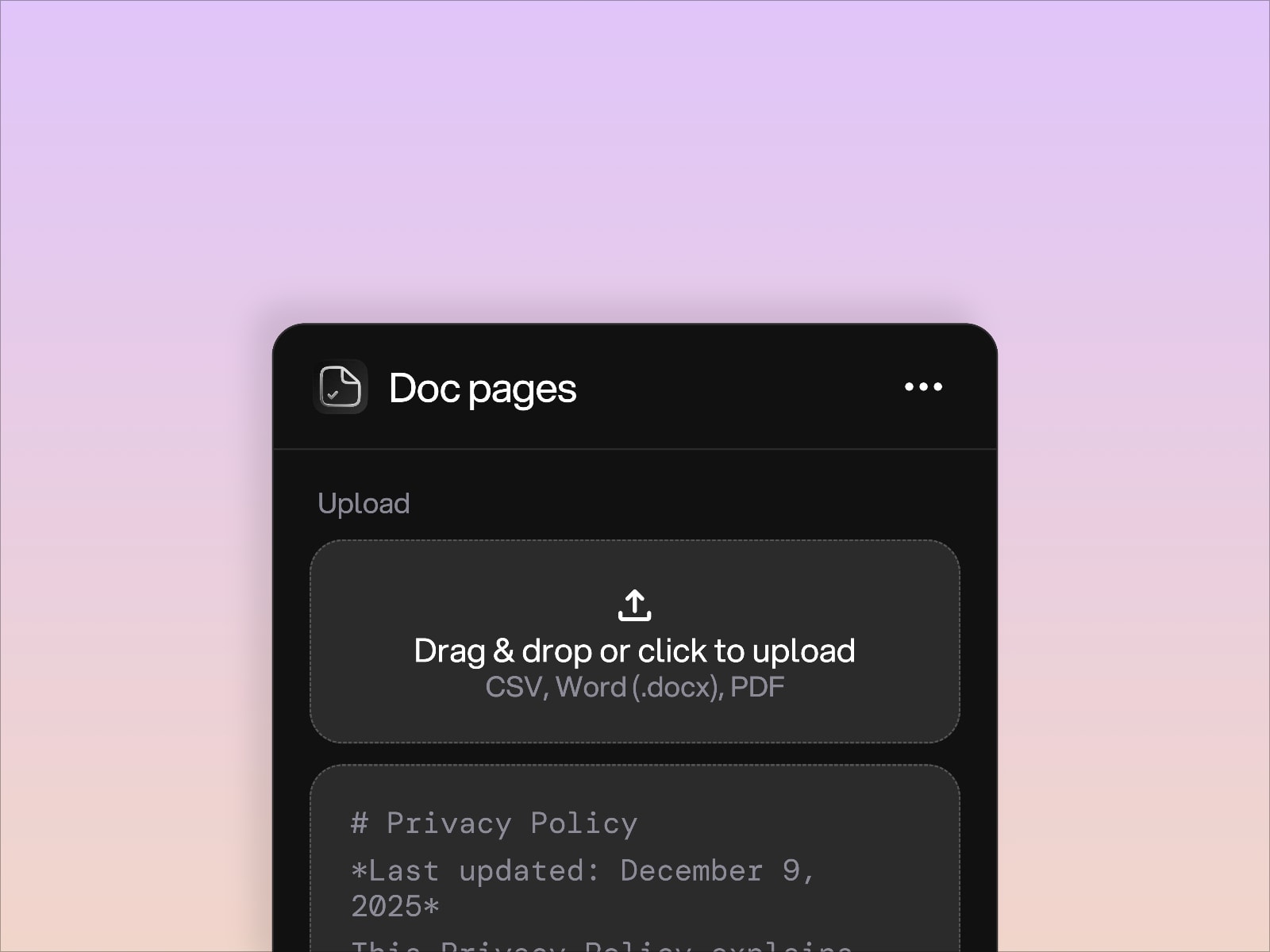
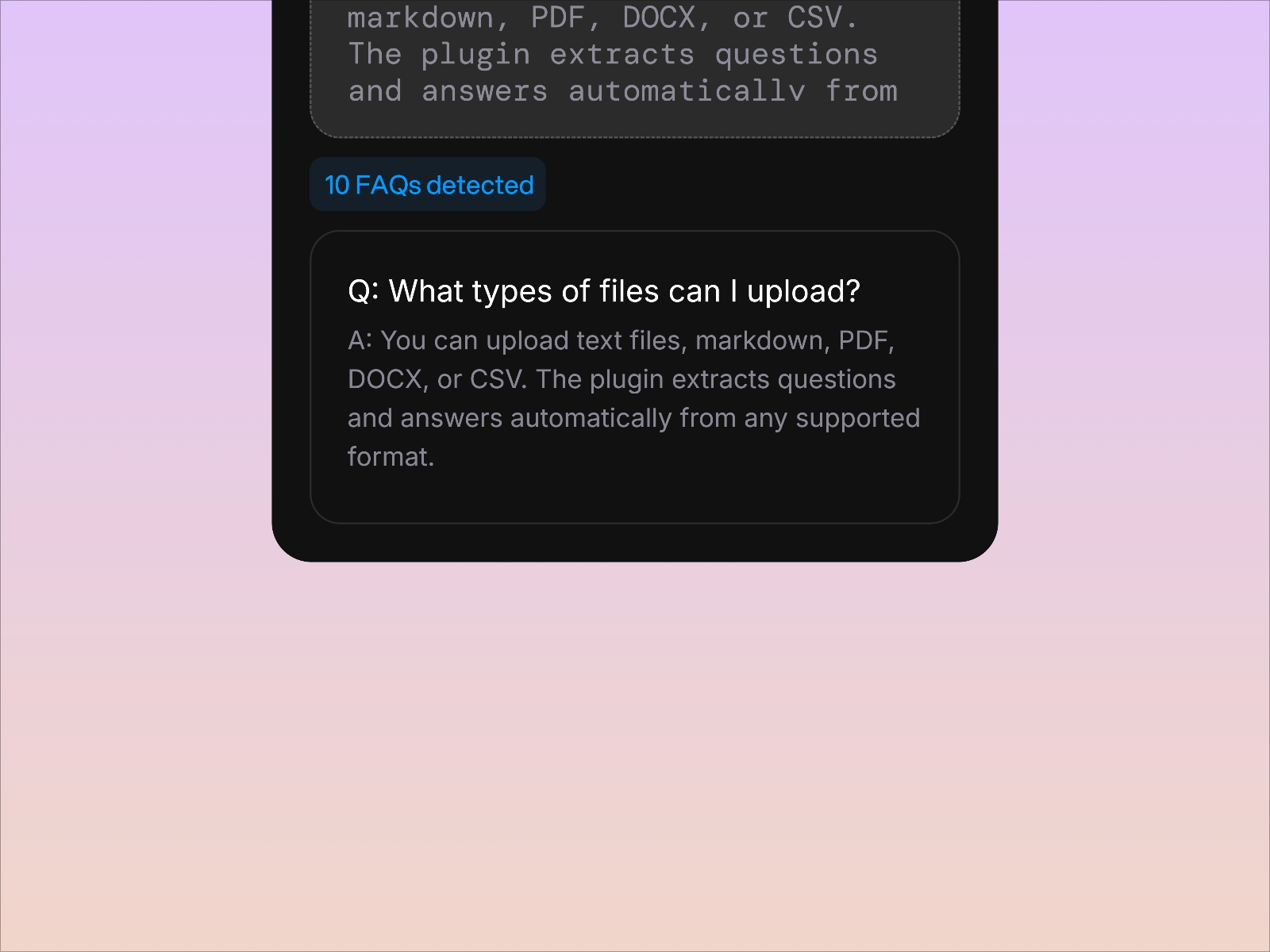
Upload or paste your text and the plugin extracts questions and answers automatically, then creates a clean FAQ component you can customize on the canvas.
What you can do with FAQ Builder
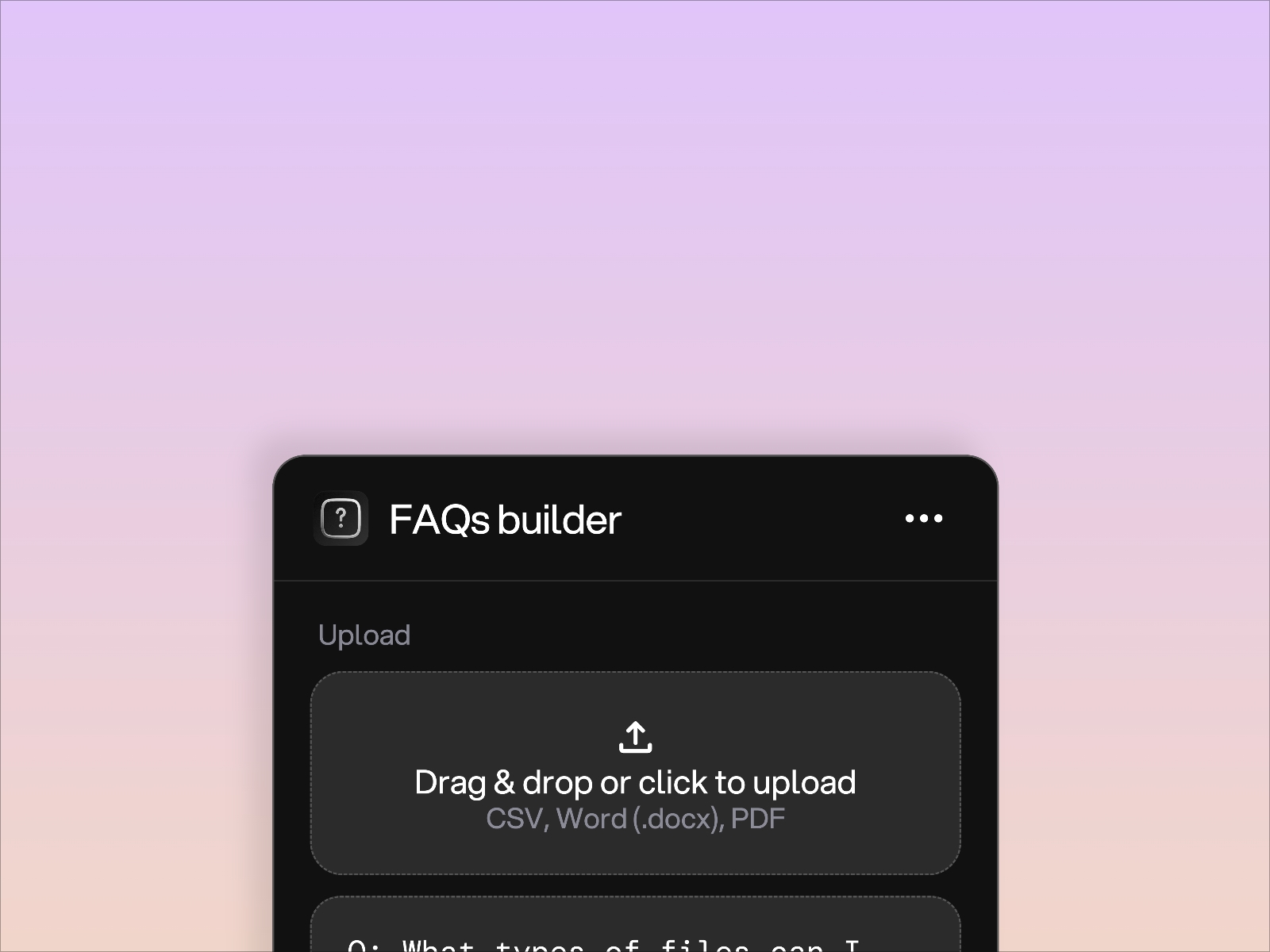
- Upload text, markdown, PDF, DOCX, or CSV
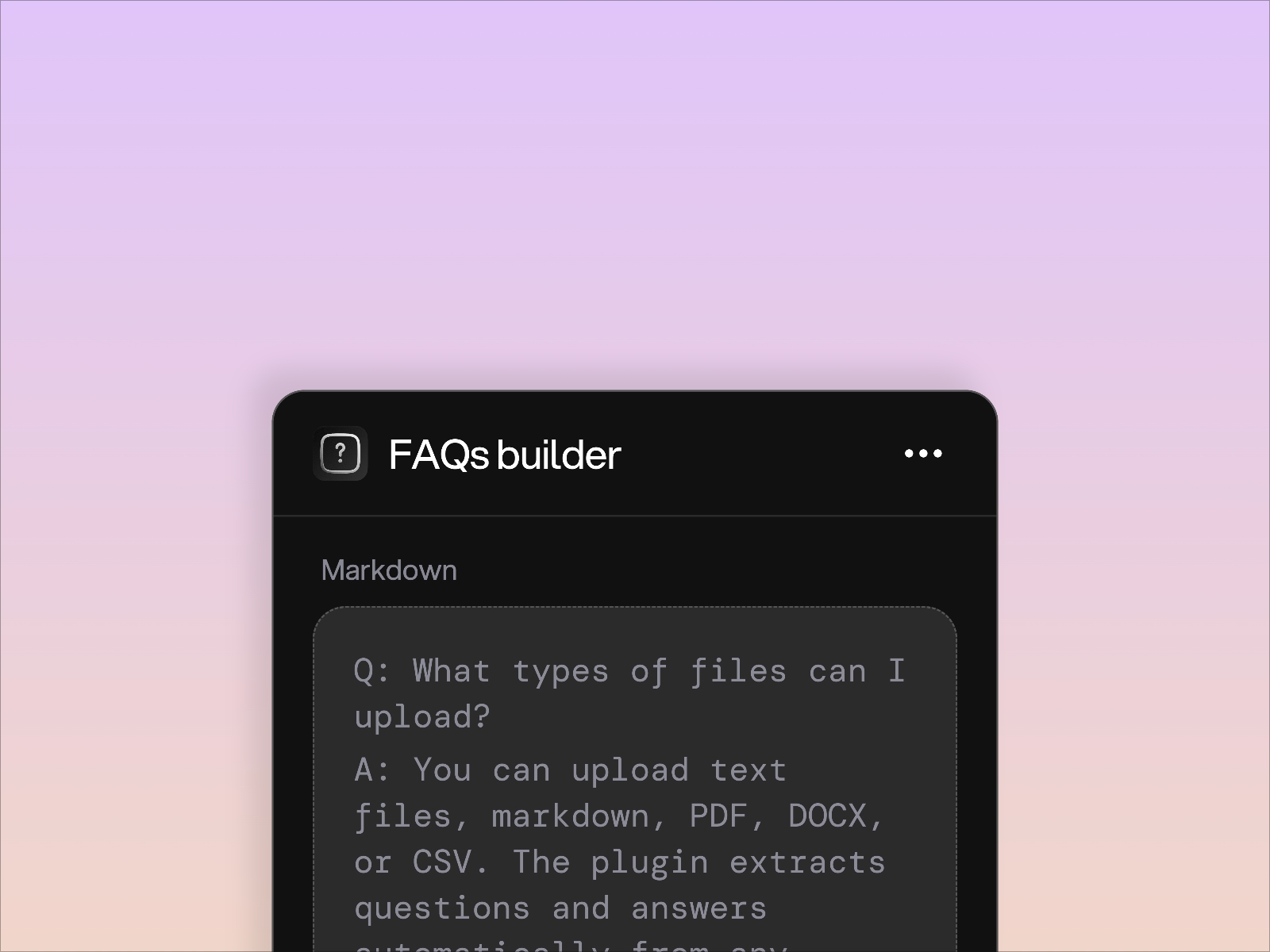
- Paste any content and extract Q&A instantly
- Preview the structured FAQ before adding it to your page
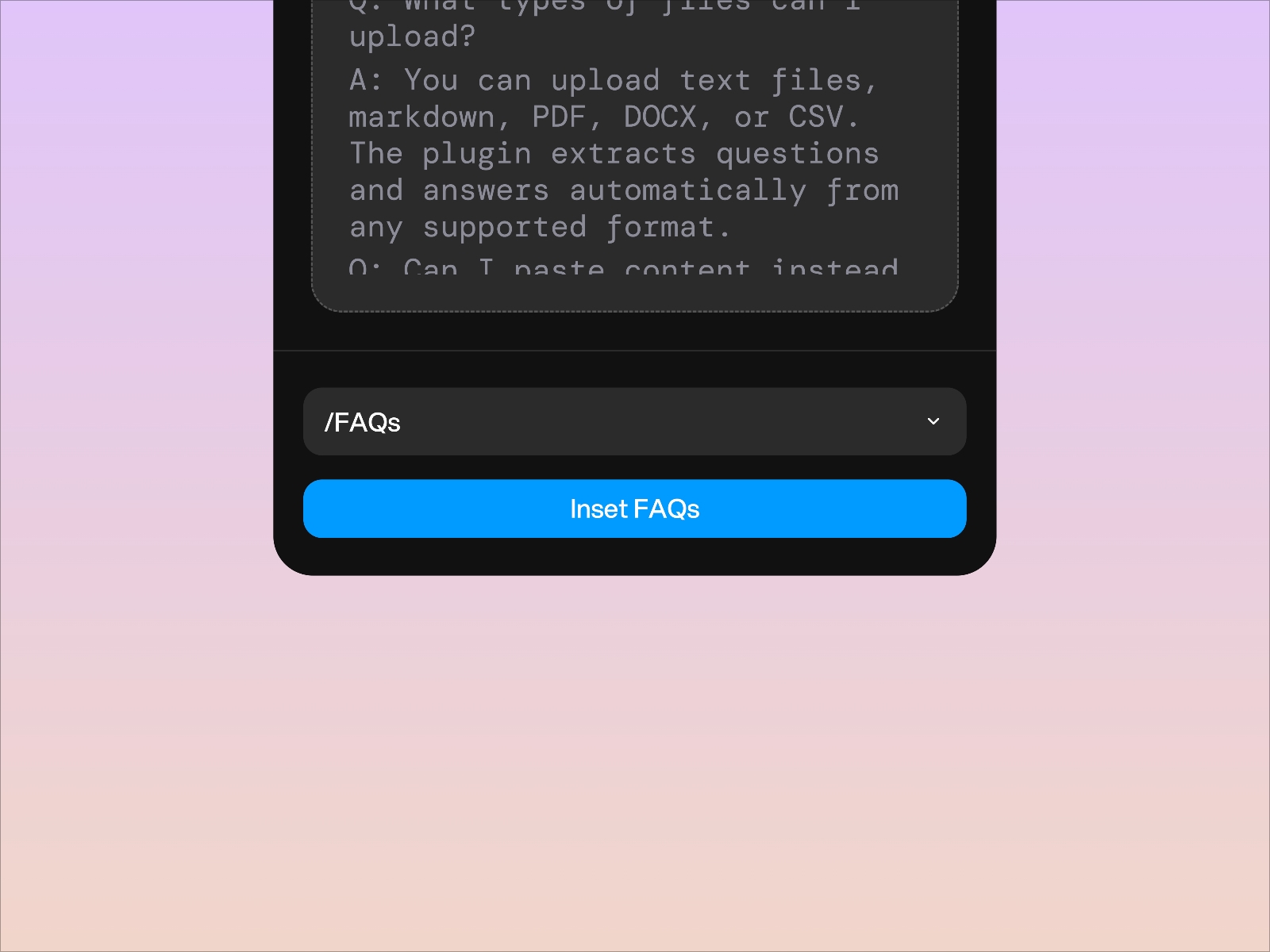
- Create a fully responsive and animated FAQ section with one click
- Edit, reorder, and customize items directly inside Framer
- Skip building variants or layouts manually
- Create SEO friendly FAQ sections for better indexing
- Use multiple FAQ components across your project
Perfect for
- Support and help center pages
- Product launch and marketing pages
- Onboarding and knowledge base content
- Policy and documentation pages
- Any long content that contains questions and answers
FAQ Builder saves hours of manual formatting so you can stay focused on design and ship faster.