About Figma Sync
Figma Sync connects your Figma files to Framer, so you can bring design styles and assets into your project without rebuilding them by hand.
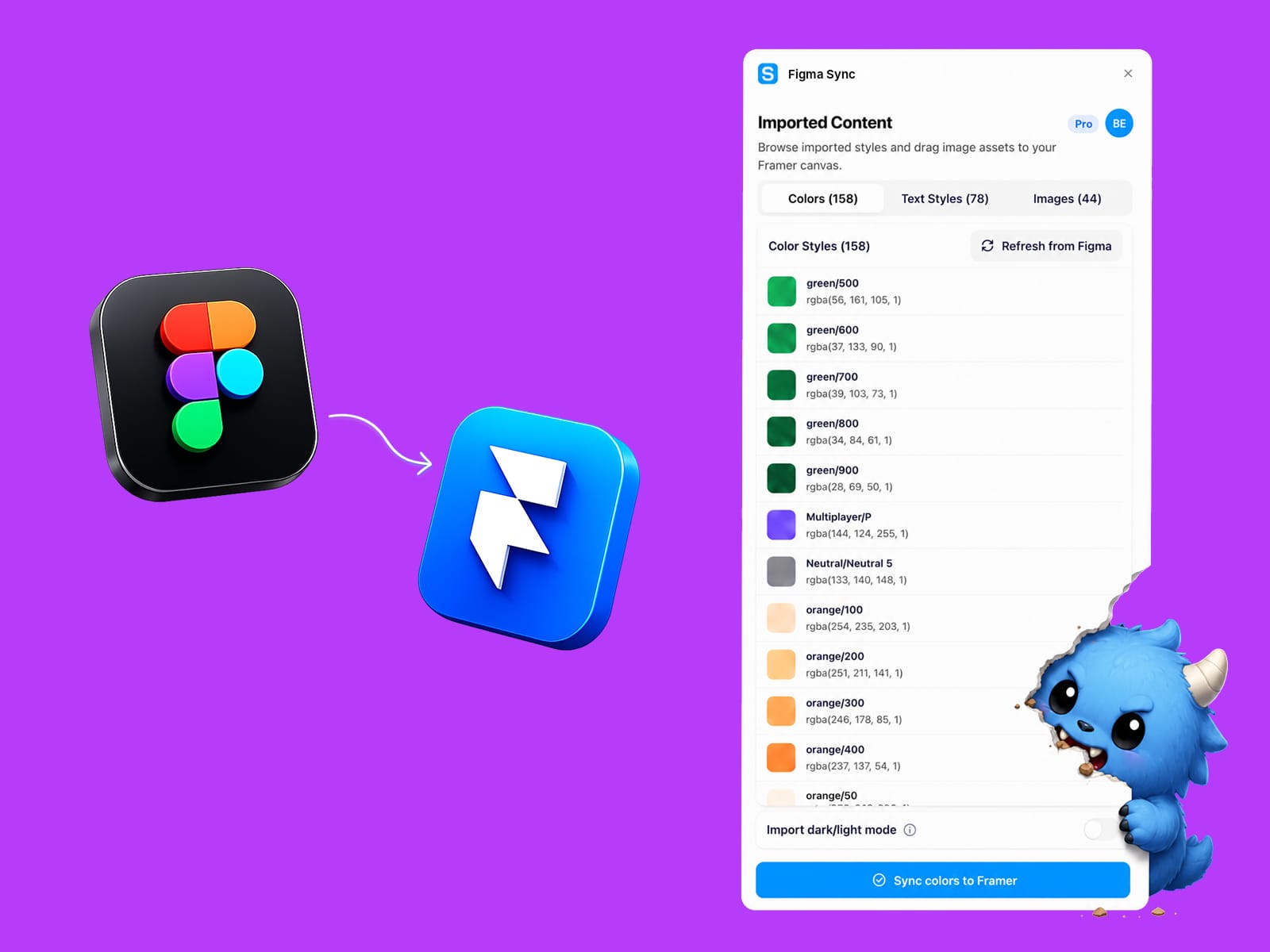
Import a Figma file, review what was found, then sync color styles, text styles, light/dark color modes, and image assets into Framer.
Features
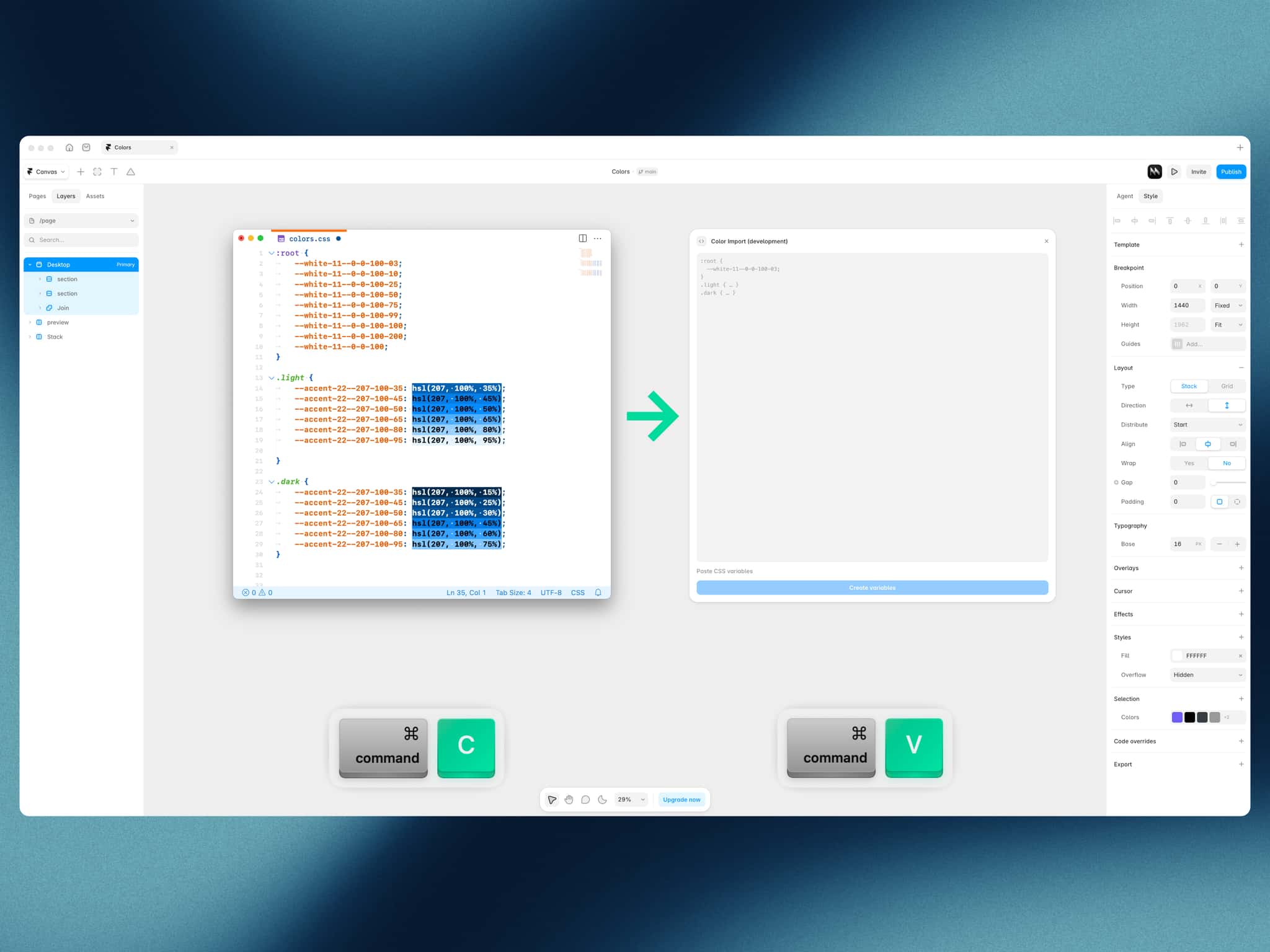
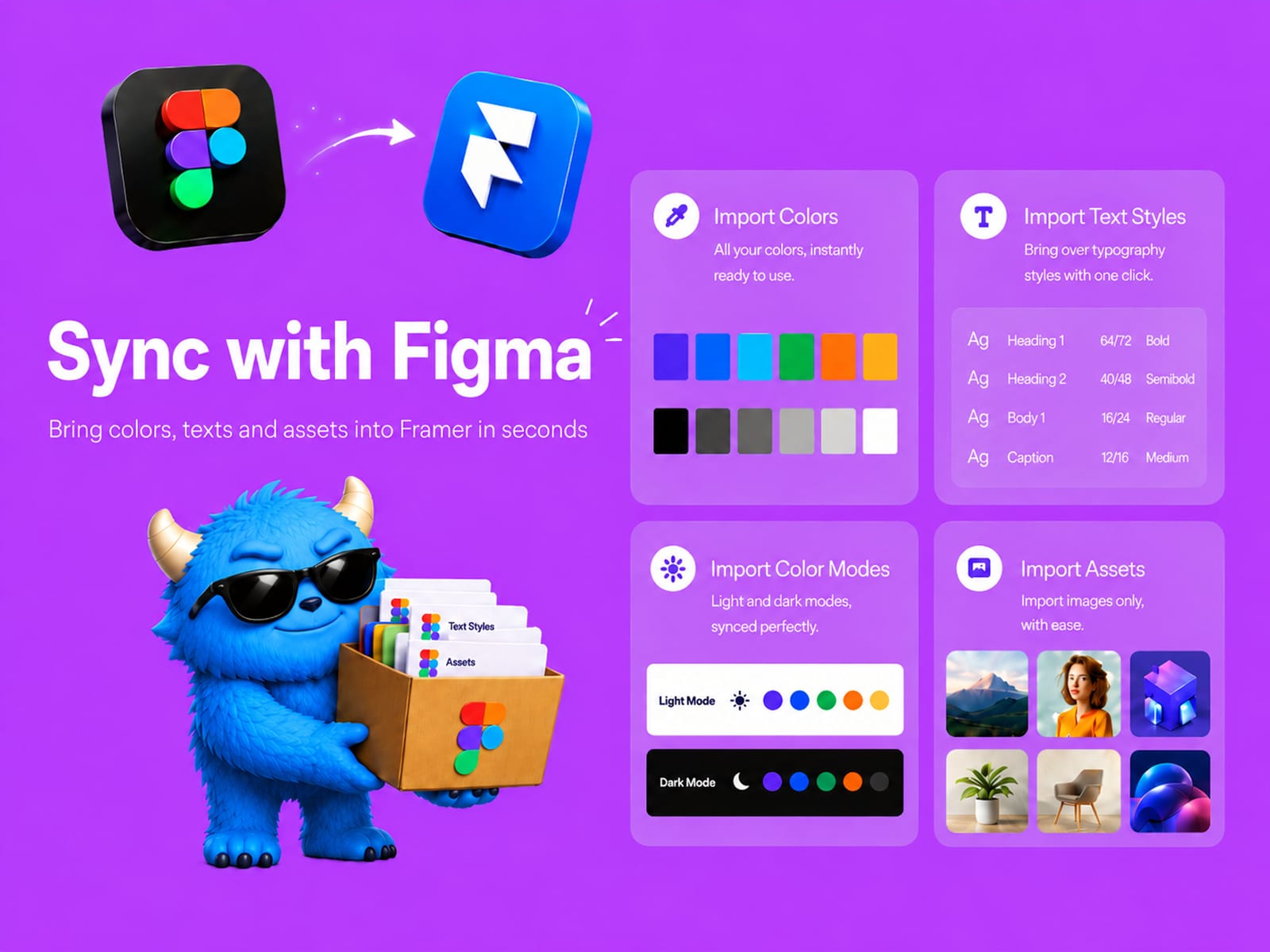
Color Style SyncImport Figma color styles into Framer as reusable color styles. Keep your brand colors and design tokens easier to recreate across projects.
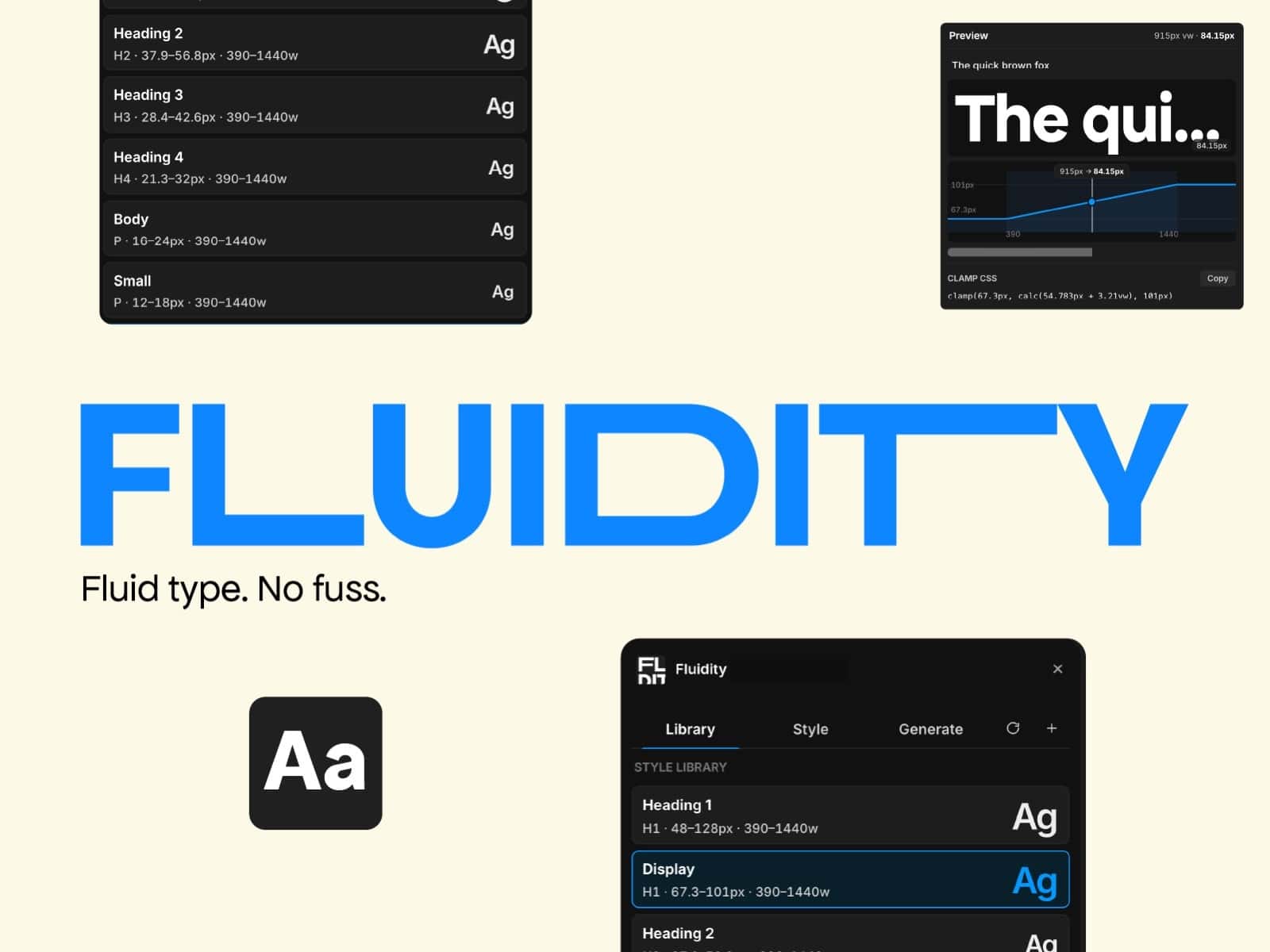
Text Style SyncBring Figma text styles into Framer with matching font, size, weight, line height, and spacing where available. Useful for rebuilding typography systems quickly.
Light and Dark Mode ColorsDetect matching light and dark color styles and sync them as paired color values in Framer. This helps move theme-ready color systems across with less manual setup.
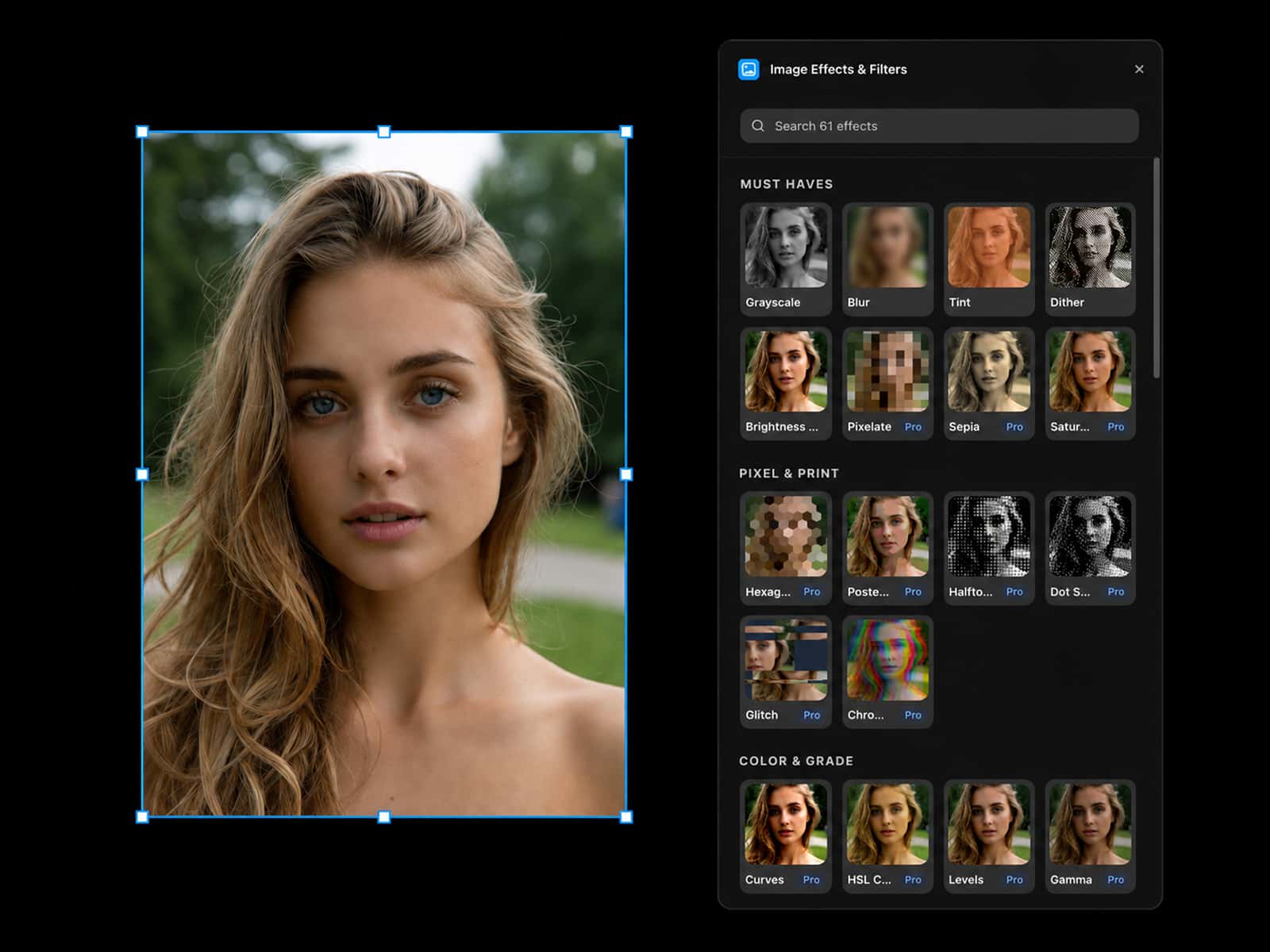
Assets ImportFind image assets from your Figma file, preview them inside the plugin, and drag them into your Framer canvas. Good for moving visual assets alongside your styles.
How It Works
Connect your Figma account.
Paste in a Figma file URL.
Sync styles into Framer or drag image assets onto the canvas.