About FormBuilder
Add customizable FormBuilder forms to your Framer site for contact requests, inquiries, feedback, registrations and file uploads.
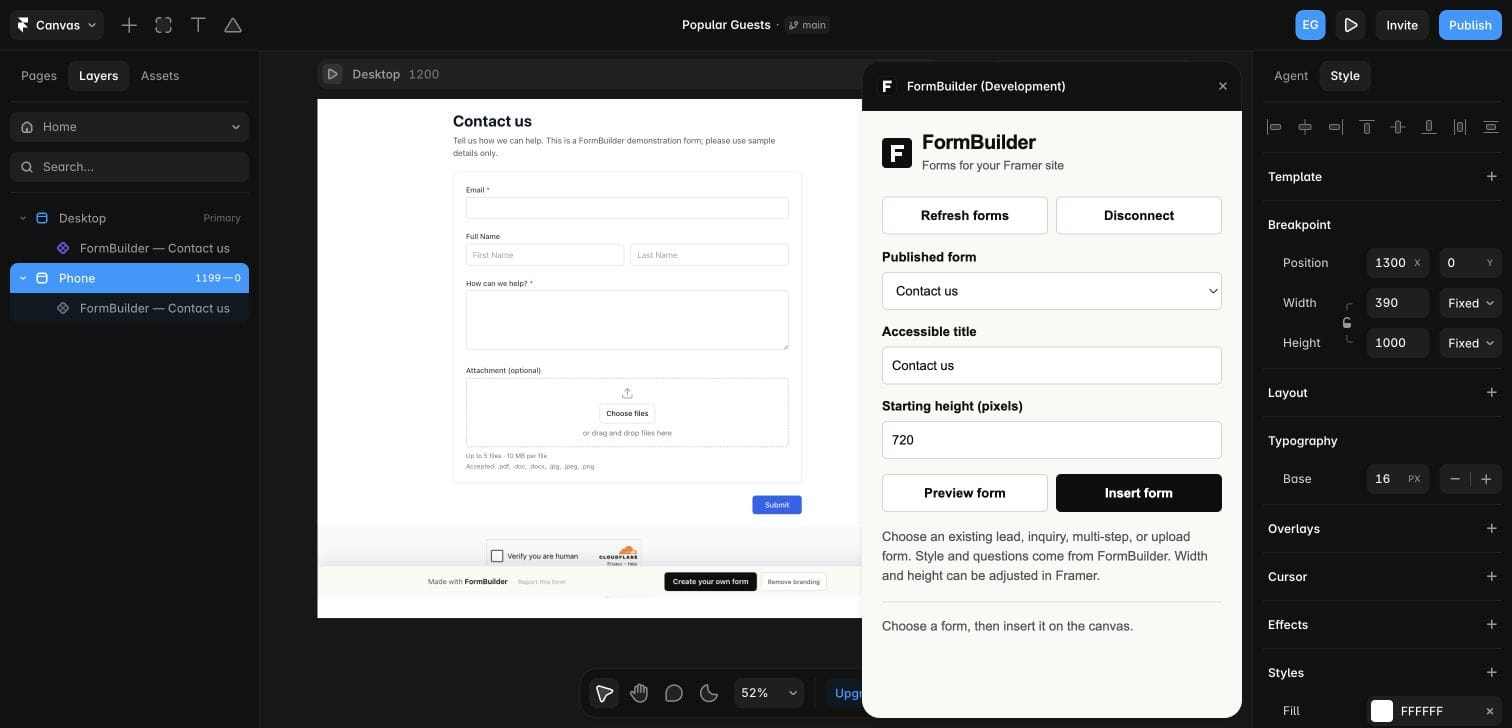
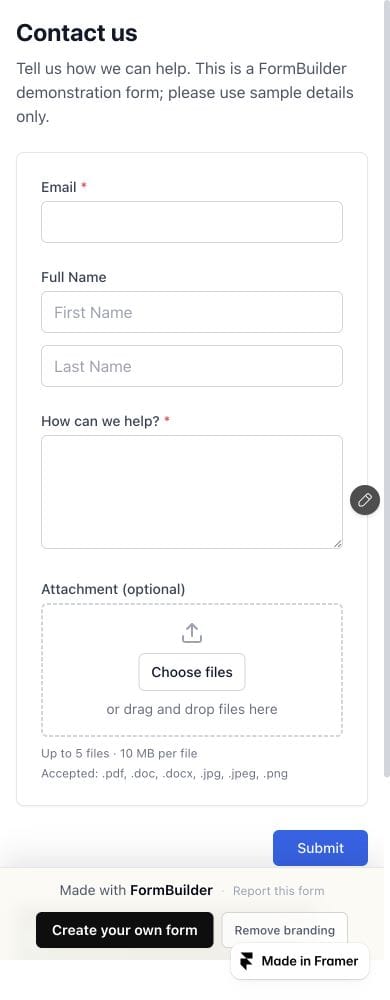
Connect your FormBuilder account, choose a public published form, preview it, and insert it onto the canvas. Questions and styling come from FormBuilder. Adjust the form layer’s width and height in Framer to fit your desktop and mobile layouts.
Get started
1. Create and publish a public form at https://formbuilder.com/.
2. In FormBuilder Settings → API & Integrations, create a dedicated key with read-only form access (forms:read).
3. Open the plugin, enter the key and select Connect.
4. Choose your form, preview it and select Insert form.
5. Move the inserted layer into your page, resize it at each breakpoint, preview and publish from Framer.
Pricing
The plugin is free. A FormBuilder account is required. Free and paid plans are available; account limits and paid features apply. Current plans: https://formbuilder.com/pricing/
Your API key stays in the plugin session and is never inserted into your page. Disconnecting clears the connection; revoke the key in FormBuilder Settings to disable its access. Inserted forms remain until you remove them or disable them in FormBuilder.
Create and edit forms in FormBuilder. This plugin inserts existing public forms and uses the layer size you set in Framer. Automatic height adjustment and importing responses into Framer CMS are not included.
Support: https://formbuilder.com/contact/
Privacy: https://formbuilder.com/privacy/
Website: https://formbuilder.com/