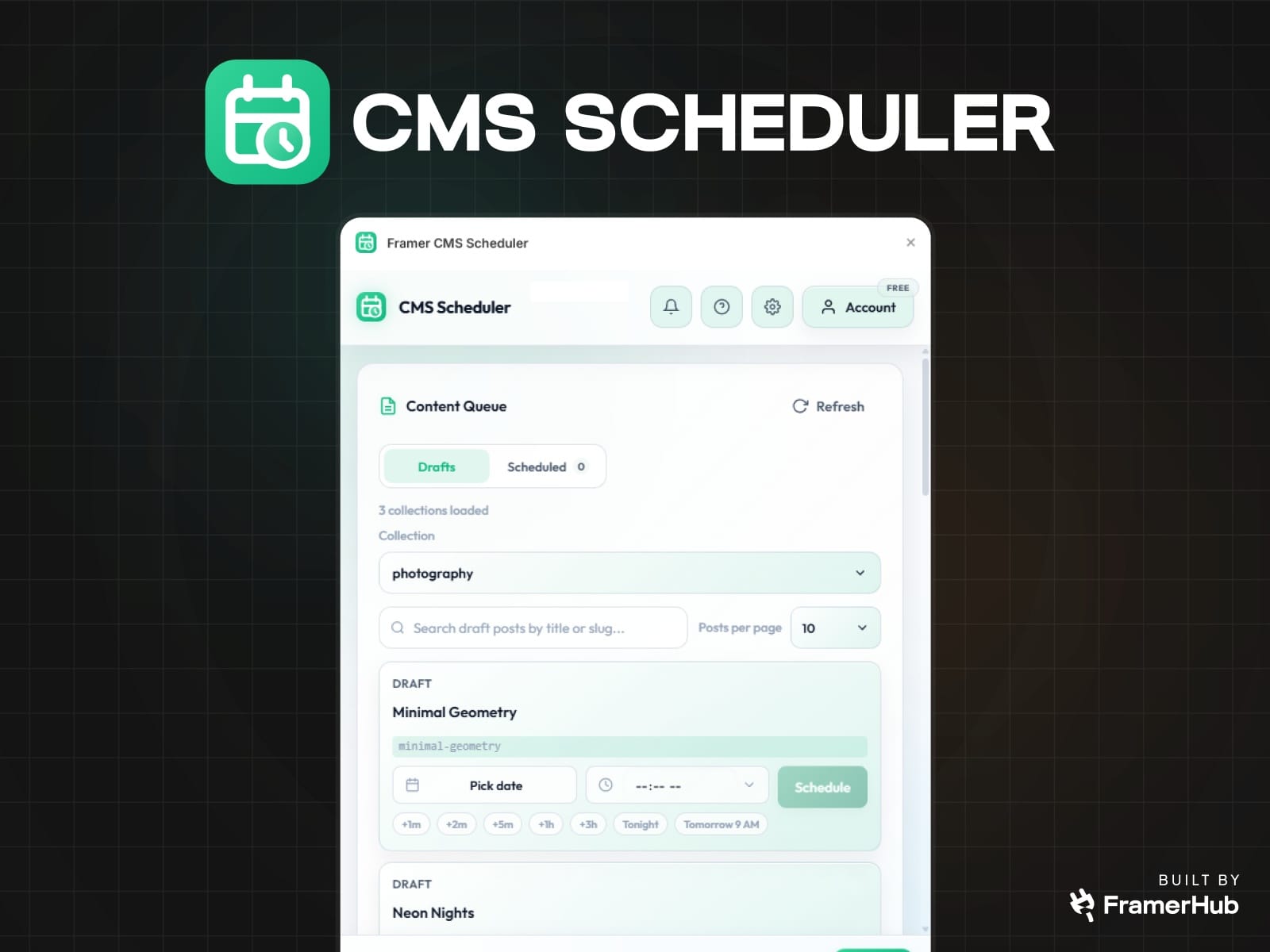
Framer CMS Scheduler

About Framer CMS Scheduler

Publish Framer CMS posts on your schedule

Framer CMS Scheduler is built for teams that already use Framer CMS as their publishing system, but do not want publishing to depend on someone being awake, online, and ready to click Publish at the right time.

If your workflow looks like this:

  • write in advance

  • leave content in draft

  • wait for a launch window

  • remember to come back and publish manually

this plugin removes the fragile part.

Instead of relying on reminders, timezone math, or last-minute manual publishing, you can schedule draft CMS items ahead of time and let the release happen automatically.

IMPORTANT: Scheduled publish will also push any other unpublished site changes. If you are working on WIP changes, use a separate production project or avoid scheduling until those edits are ready.

Who this is for

Framer CMS Scheduler is a strong fit for:

  • marketers scheduling campaign posts and launch content

  • founders shipping announcements without interrupting their day

  • publishers managing editorial calendars in Framer

  • freelancers and agencies handling content updates for clients

  • small teams that want a simple scheduling workflow inside Framer

This is especially useful if your site is content-driven and your publish timing matters.

What problem it solves

Framer makes it easy to manage CMS content, but timed publishing is still an operations problem.

Without a scheduler, teams usually end up doing one of these:

  • publishing manually at the target time

  • setting reminders and hoping nothing slips

  • storing “ready to publish” content in drafts with no release workflow

  • asking someone on the team to be responsible for the final click

That works until it does not.

A missed publish window can mean:

  • delayed launches

  • broken campaign timing

  • missed newsletters or social tie-ins

  • unnecessary context switching for your team

Framer CMS Scheduler gives you a reliable timed publishing workflow inside the environment where your content already lives.

Why this plugin is different

This plugin is not trying to be a full editorial planning suite, a project management tool, or a complex content operations platform.

It does one job clearly:

Take draft CMS items in Framer and publish them at the time you choose.

That focus makes it useful for teams who want:

  • less manual publishing work

  • less operational risk around launch timing

  • a lightweight workflow that fits existing Framer projects

  • visibility into what is scheduled, what ran, and what failed

Key features

Schedule single draft posts

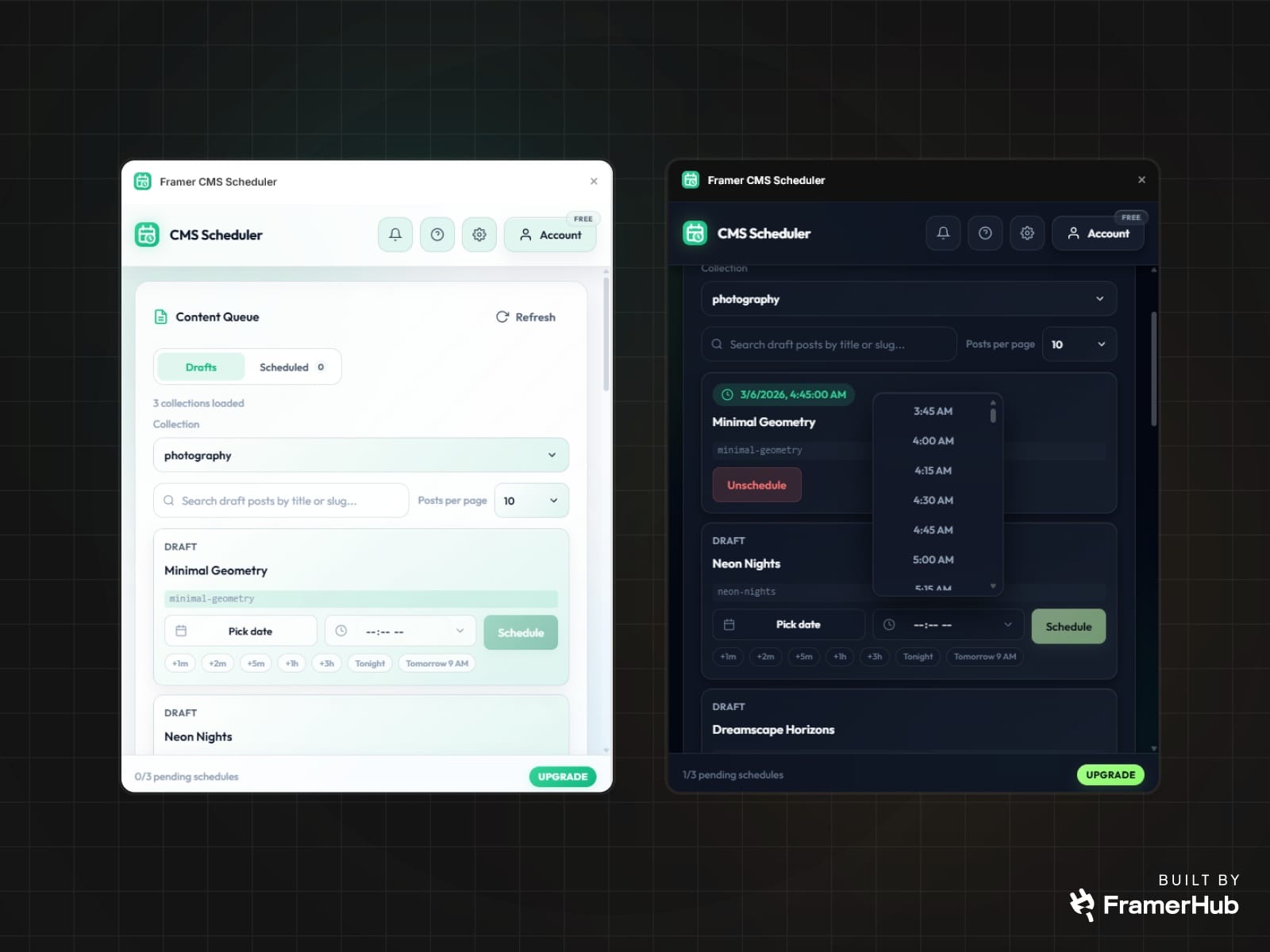
Pick a date and time for any draft CMS item and schedule it to publish later.

Bulk schedule multiple drafts

Select multiple draft items and assign one publish time to the whole batch. Useful for campaign drops, editorial bundles, and coordinated launches.

Works directly with your Framer CMS collections

Connect the current project, load its collections, and schedule from the draft items already inside Framer.

Clear scheduled queue

See pending and running schedules in one place so you always know what is lined up.

Failure visibility

If something fails, the plugin shows status and logs so you can understand what happened faster instead of guessing.

Project connection management

Manage connected projects, update API keys, and disconnect projects from inside the plugin.

Built-in plan awareness

The plugin surfaces schedule usage and project limits directly in the interface.

How it works

1. Connect your Framer project

Open Settings, paste your Framer project URL, and add the API key for that project.

2. Load your collections and drafts

The plugin reads your available CMS collections and shows draft items from the selected collection.

3. Choose a publish time

Schedule a single post or select multiple drafts and schedule them together.

4. Let the scheduler handle the release

When the scheduled time arrives, the system processes the queued item, undrafts the target post, and triggers the publish workflow.

5. Track the result

Use the Scheduled view and activity signals to monitor pending items, successful publishes, and failed runs.

API key handling

Framer CMS Scheduler uses your Framer API key only to power this plugin's core functionality: validating project access, loading CMS collections and drafts, and executing scheduled publish actions for the connected project.

When you enter your API key, it is stored in two places:

- locally in Framer plugin data so you do not need to re-enter it each session

- on our backend so scheduled publish actions can run after the plugin is closed

The key is not stored in plaintext. It is encrypted at rest, all communication happens over HTTPS, and decryption only happens server-side when needed to perform plugin actions for your connected project.

The key remains stored only while the project is connected to support ongoing scheduled publishing. When you disconnect the project, the stored key is deleted from both the backend record and the local plugin cache.

What you can do inside the plugin

  • Sign in with Google or email

  • Connect the current Framer project

  • Browse CMS collections

  • Search draft posts by title or slug

  • Schedule one draft post

  • Bulk schedule selected draft posts

  • View pending schedules by collection

  • Unschedule pending items before the lock window

  • Review failed schedules and logs

  • Delete failed schedules

  • Manage connected projects and usage

Good use cases

Content marketing

Prepare articles, announcements, or case studies in advance and have them publish on the exact day and time a campaign starts.

Product launches

Queue launch content ahead of time so the site update aligns with the rest of your rollout.

Agency delivery

Schedule client content without needing to log in again at publish time.

Editorial operations

Keep writers and editors working ahead while maintaining predictable release timing.

Operational details that matter

  • The plugin works with draft CMS items in Framer.

  • Scheduling supports both single-item and multi-item workflows.

  • Pending schedules can only be canceled before the lock window.

  • Failed schedules can be reviewed with logs.

  • Usage and connected-project limits are surfaced in the plugin.

  • Framer Server API is currently in open beta, so the underlying platform may continue evolving as Framer expands the API.

Why teams keep it installed

Because the value is simple and immediate:

  • fewer manual publishing steps

  • fewer missed launch windows

  • less dependence on reminders

  • less context switching back into Framer

  • more confidence that content goes live when it should

If Framer CMS is already your publishing system, this plugin adds the missing timing layer.

Built for Framer users who publish with intent

Framer CMS Scheduler is for teams that care about timing, want a lightweight workflow, and do not want scheduling to turn into a bigger tool than the problem requires.

Set the time. Queue the drafts. Let the publish happen.For support or feedback, contact us via https://framerhub.io/contact