About Github Collections Sync
GitHub Collections Sync
Sync Markdown content and assets from GitHub to your Framer CMS collections.
Write in your favorite Markdown editor, collaborate through pull requests, and let this plugin handle the rest.Optimized for large repositories, perfect for docs, blogs, changelogs, or any content-heavy site.
How It Works
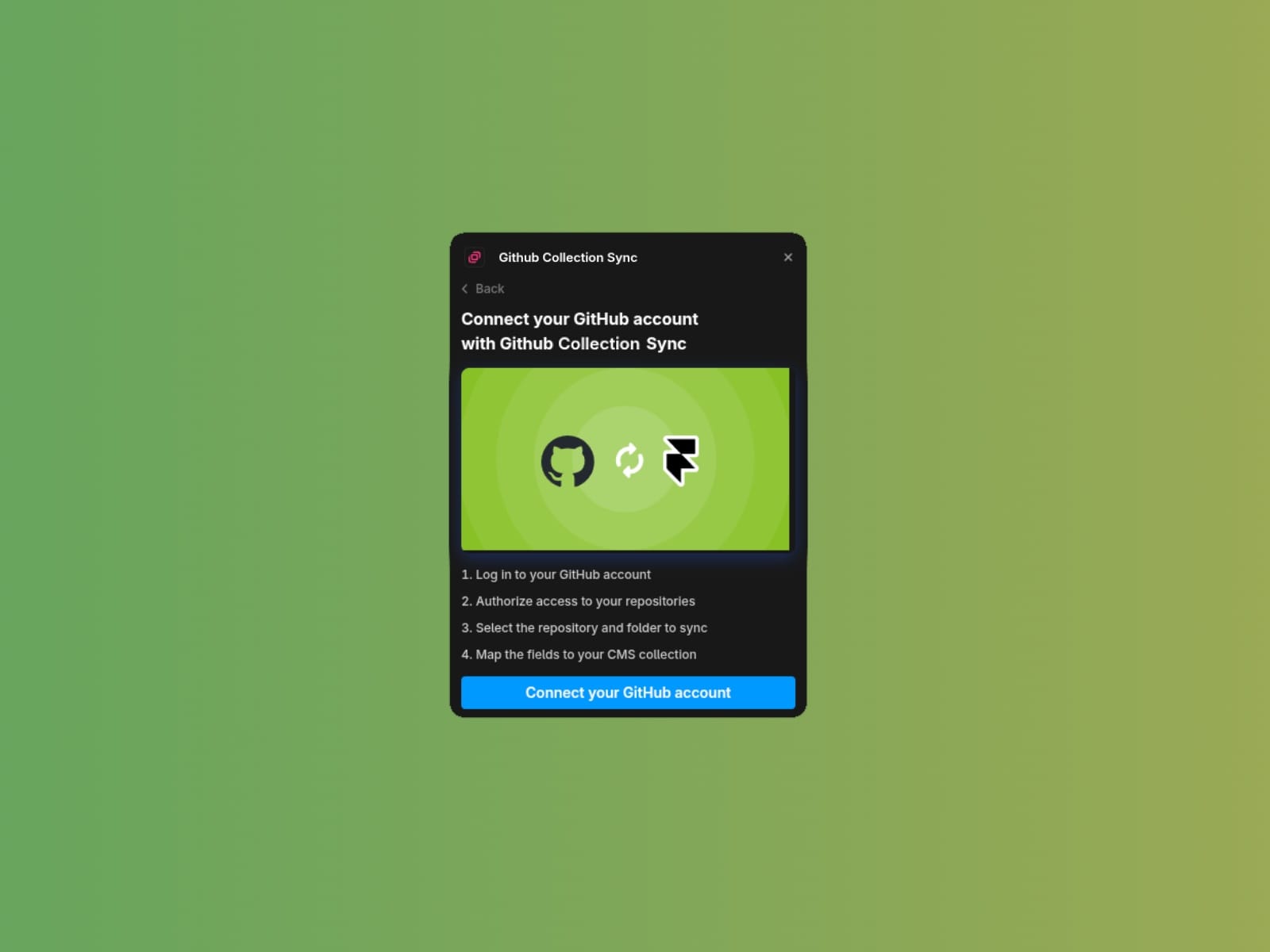
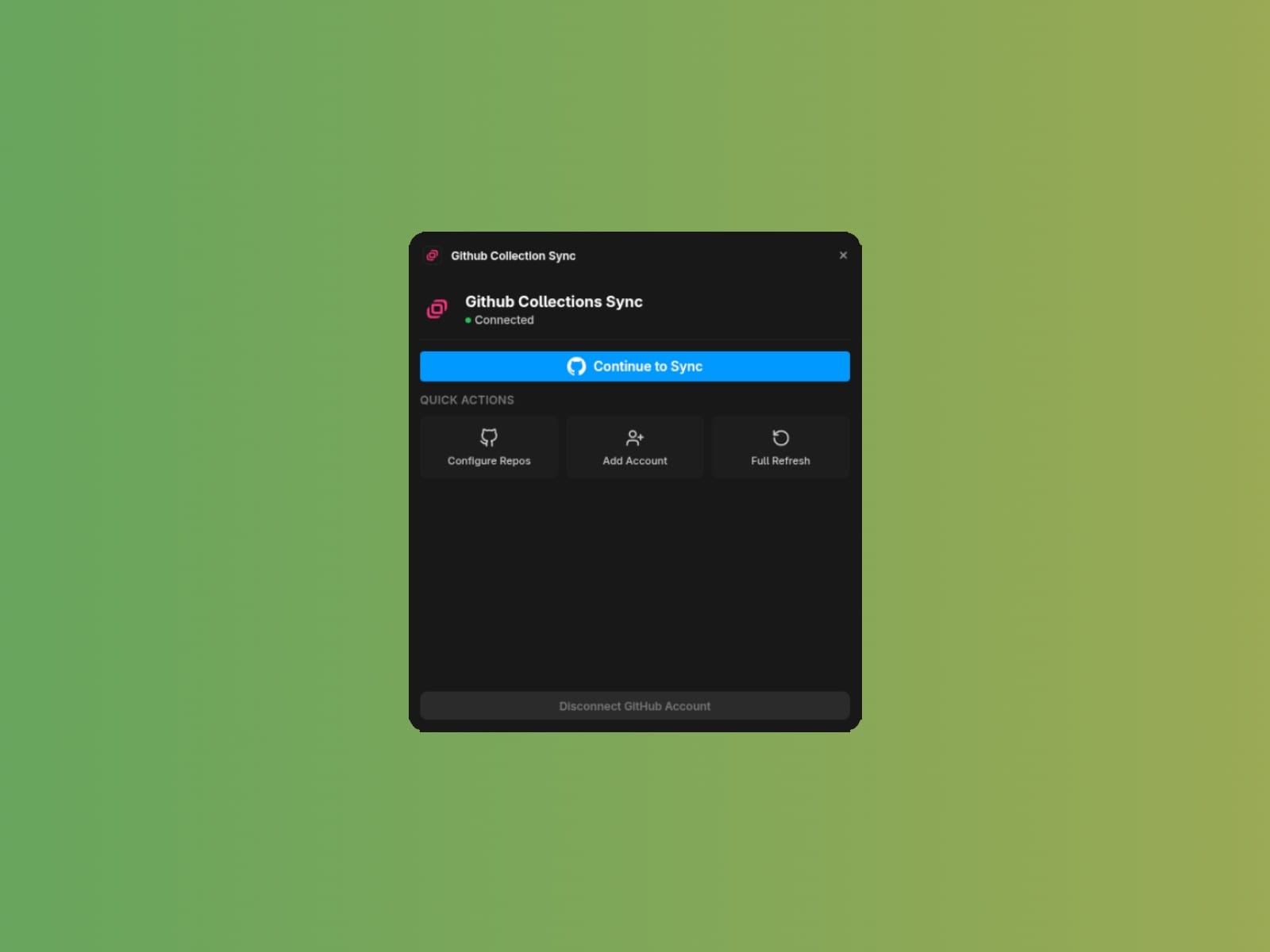
1. Connect your GitHub account and select which repositories to grant access to
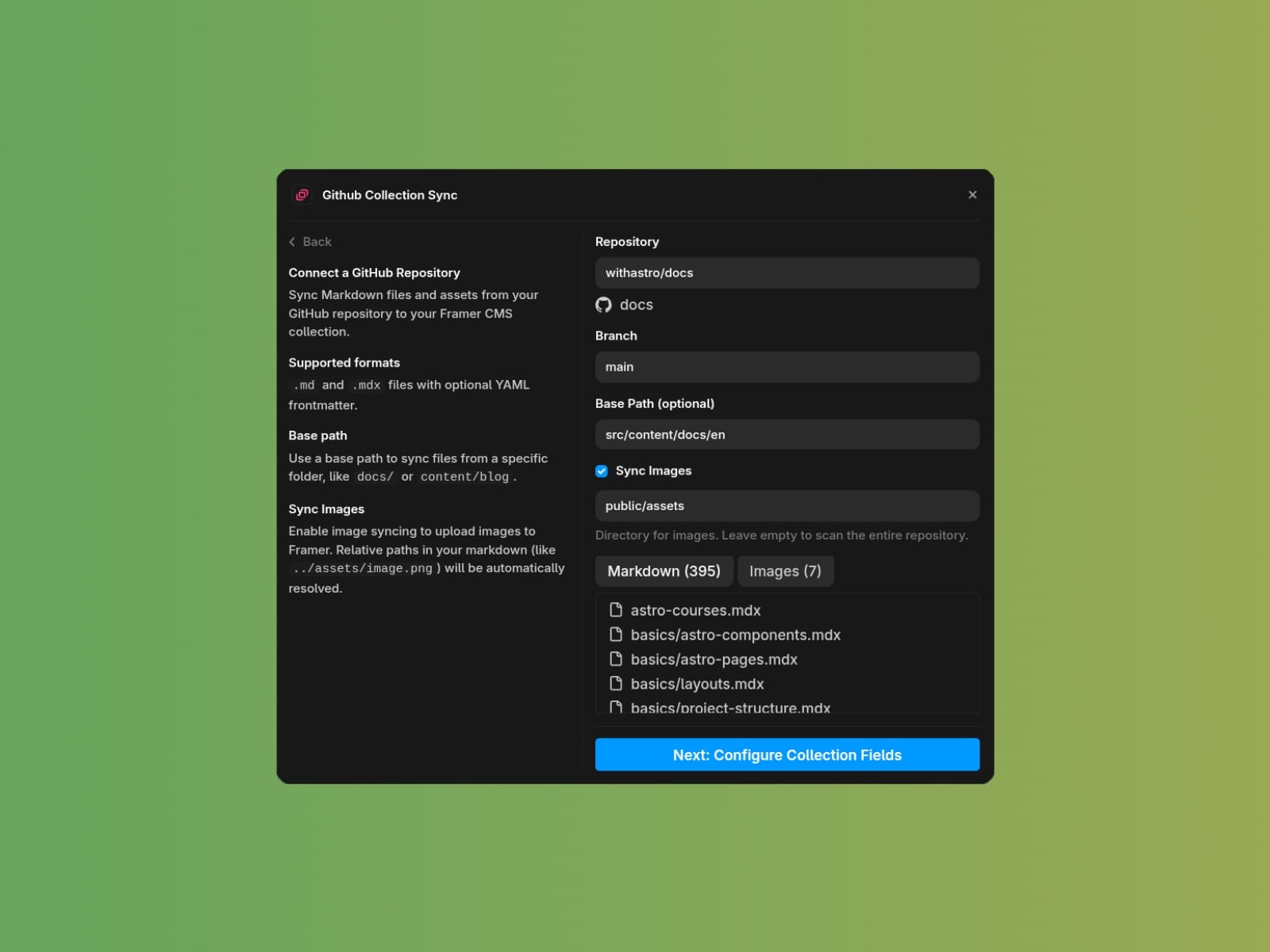
Choose a repository, branch, and optional base path (e.g., content/blog and public/assets)
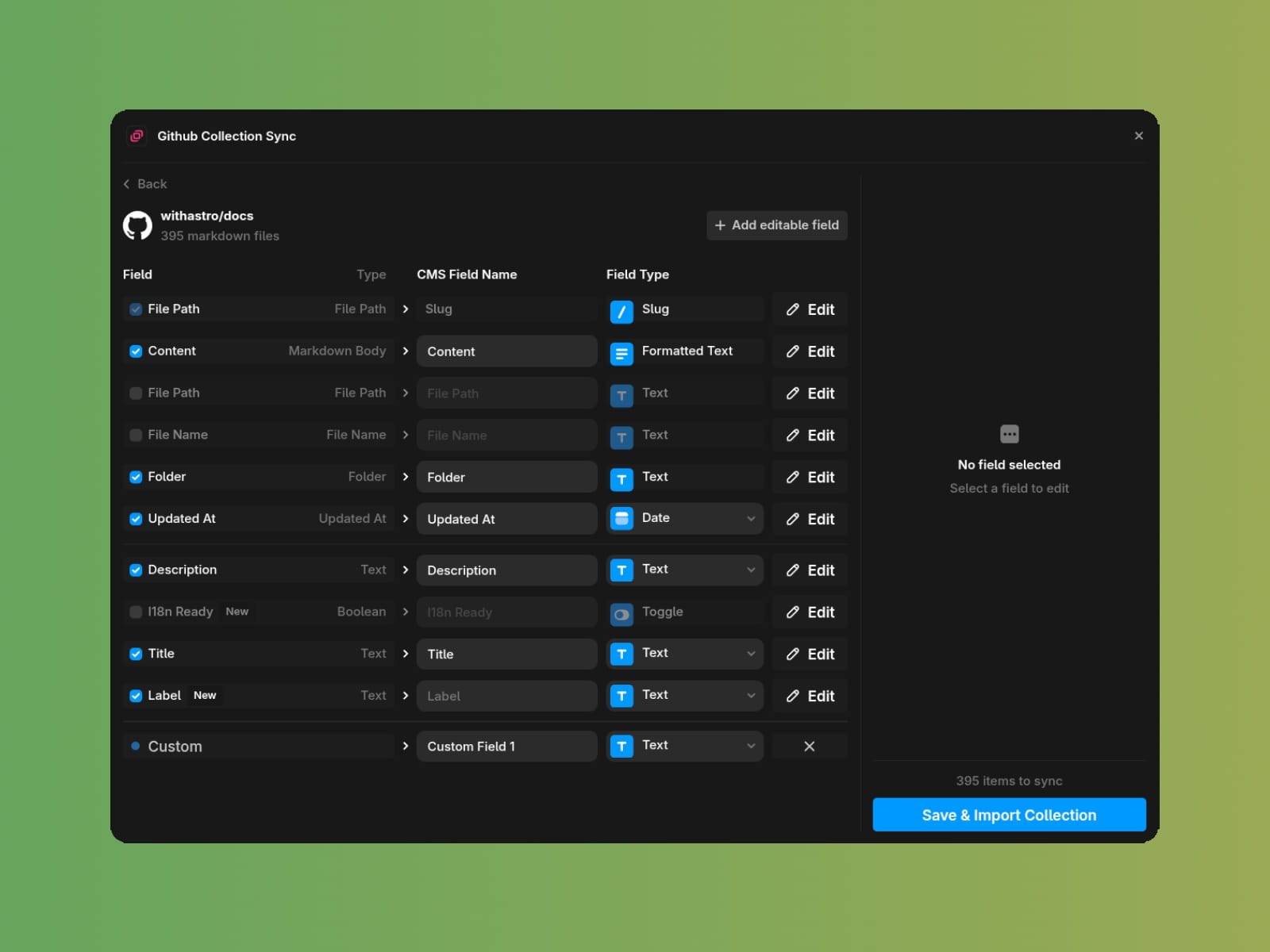
Map frontmatter fields to CMS field types, or add custom ones
Import and sync your content in batch
Supported Content
- Markdown files (`.md` and `.mdx`)
- YAML frontmatter for structured fields (title, date, author, etc.)
- Image files (relative paths resolved automatically)
MDX files are supported, but custom components are stripped during import.
Field Mapping
The plugin discovers fields from your frontmatter and maps them to Framer CMS types: Text, FormattedText, Number, Date, Boolean, Image, Color, and Link.
Built-in fields included with every item:
- `content` — Markdown body converted to HTML
- `file-path` — Path to the source file
- `file-name` — Filename without extension
- `folder` — Parent path, perfect for filtertering
- `updated-at` — Last sync timestamp
Automatic Image Resolution
Assets are deployed to Framer, then relative paths to images like `` are resolved automatically. Absolute URLs are left untouched. Relative links to other files are preserved, assuming your published URL structure mirrors your folder structure.
Incremental Sync
After the first import, only changed files are synced. The plugin tracks commits to detect additions, modifications, and deletions—keeping updates fast even with thousands of items.
Secure, Works with Private and Public Repos
Uses GitHub Apps for authentication, so you can grant granular access to specific repositories from both personal accounts or organizations.