
About Iframe Embed
Seamlessly Embed External Content in Framer
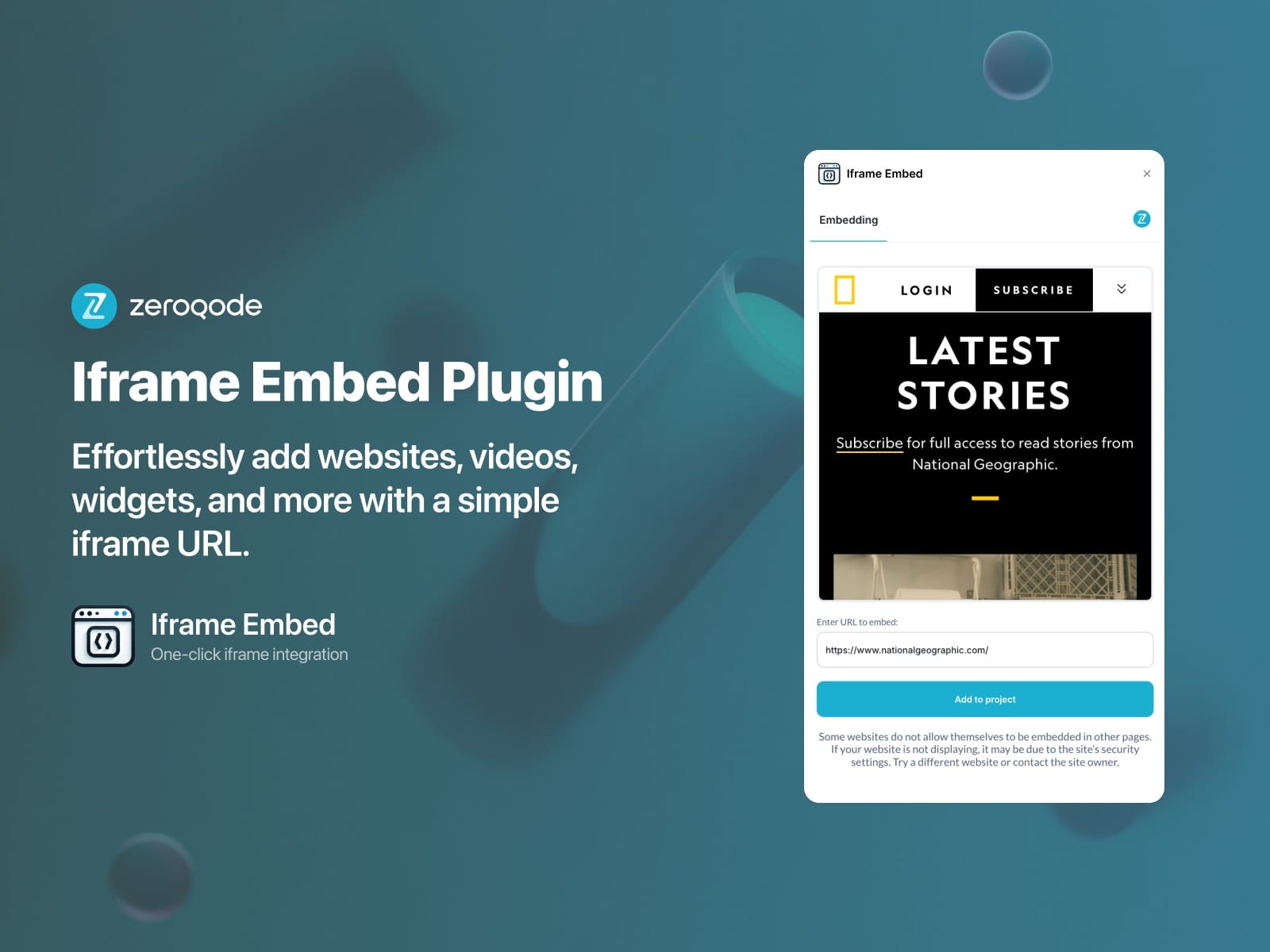
Enhance your Framer projects with interactive and dynamic content using the Iframe Embed plugin. Whether you need to showcase a website, integrate third-party widgets, or embed videos, this plugin provides a hassle-free way to display external content within your design.
Key Features:
✅ Easy Integration
Embed any iframe-compatible content with just a URL.
✅ Fully Responsive
Adjust width, height, and scaling for seamless adaptability.
✅ Supports Various Content Types
Embed websites, videos, widgets, dashboards, and more.
✅ Customizable Settings
Control iframe parameters, including scrolling, border, and sandbox options.
How It Works:
1️⃣ Add the Iframe Embed plugin to your project.
2️⃣ Paste the URL of the content you want to embed.
3️⃣ Adjust size and settings for optimal display.
4️⃣ Preview and publish your project with embedded content.
Perfect For:
📌 Showcasing external websites or portfolios
📌 Integrating interactive maps and forms
📌 Embedding video content from YouTube, Vimeo, and more
📌 Displaying third-party widgets like calendars, charts, and social media feeds
Unlock new creative possibilities with Iframe Embed—no coding required!
All-in-One Subscription
Gain access to this plugin and our entire suite of no-code tools for just $10 per month. One subscription, endless possibilities for creativity and productivity.
Start creating stunning visuals effortlessly today!
Why Choose Us?
Enjoy an intuitive interface, creative flexibility, and rapid results—all designed to save you time while delivering professional-quality images.
📖 Full plugin documentation: https://docs.zeroqode.com/framer-plugins/iframe-embed
Support
💬 For any questions, feel free to contact us at this support email: support@zeroqode.com