About Plugply
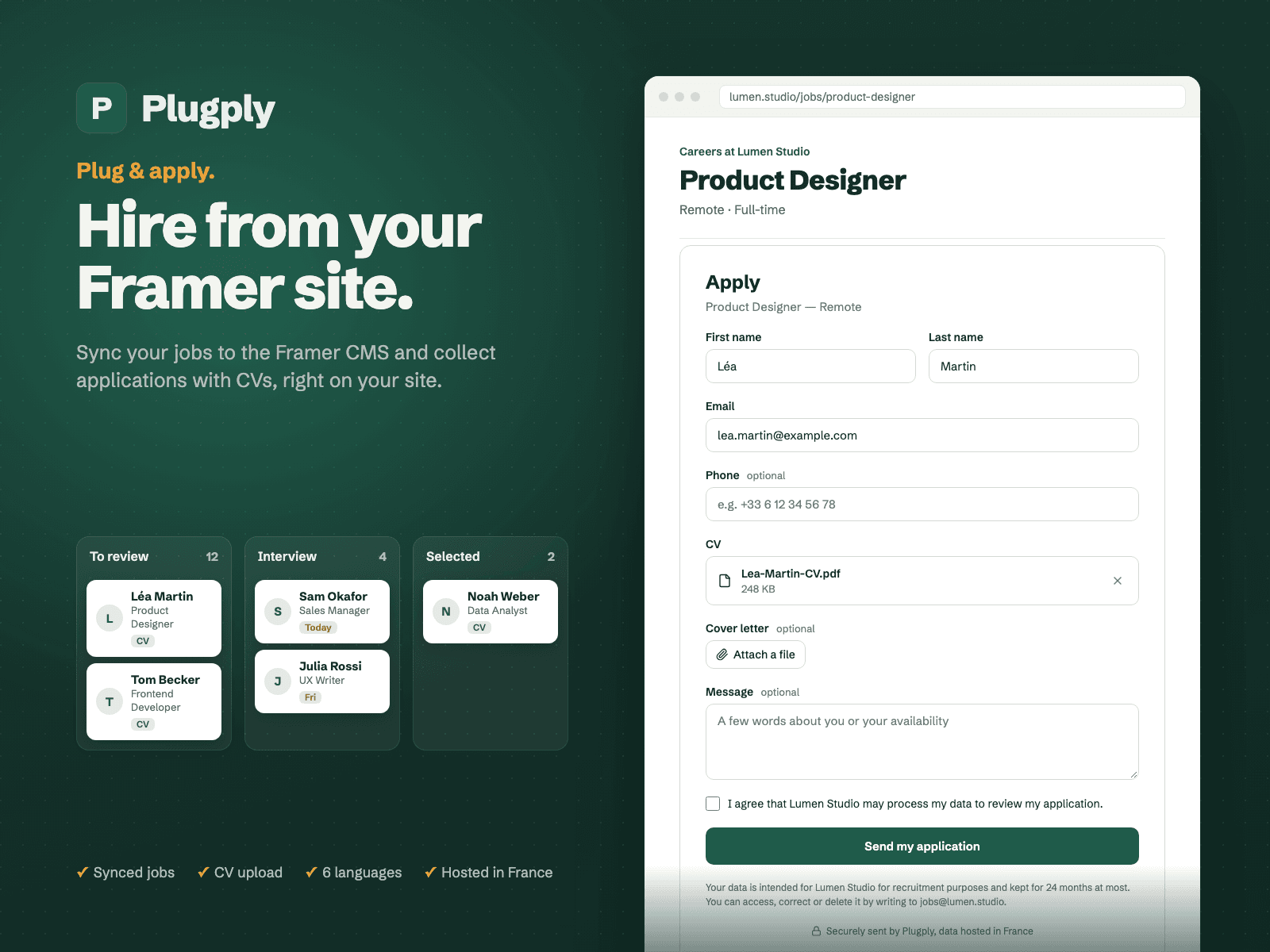
Turn your Framer site into a careers page that receives real applications. Plugply syncs your published jobs into a Framer CMS collection and adds an application form with CV upload, so candidates apply directly on your site.
Requires a Plugply account (plugply.com), free for 14 days. Connect the plugin with a key generated in the Plugply back office.
How it works
Jobs in your CMS: write your jobs in Plugply, then sync them into a managed collection (title, location, contract, description, publish date).
Application form in one click: insert it on any page and connect it to your job pages through the Job ID property. Customize title, colors, borders and radius.
CV upload: candidates attach a CV and cover letter (PDF or Word, up to 10 MB), sent straight to your Plugply account.
Six languages: English, French, German, Spanish, Italian and Dutch, following your page's language.
Manage applications Review applications in a list or Kanban, move them from To review to Selected, share notes with your team and open CVs without downloading them. Get an email for each application, or a daily digest.
Data and security
What data goes where The plugin sends only your plugin key to Plugply, to load your own published jobs. Nothing from your Framer project or CMS is sent. The form sends each application (name, email, phone, message, CV, cover letter) to your Plugply account, with the applicant's consent. You are the data controller; Plugply processes the data on your behalf under a data processing agreement.
Privacy by design Hosted in France. Files are scanned by an antivirus and applications are deleted automatically at the end of the retention period you choose. Privacy policy and DPA on plugply.com.
Pricing
Pricing Free for 14 days, no credit card required. Then €19/month excl. VAT per company, unlimited jobs, applications and users.
Support
Need help? We are here to assist you.
Support: contact@plugply.com
Website: https://plugply.com/