About Privacyboard
Privacyboard adds your cookie banner to every page of your Framer site, first in the head, so analytics and marketing tools wait for your visitors’ choice.
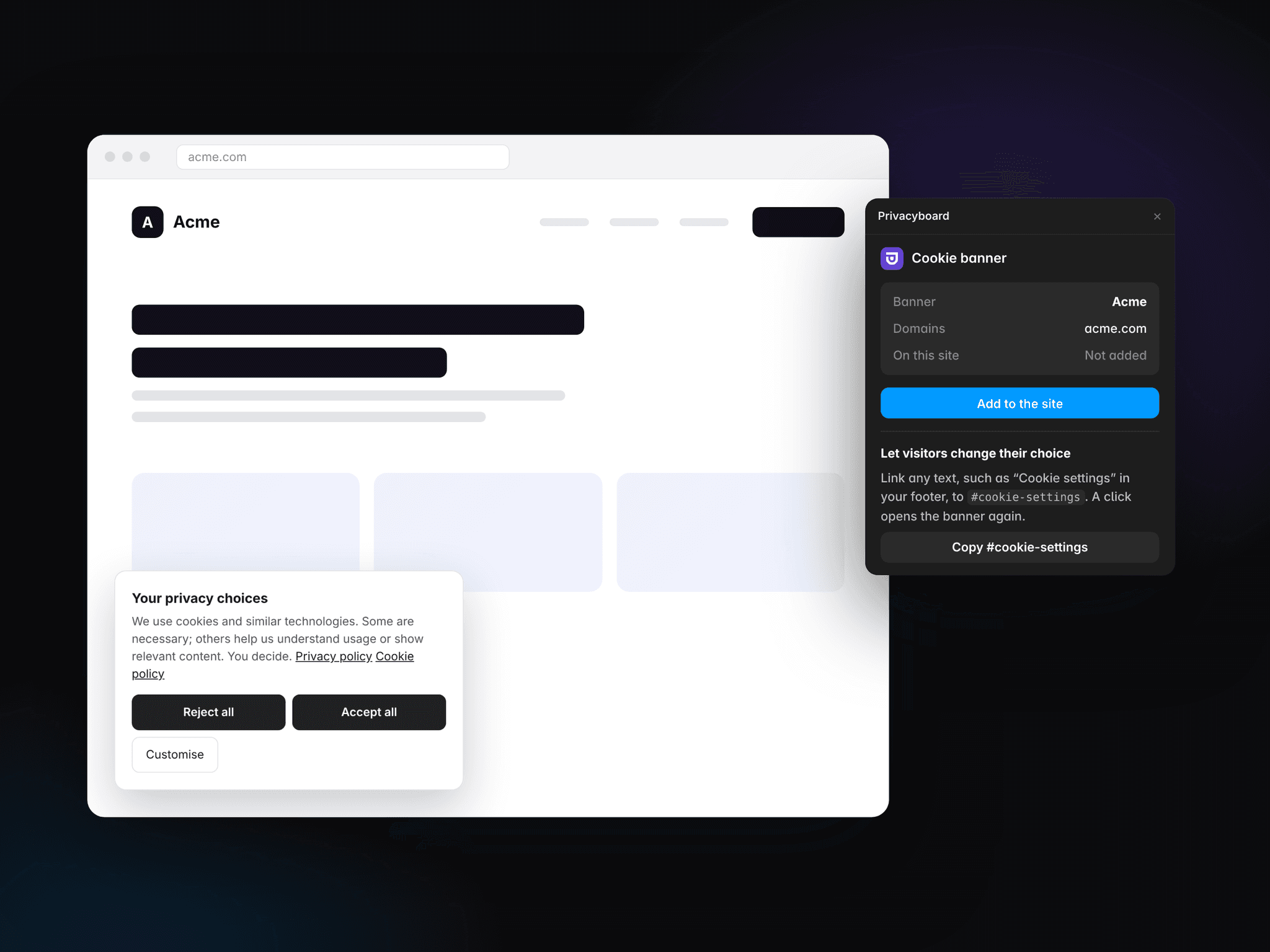
Paste your banner ID from Privacyboard, click Add to the site, and publish. The plugin checks the banner, tells you if your site’s domain is missing from it, and shows when the code has been turned off in Site Settings.
The banner asks for consent in Europe and shows an opt-out notice in the US, in your visitors’ language. It supports Google Consent Mode v2, Microsoft UET and Global Privacy Control, and keeps a consent log without storing IP addresses. To let visitors change their choice later, link any text to #cookie-settings.
You need a Privacyboard workspace with a published banner. The free plan includes one.
Get started at https://privacyboard.io/integrations/framer