About Rank Tim
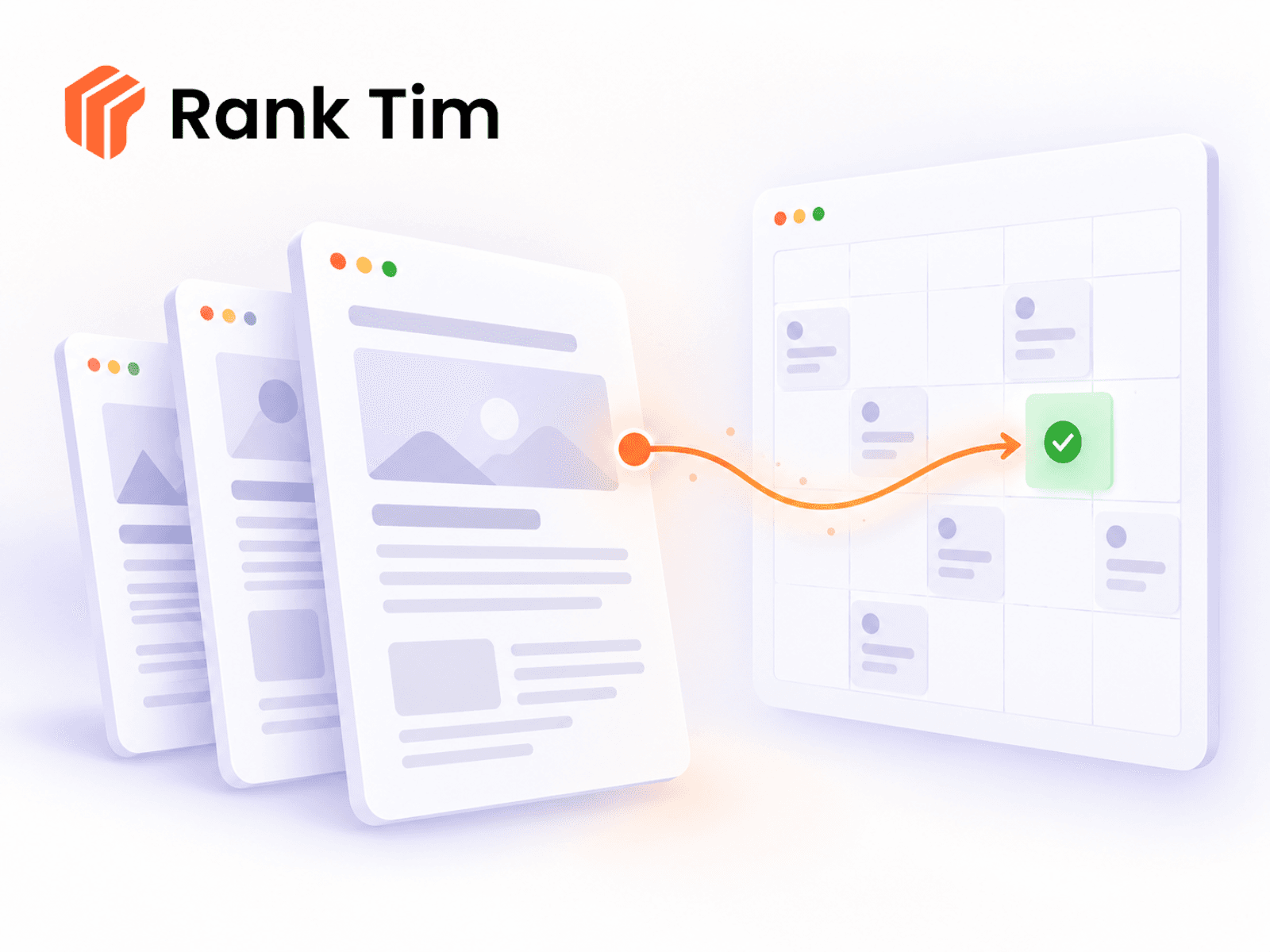
Rank Tim brings your AI-generated articles straight into Framer.
Write and schedule content in Rank Tim, then import it into any Framer
CMS collection in a couple of clicks — no copy-paste, no reformatting,
no duplicate entries.
REQUIREMENTS
Requires a Rank Tim account on a paid plan. Generate an Integration Key
in Rank Tim → Settings → Integrations and paste it into the plugin.
HOW IT WORKS
1. Paste your Integration Key.
2. Pick the Framer CMS collection you want to publish into.
3. Map the Rank Tim fields to your collection's fields.
4. Load today's queue or any specific date, select articles, import.
FIELD MAPPING
Required: Rank Tim article ID (text), Title, Body content.
Optional: cover image, publish date, status, hashtags, notes, model.
The plugin suggests a mapping automatically based on your collection,
so most setups need a single confirmation.
NO DUPLICATES
Each imported article stores its Rank Tim ID in the field you map, so
running a sync twice never creates a second copy of the same article.
DRAFTS AND PUBLISHING
Articles marked "draft" in Rank Tim arrive as draft CMS items; articles
marked "publish" arrive as live items. You can override this and force
everything to publish.
OPTIONAL AUTOMATION
Turn on auto-import and the plugin pulls today's scheduled articles the
moment you open it. Framer does not currently offer background
scheduling for plugins, so automation runs while the plugin is open —
this plugin is upfront about that instead of pretending otherwise.
Learn more at https://ranktim.com