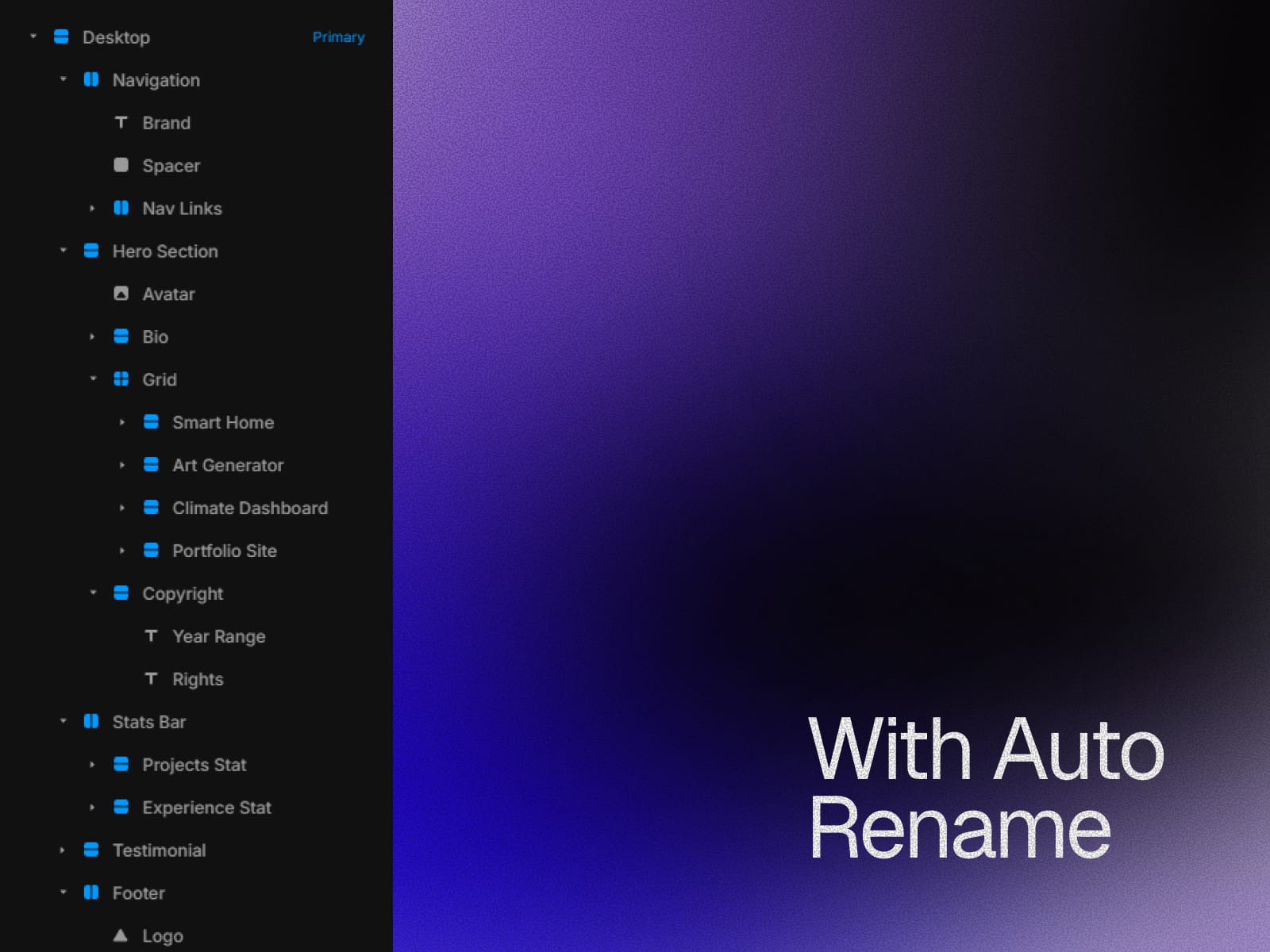
About Rename It
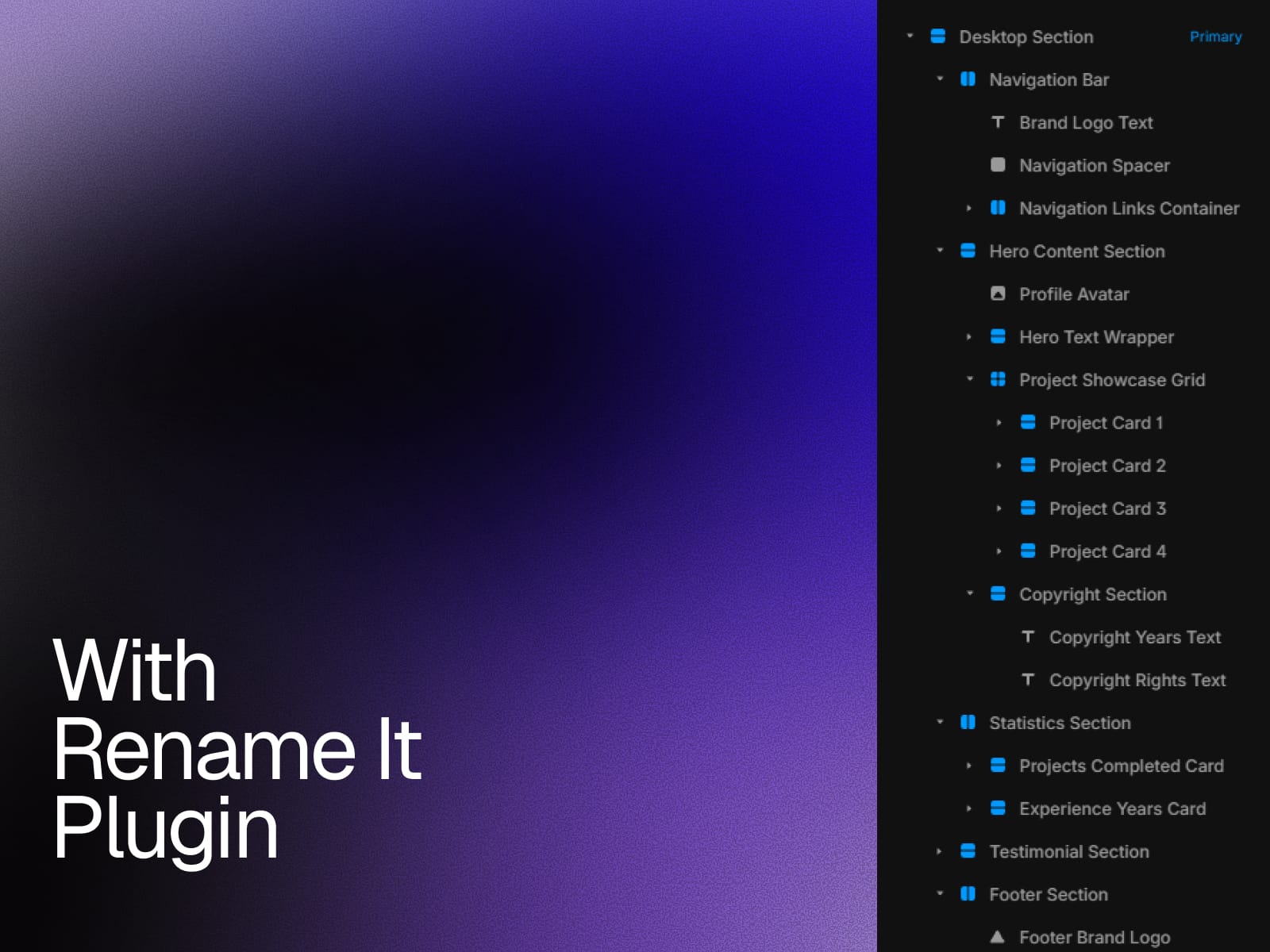
Rename It automatically renames your layers so they are easy to read, understand, and manage. This makes your layers cleaner, easier to edit, and easier to hand off to others.
Main Features
Batch Rename (FREE)
Bulk rename layers at once using simple variables.
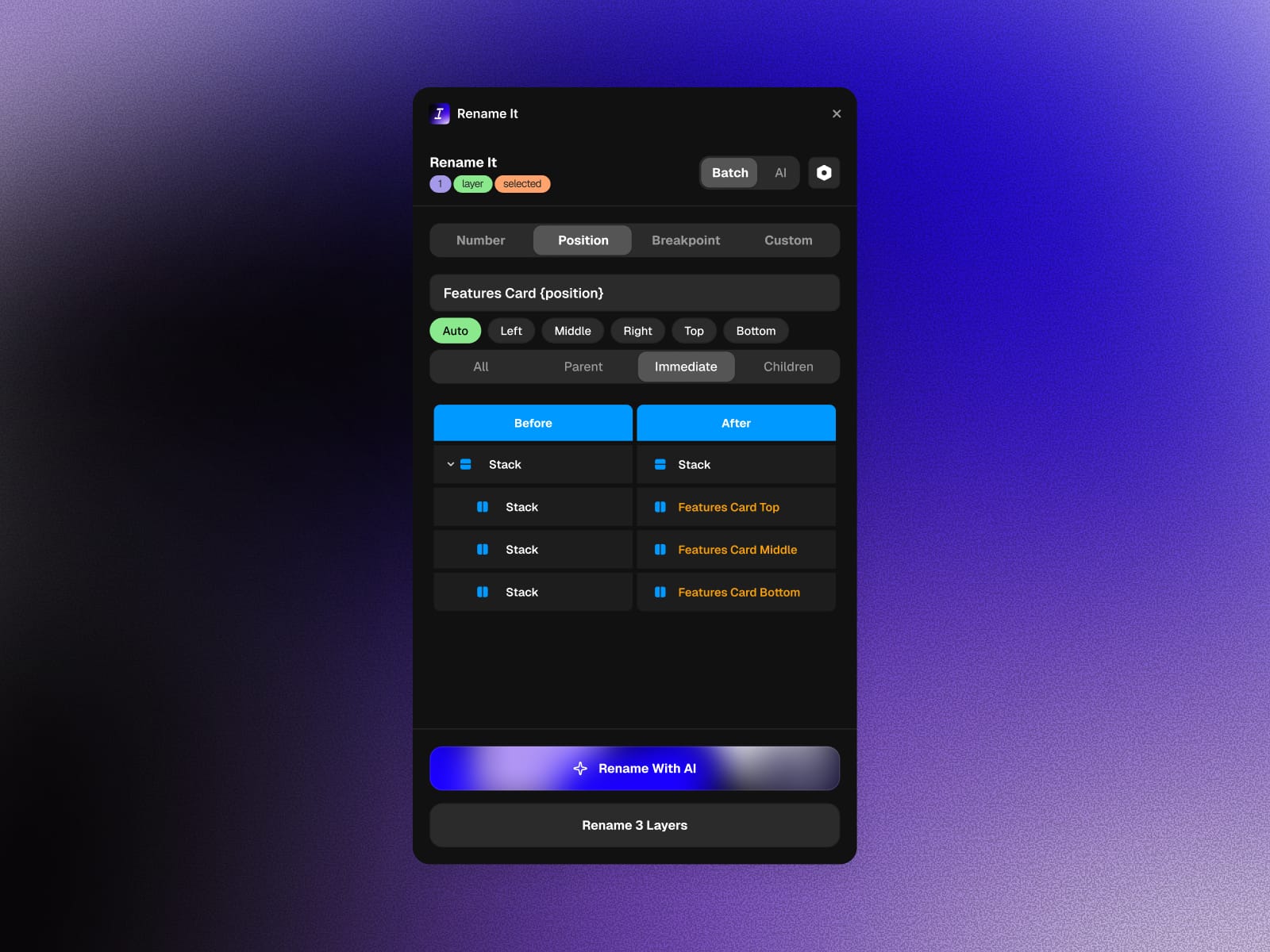
Auto position and Breakpoint size to find out the position automatically, and find out the size based on the breakpoint.
Add numbers
Add position labels like Left, Right, Top, Bottom
Add Variant labels like a XS, S, M, L, XL
AI Auto Rename
Automatically generates clear and meaningful layer names based on your design.
Detects common elements like buttons, cards, navigation, and images
Understands layer hierarchy and nested structures
Works in one click. Select layers and run Auto Generate
Target Control
Choose exactly which layers to rename.
Selected layers
Parent layers only
Child layers only
How to Use
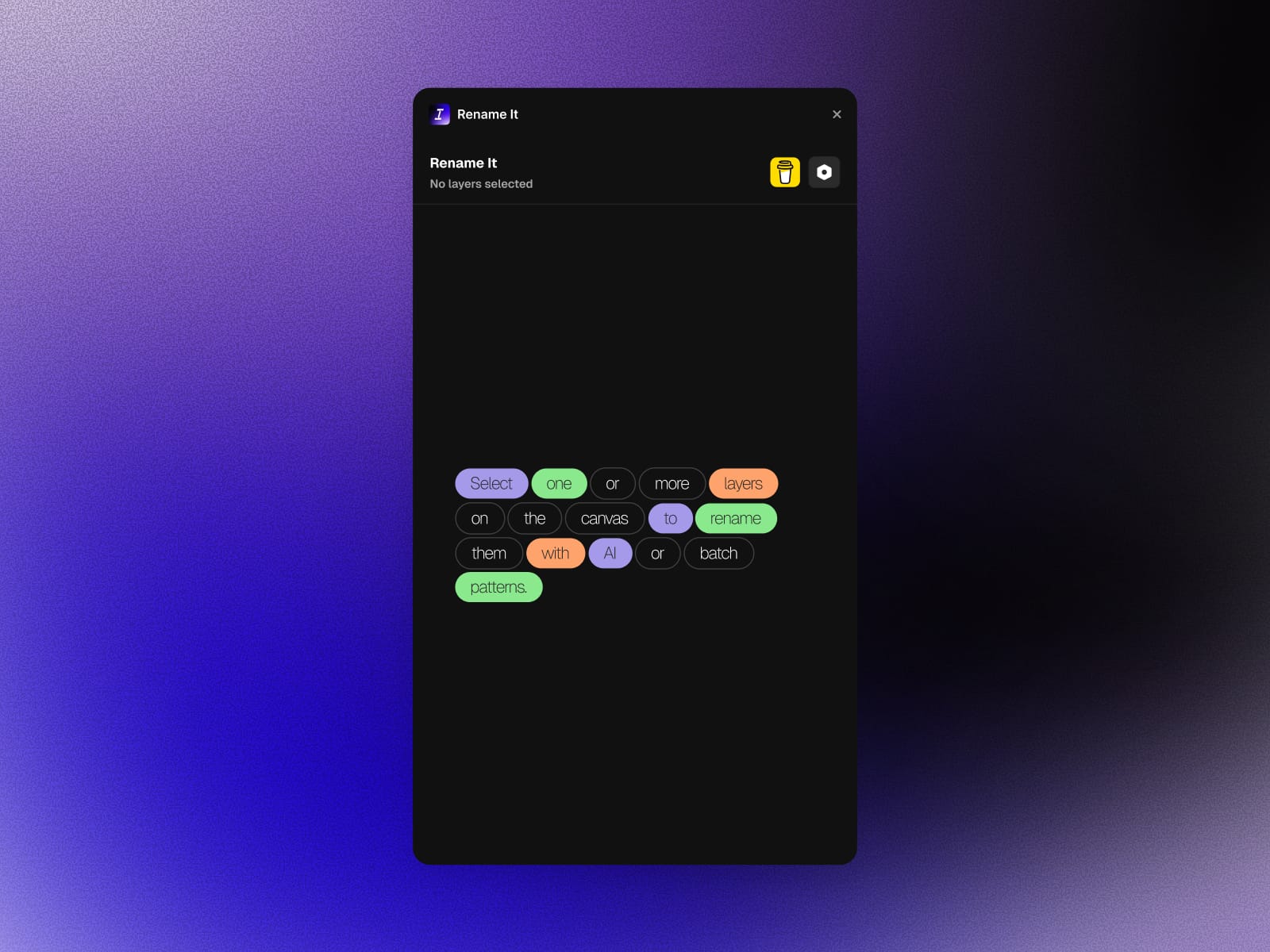
Select layers on the canvas, You can rename layers both individually and in bulk.
Choose AI or Batch mode
Rename a single layer for quick adjustments
Click Rename
Your layers are instantly organized