
About Shop Canvas
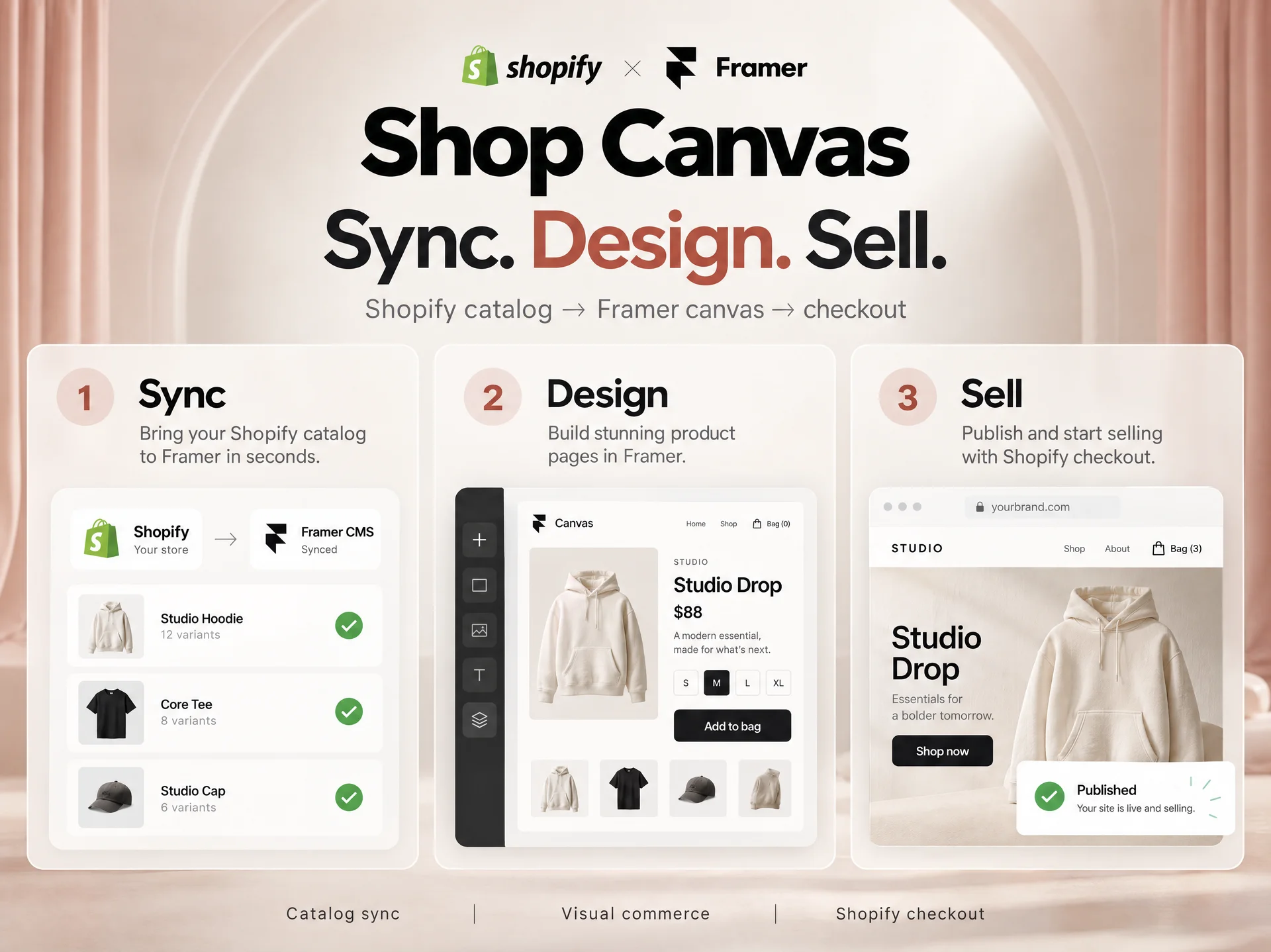
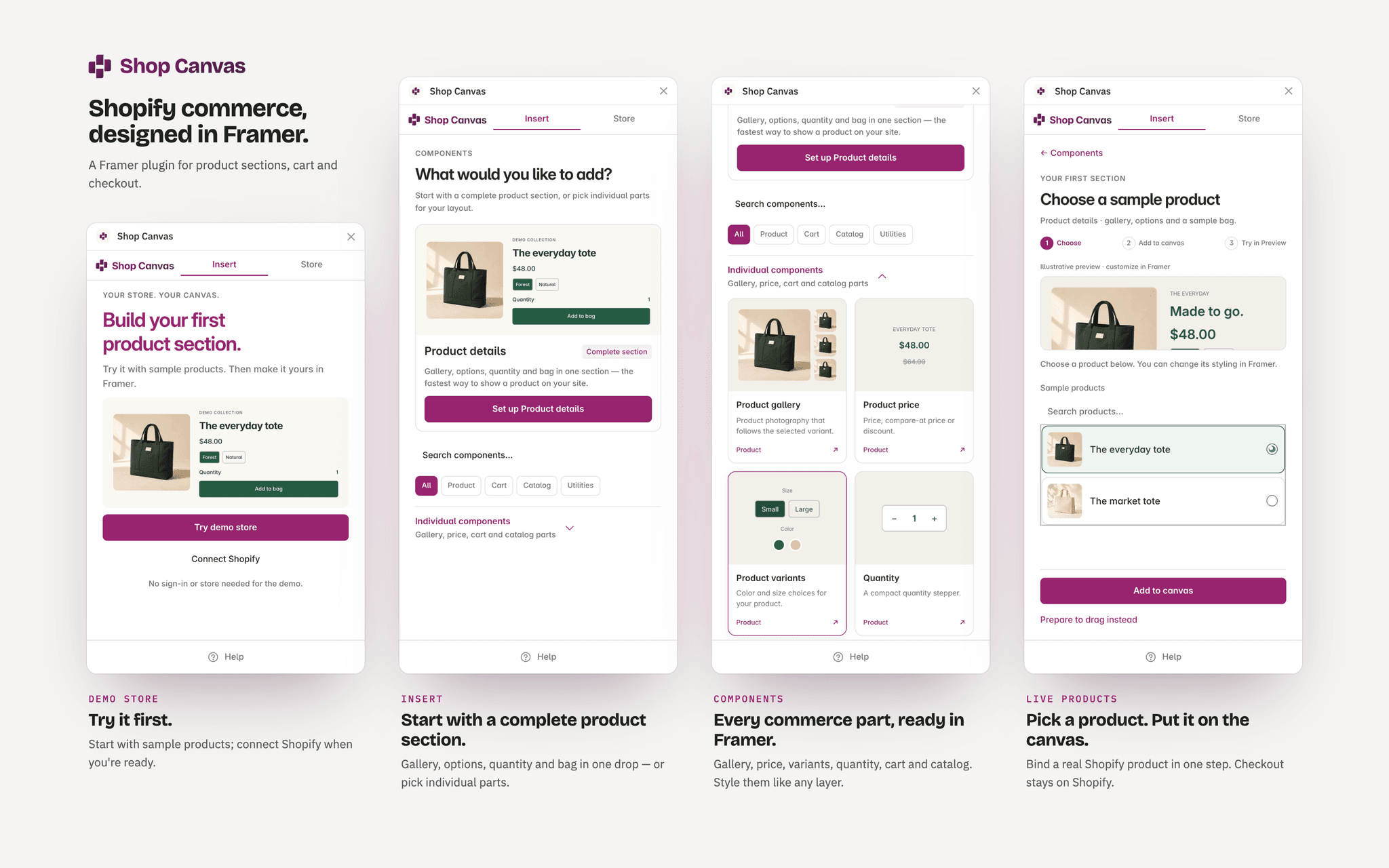
Shop Canvas is a commerce engine for Framer. Import your Shopify catalog into Framer CMS, design custom product experiences on the canvas, and keep real checkout on Shopify.
What it does
Sync Shopify products into a Framer CMS collection with editorial review for titles, descriptions, and preserved CMS images
Drop in 20+ native commerce components for product sections, galleries, variant pickers, size guides, cross-sells, cart drawers, and checkout UI
Design storefront pages visually in Framer instead of fighting a rigid theme
Connect with your
.myshopify.comstore domain and import a local catalog JSON snapshot (.json) — no API tokens stored inside your Framer projectRun merchandising readiness and canvas binding checks before you publish
Who it’s for
Framer designers and agencies building custom Shopify storefronts who want full visual control in Framer and native checkout reliability on Shopify.
Setup
Open Shop Canvas from the Framer Marketplace (try the built-in sample store right away with zero setup)
Enter your
.myshopify.comdomain and import your Shopify catalog JSON snapshot (.json)Preview and apply your product sync to Framer CMS, then insert components onto the canvas
Publish in Framer — cart permalinks and checkout run directly on Shopify