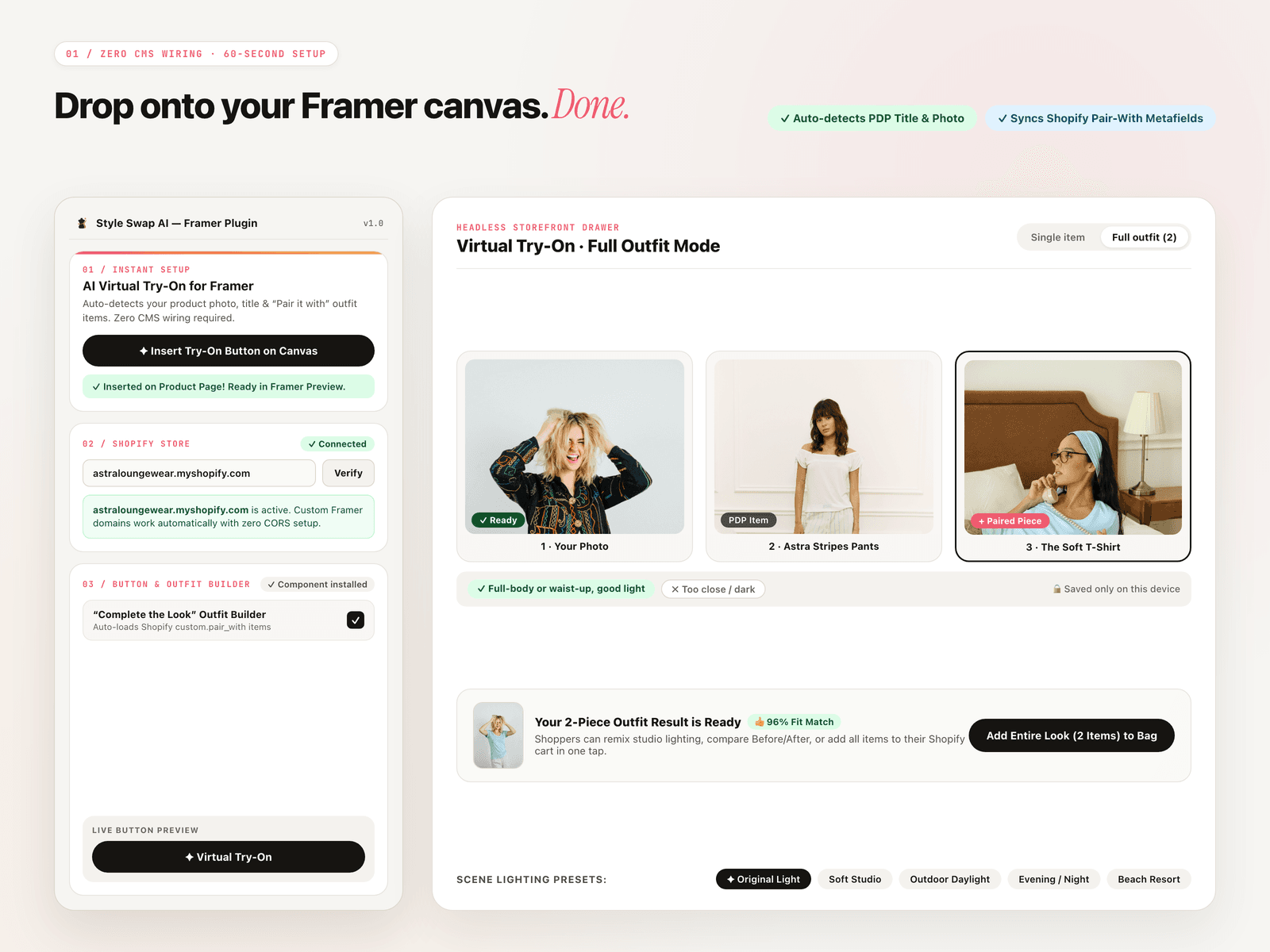
About Style Swap AI
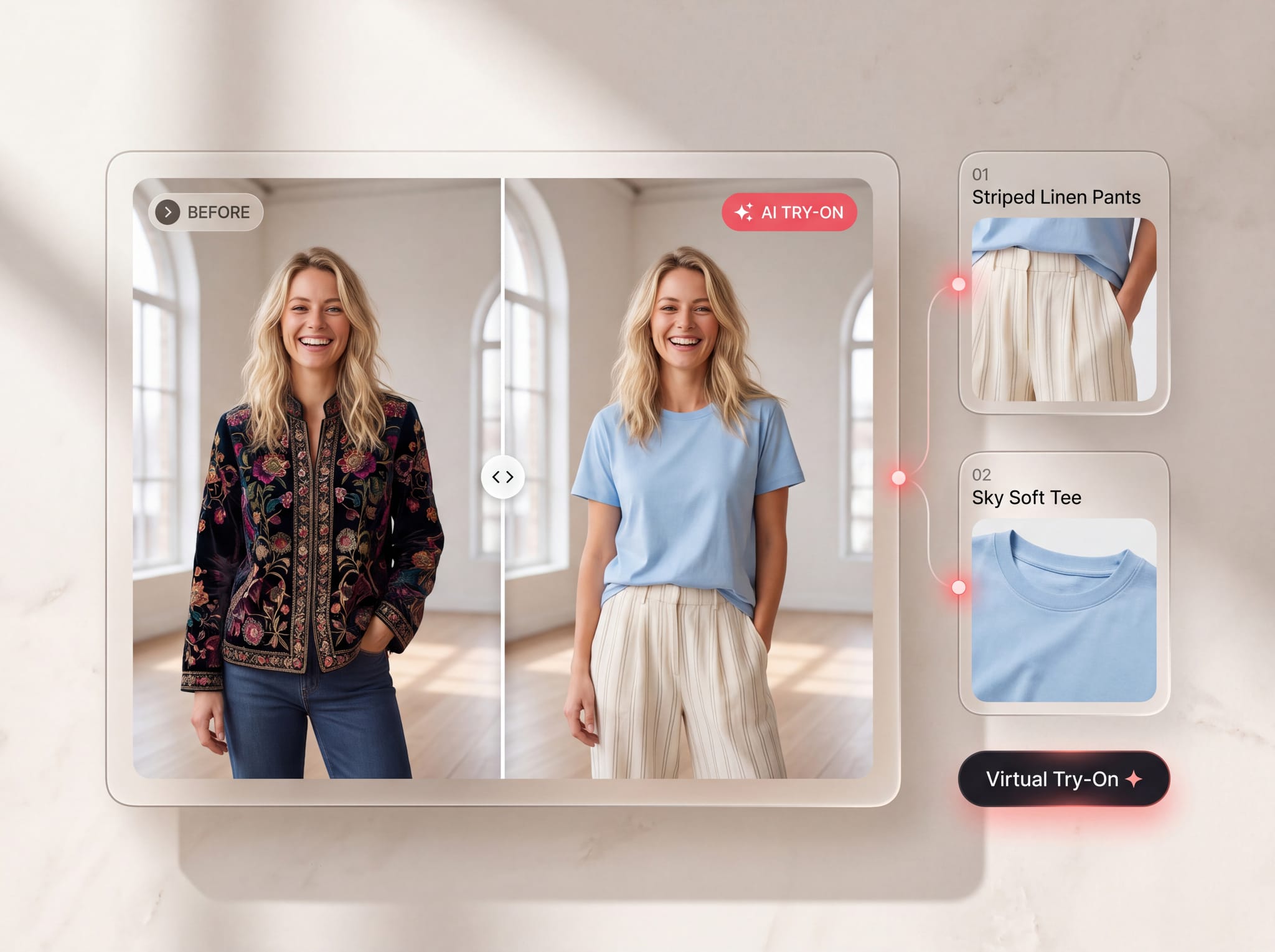
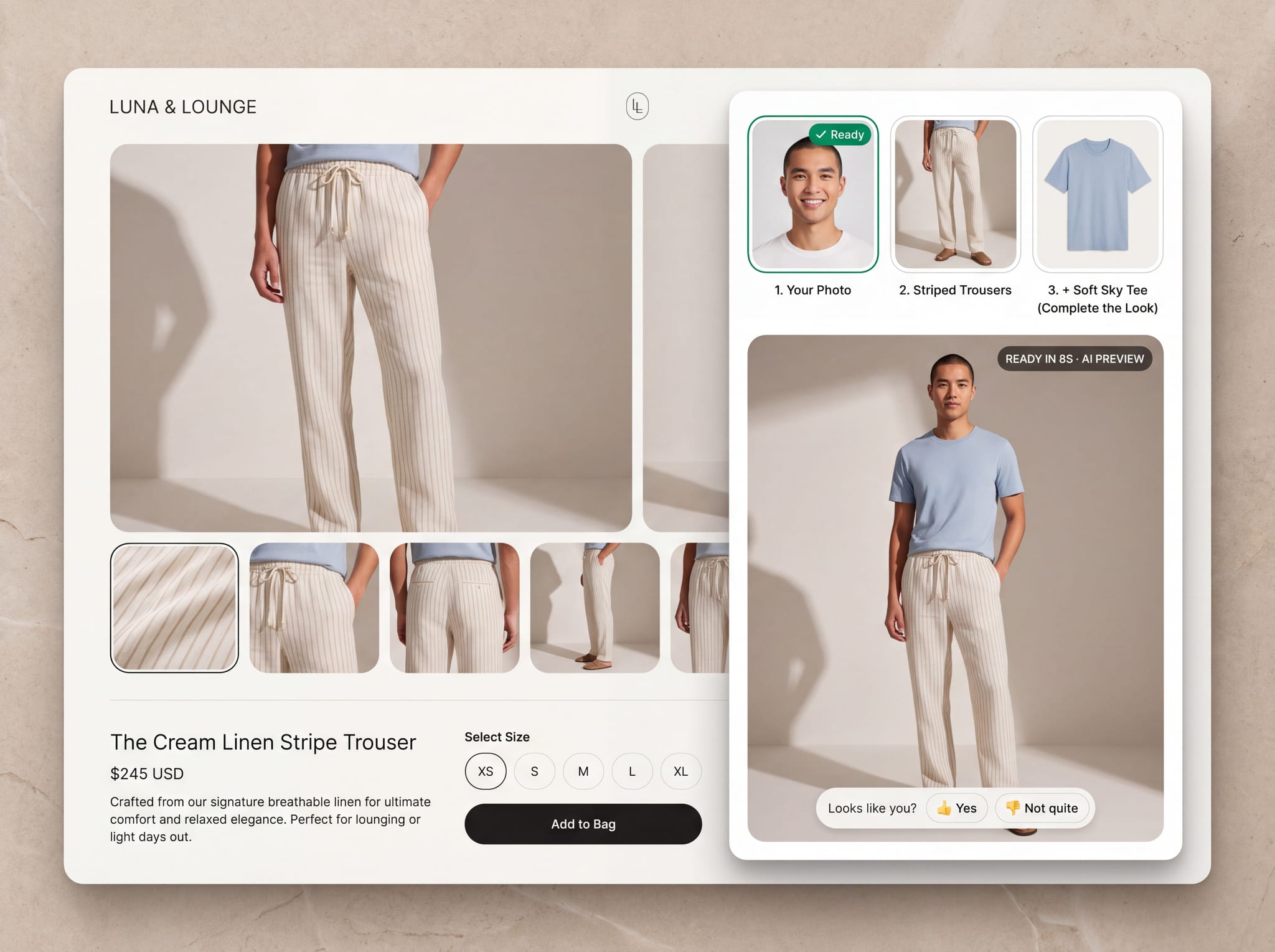
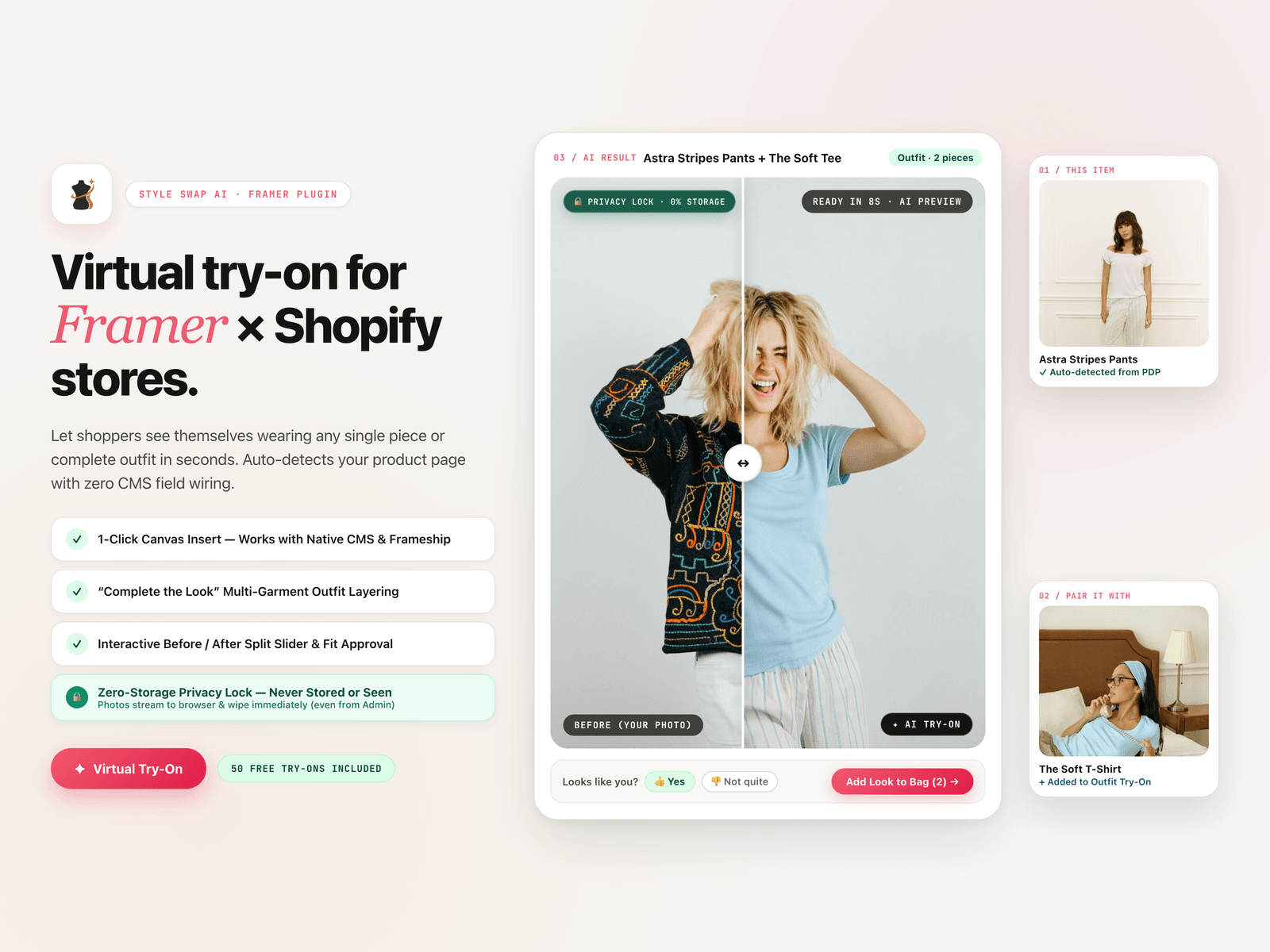
Turn your Framer × Shopify storefront into an interactive fitting room. Style Swap AI lets shoppers upload a photo (or pick a studio model) and see themselves wearing your products in seconds — complete with multi-piece outfit layering and an interactive Before / After comparison slider.
Built specifically for headless Framer storefronts with zero CMS field wiring required.
Why Fashion Brands Love Style Swap AI
1-Click Canvas Setup (Zero CMS Wiring)
Photorealistic Drape & Identity Preservation
"Complete the Look" Outfit Builder
Interactive Before / After Split Slider
Built-In Studio Models
Zero-Config Custom Domains
How It Works (60-Second Setup)
Insert on Canvas: Open the plugin and click Insert Try-On Button on Canvas on your Product Detail Page (or test immediately using the built-in Demo Store).
Connect Shopify: Install the companion Style Swap AI app on your Shopify store (7-day free trial + 50 free try-ons included) and enter your
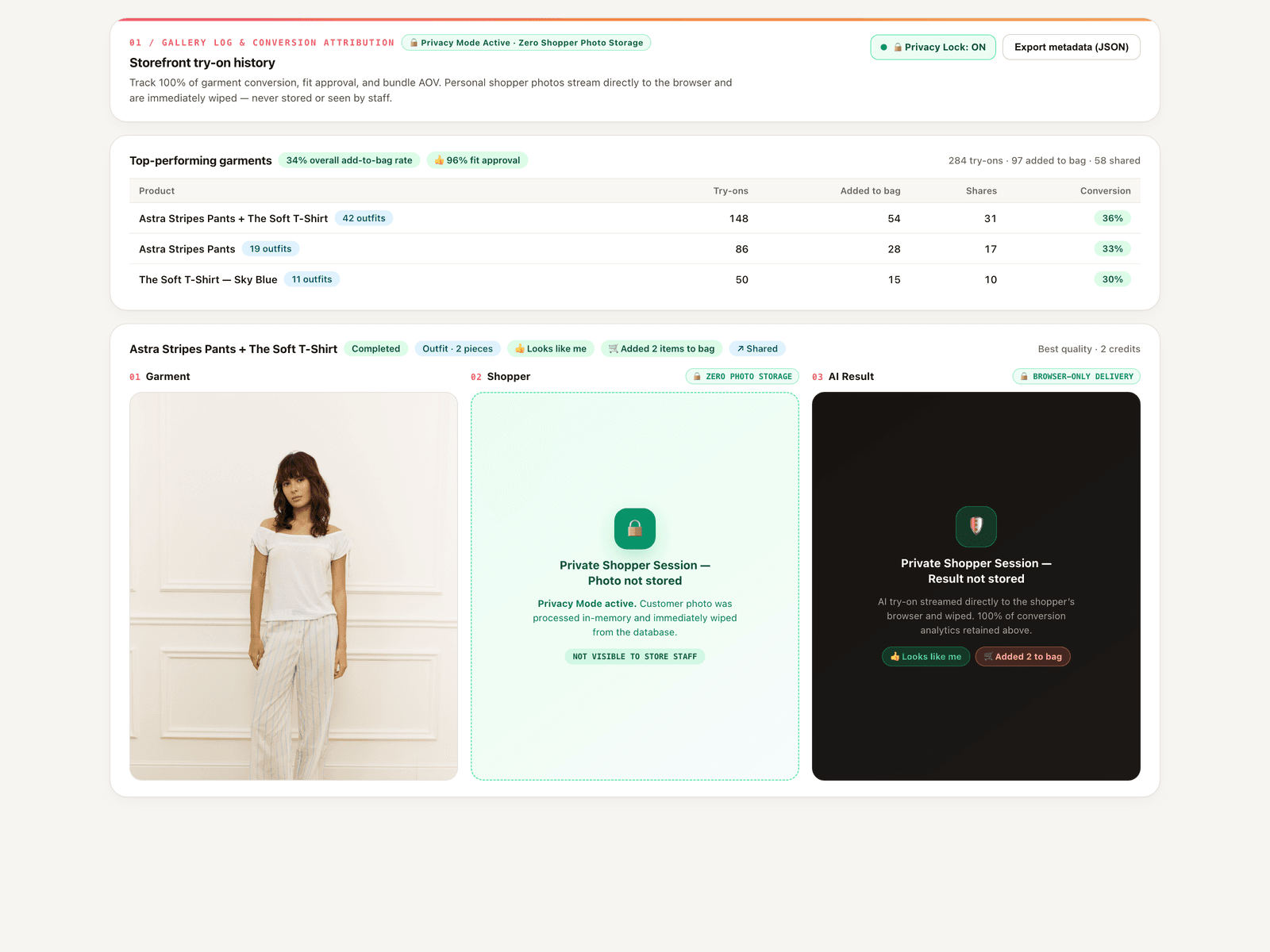
.myshopify.comdomain in the plugin.Customize & Publish: Match the button colors and label to your brand, hit Publish in Framer, and track try-ons, fit approval ratings, and add-to-bag conversions from your Shopify Admin dashboard.
Learn more shopcanvas.ai/style-swap-ai