About Stripe Shop for Framer
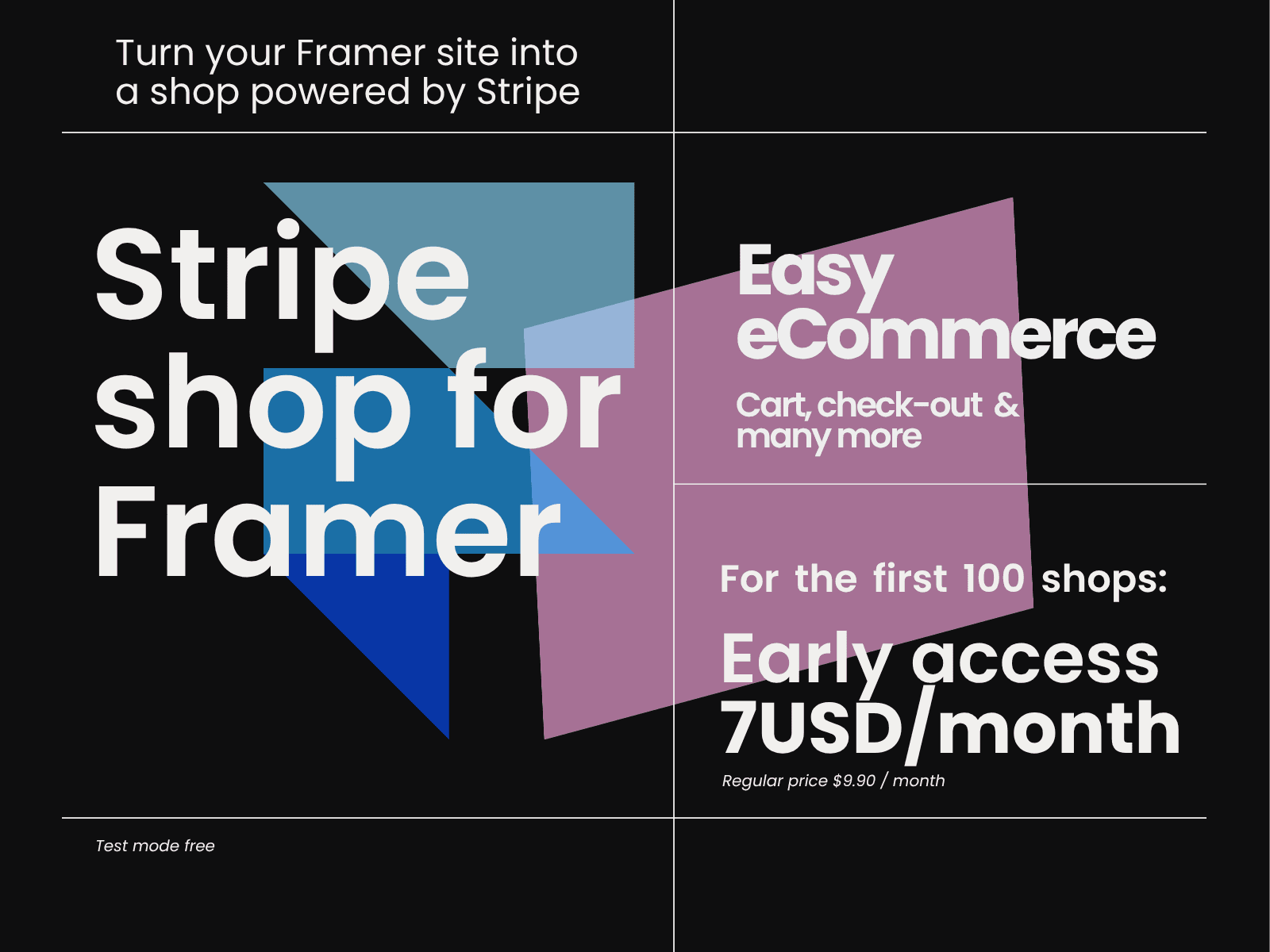
Turn your Framer site into a shop powered by Stripe
A full cart and checkout for Framer, with your products living in the Framer CMS
Please use the free starter template if you start from scratch: https://framer.com/remix/s05xXibLwb9ULiM63gE3?via=5uzjllm&dub_id=hq4Msgfa2vMTlI4L
What you get
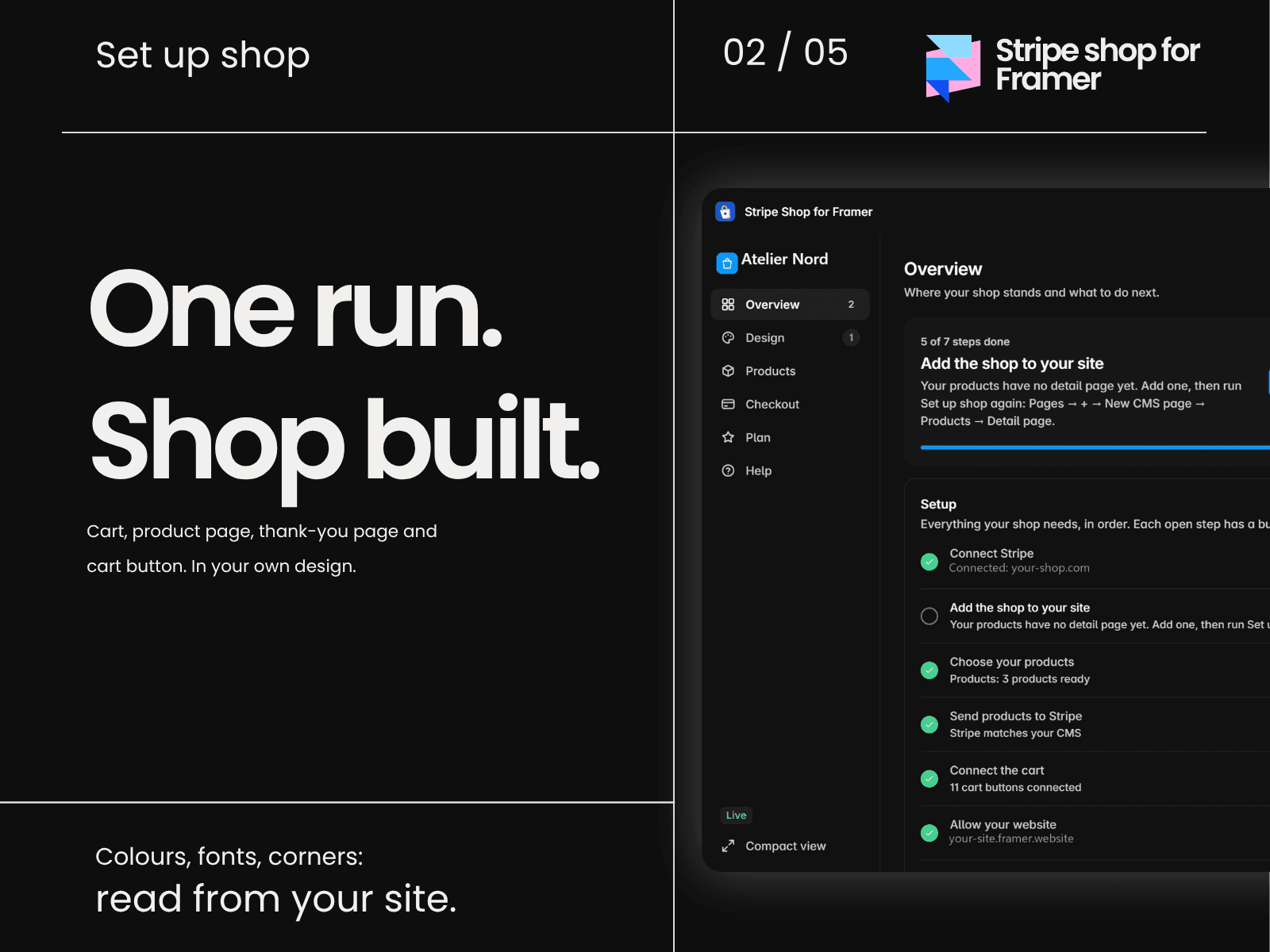
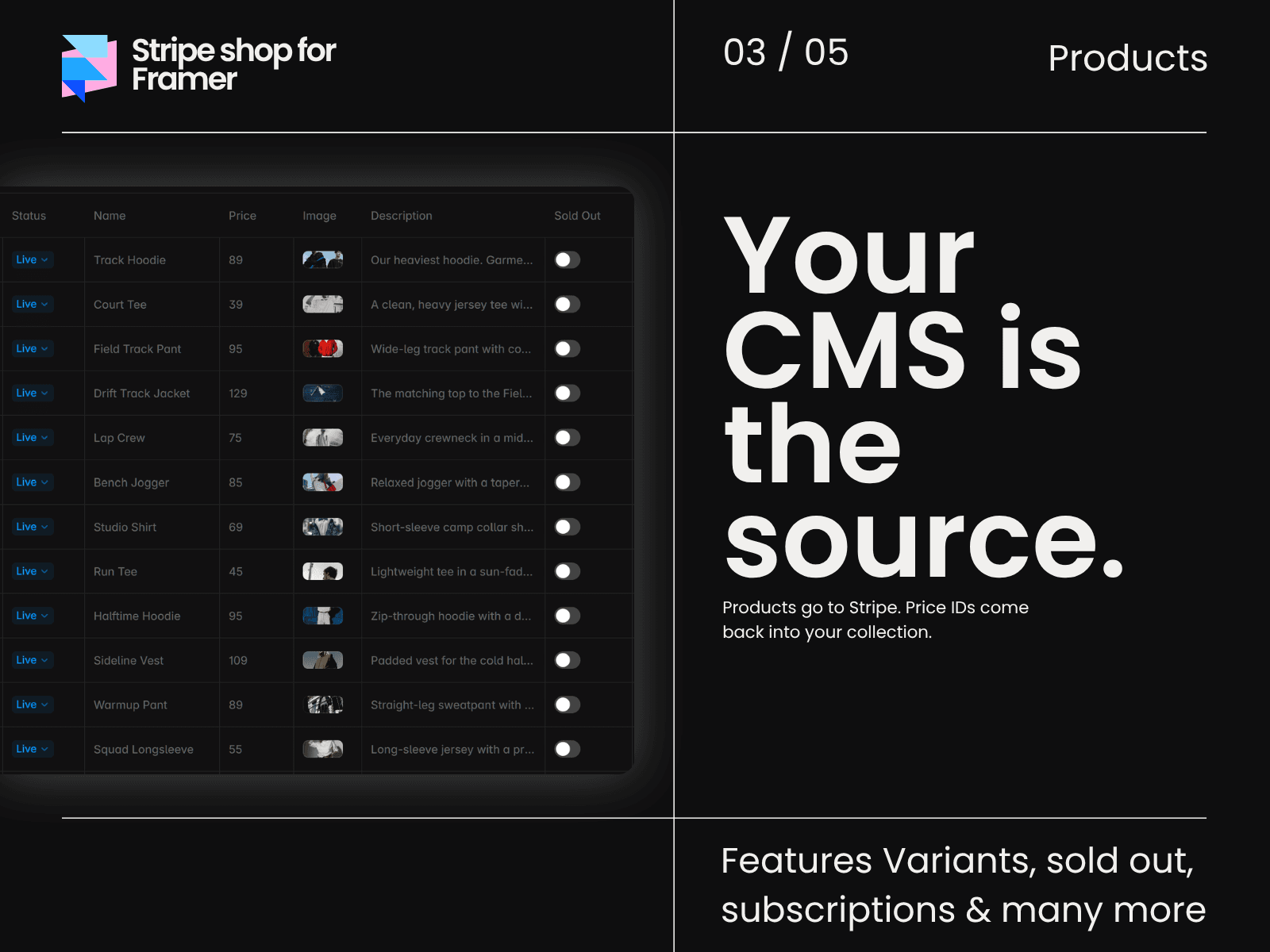
"Set up shop" builds it in one run: the Products collection, the cart, the product page, the thank-you page and the Cart Button in your navigation. It creates the collection with sample products, or extends the one you have and leaves the rest as it is. Your CMS stays the source: products go to Stripe, and the Stripe price IDs come back. Drag in a Product Grid to show every product with price and Add to bag.
Automatic design
The plugin reads your project first: colour styles, fonts, button and panel corners, borders, shadows and dark mode. The shop comes out in your own design, with a live preview before a single layer is written. Your own settings stay: change anything in Framer and the plugin keeps it.
Works with Framer AI
Manage your products in the CMS by hand or with Framer AI. One click copies a ready request for Framer AI that builds your product page and connects Add to bag to your fields.
Connect your own Stripe
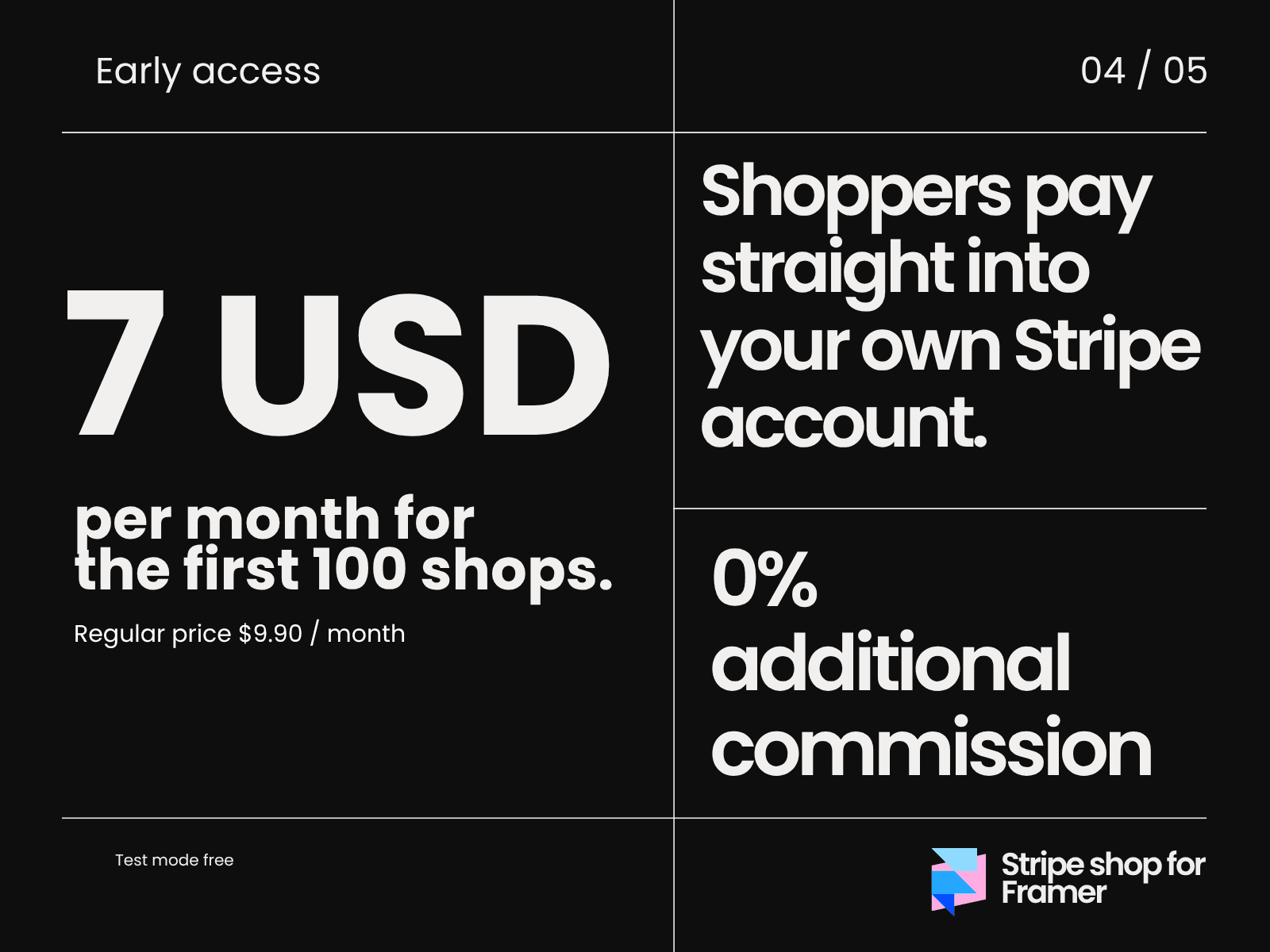
Shoppers pay into your own Stripe account through Stripe Connect, with a normal OAuth login. Every sale is yours in full, commission-free.
What a real shop needs is already included
Stock per product and size that counts down with every sale. Variants with their own price. Subscriptions. Shipping zones with a free-shipping threshold. Local pickup. Automatic tax. Discount codes. Order numbers and an order status page.
Try it for free
Test mode is free and runs a complete test purchase right from Framer's editor preview. All you need is your own Stripe account, so payments land directly with you.
Live mode is $7 per month and per website for the first 100 users, then $9.90
Docs: https://kspr.online/framer/plugins/checkout/docs/
Support: info@kspr.online