About Substack Feed
Put your Substack newsletter on your Framer site in a minute.
Preview : https://rare-form-925352.framer.app/
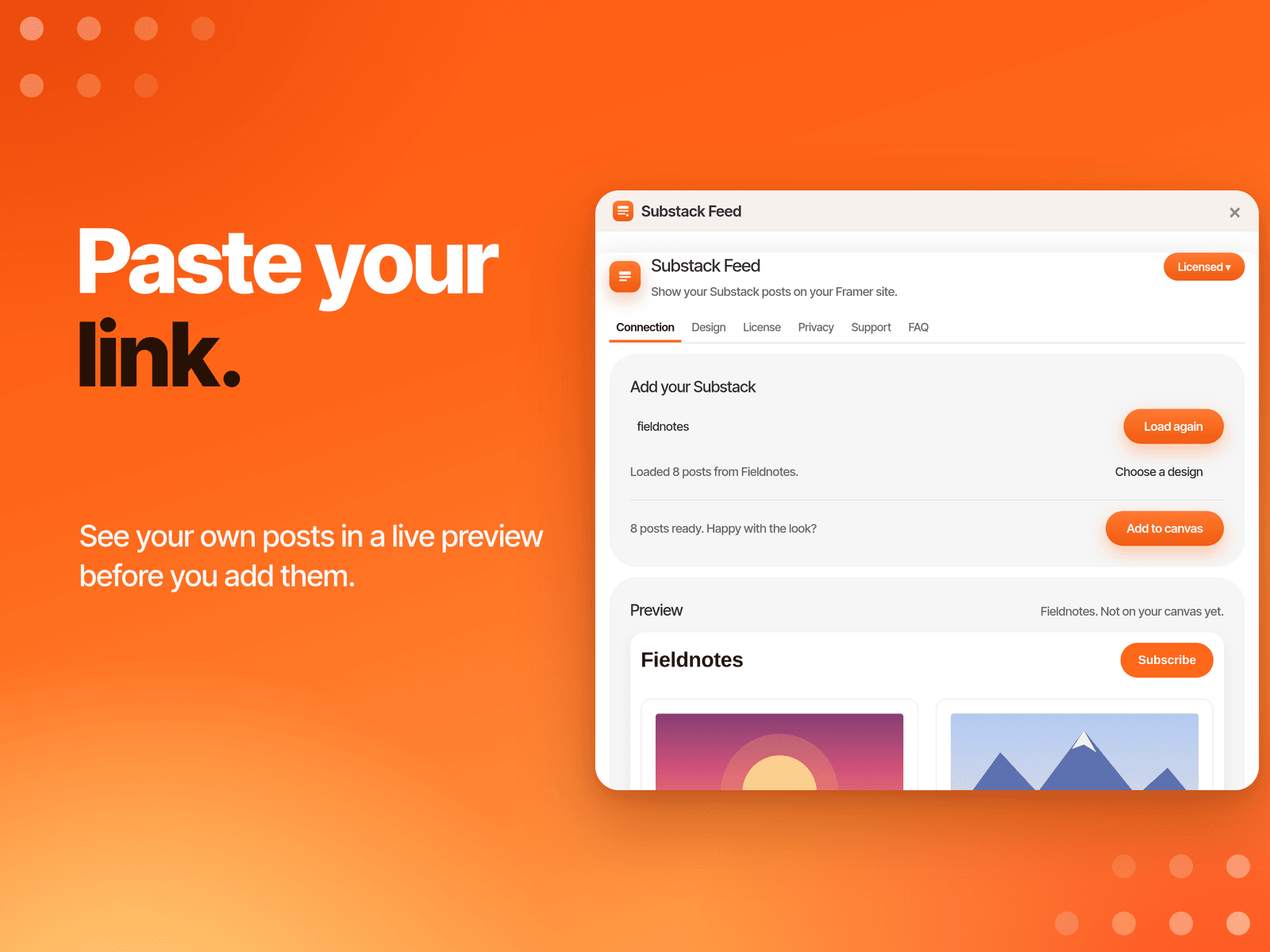
Paste your newsletter address (yourname.substack.com, your custom domain, or a link to any post), look at a live preview of your own posts, pick a layout and choose Add to canvas. No Substack login, no API keys.
WHAT YOU GET
• Live preview first. See your real posts in your chosen design.
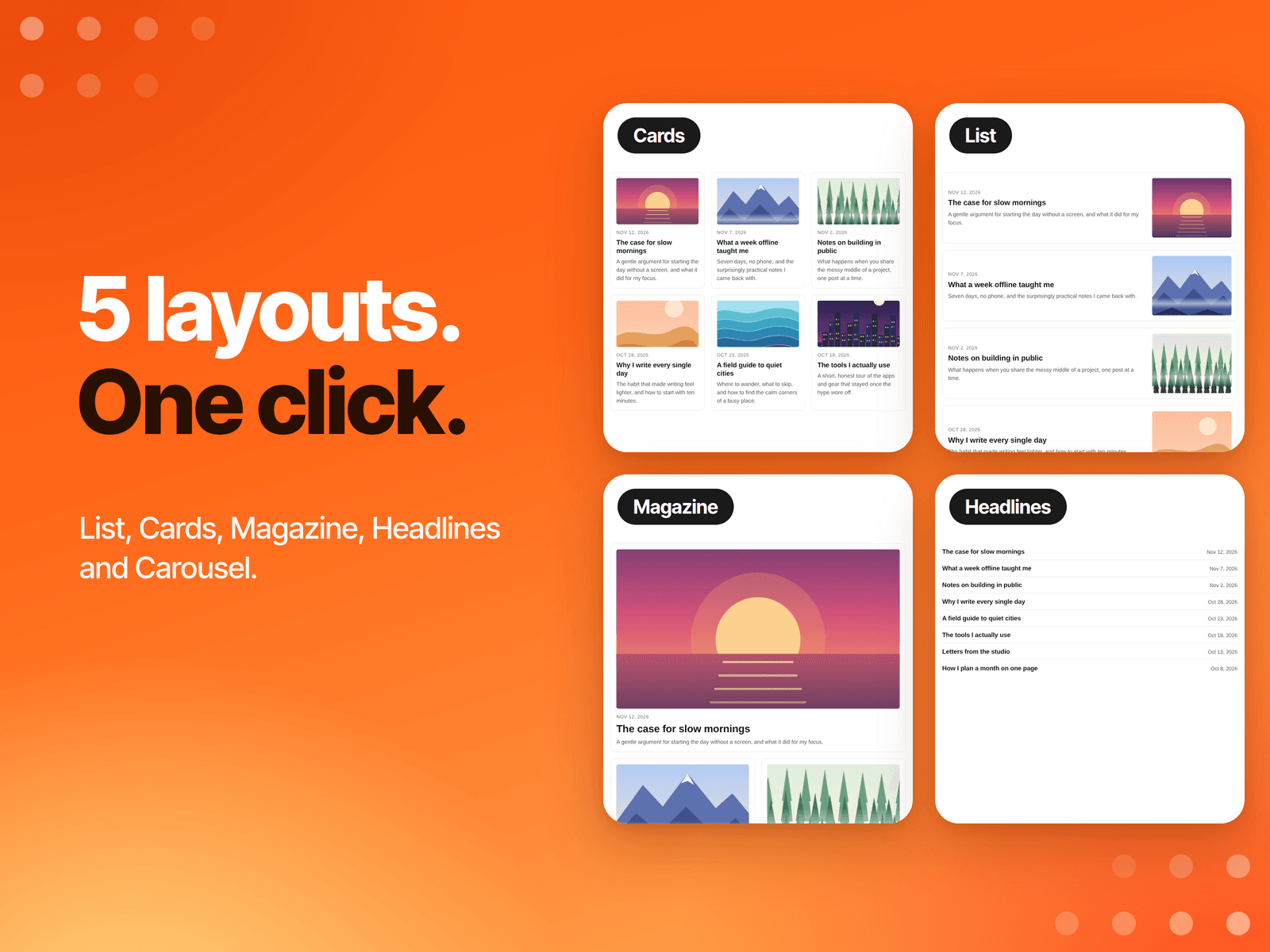
• 5 layouts: List, Cards, Magazine, Headlines and Carousel.
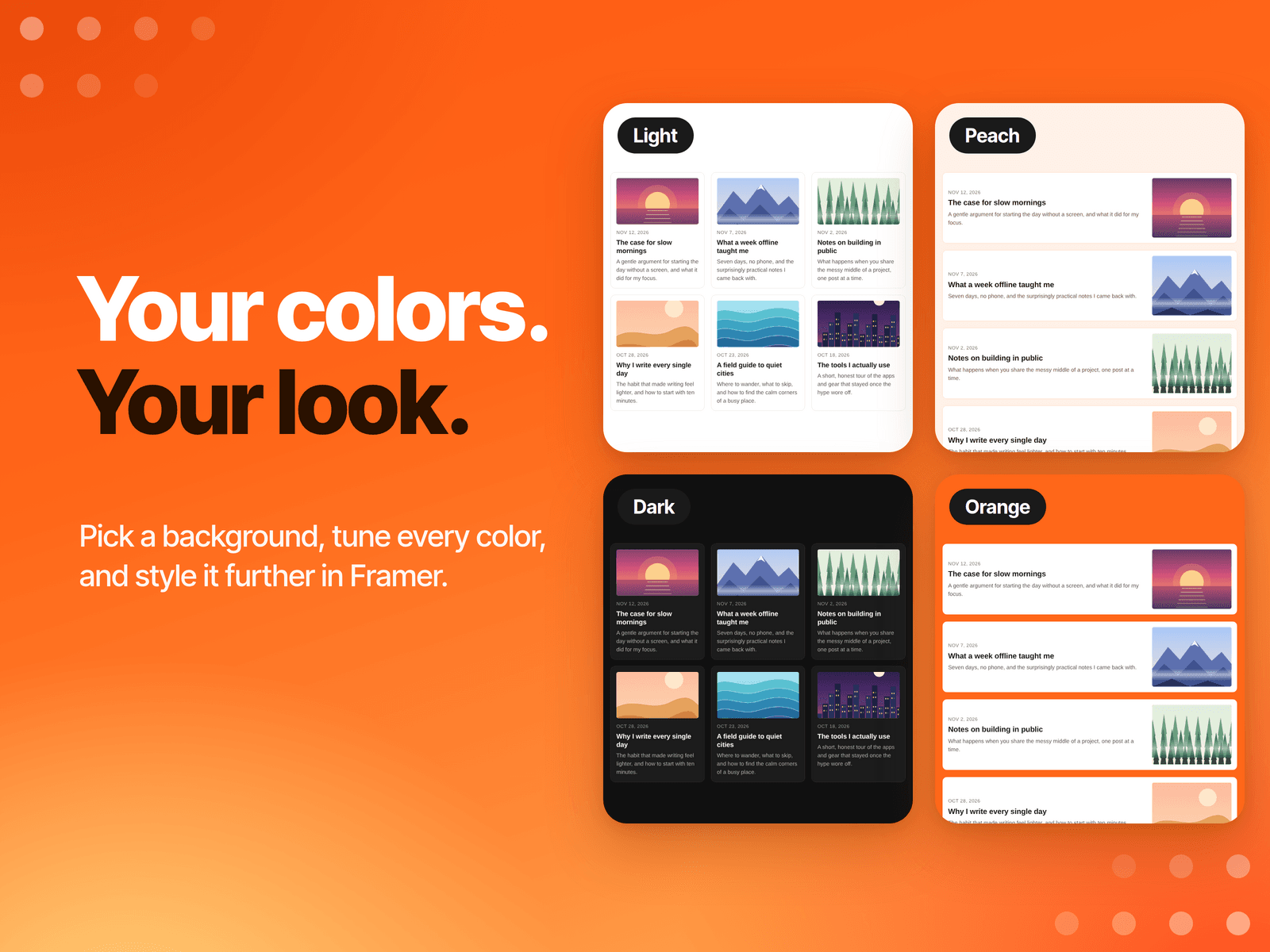
• Your look. Pick a background (Light, Paper, Peach, Orange, Dark, or none), tune every color, and set the corner radius, spacing, picture shape and number of posts. Choose your own fonts in Framer.
• Choose what shows: heading, Subscribe button, pictures, date, author and summary, each on or off. The Subscribe button opens your newsletter's subscribe page.
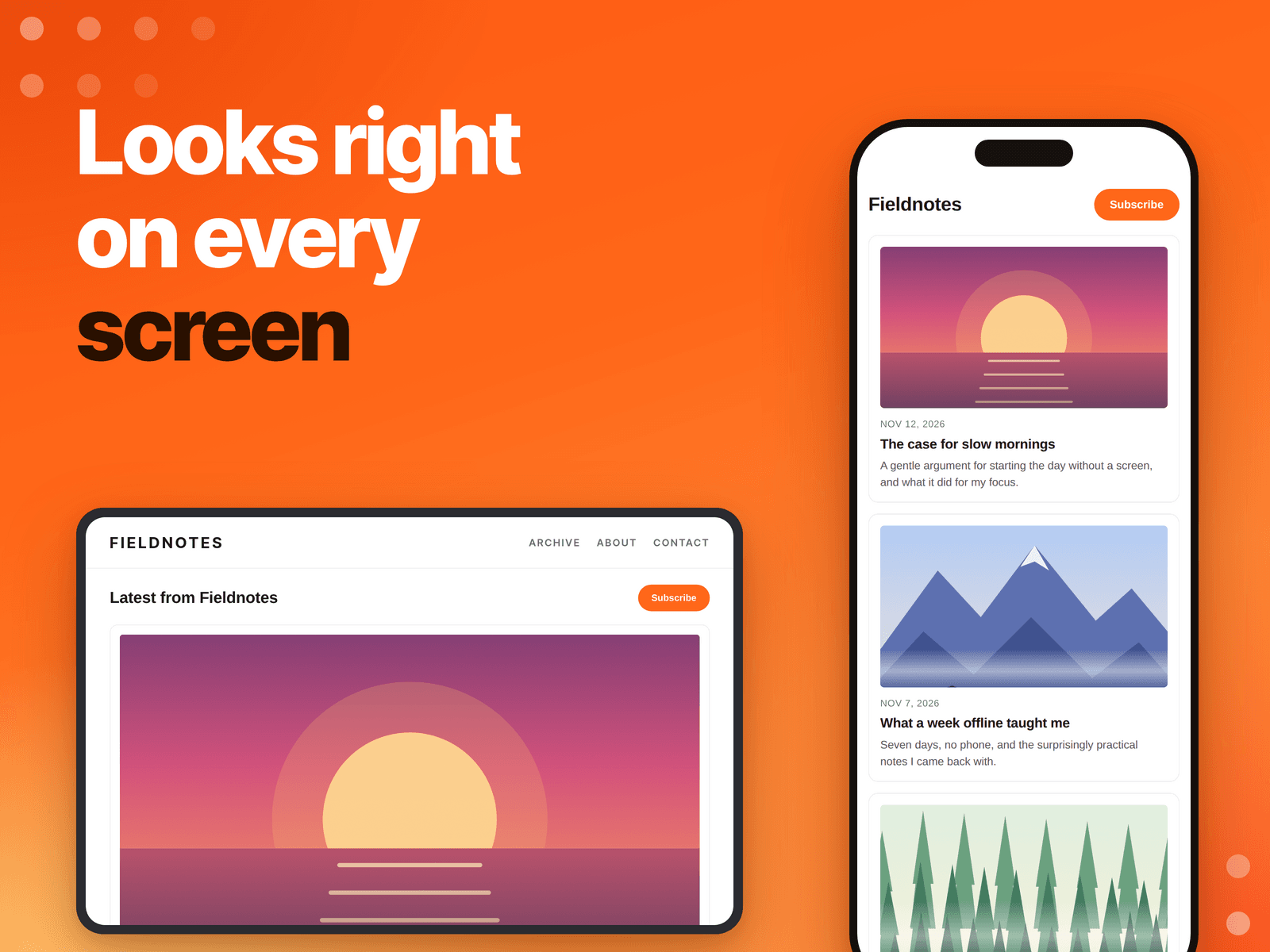
• Responsive. Columns adjust to the space available, down to one column on a phone.
HOW IT WORKS
1. Open the plugin and paste your Substack address.
2. Choose Preview, then pick a layout and colors on the Design tab.
3. Activate your license (one time lifetime fee) and choose Add to canvas.