About Contact Form - SupportRetriever
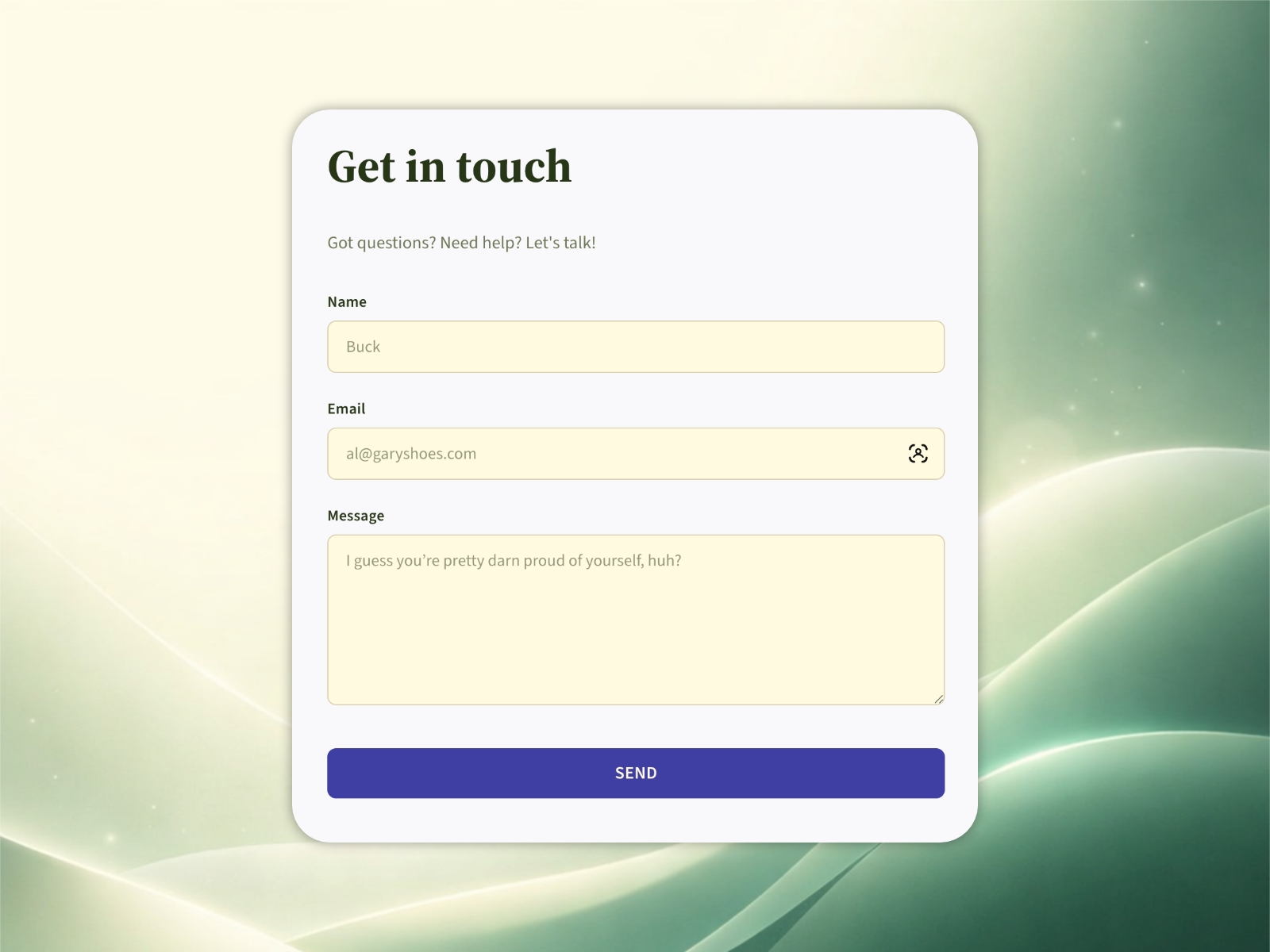
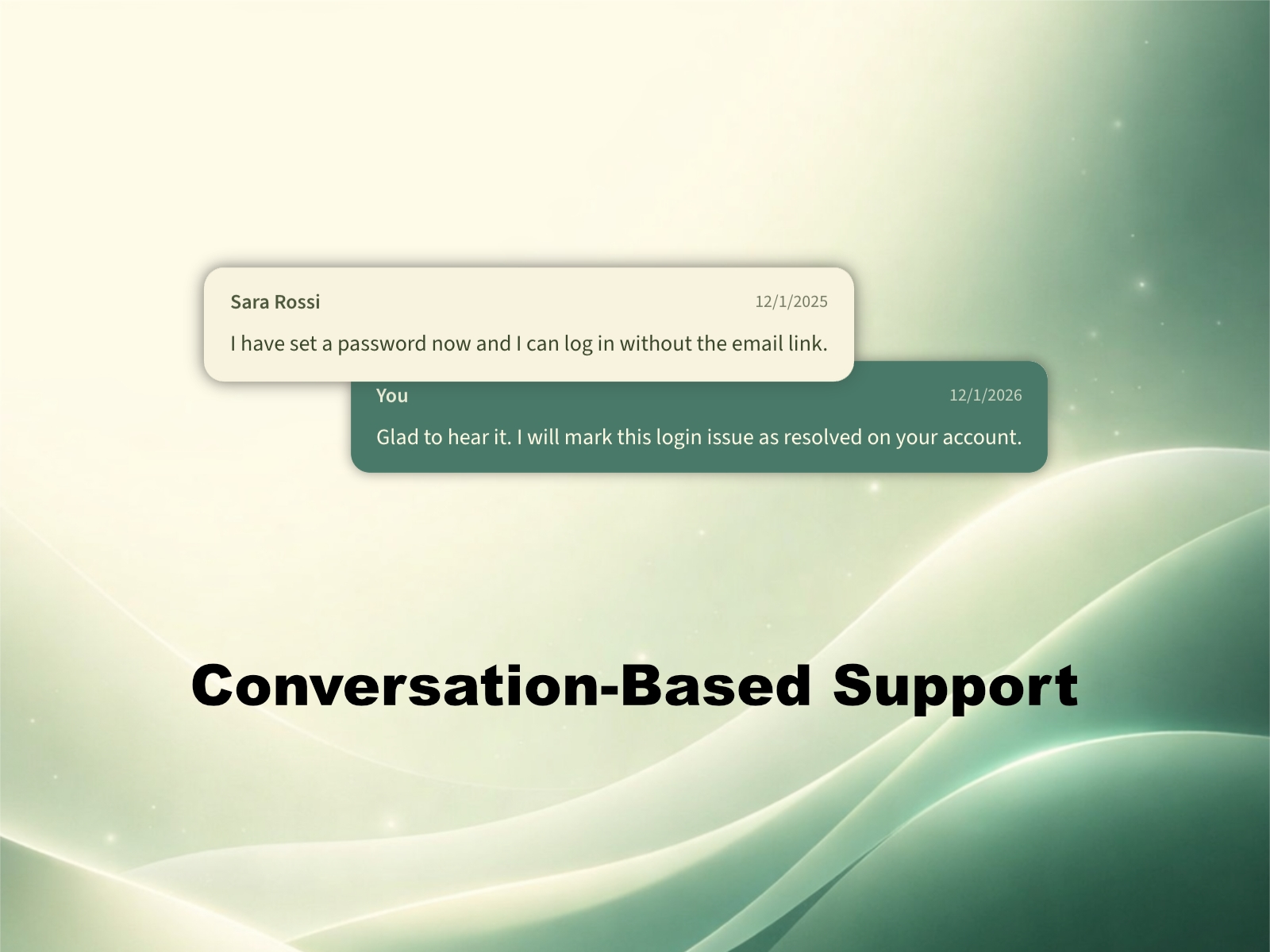
SupportRetriever helps you run customer support without heavyweight helpdesk software. Add a secure, branded form to your site, stop exposing your email, and keep every customer conversation in one clean thread.
How it works
A customer fills out your form and hits send. The message is instantly captured and secured.
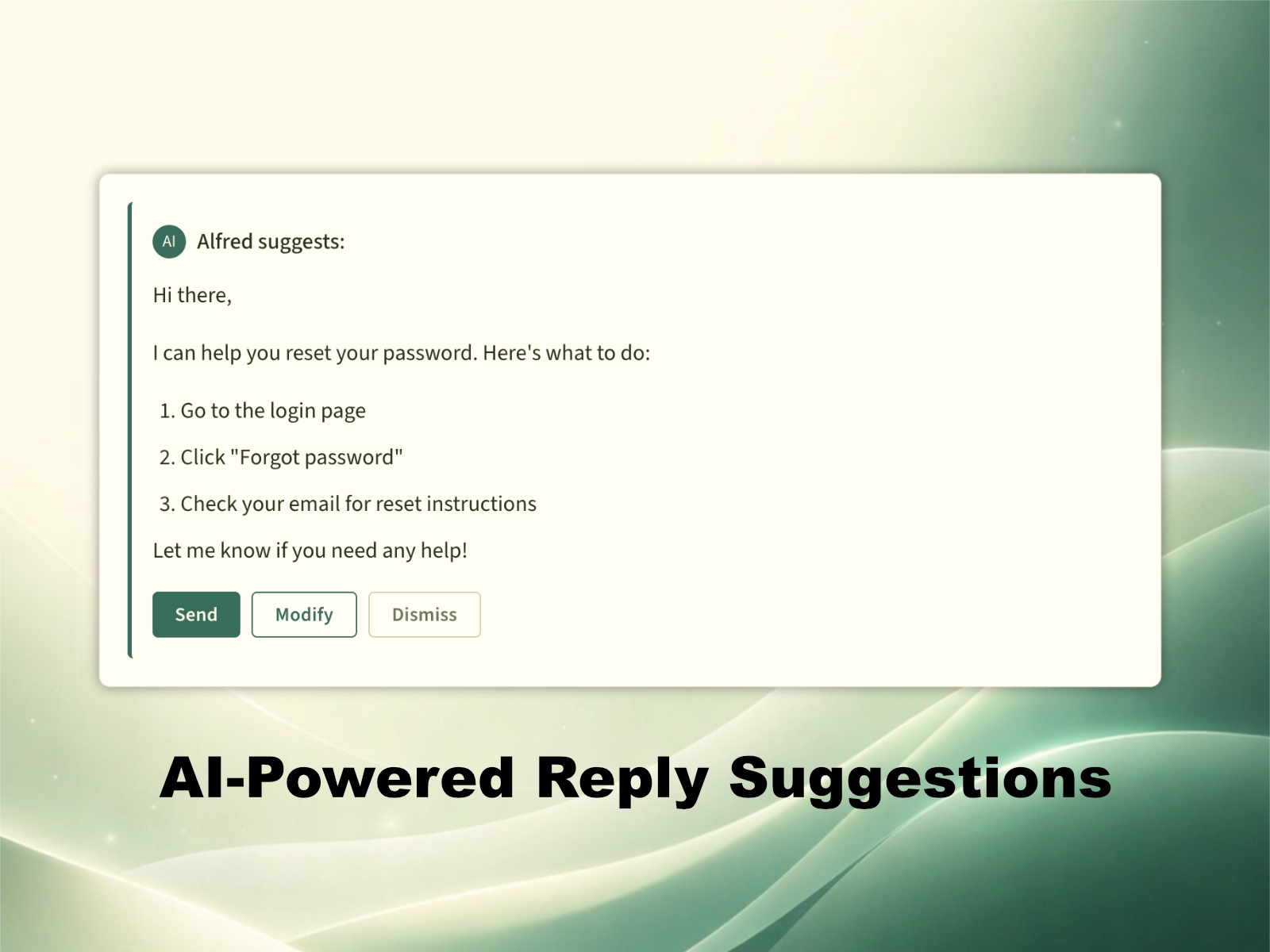
AI reviews the submission before you ever open it. It filters spam, applies the right tags, checks your knowledge base, drafts a reply, creates a short actionable summary, and suggests next steps based on your instructions.
You receive a notification only after the work is done. Review the full context, approve and send, make adjustments, or reply yourself in seconds.
Get Your Time Back
SupportRetriever takes the repetitive workload off your plate, so you and your team can focus on real conversations, tougher cases, and customers who actually need a human.
AI Assisted, Not AI Unleashed
Customers deserve trust, not experiments. SupportRetriever helps you and your team move quickly, while keeping the final say firmly in your hands.
Support Without the Stress
When a customer message comes in, you shouldn’t feel the instant pressure to drop everything. With SupportRetriever, around 80% is already handled, so what lands in front of you is a near finished reply that only needs quick tweaks and approval.
No Budget Drama
Support shouldn’t require enterprise pricing to feel professional. SupportRetriever stays affordable, so you and your team can scale support quality without overcommitting budget.
Live in Minutes, Not Months
Support shouldn’t need a rollout plan to get better. SupportRetriever gets you live in minutes, so you can show results quickly and iterate from there.
Built to keep things simple and effective
Hide your email to cut spam and look more professional.
Spam protection runs quietly in the background.
AI-powered reply suggestions with your own API key, supports providers like OpenAI, Claude, Gemini, and Grok.
Unlimited saved replies for FAQs and common issues.
Branded form and branded responses so customers see your product name.
Insights and analytics to improve over time.
Unlimited seats for your team.
Pricing
Free to start, no credit card required. AI suggestions use your own API keys, provider fees apply separately.