About Sync Shopify
Sync Shopify products into Framer CMS, then turn that data into a working storefront with optional premium commerce components.
CMS sync
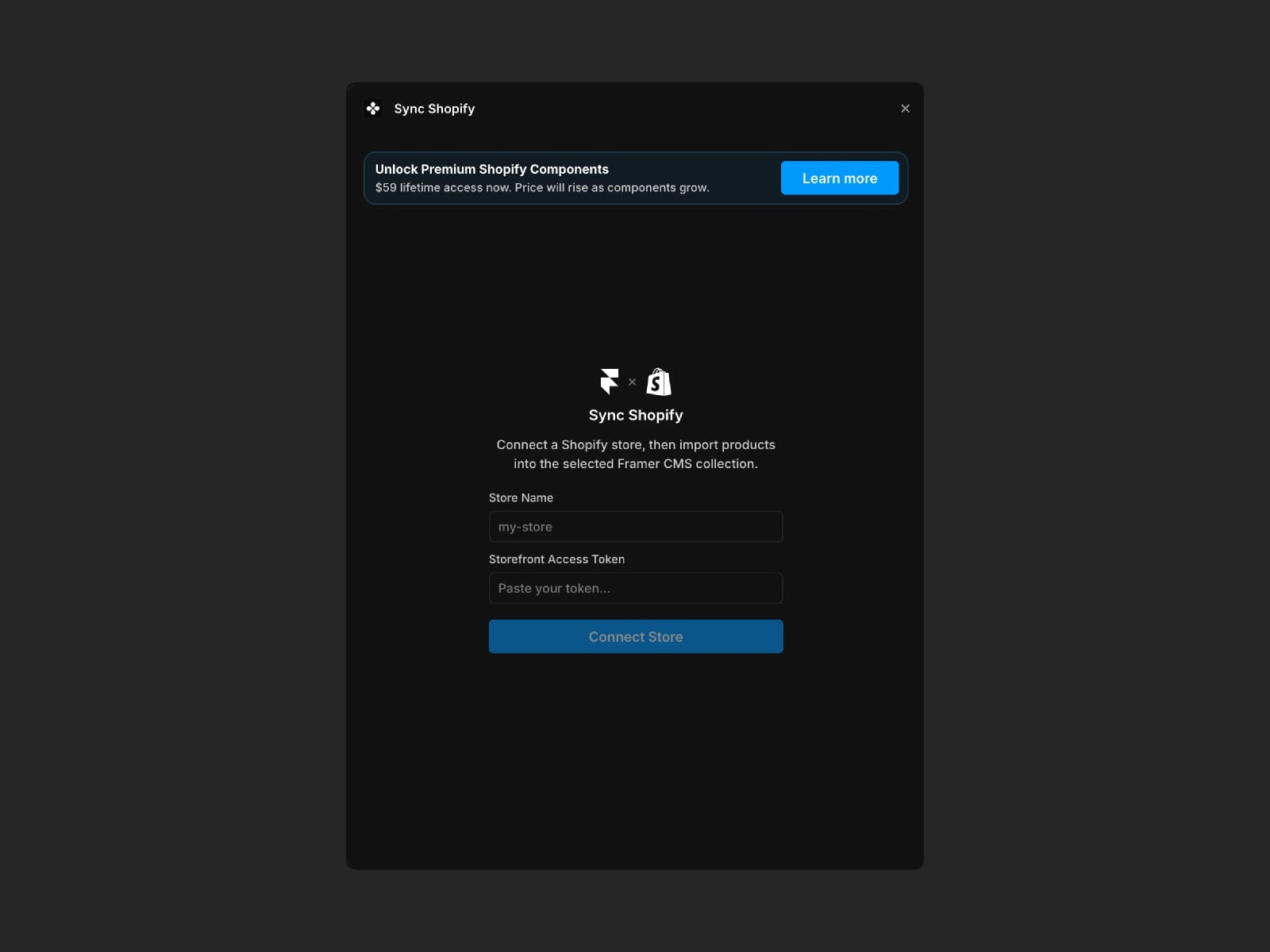
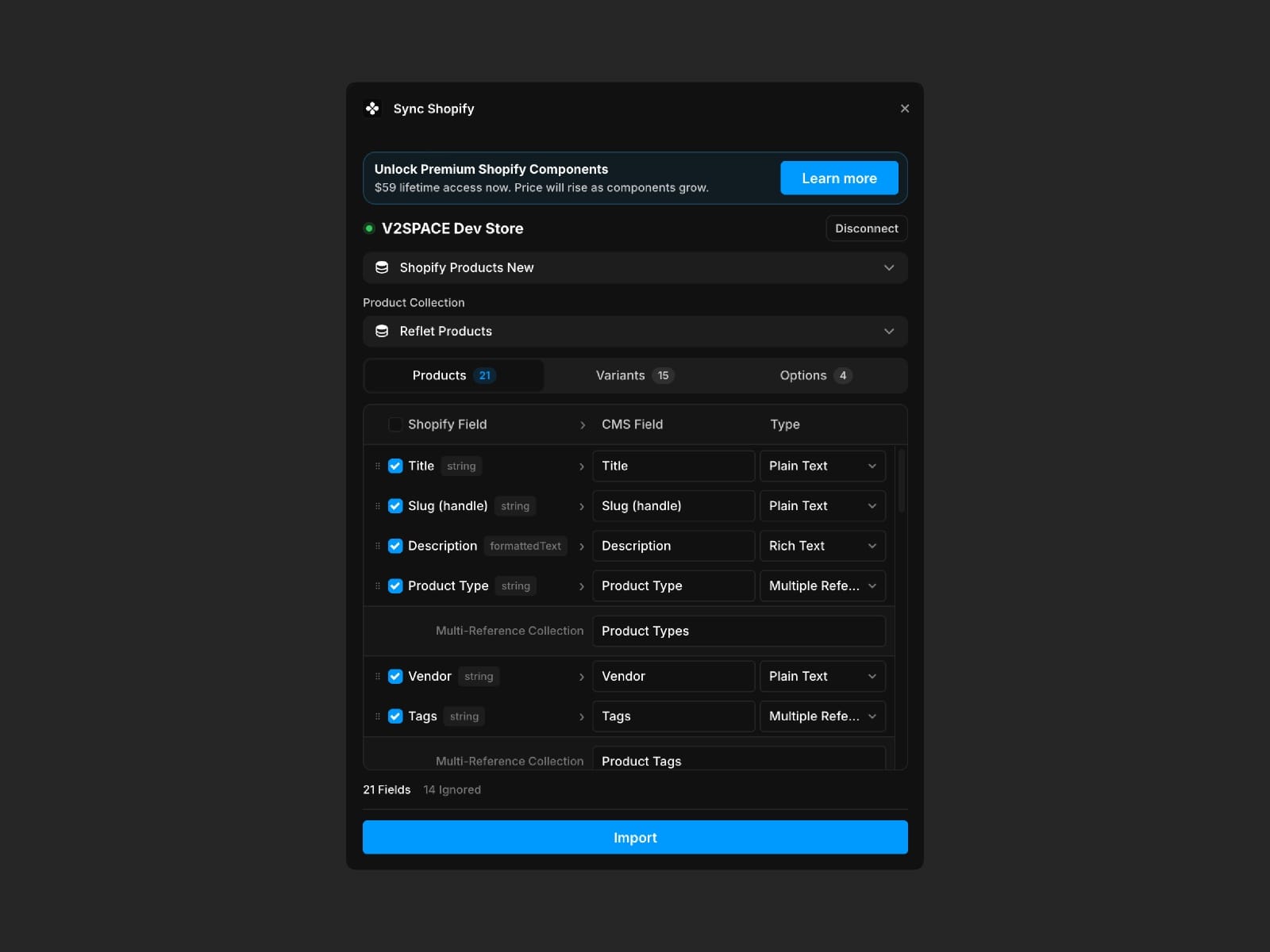
Connect with your Shopify store name and Storefront Access Token, choose all products or a specific collection, and map Shopify product fields into Framer CMS. Incremental sync keeps your CMS updated as products change.
Premium Shopify components
Shopify Provider - connect your Framer site to Shopify once and share product/cart data across commerce components.
Shop Gallery - bind Shopify-powered CMS media to a responsive product gallery for real storefront pages.
Add to Cart - let visitors choose variants, set quantity, and add products to the shared cart without leaving your Framer page.
Cart Button - add a synced cart button and slide-out cart drawer with items, quantities, subtotal, and checkout.
How to use
Enter your Shopify store name and Storefront Access Token.
Sync all products or select a Shopify collection.
Configure field mappings for the CMS fields you need.
Add the optional premium components when you want a full shopping UI on top of the synced CMS data.