
About Tag Pilot
Your analytics tools. Connected inside Framer.
Tag Pilot helps you install and manage analytics integrations without manually pasting tracking snippets. Choose your provider, enter the required ID or settings, and install its code directly into your Framer project.
Publish your site, then explore your traffic and visitor behaviour in your analytics provider’s dashboard.
Less code to manage
Install supported tracking tags from one panel.
Update saved provider settings when things change.
Remove integrations without disturbing unrelated custom code.
Access setup guidance and provider dashboard links.
Start free
Install Microsoft Clarity, Umami, and Meta Pixel at no cost. GA4 setup guidance is also included, helping you add your Measurement ID through Framer’s native Site Settings.
Unlock more integrations
Solo and Creator licenses add Contentsquare (previously Hotjar), PostHog, Fathom, Mixpanel, Amplitude, and Matomo.
Solo: all integrations for one Framer project.
Creator: all integrations across unlimited projects on one Framer account.
Both are lifetime Tag Pilot licenses.
How it works
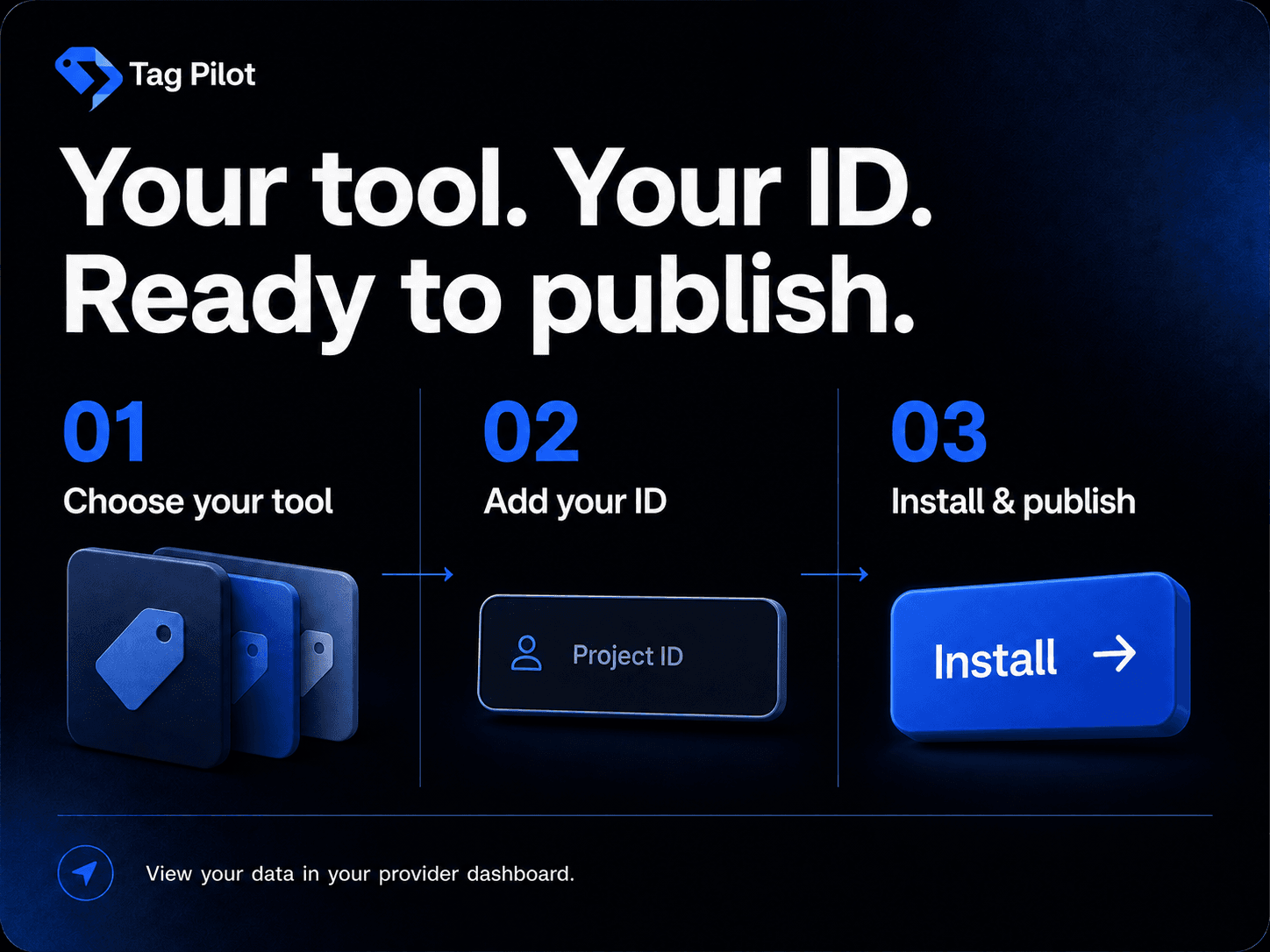
Set up your account with your chosen analytics provider.
Enter the provider’s required details in Tag Pilot.
Click Install, then publish your Framer site.
Verify collection and view reports in your provider’s dashboard.
Analytics provider subscriptions and usage fees are separate. You need permission to edit your project’s custom code. Configure any required visitor consent before enabling tracking.
Support: Email | Contact me on Framer