About Telegram Chat Button by getseo.pro
Telegram Chat Button by getseo.pro
Give your Framer site visitors a one-click path to your Telegram. Works for personal accounts, bots, and channels.
How it works
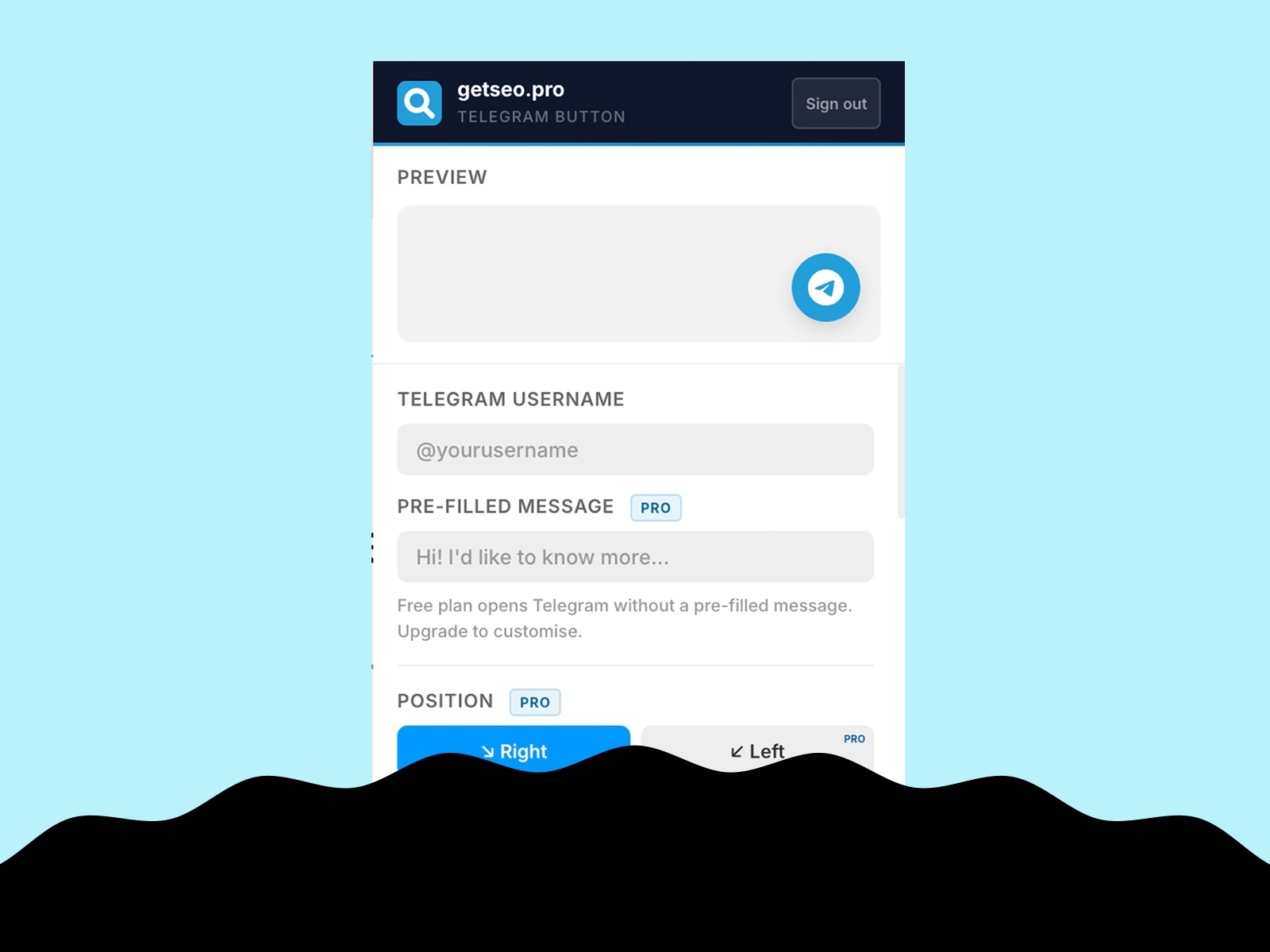
Enter your Telegram username, optionally add a pre-filled message, click "Add to Site." The Telegram button appears on your live site immediately via t.me deep link — supported on all platforms.
Features
Floating Telegram button linked to your username
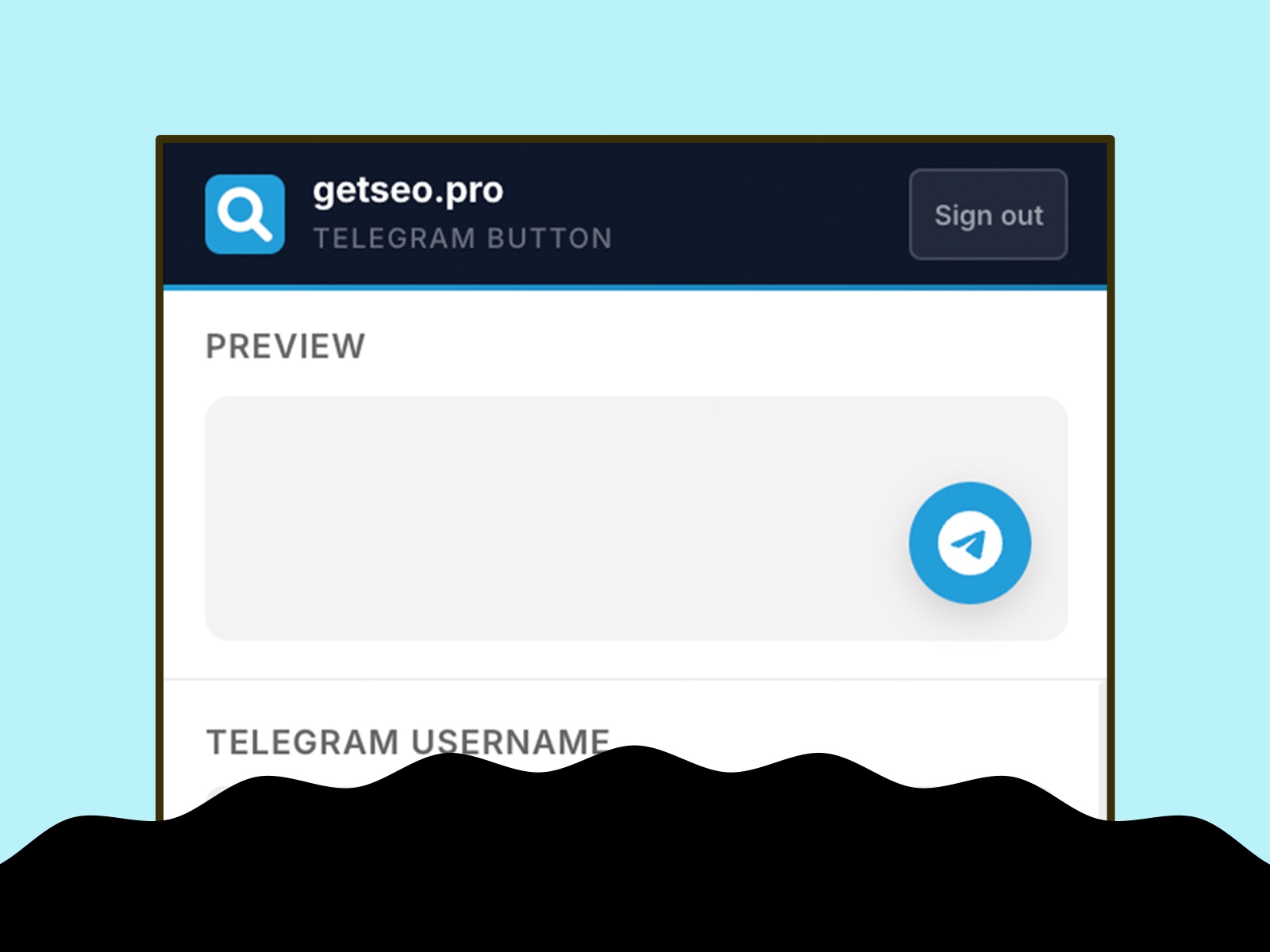
Live in-editor preview
Bottom-right position
Default Telegram blue (#229ED9)
Pre-filled message (appended as `?text=` parameter)
Custom background and icon colors
Custom button size (40–80px)
Pulse or bounce animation
Shadow options: subtle, strong, glow
Notification badge (1–99)
Tooltip on hover
Delay appearance (0–30s)
Pre-chat bubble with dismiss button
Hide on mobile
Business hours: hide or show offline message outside working hours
GTM dataLayer tracking: fires `{ event, page, username }` on click
Part of the getseo.pro suite for Framer.