About WhatsApp Chat Button
One-click contact, right where it matters
Most visitors don’t want to search for a contact page. They want to reach you instantly.
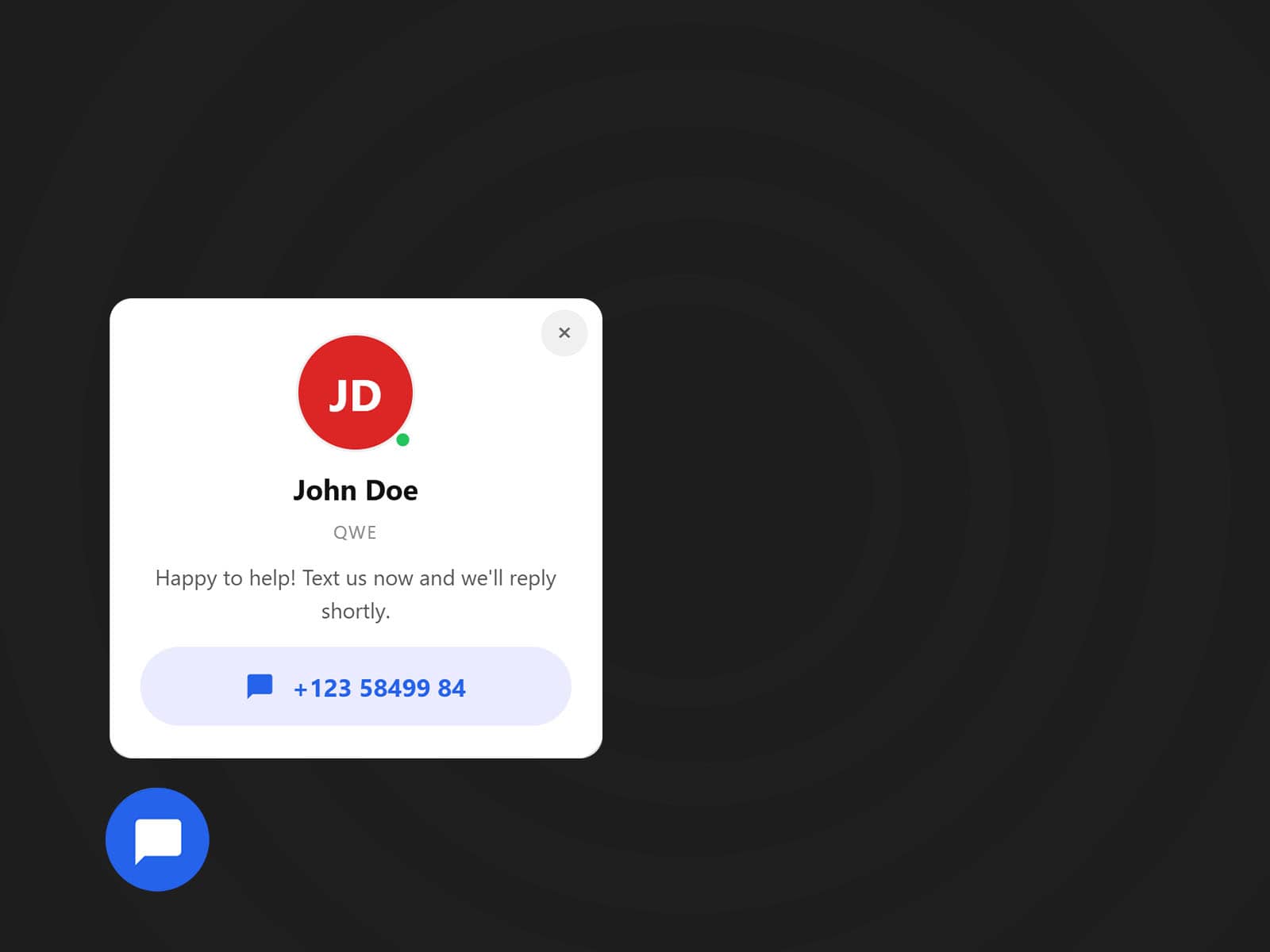
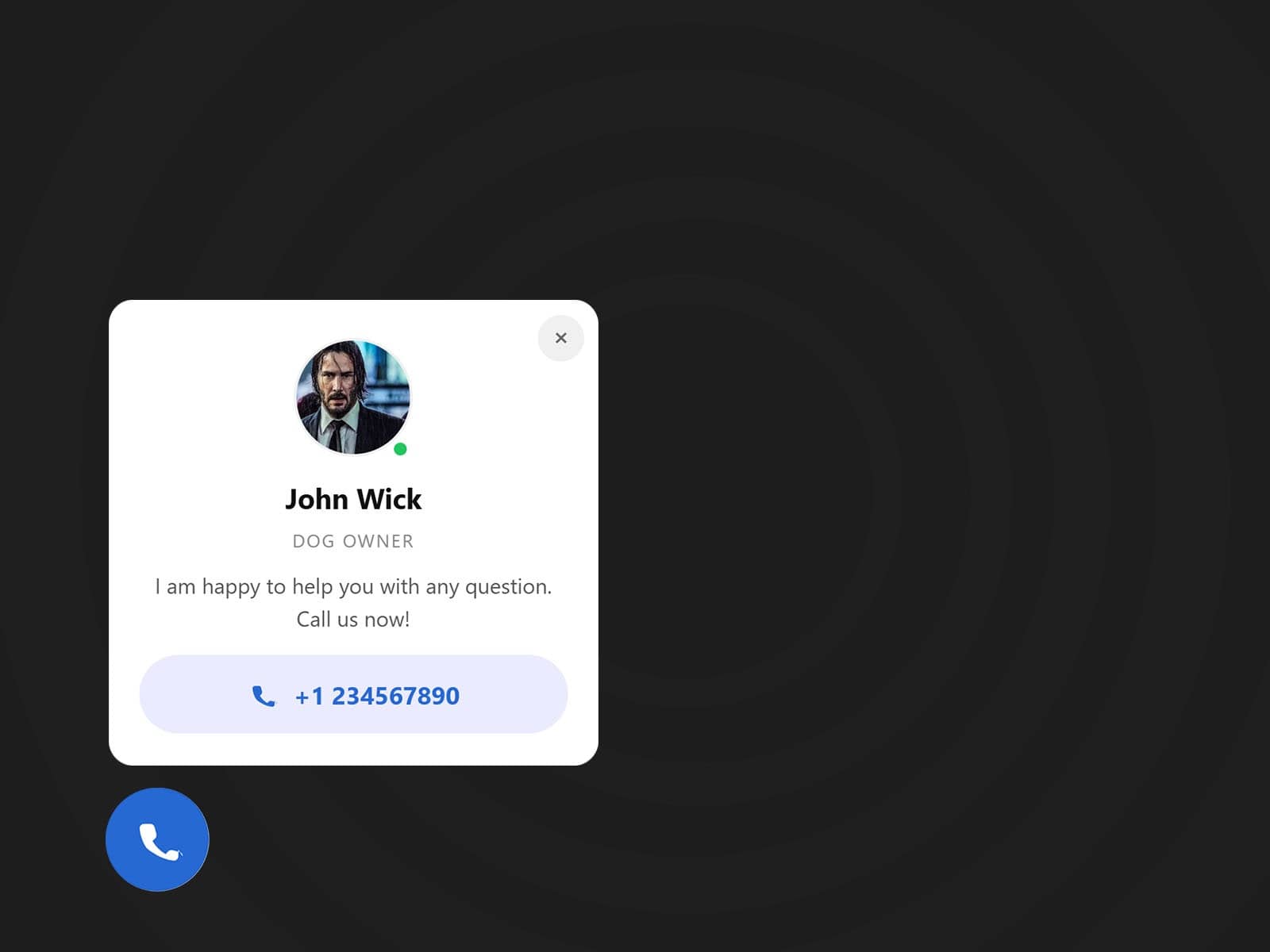
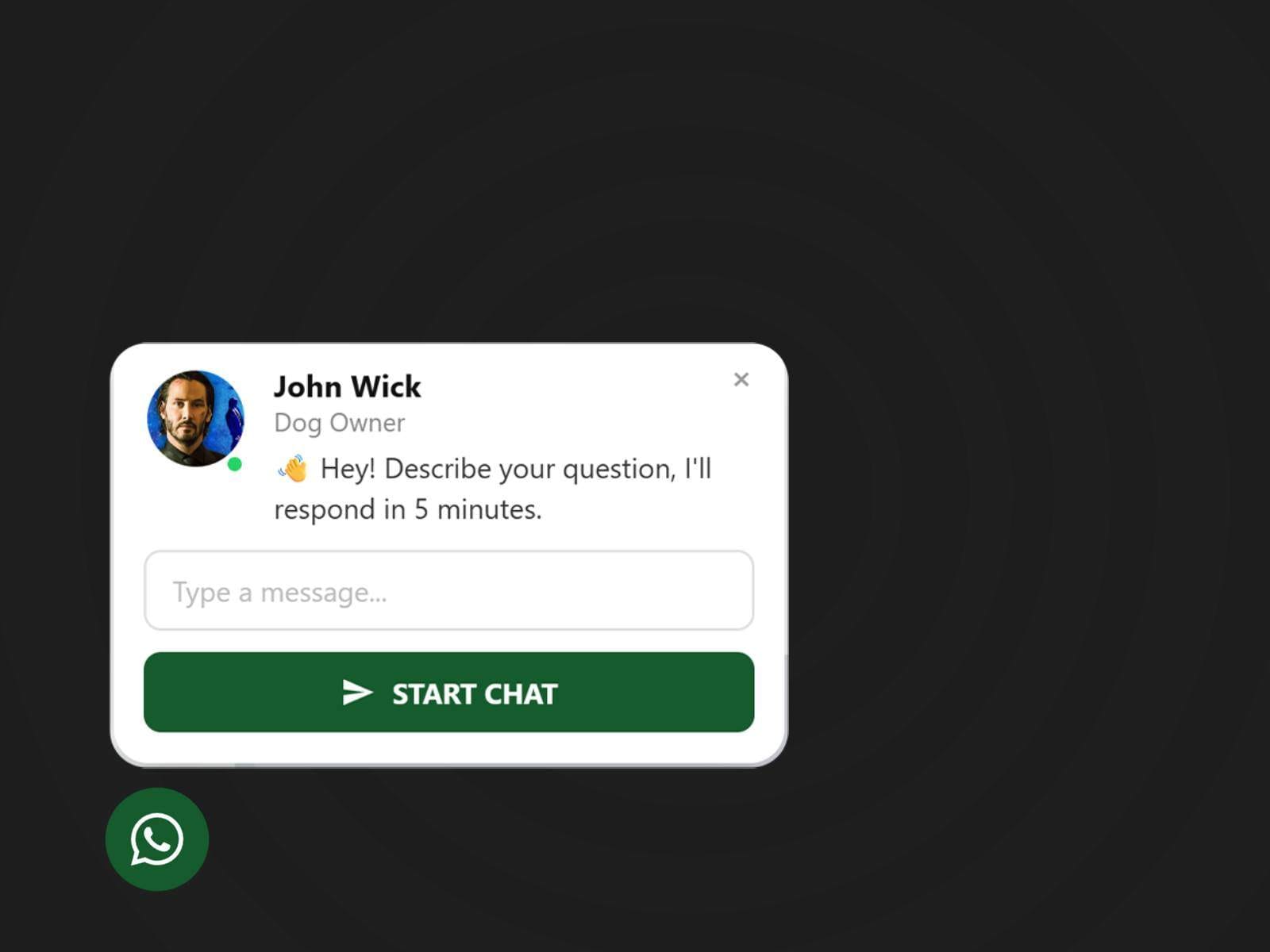
The WhatsApp Chat Button for Framer adds a floating contact button to your website, allowing visitors to start a WhatsApp chat with a single click, especially powerful on mobile.
Built for conversion, not complexity
This plugin is designed to feel native to Framer. No need for external tools, no scripts, no custom code, everything done automatically.
Just insert the plugin, configure your contact details, and publish.
Key Features
Floating WhatsApp button
Option to enable WhatsApp only
Fully customizable position (left or right)
Custom colors to match your brand
Mobile-first behavior for better conversions
Works on all Framer pages
No external API keys required
Why use a floating contact button?
Visitors are far more likely to contact you when communication is effortless.
This plugin is ideal for:
Freelancers and agencies
Local businesses
Landing pages and marketing sites
SaaS websites and portfolios
Service-based websites
If your goal is faster replies and higher conversions, this plugin does the job.
Simple setup
Install the plugin from the Framer Marketplace
Insert it into your project
Add your WhatsApp number or phone number
Customize the appearance
Publish and start receiving messages
That’s it.
Designed for Framer creators
This plugin adheres to Framer’s design and performance standards and is built to work smoothly in the editor and on published sites.