About Ember Studio
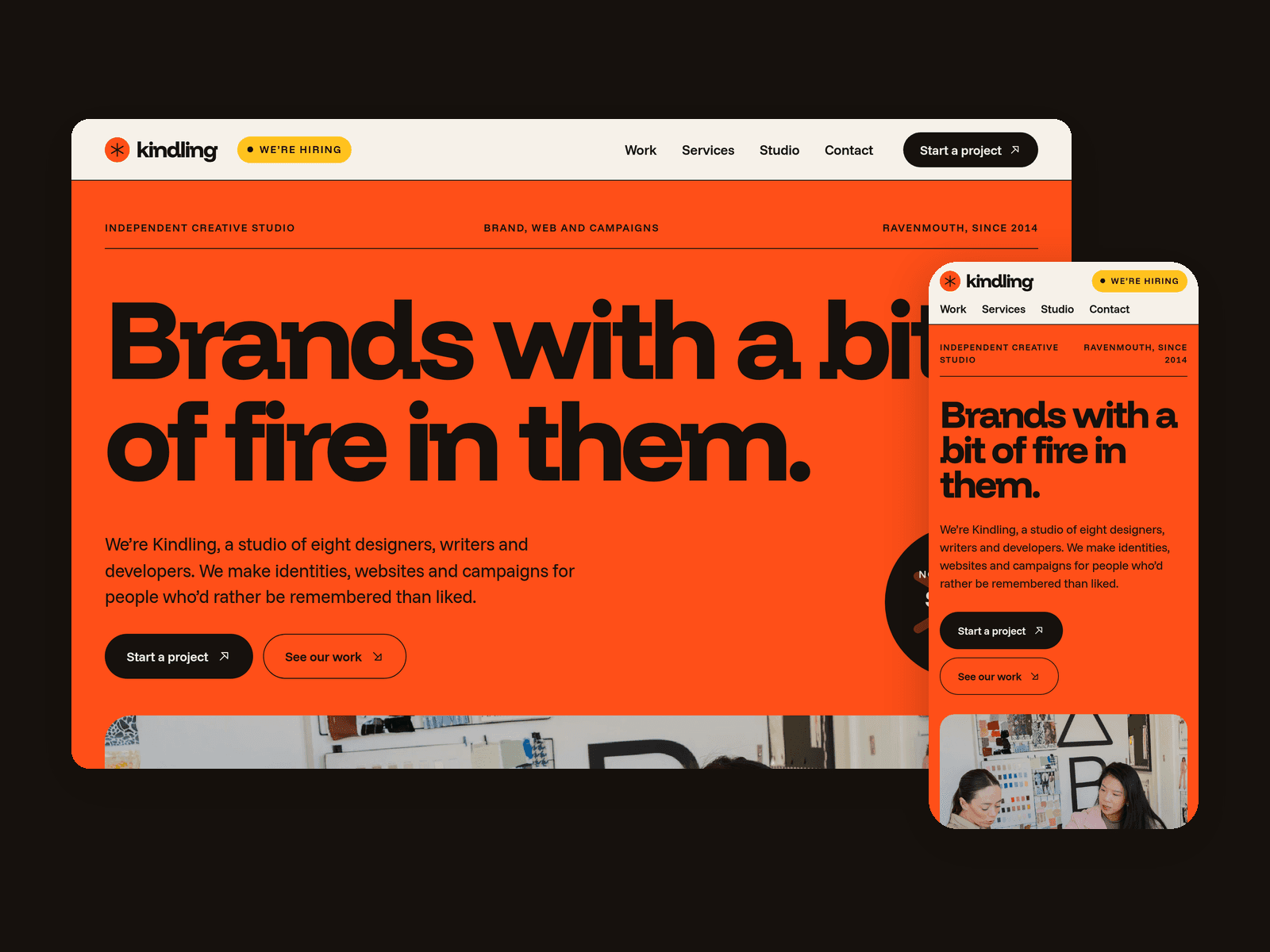
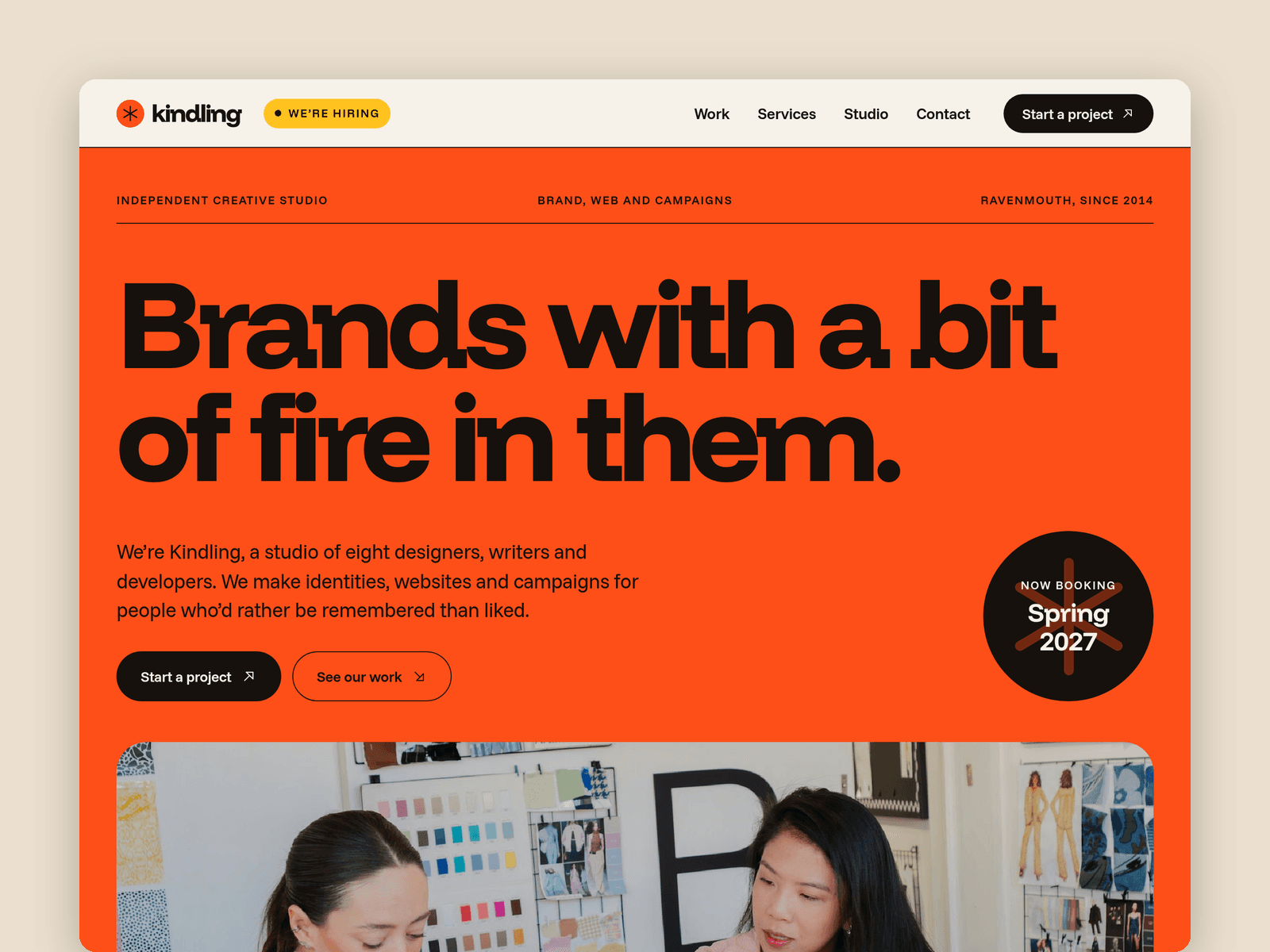
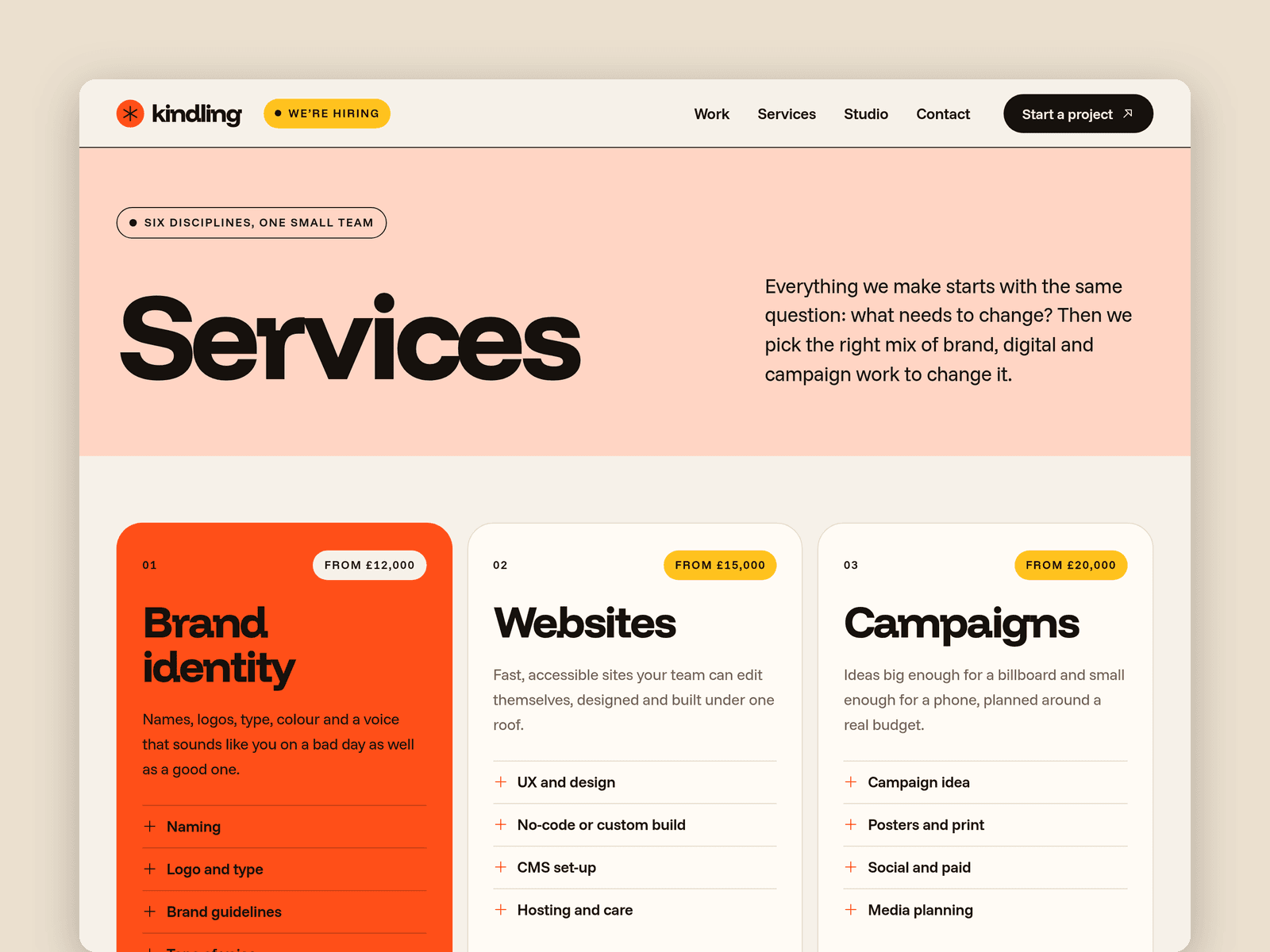
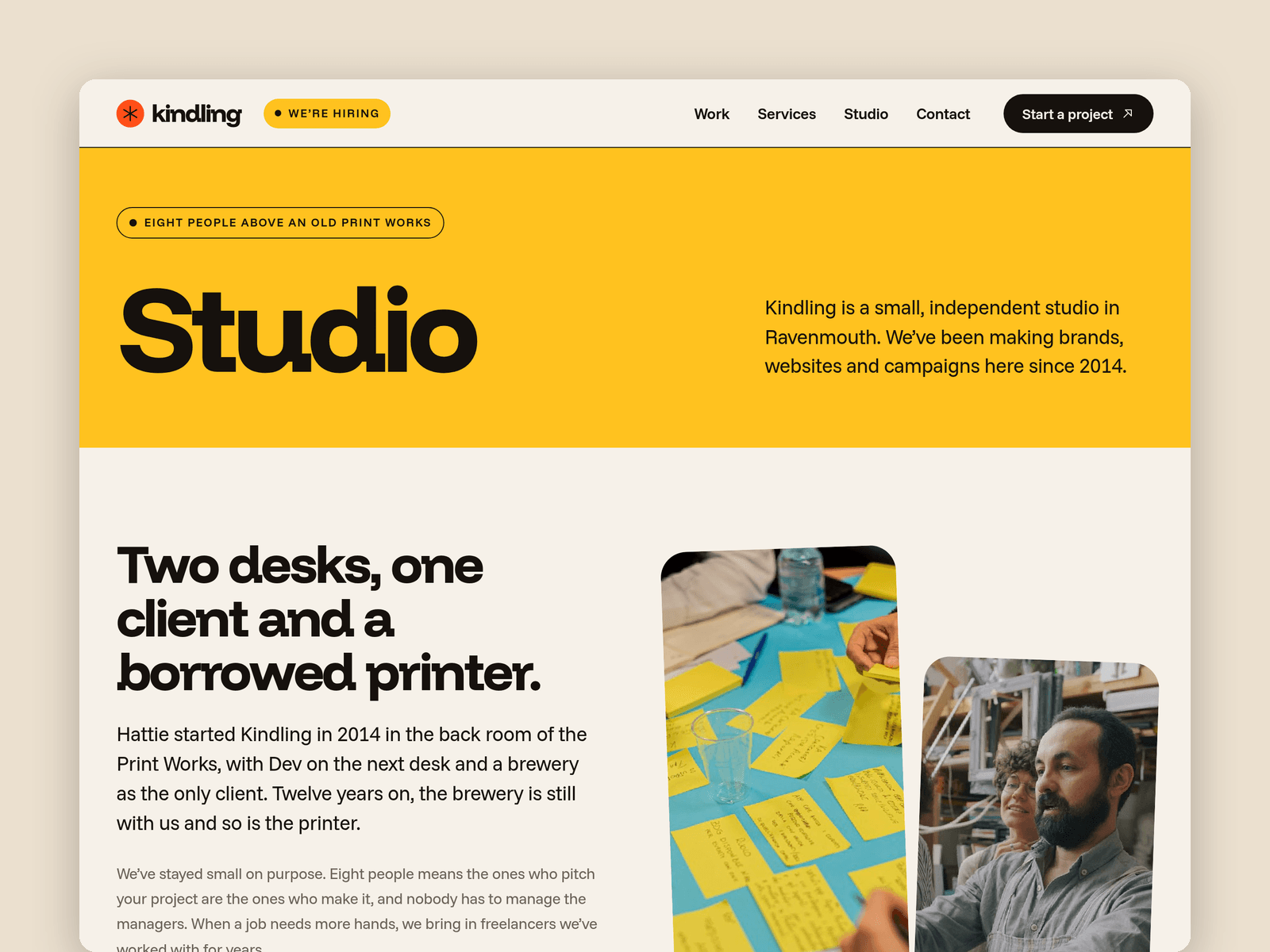
Ember is a website template for small creative studios and agencies. It's loud on purpose: a hot orange hero with a huge headline, a spinning "now booking" sticker, scrolling client names and big rounded cards in orange, yellow and blush.
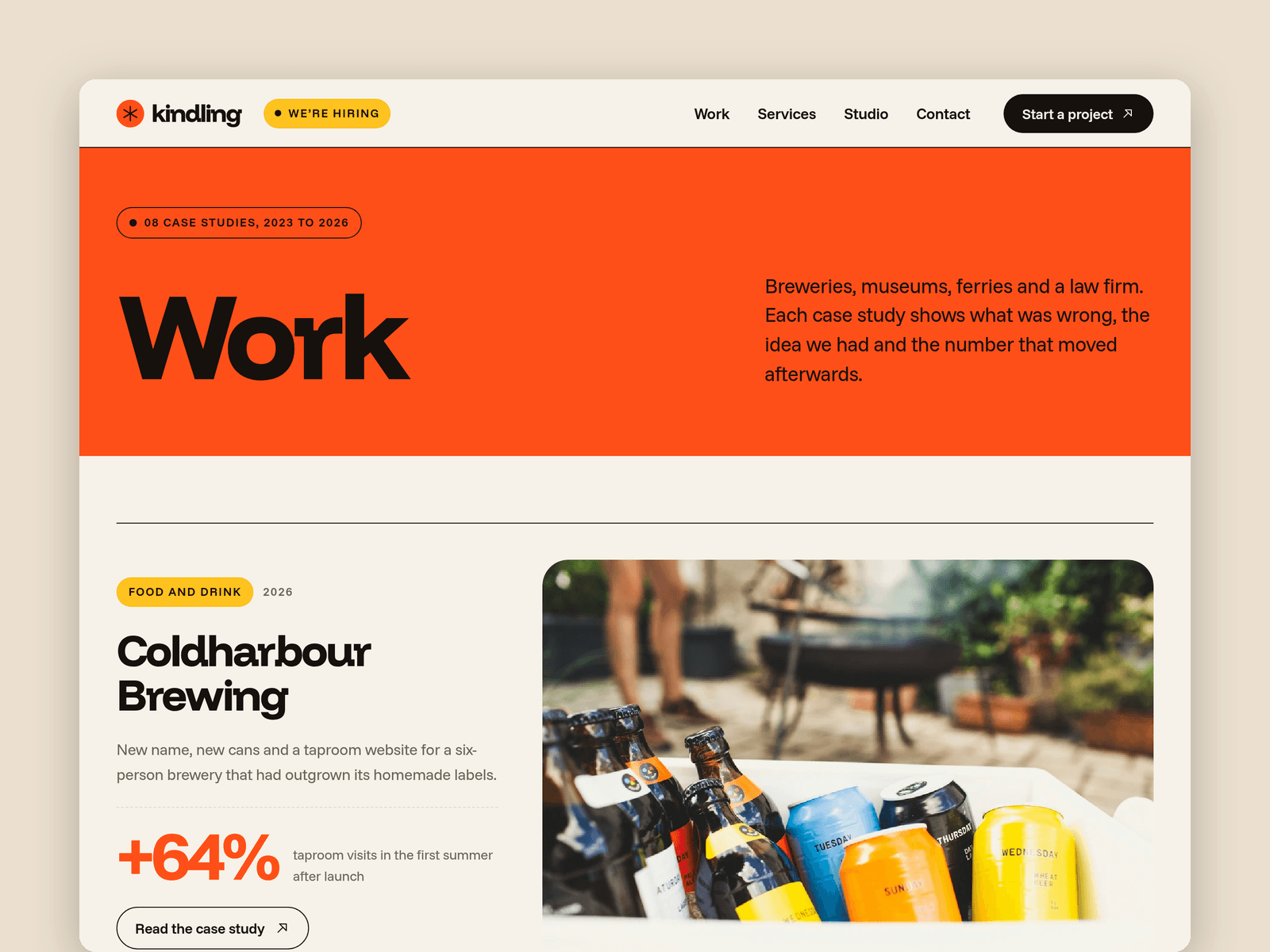
Case studies run from the CMS. Each one has a client, sector, year, services, a cover, a photo gallery, a headline number with its label, an accent colour and a write-up in three parts: the challenge, the idea and the result. Each gets its own page with the number shown big and a next project link. Mark any project as Featured to show it on the home page.
A second collection holds the team, with a photo, role and a fun fact that sits on each portrait. There's also a "We're hiring" block with open roles and perks, and an awards strip with clear placeholders for your own.
The Contact page has a new business enquiry form with name, email, company, budget band, timeline, services needed (tick boxes) and a message, plus loading, success and error states.
Pages: Home, Work, a case study page, Services (prices, ways to work, process timeline, FAQ), Studio (story, numbers, values, team, careers), Contact, Licenses and 404. Every page has its own search title, case studies take theirs from the CMS, and all of them are laid out for desktop, tablet and phone.
Getting started:
Change the colours in Assets → Colors (all named Ember/...) and the fonts in Assets → Text Styles.
Put your studio name in the nav, the hero and the footer wordmark.
Replace the case studies in CMS → Work, then your people in CMS → Team.
Edit the client names, awards and open roles, or delete the blocks you don't need.
Open the form on /contact and choose where enquiries go.
Update your email, phone, address and social links, then the page titles in Page settings.