About Hops Brewery
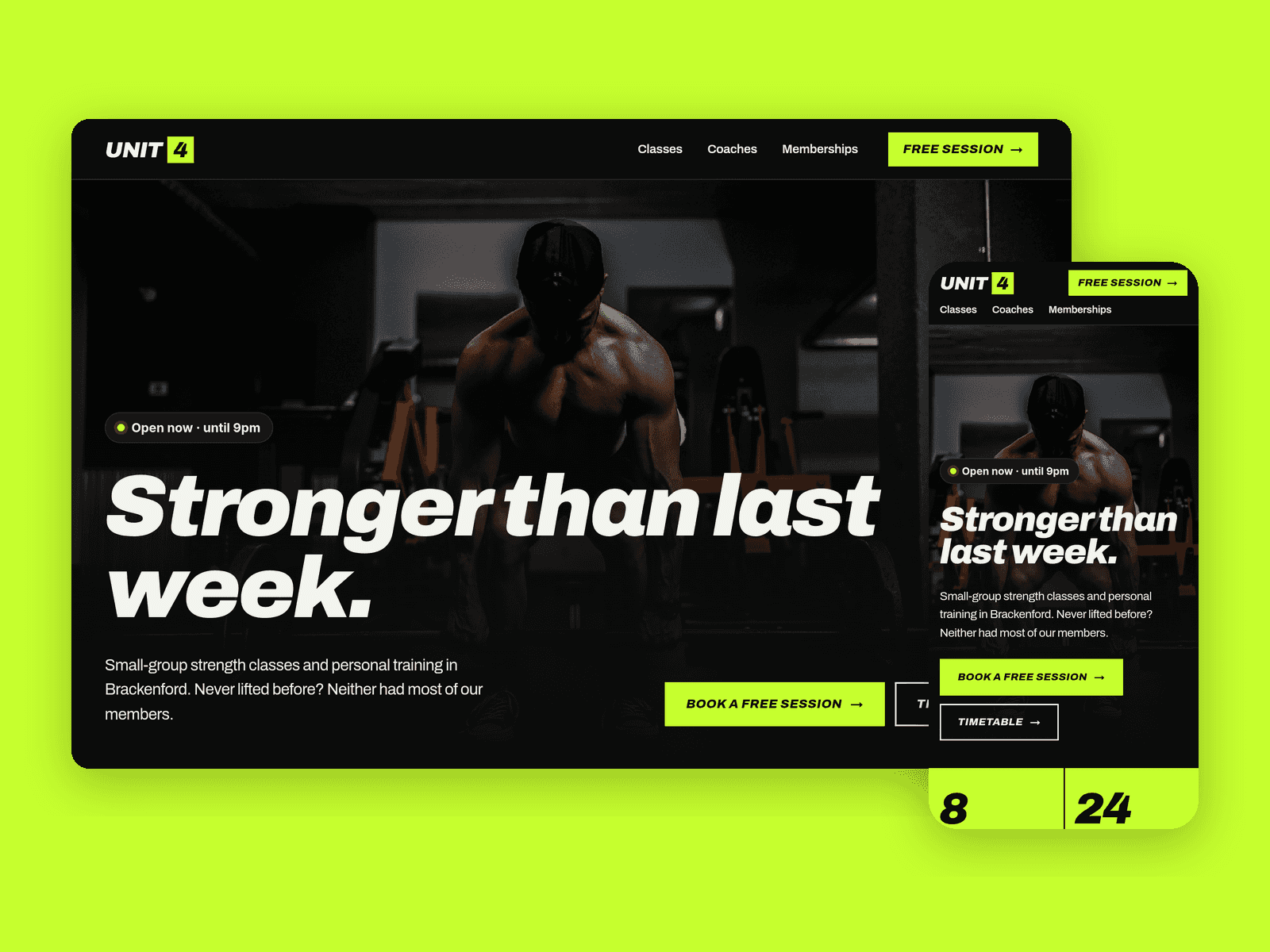
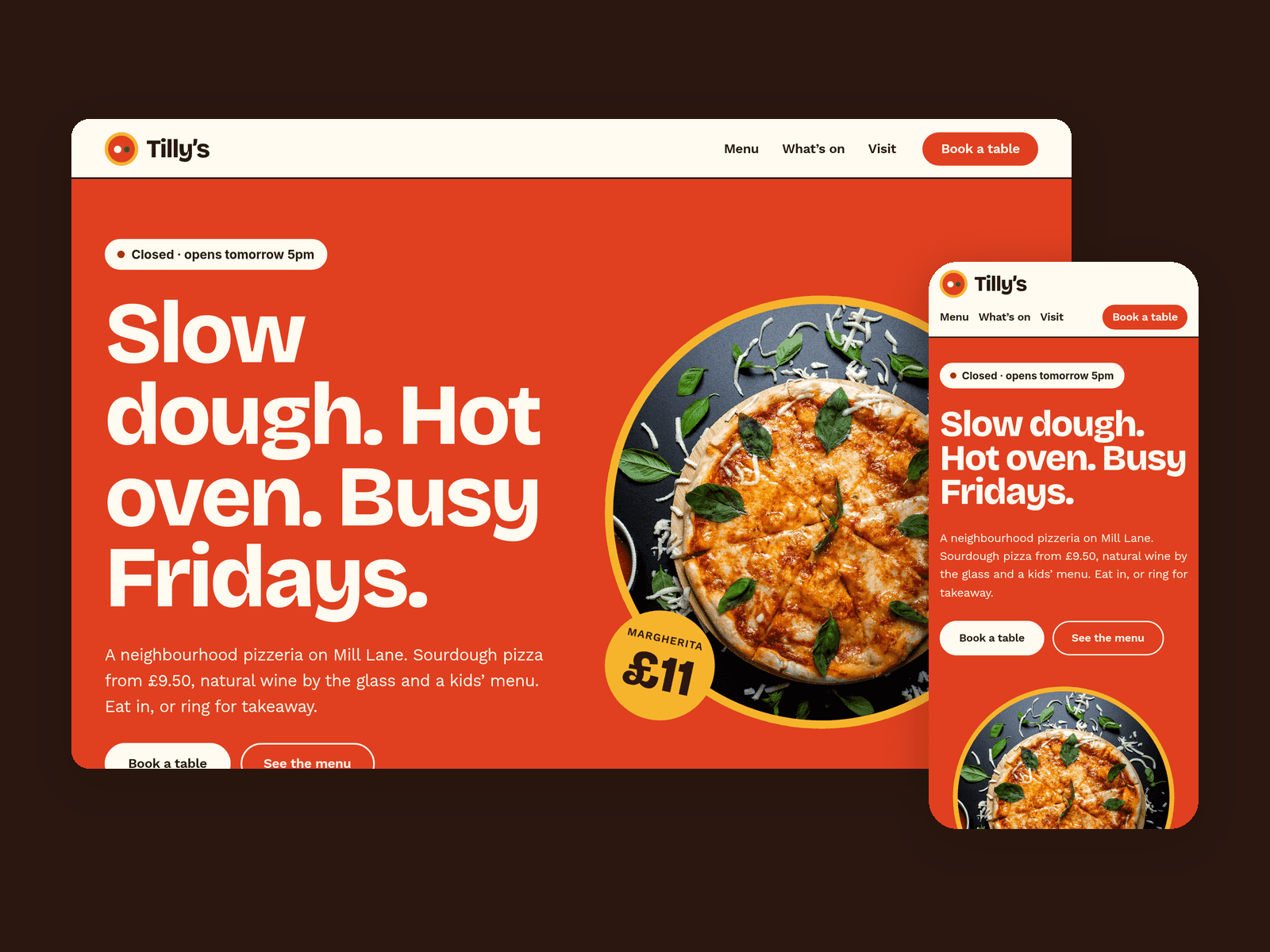
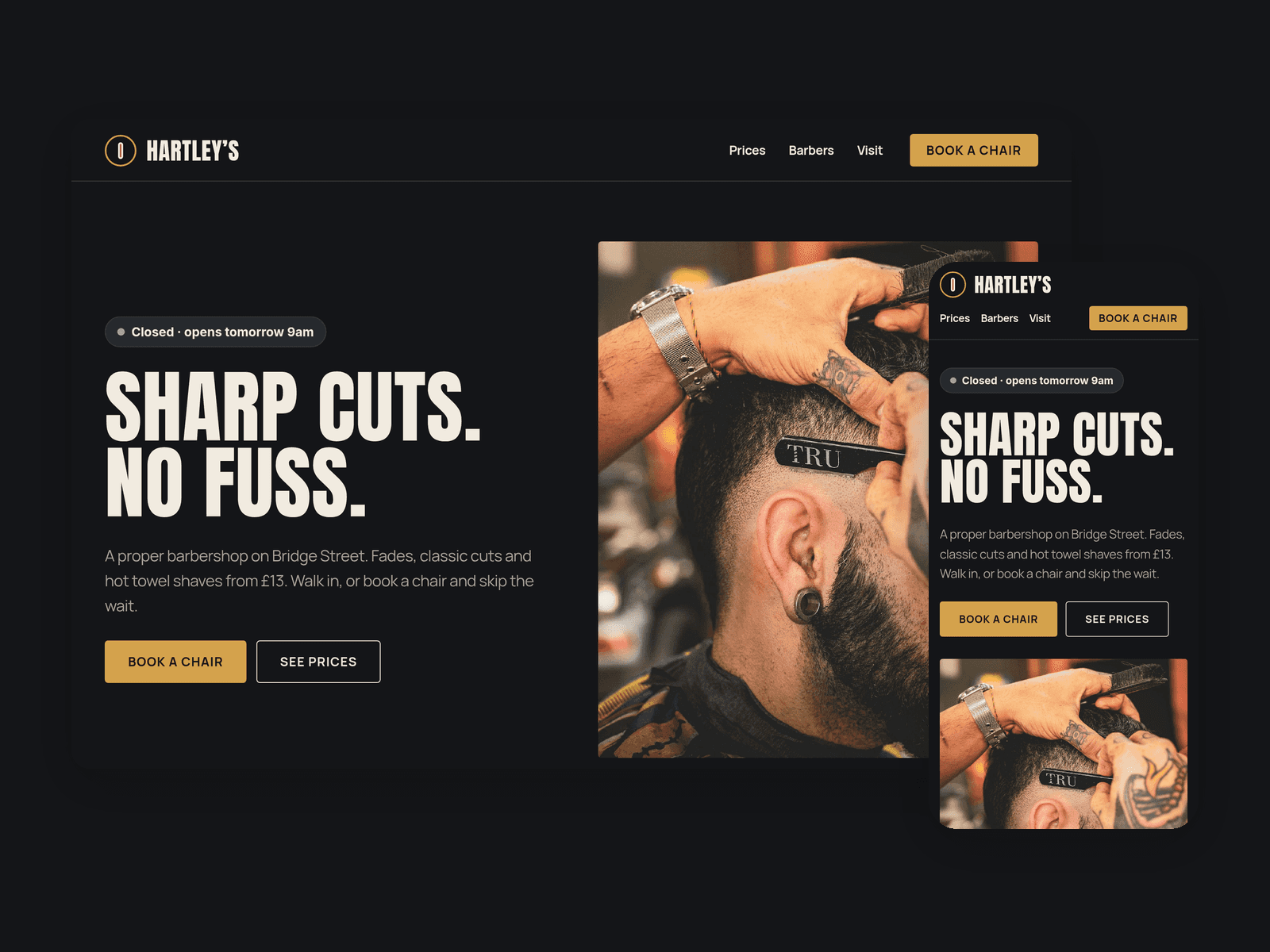
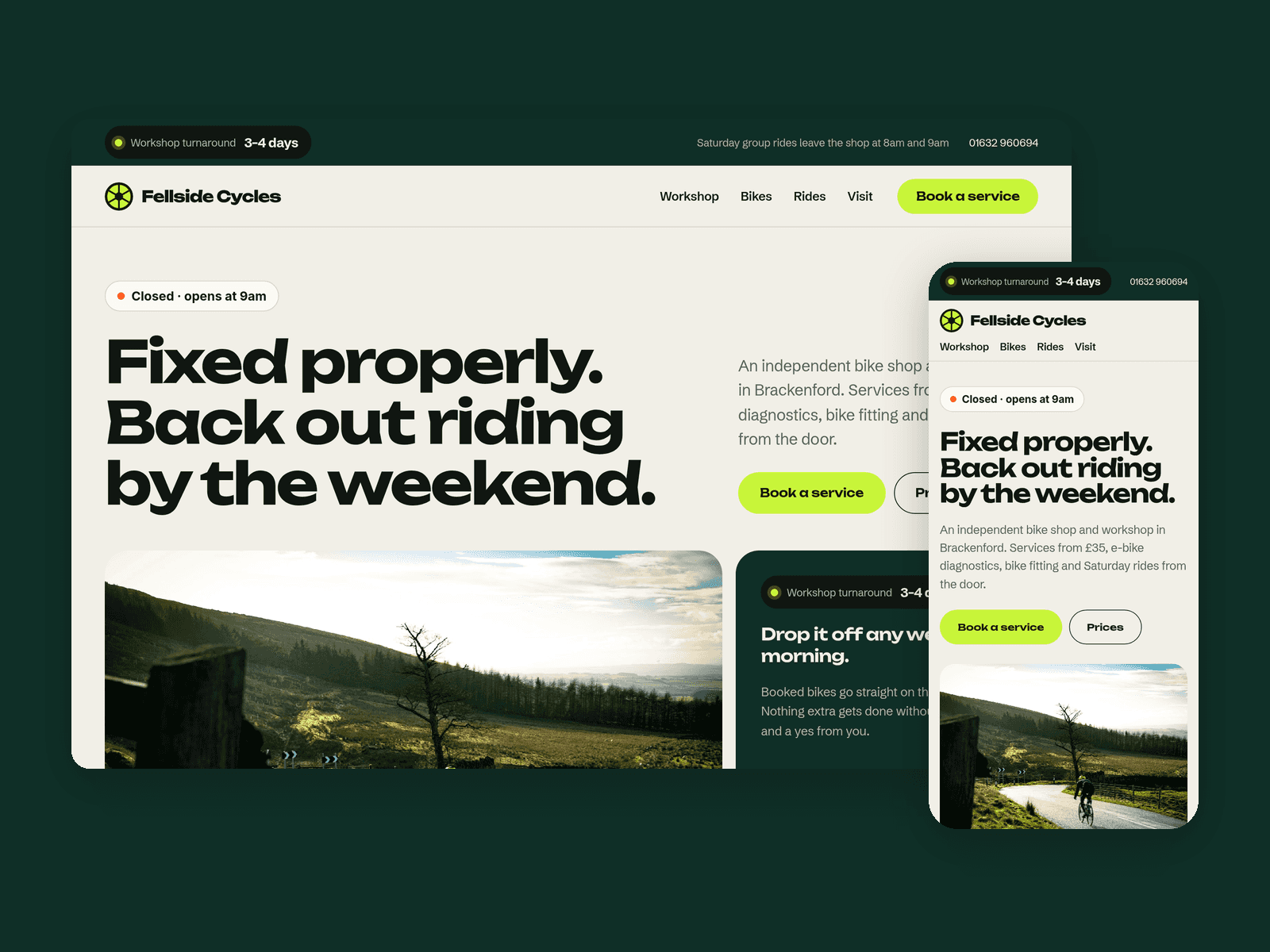
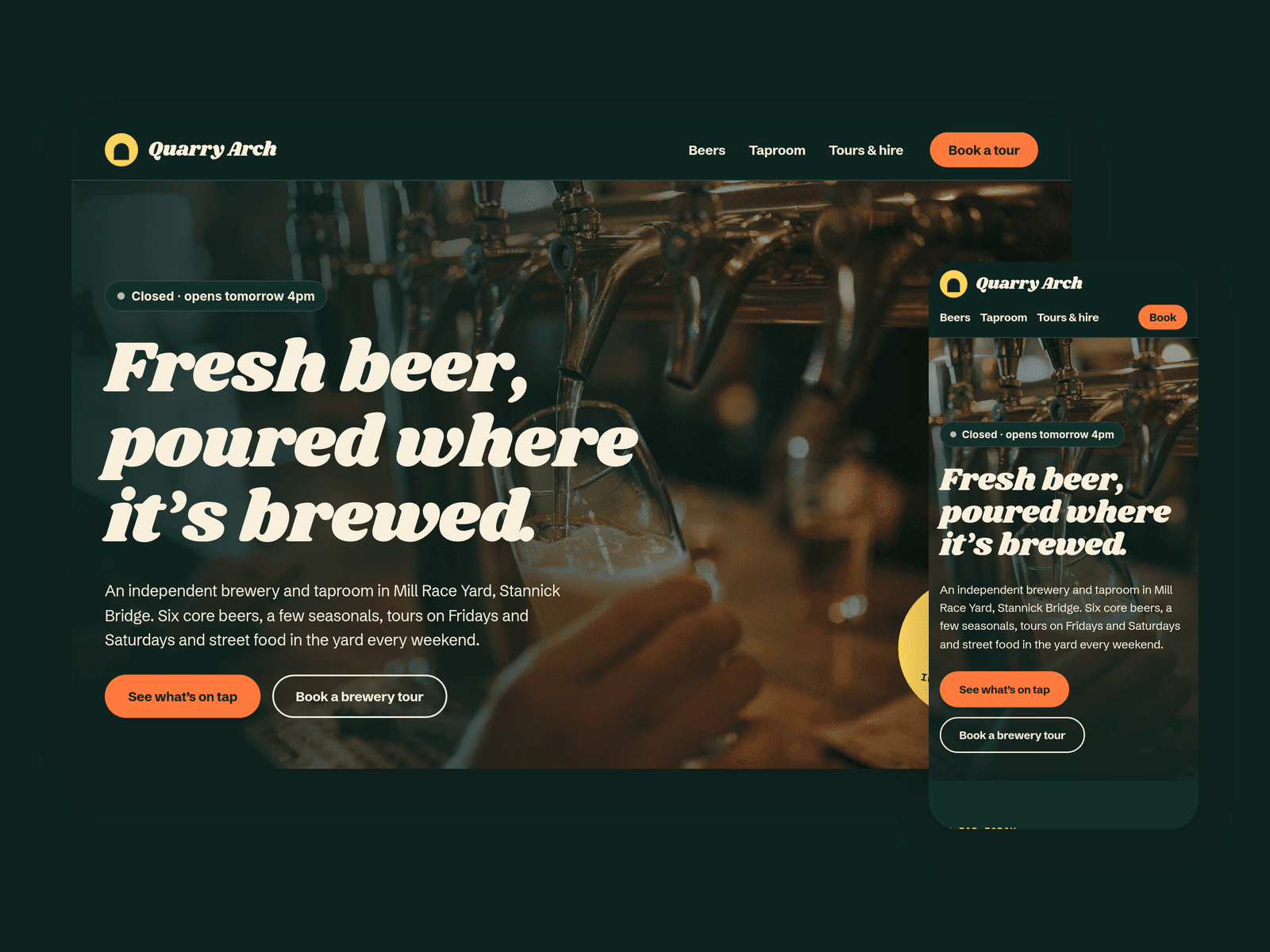
Hops Brewery is a website template for small independent breweries with a taproom. It's dark and loud, with chunky retro headings, a pale-ale yellow and a juicy orange, and it puts the beer on tap front and centre.
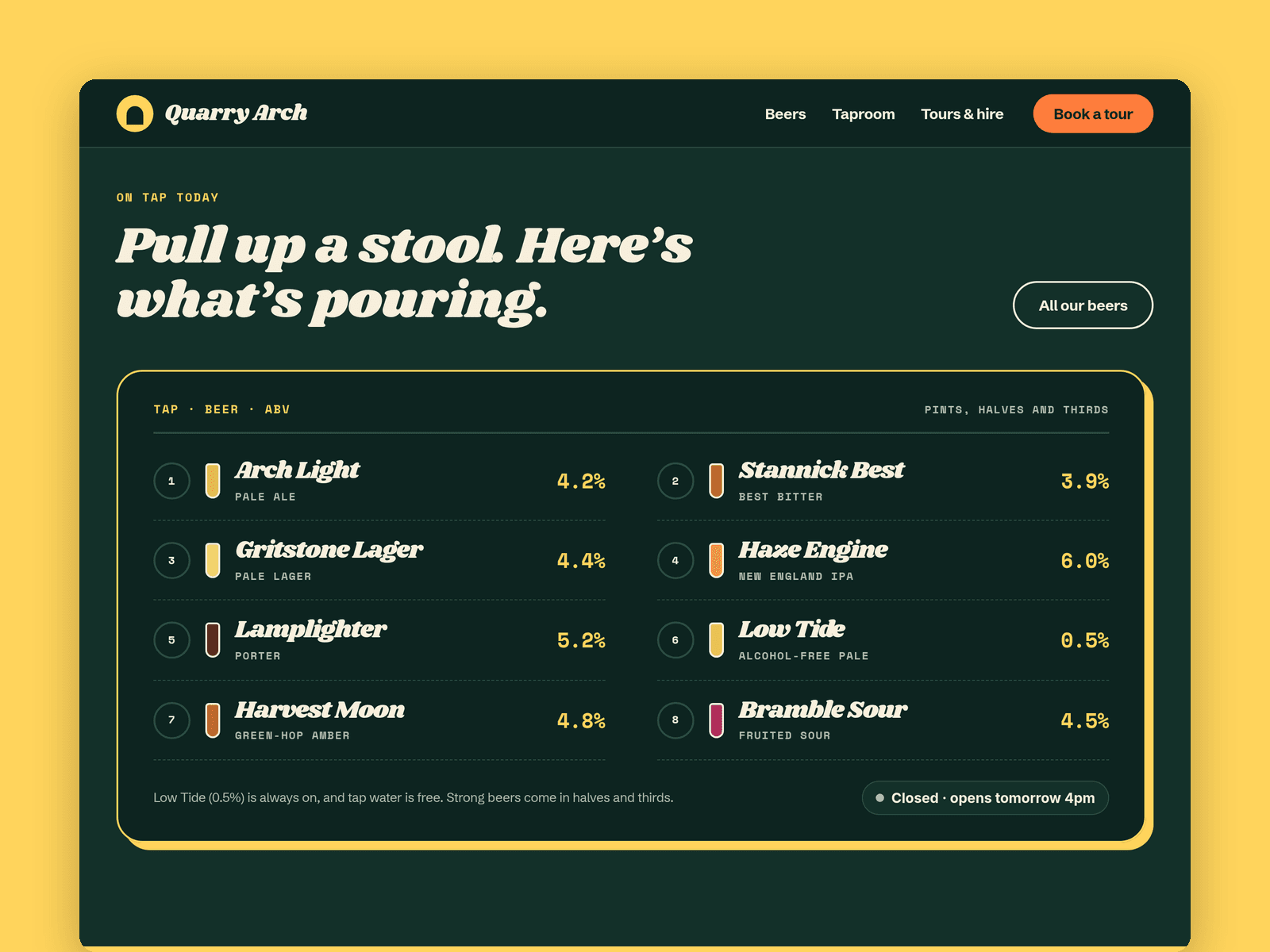
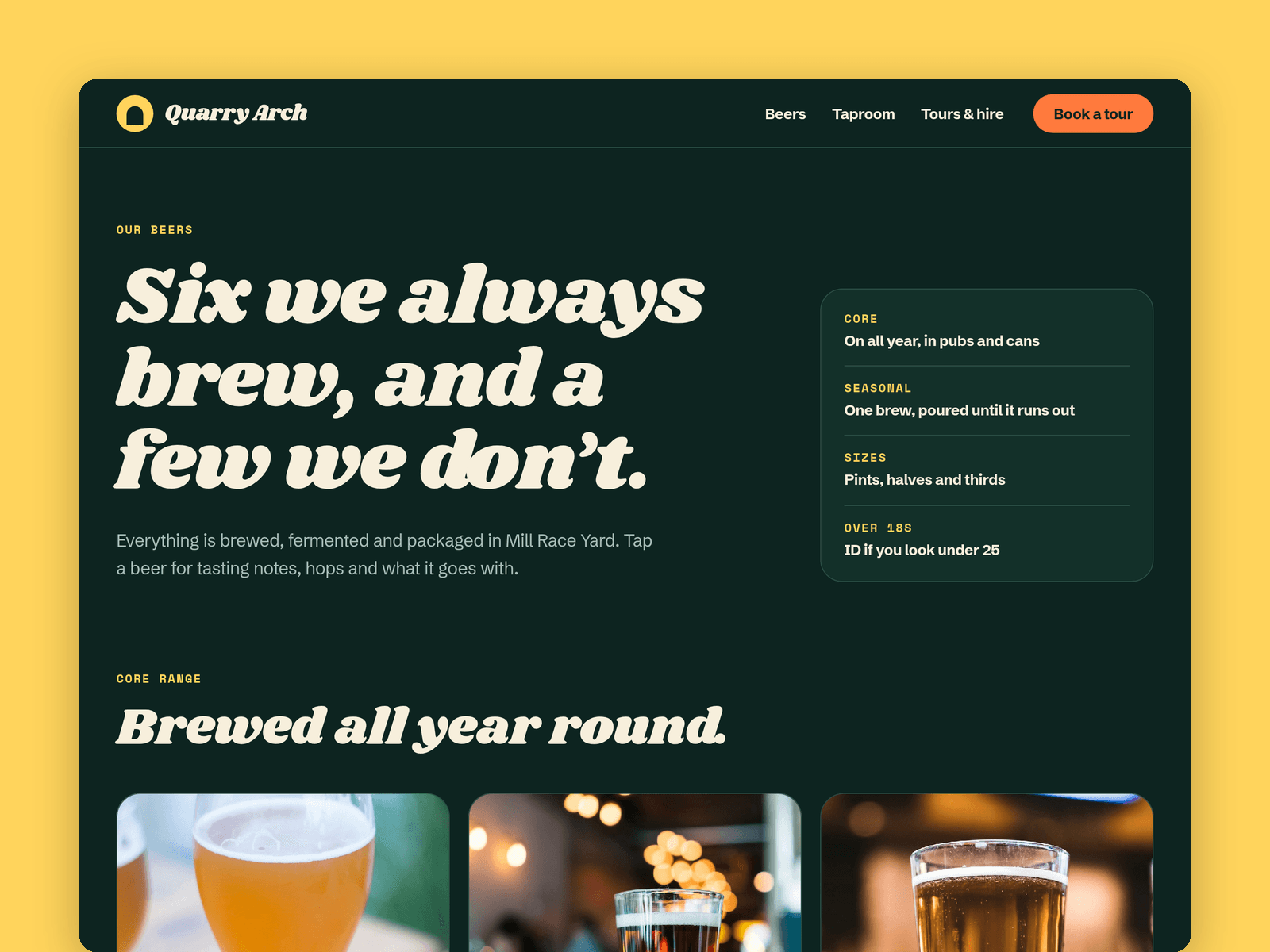
Beers run from the CMS, each with style, ABV, colour swatch, tasting notes, hops, food pairings, formats and a photo. The home page shows them as an "On tap" board, the Beers page splits the core range from the seasonals, and every beer gets its own detail page with previous and next links.
Events live in the CMS too, with date, type (tour, food, quiz, live music, tasting), time and price, sorted by date. A third collection lists the pubs and shops that stock your beer.
The "Open now" badge reads your taproom hours in your time zone and shows "Open now · until 11pm" or the next opening time, updating every minute.
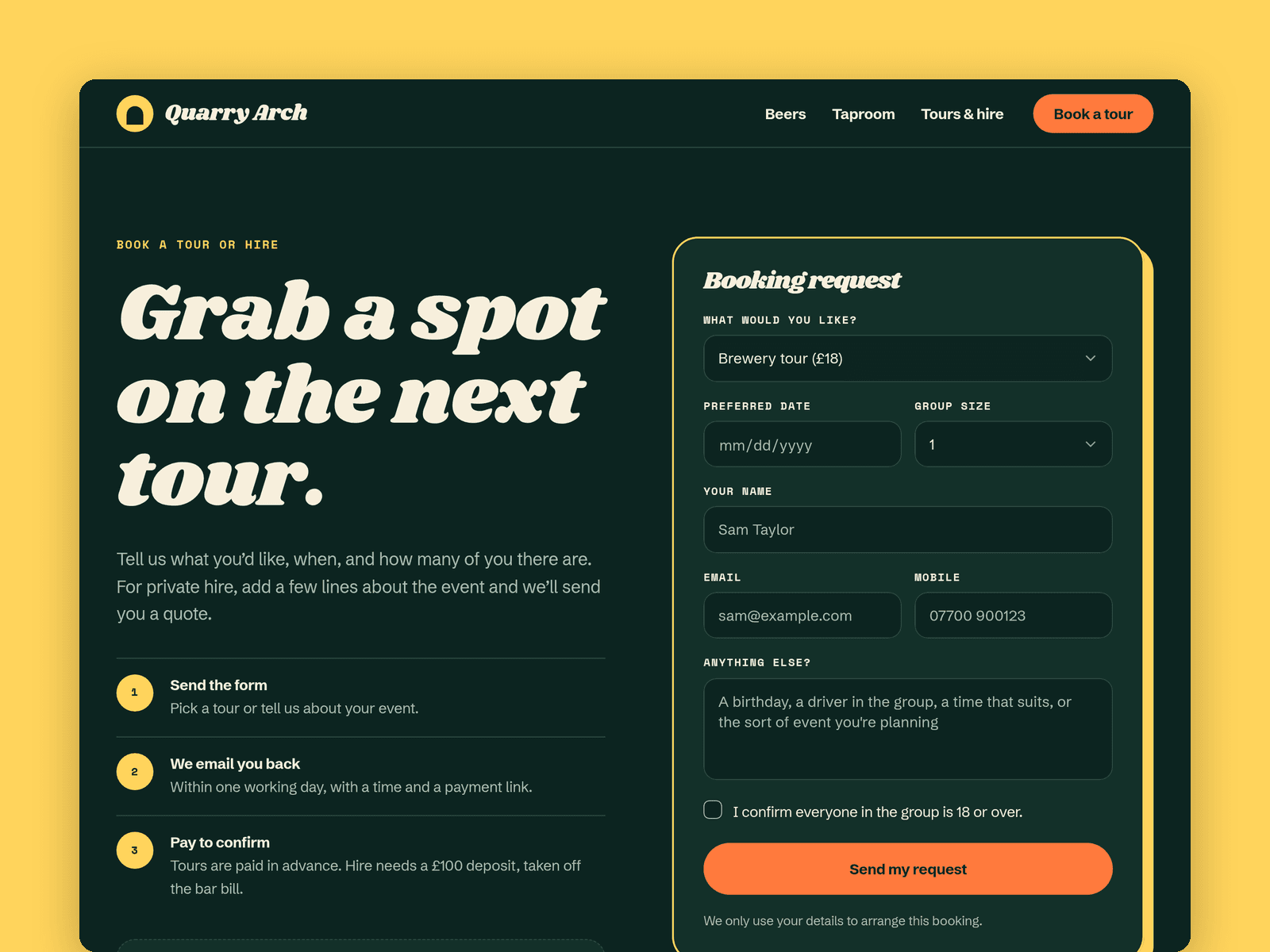
The Book page has a native form for tours and private hire: type, date, group size, contact details, notes and a required over-18 checkbox, with loading, success and error states. Responsible drinking notes and 18+ reminders are built in.
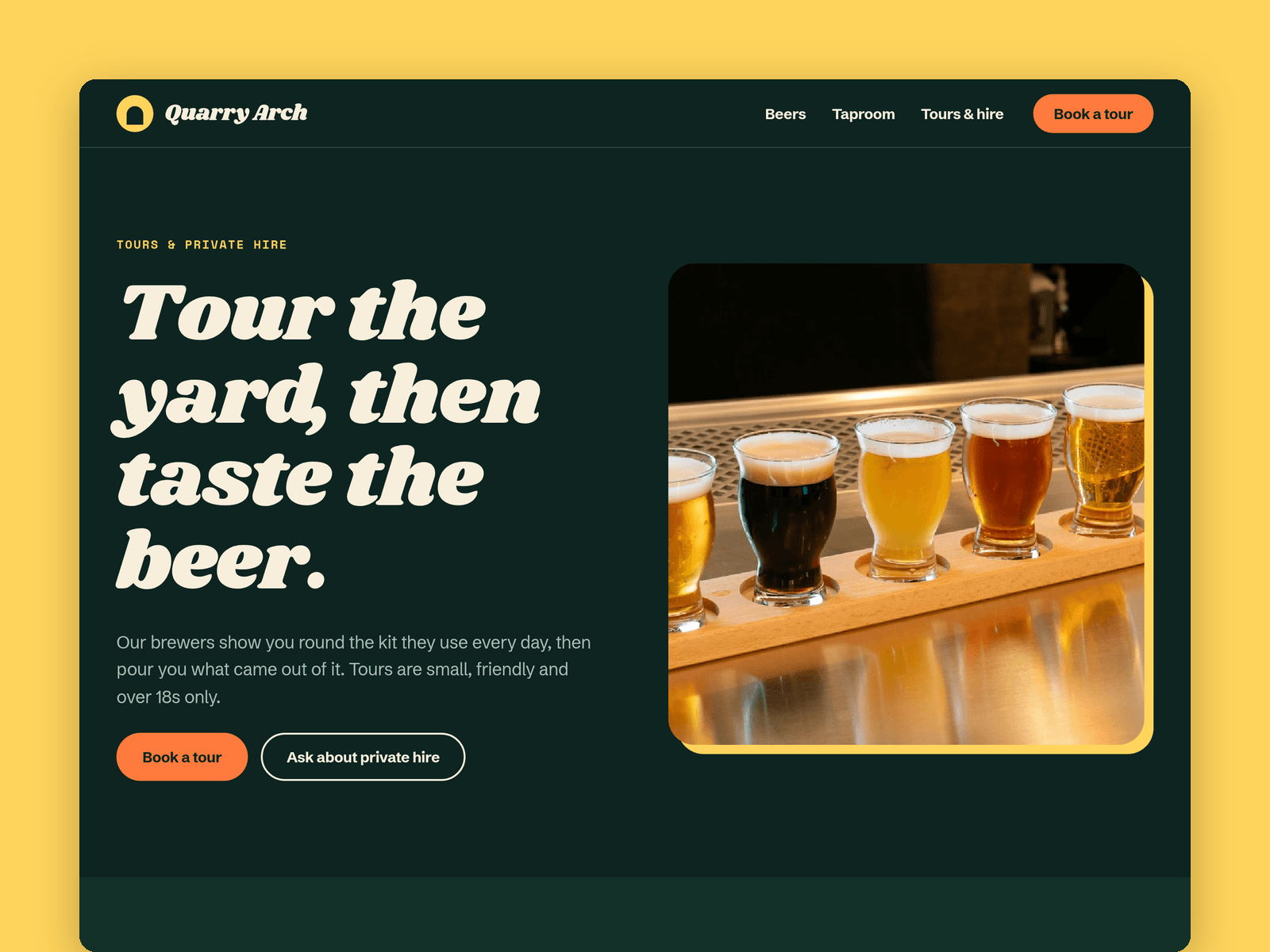
Pages: Home, Beers, a beer detail page, Taproom (hours, events, street food, map), Tours & hire (prices, timetable, how a tour runs, private hire, FAQ), Book, Licenses and 404. Every page has its own search title and works on desktop, tablet and phone.
Getting started:
Change the colours in Assets → Colors (all named Hops/...) and the fonts in Assets → Text Styles.
Replace the sample beers, events and stockists in the CMS.
Set your taproom hours on the "Open now" badges and in the footer.
Open the form on /book and choose where submissions go.
On /taproom, put your address in the map component.
Swap the photos for your own and update the page titles in Page settings.