About CBG
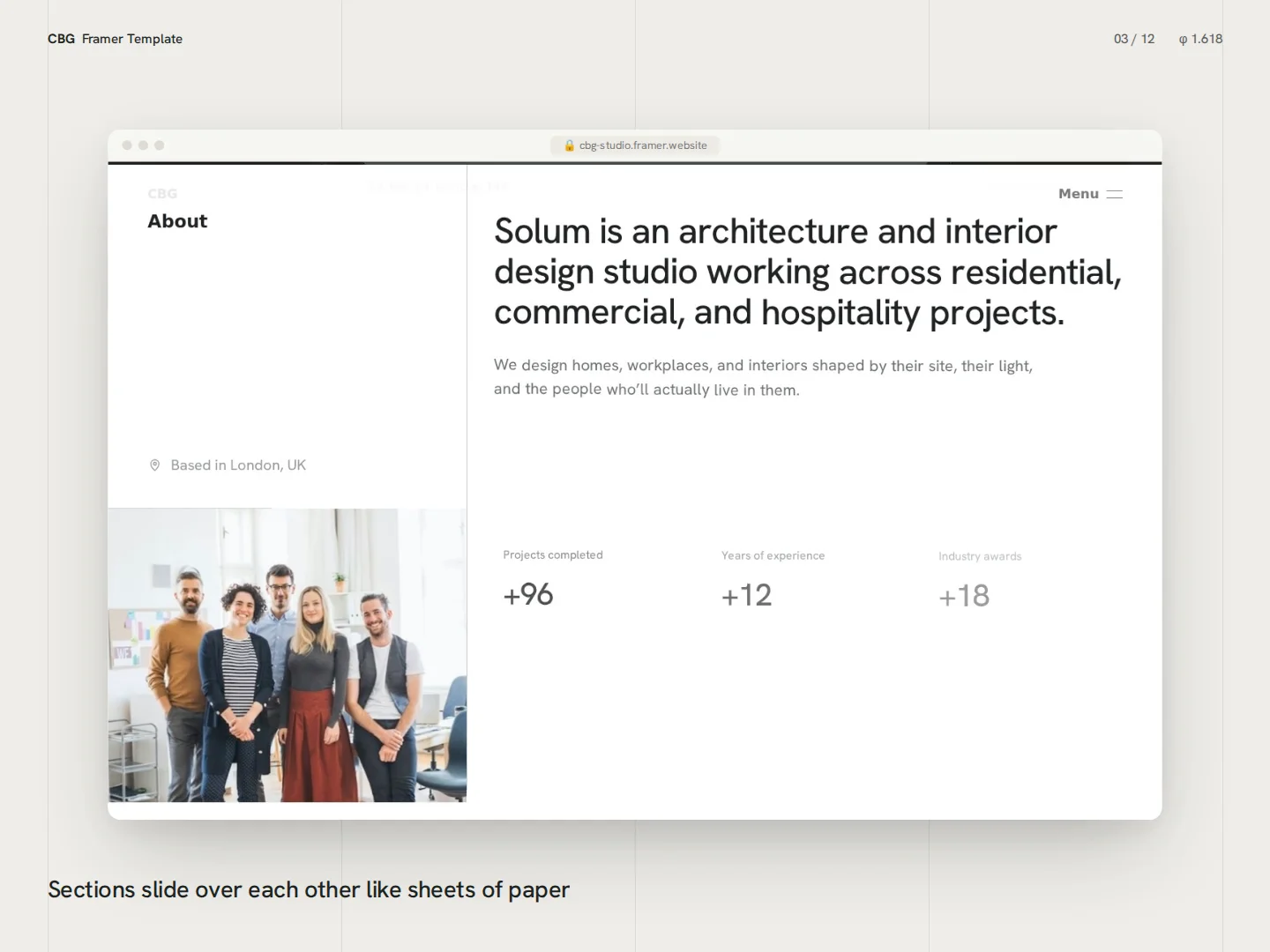
CBG is a Framer template for architecture and interior design studios, built on a four-column grid and the golden ratio. Every page follows the same calm system: sections slide over each other like sheets of paper, headlines move with subtle living letters, and the Fibonacci spiral unrolls into your process timeline as visitors scroll.
Pages
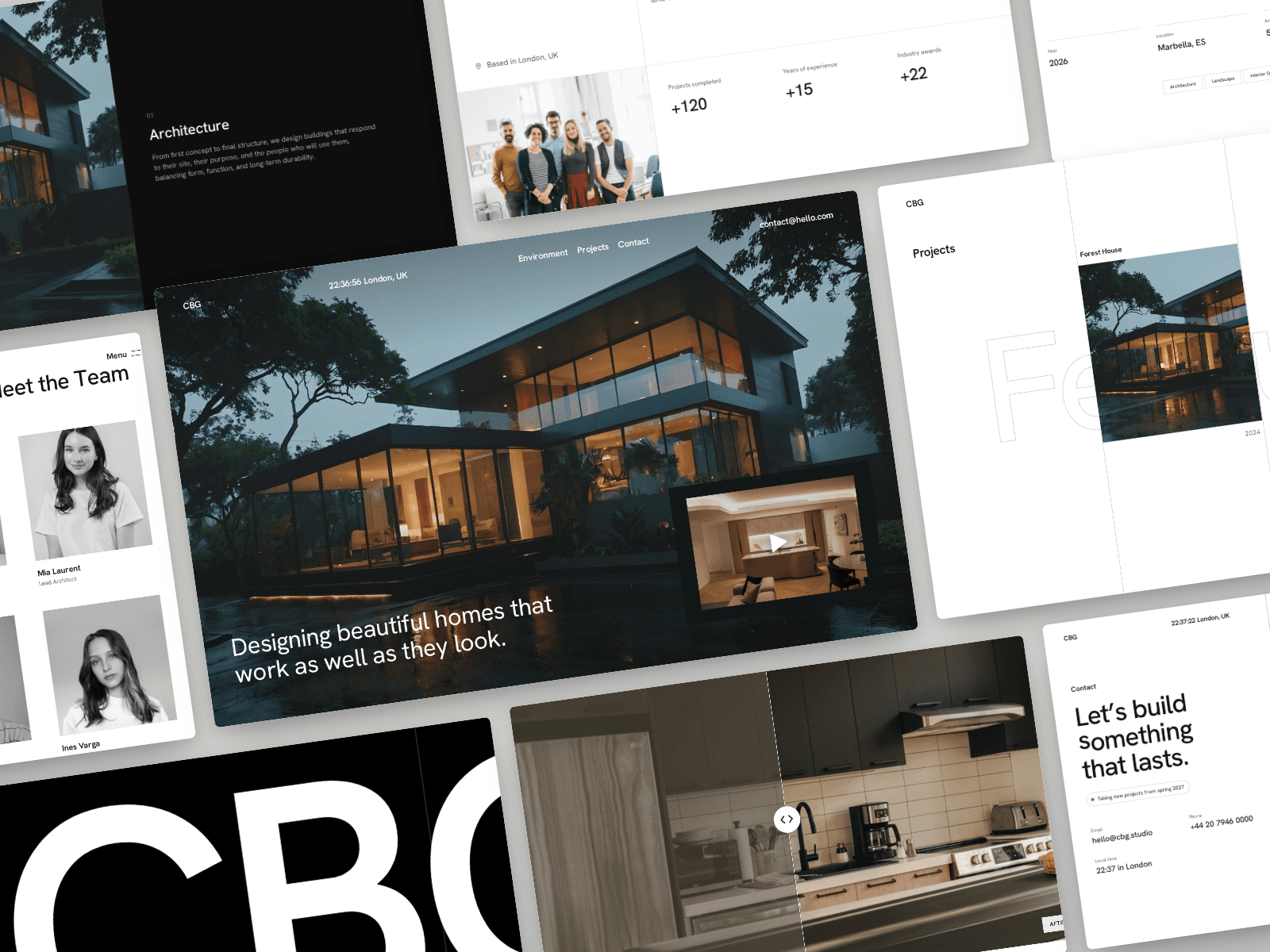
Home: hero with film preview, About with animated stats, Team, Services with a pinned image stack, Process, Projects, FAQ and footer
Project pages from the CMS: full-screen cover, facts and materials, a three-chapter story, a before/after slider for renovations and next-project links
Contact: a guided four-step brief and a studio section with a line-drawn map
Details
Page transitions drawn on the grid columns
Custom cursor that becomes “View” over projects and “Drag” over the slider
Header that adapts to light and dark sections and folds into a menu on scroll
Fully responsive on desktop, tablet and phone
Reduced-motion support and keyboard-friendly controls
Easy to edit Every section is a component you edit from Framer’s properties panel: change text, swap images, add team members, services or FAQ questions, and toggle animations, all without touching code. Add a project to the CMS and its page is created automatically. Forms work out of the box: the contact brief opens the visitor’s email app with their answers, or connects to a form service like Formspree.
Good to know Sections are edited through their settings rather than rebuilt by dragging layers, and colors are set in the code. The home page project list is updated alongside the CMS. Font: Apfel Grotezk (free, by Collletttivo).