About Datum — Maker
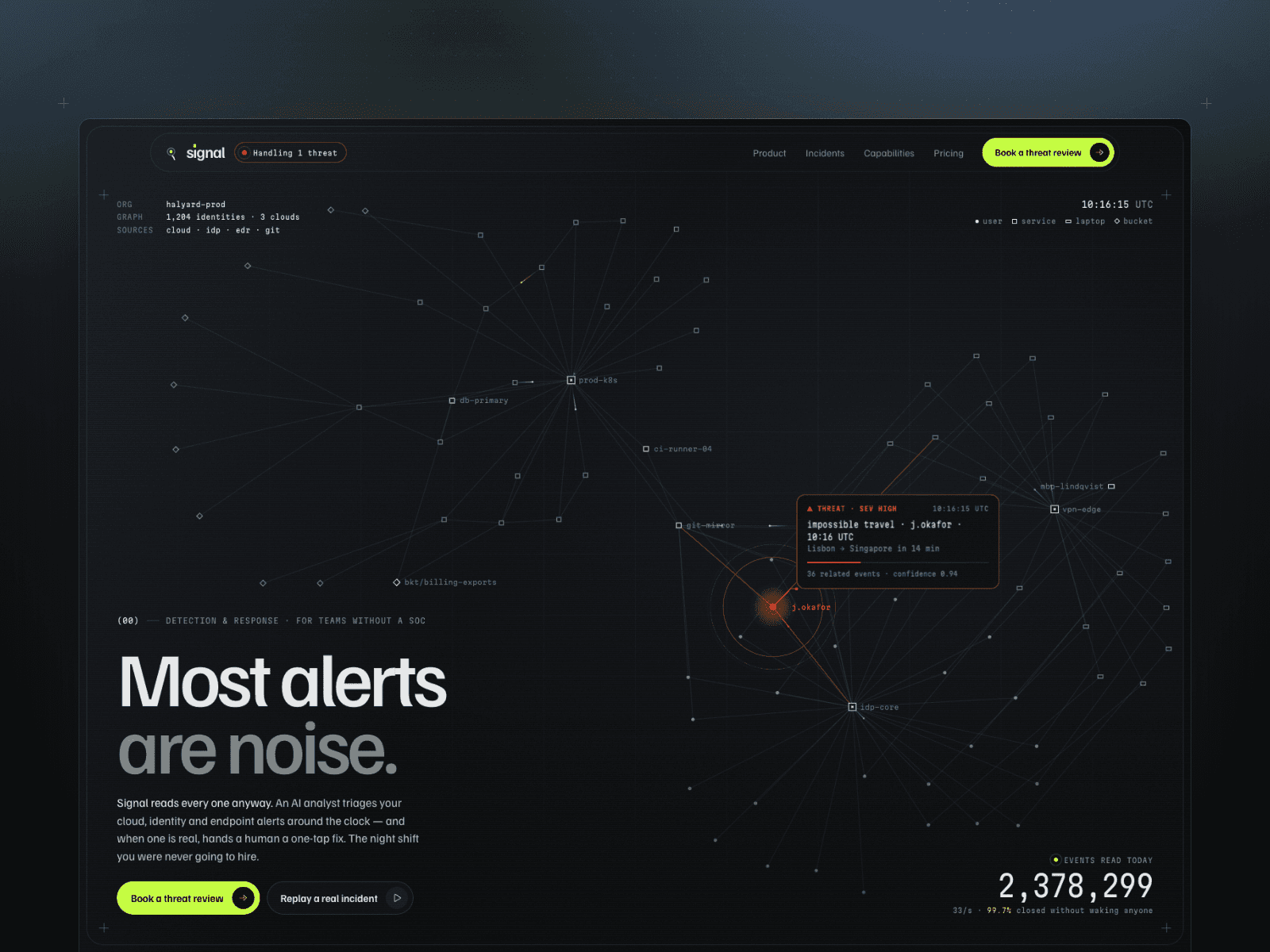
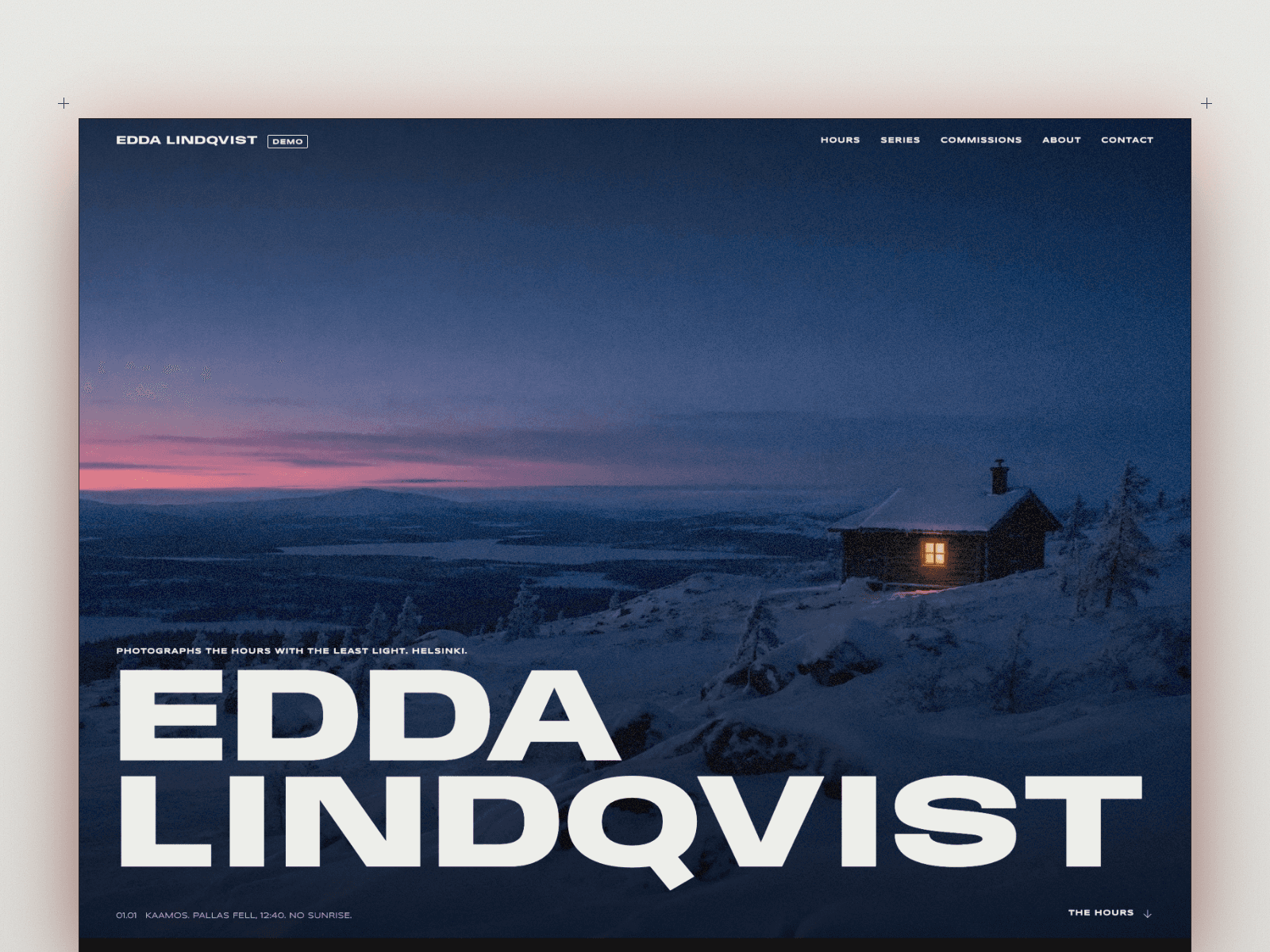
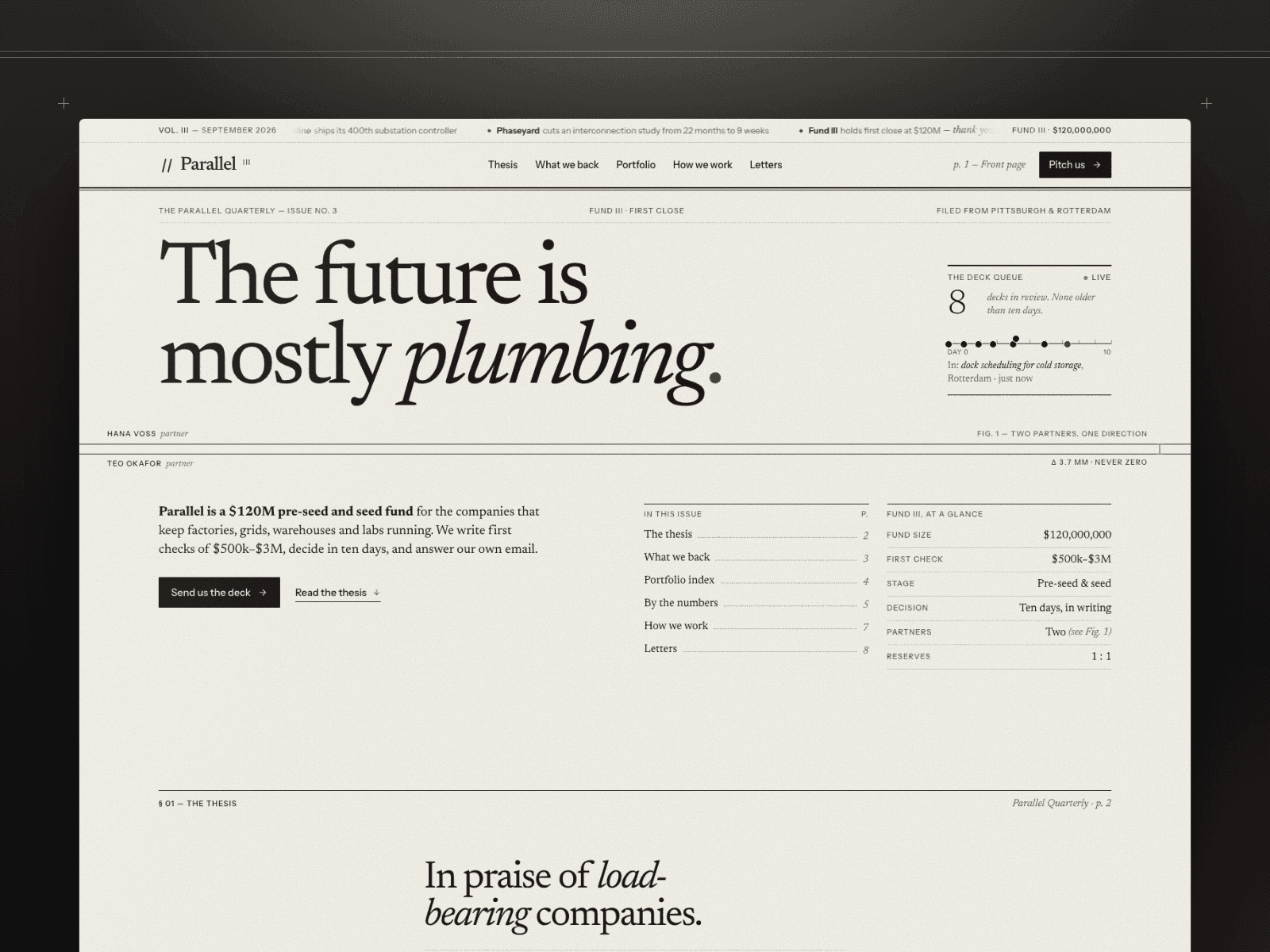
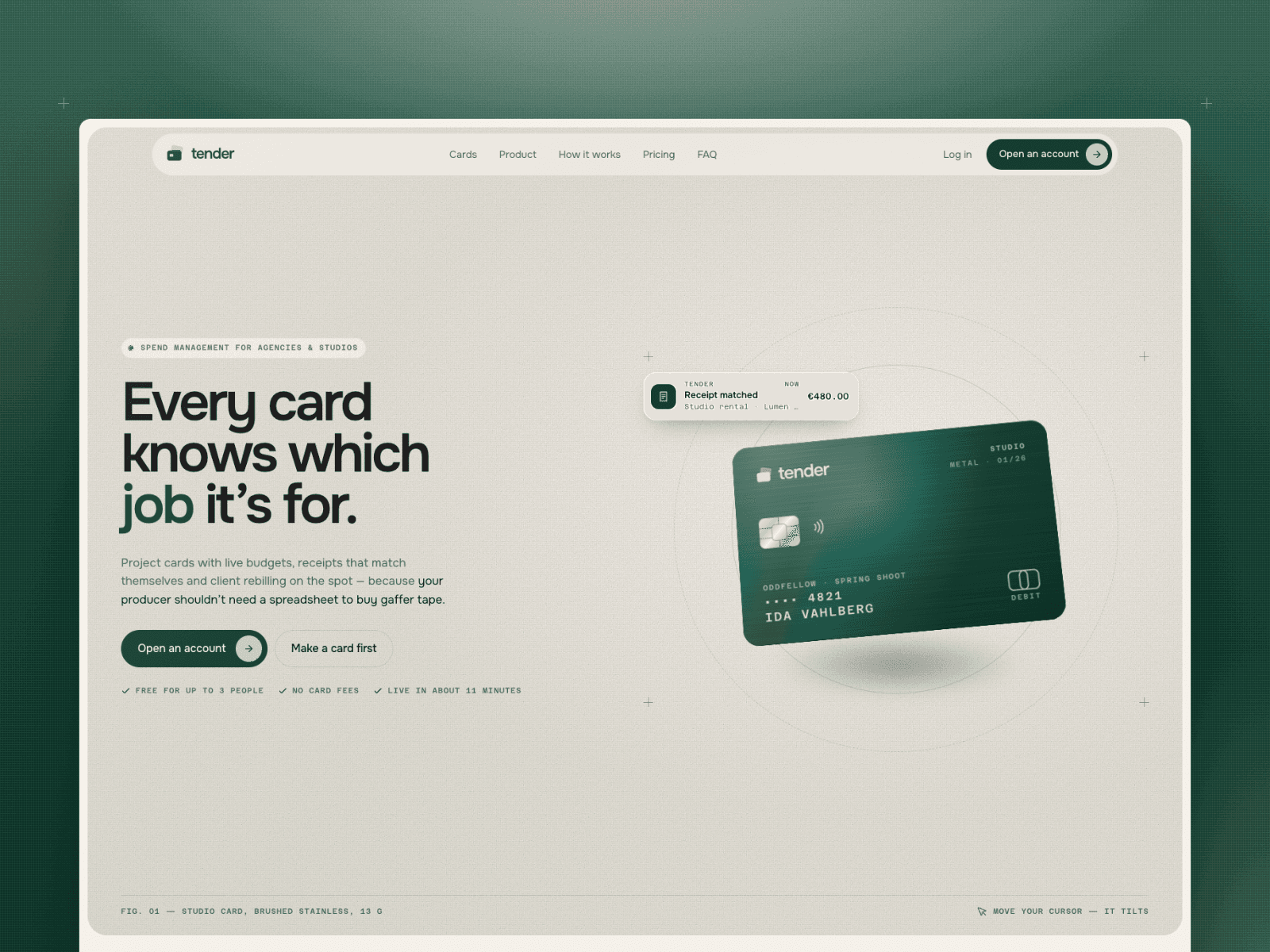
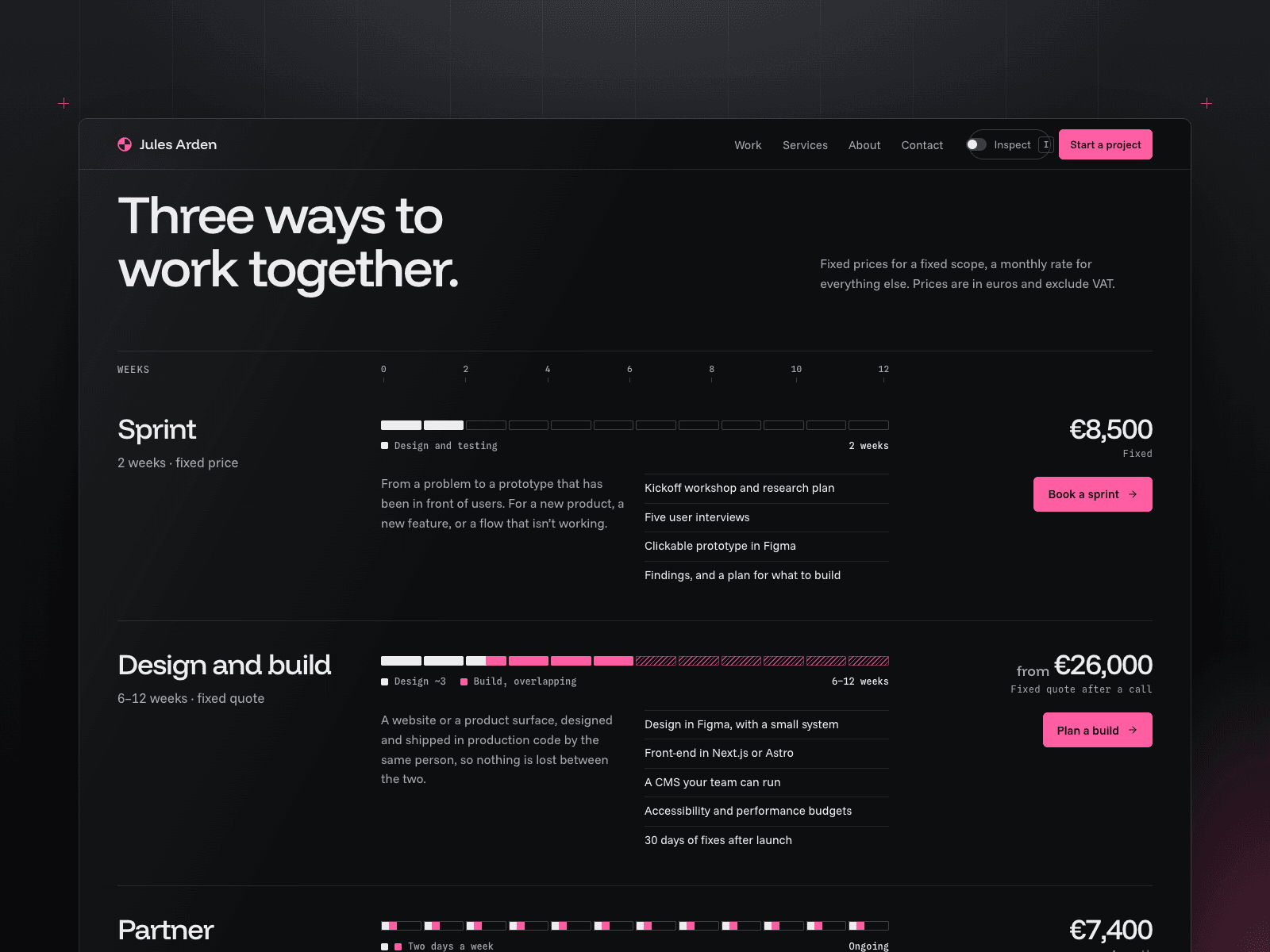
Datum is a dark portfolio for a designer who also builds what they design. Your projects come first, right after the introduction, and a single pink accent marks the build side of your work.
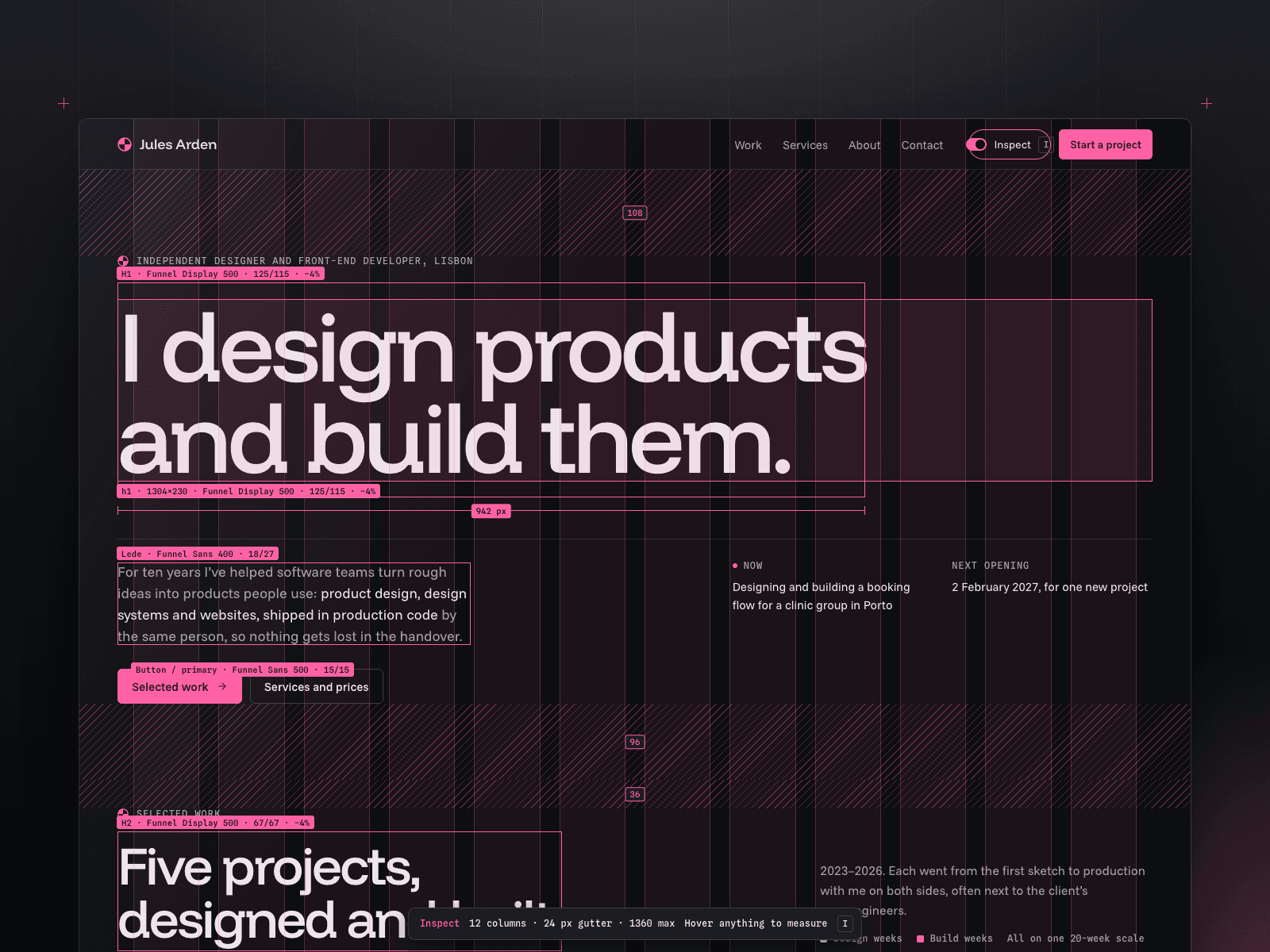
Its signature is a switch in the header. Turn it on and the page shows how it's made: the columns it sits on, the space around each section, the font and size of every heading, and the measurements of anything you point at. It plays once on the opening heading when the page loads.
Features
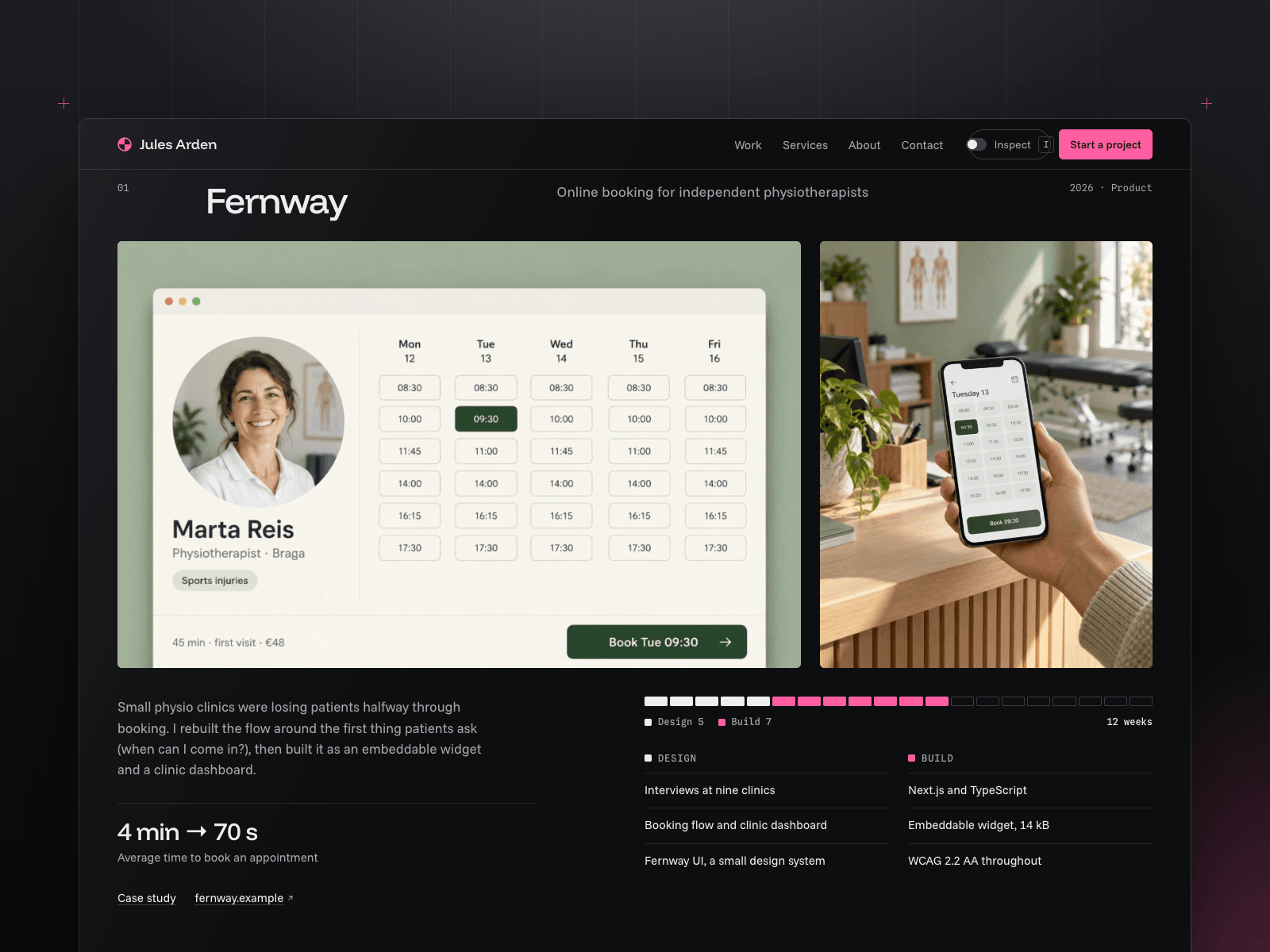
Five projects, each with a main image, a close-up, one result and a bar showing how many weeks went into design and how many into building
A page for every project: key facts, a timeline of the phases, the problem, the design, the build, results, a client quote and a link to the next project
A table of smaller projects
Three services with prices and their length in weeks, plus small fixed-price jobs and common questions
An About section with your clients, tools and talks
A contact form where visitors pick a service, a budget and a start date
Add a project by adding one item: it appears on the home page and gets its own page
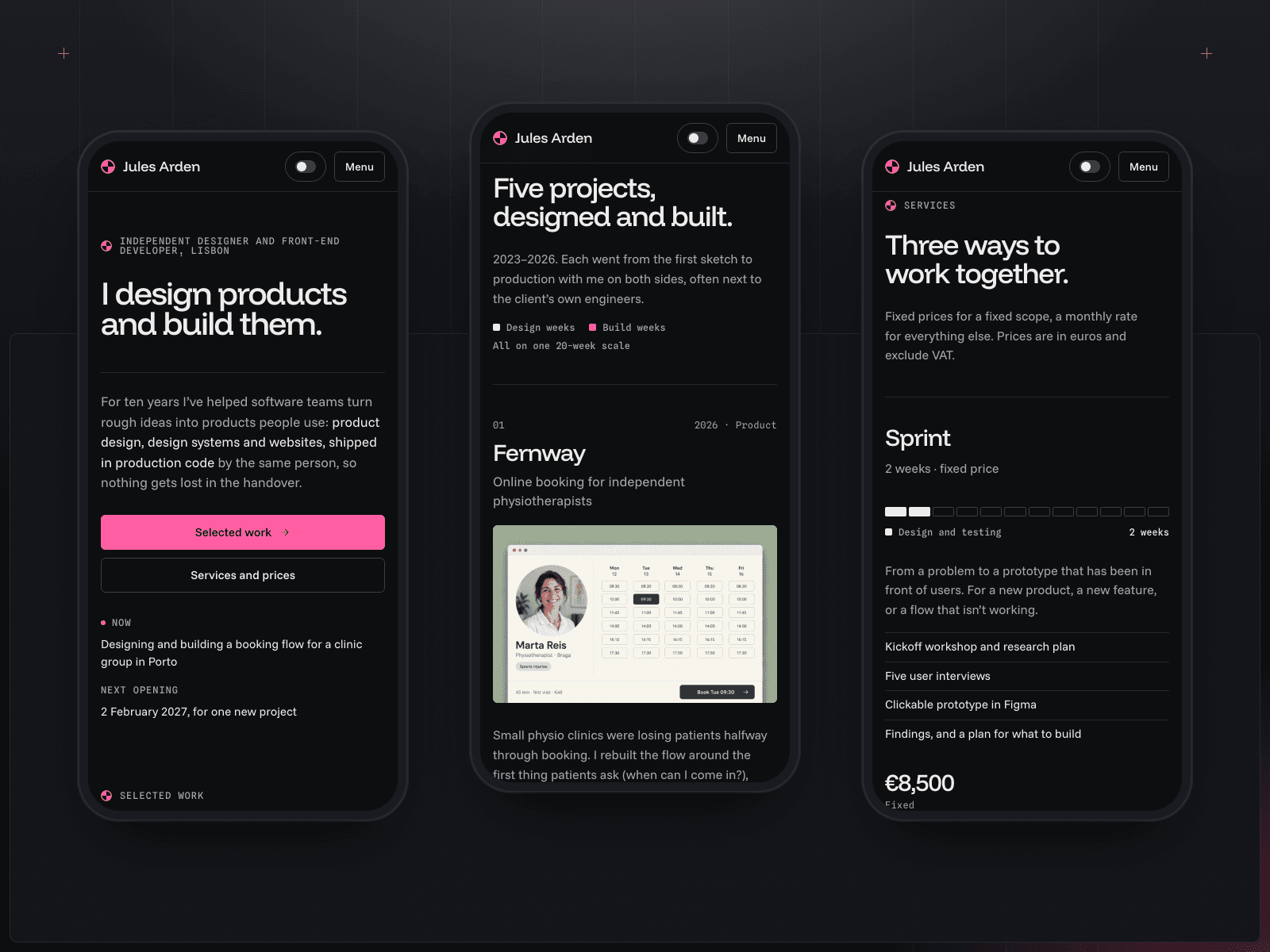
Layouts for desktop, tablet and phone, plus 404 and privacy pages
Every colour and font is a shared style, so a change in one place updates the whole site
Framer Skills
Five ready-made instructions for Framer's AI agent, plus a page showing every colour, font and block they use:
/design-system: add new pages and sections that match the template/rebrand: change the name, colours, fonts and text to yours/content: add projects and edit services, prices and text/effects: adjust the header switch and the week bars/before-publish: check every page on desktop, tablet and phone before you go live
Try: "/content Add a project called Tidal: 4 weeks of design and 6 weeks of building."