About Dock
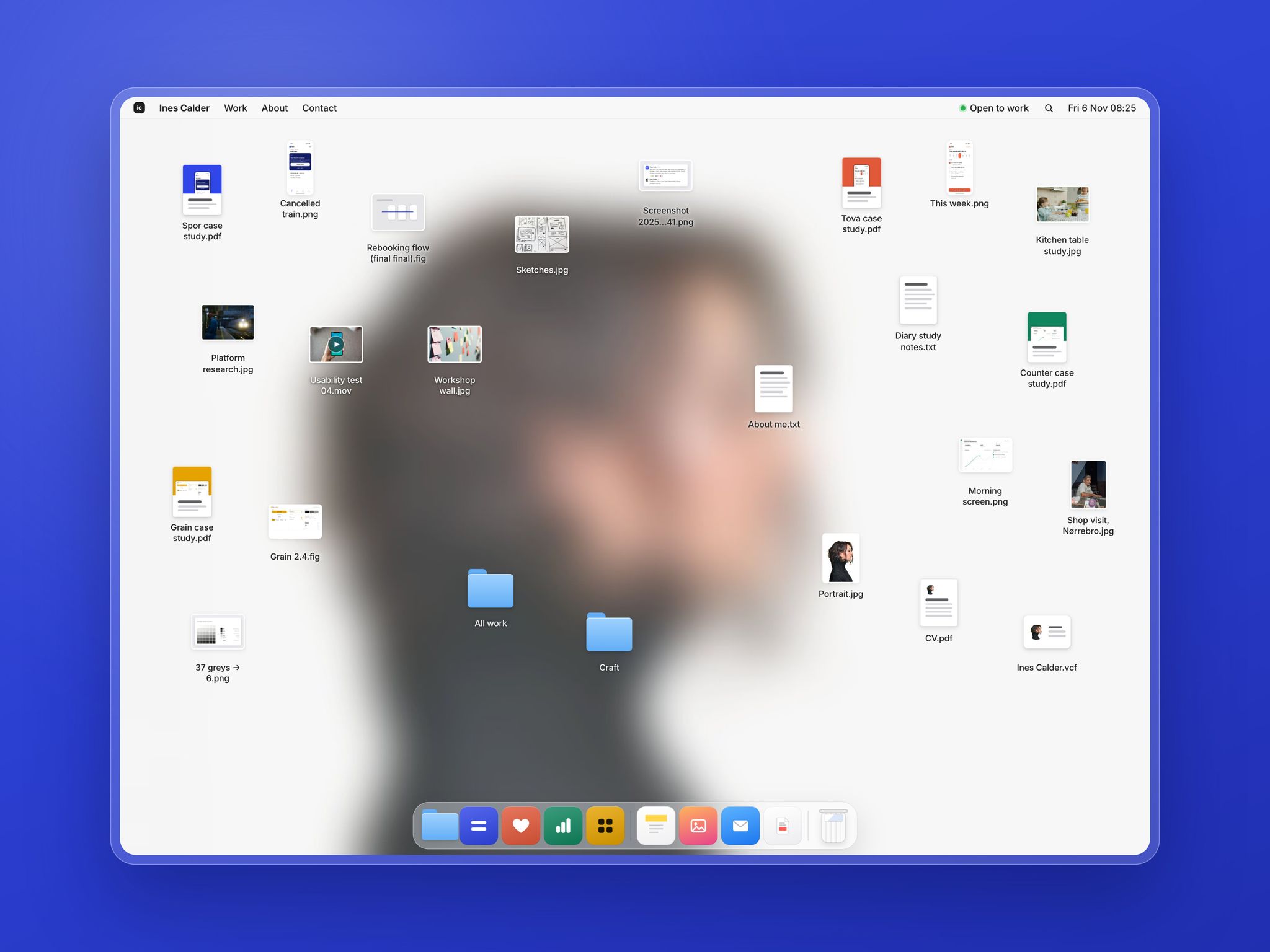
Dock is a portfolio for product designers, built like a computer desk. Your portrait, softly blurred, is the wallpaper. Your work sits on it as files, the dock holds your projects, and every file opens in its own window.
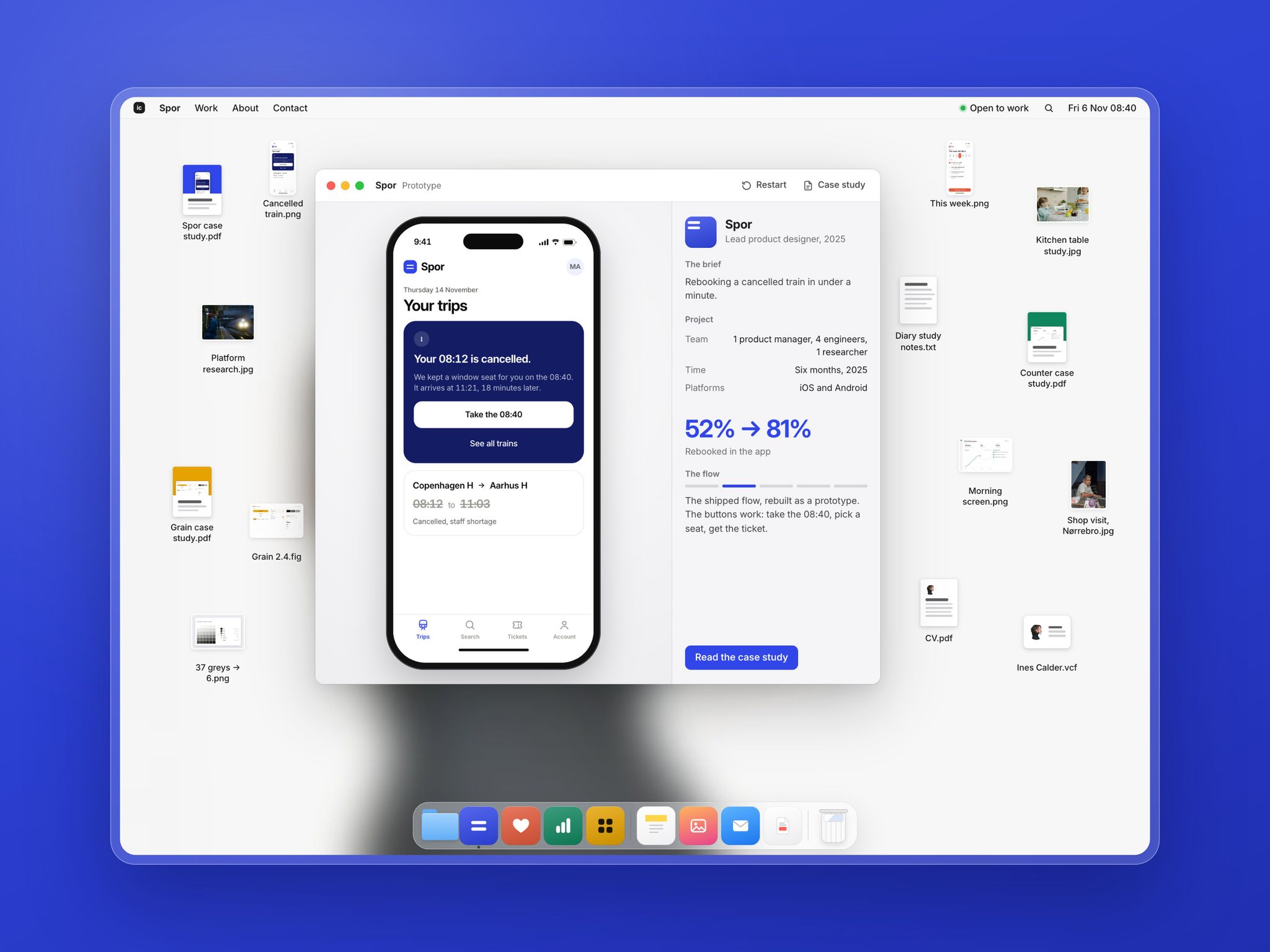
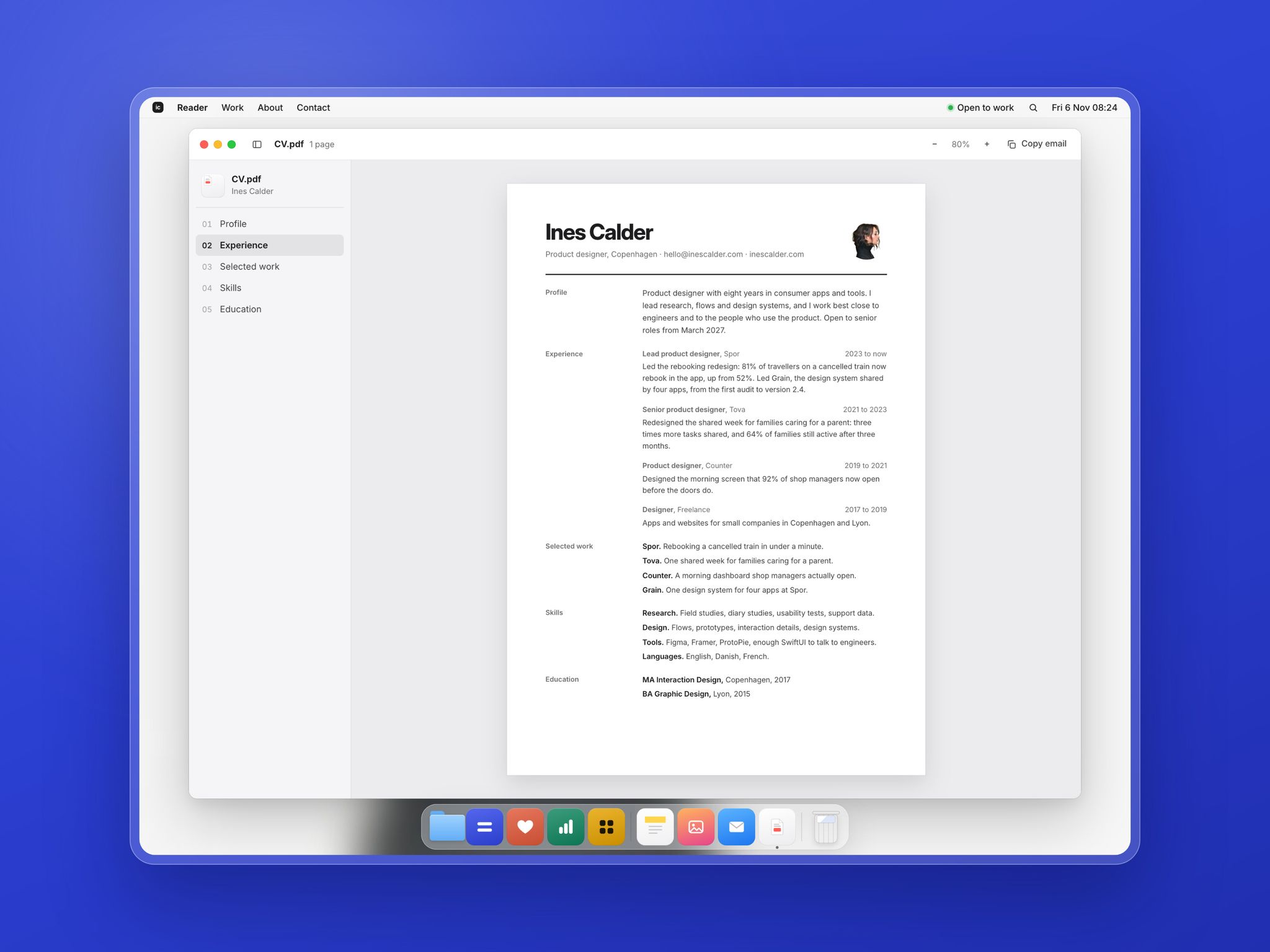
Visitors drag files, open a project and tap through its prototype, read your case studies in a reader window and open your CV as a one-page document. On a phone, the desk becomes a home screen with your projects as apps.
What's inside
Home page that works like a desk: a menu bar with your time and status, 24 files visitors can drag, a dock that grows under the cursor, Spotlight search (⌘K), and a right-click menu to clean up or sort the files by project
Windows for every kind of file: a clickable prototype, project screens, research photos, notes, a usability test video, a contact card, all your work in one list, and killed ideas
Project windows that play your own Figma prototype, or one of the two built-in demo flows
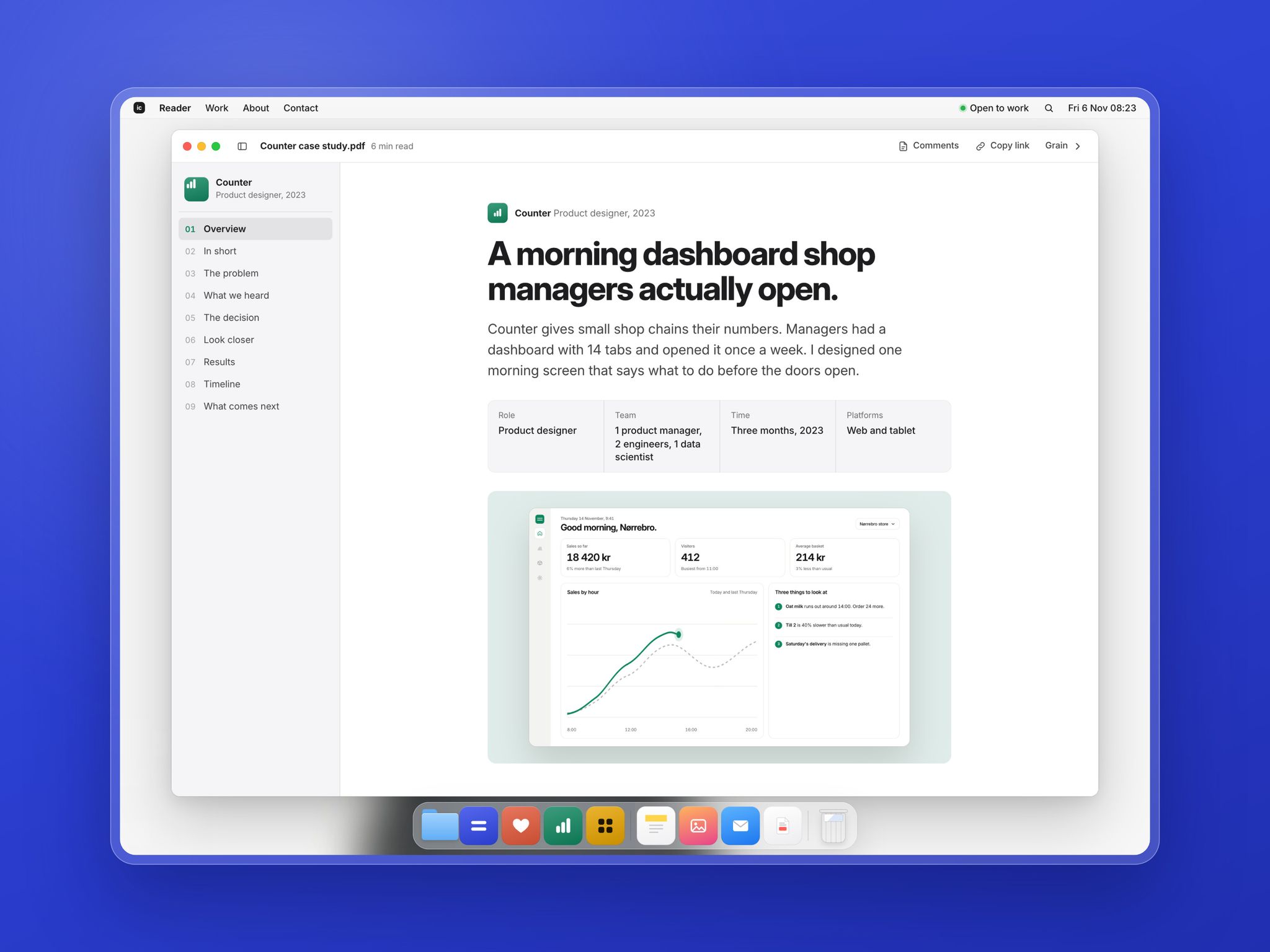
Case study page fed by the CMS, with 4 sample case studies written in full: summary, problem, research quotes, decision, a prototype or an annotated screen, results with numbers that count up, timeline and next steps
A table of contents that follows the scroll, a reading progress bar and a link to the next case study
CV page laid out as a one-page document, with zoom and a copy-email button
Phone layout: a home screen with your projects as apps, a status widget, folders, and prototypes in full screen
Desktop, tablet and phone layouts, in colour or black and white with one setting
Everything set from the right panel: profile, wallpaper, projects, desk files with their place and what they open, notes, screens and photos
Good to know
Font: Inter, free
A lock screen greets visitors once per visit, then a short hello note: you can turn both off
Motion stays still for visitors who turn off animations
Sample images from Unsplash are for preview only: replace them with your own work and photos
Questions or issues: contact@atypikal.ma