About Floss Smiles
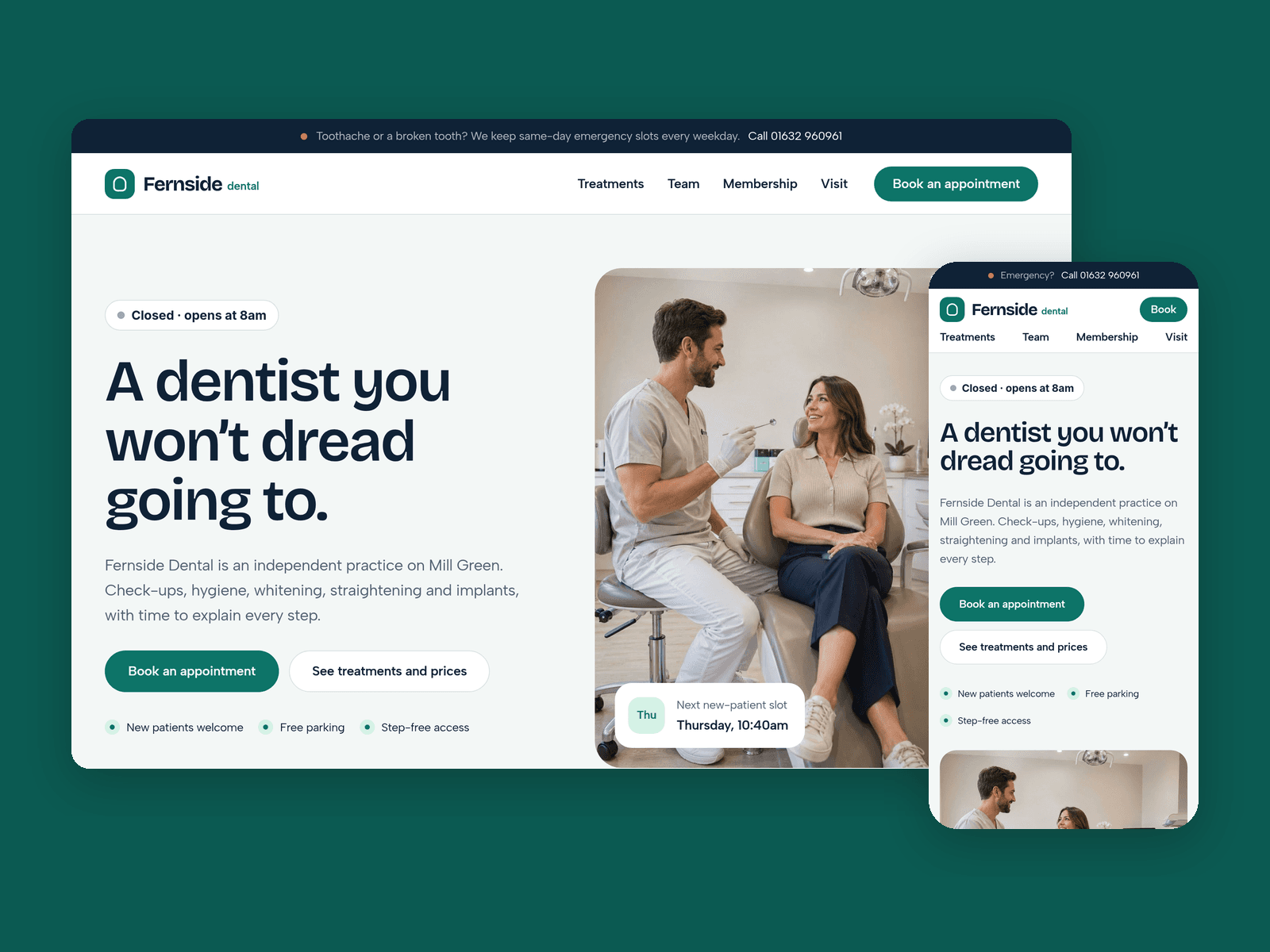
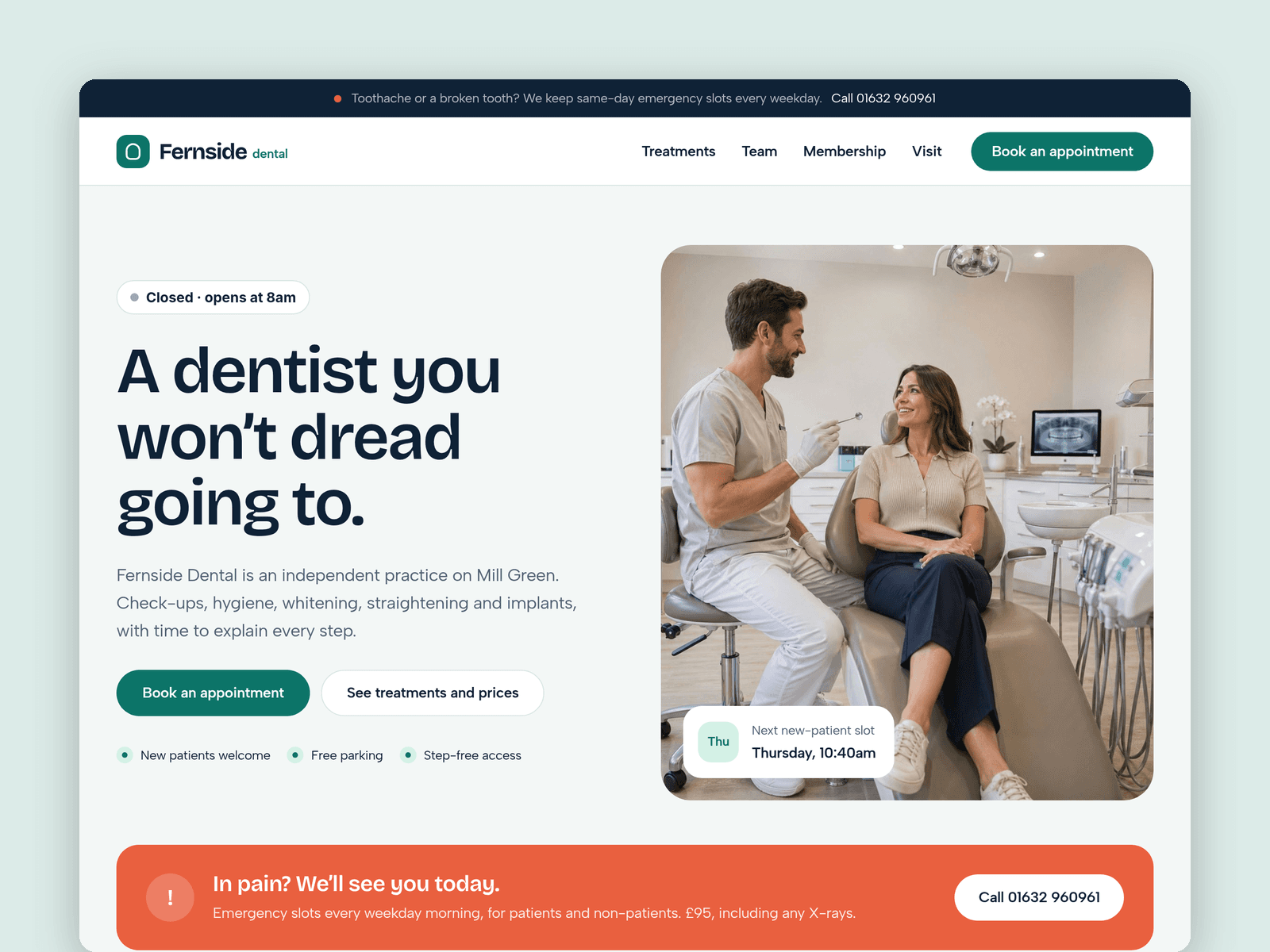
Floss Smiles is a website template for independent dental practices. It's light and calm, and built around what patients look for first: prices, who they'll see, and how to get an appointment, including when they're in pain.
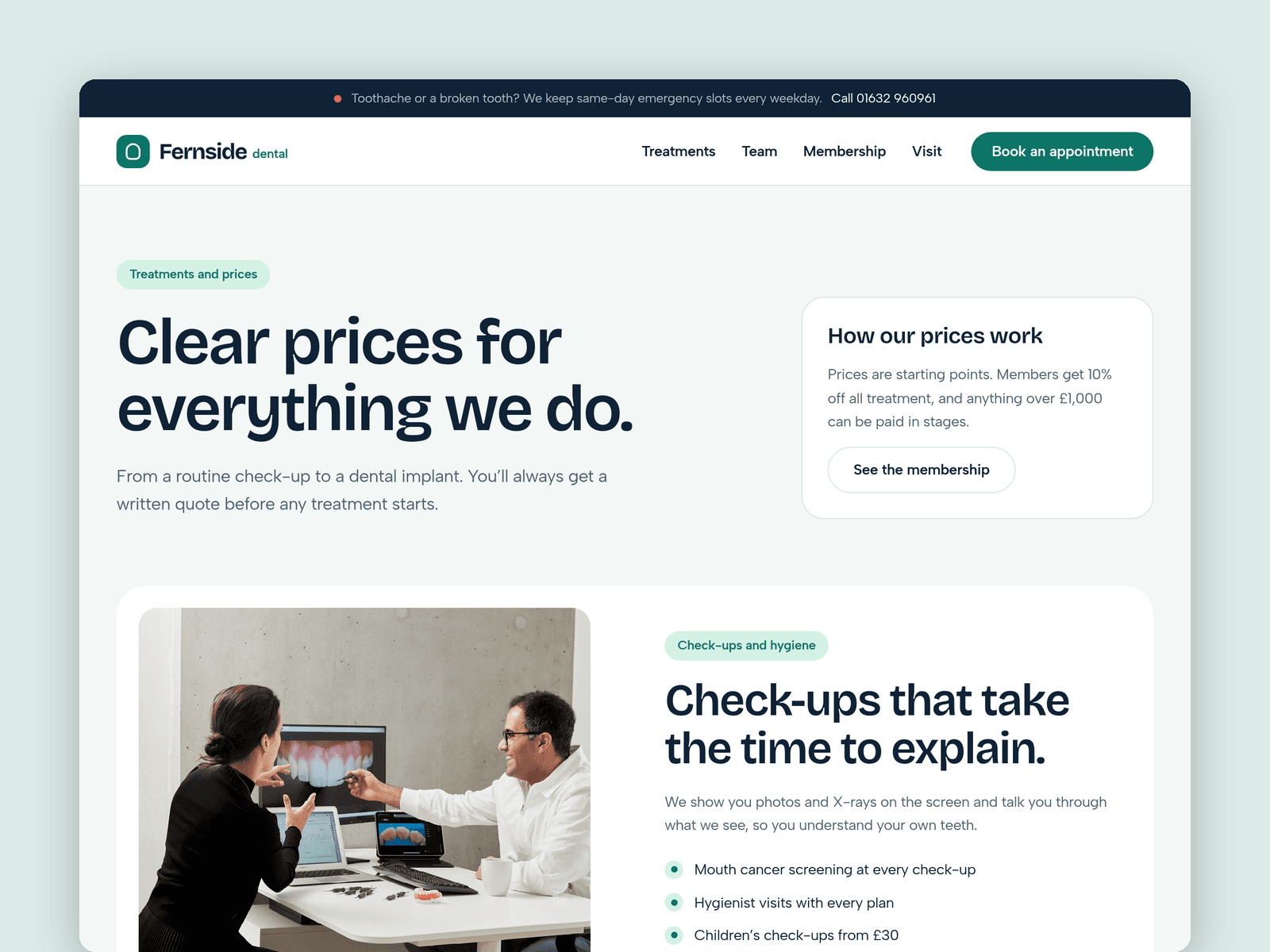
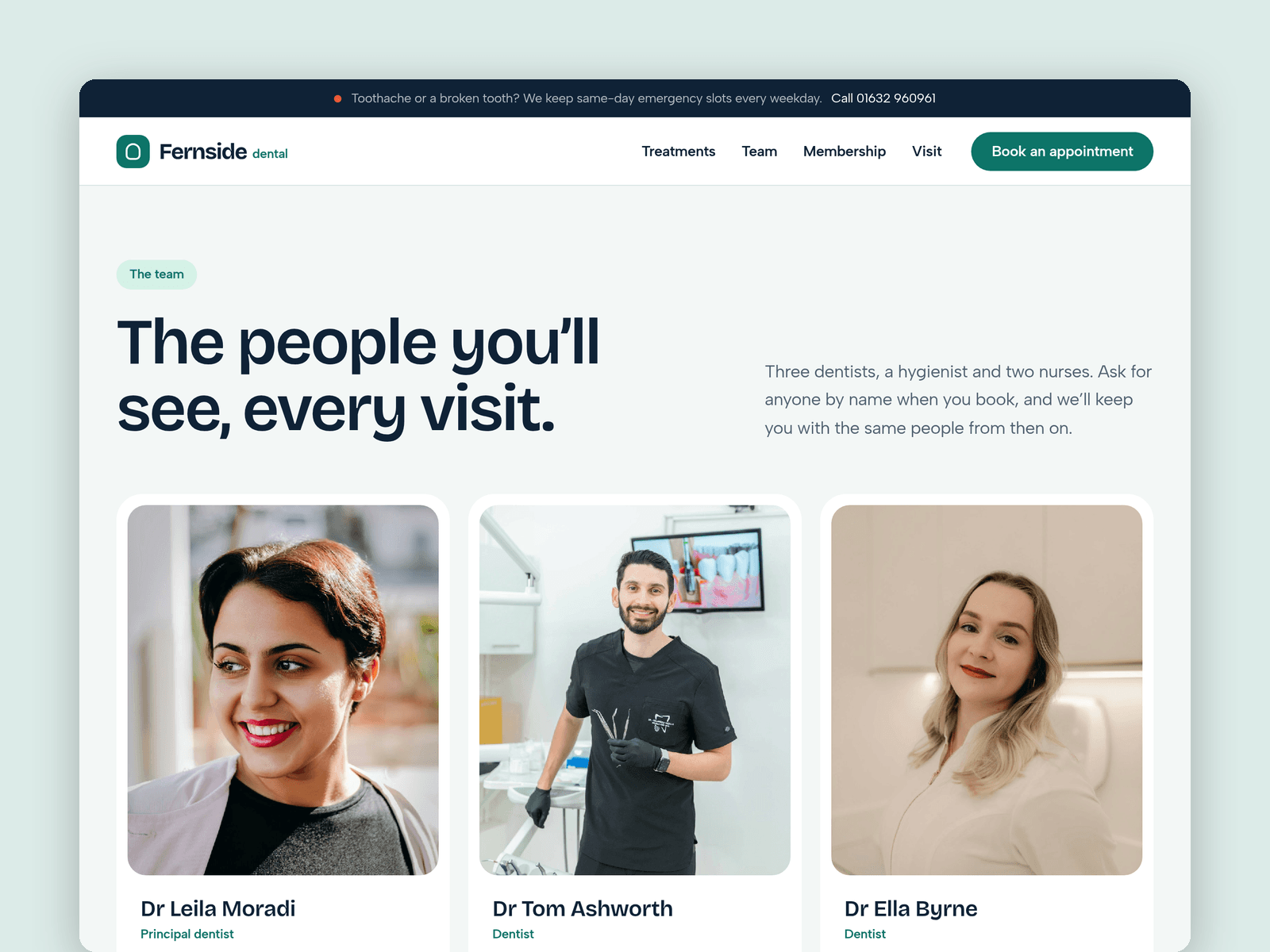
Treatments run from the CMS. Each one has a category, a starting price, an appointment length and a short description, and the Treatments page groups them into price cards automatically. Mark a treatment as featured and it shows on the home page too. The Team collection holds each dentist, hygienist and nurse with a photo, role, GDC number and interests.
The "Open now" badge reads your opening hours in your practice's time zone and shows "Open now · until 6pm" or the next opening time. An emergency bar and panel keep your phone number in front of anyone with toothache.
The Book page has an appointment-request form: new or existing patient, treatment, preferred days and time, and whether they're nervous, with an option to ask for a look round first. The button has loading, success and error states.
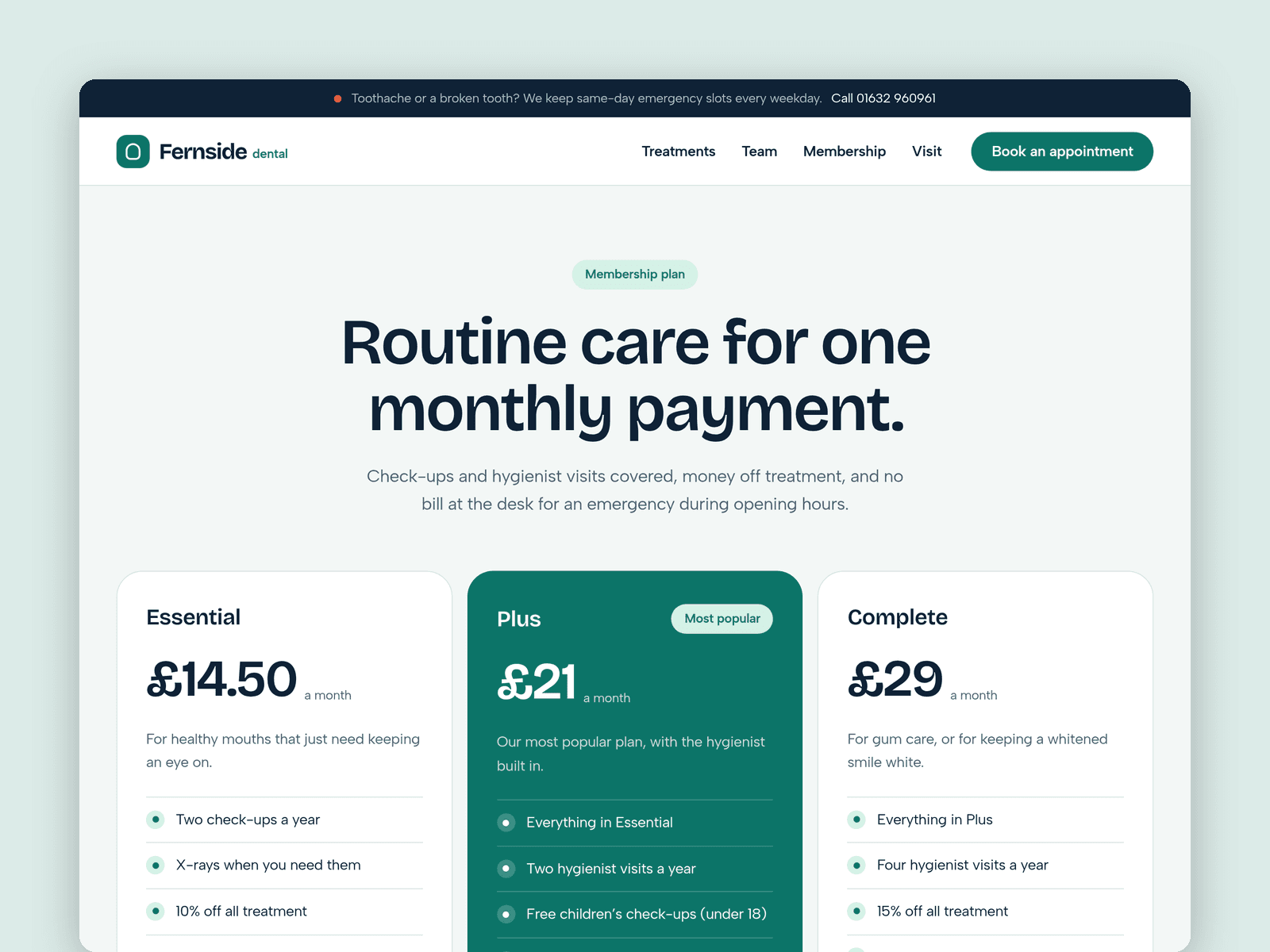
Pages: Home (with a first-visit timeline and an FAQ for nervous patients), Treatments, Team, Membership (three monthly plans), Book, Visit (hours, map, parking, access), Licenses and 404. Every page has its own search title and description and is laid out for desktop, tablet and phone.
Getting started:
Change the colours in Assets → Colors (all named Floss/...) and the fonts in Assets → Text Styles.
Replace the treatments and team in CMS → Treatments and CMS → Team, with your real GDC numbers.
Set your opening hours on the "Open now" badge and in the footer.
Open the form on /book and choose where requests go.
On /visit, put your address in the map component.
Swap the photos for your own and update the page titles in Page settings.