About Roast Coffee Co
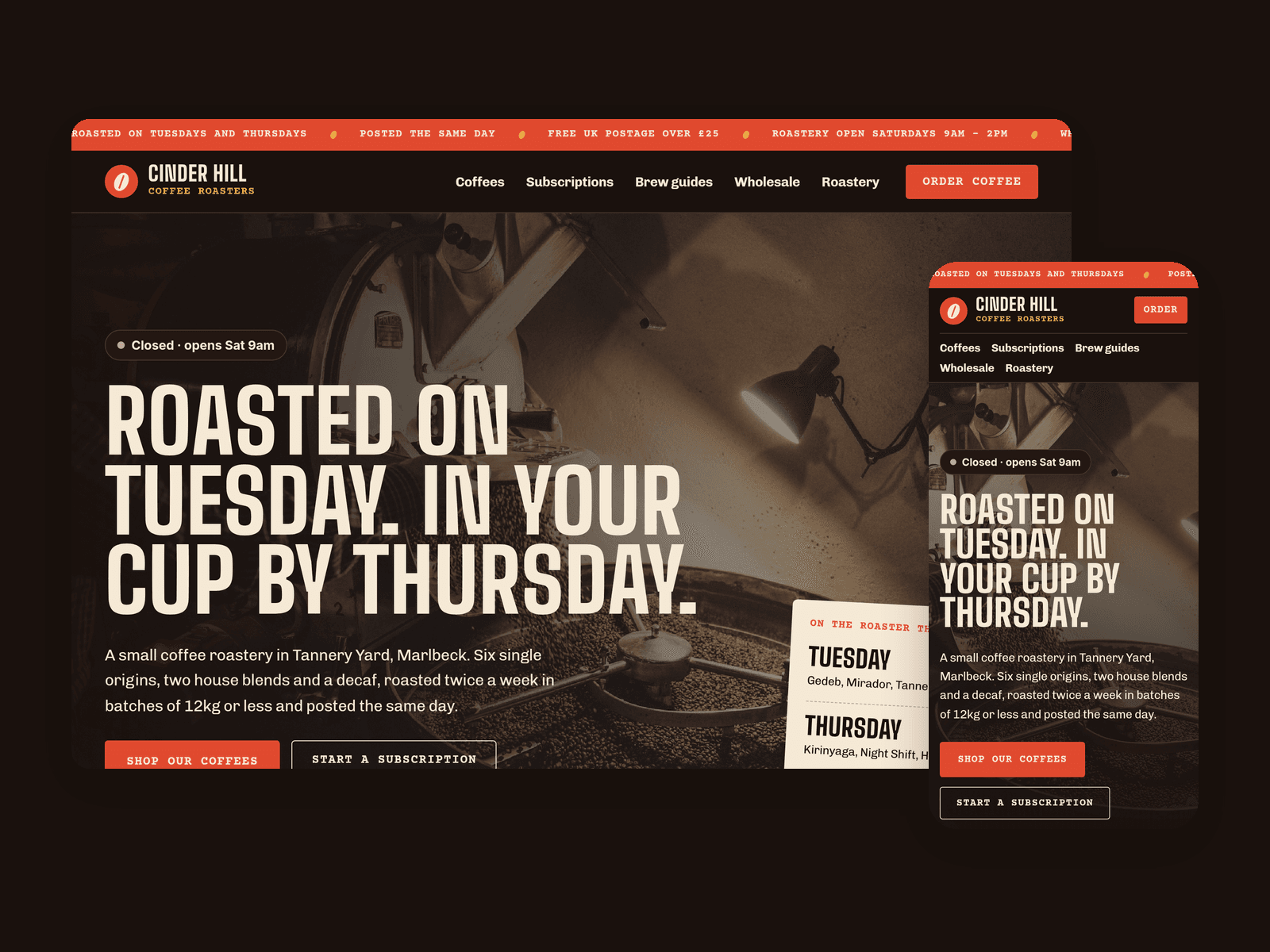
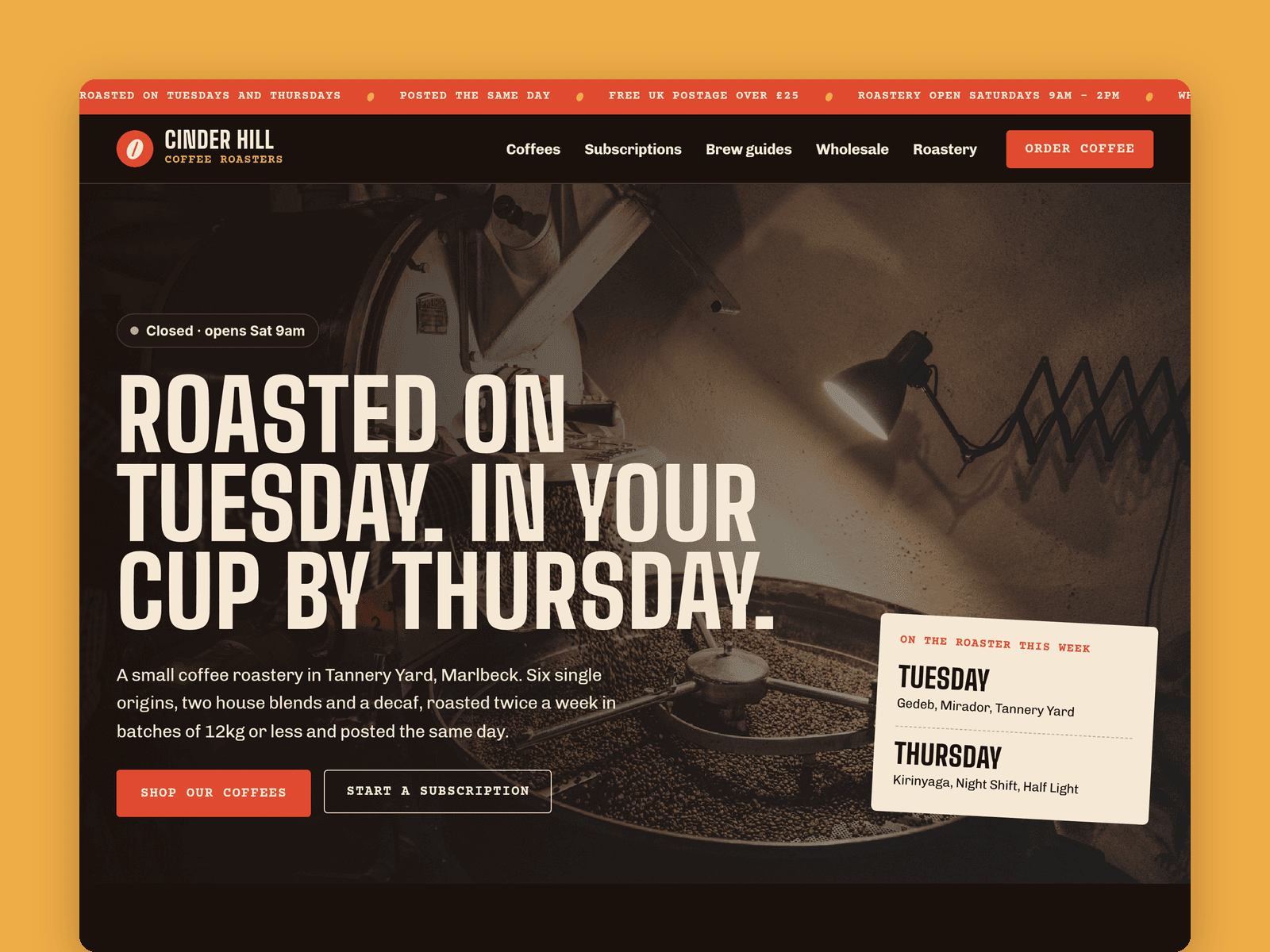
Roast is a website template for small-batch coffee roasters who sell online and supply cafés. It's dark and warm, with tall condensed headings, typewriter labels like a bag stamp, an italic serif for tasting notes and a coffee-cherry red for every button.
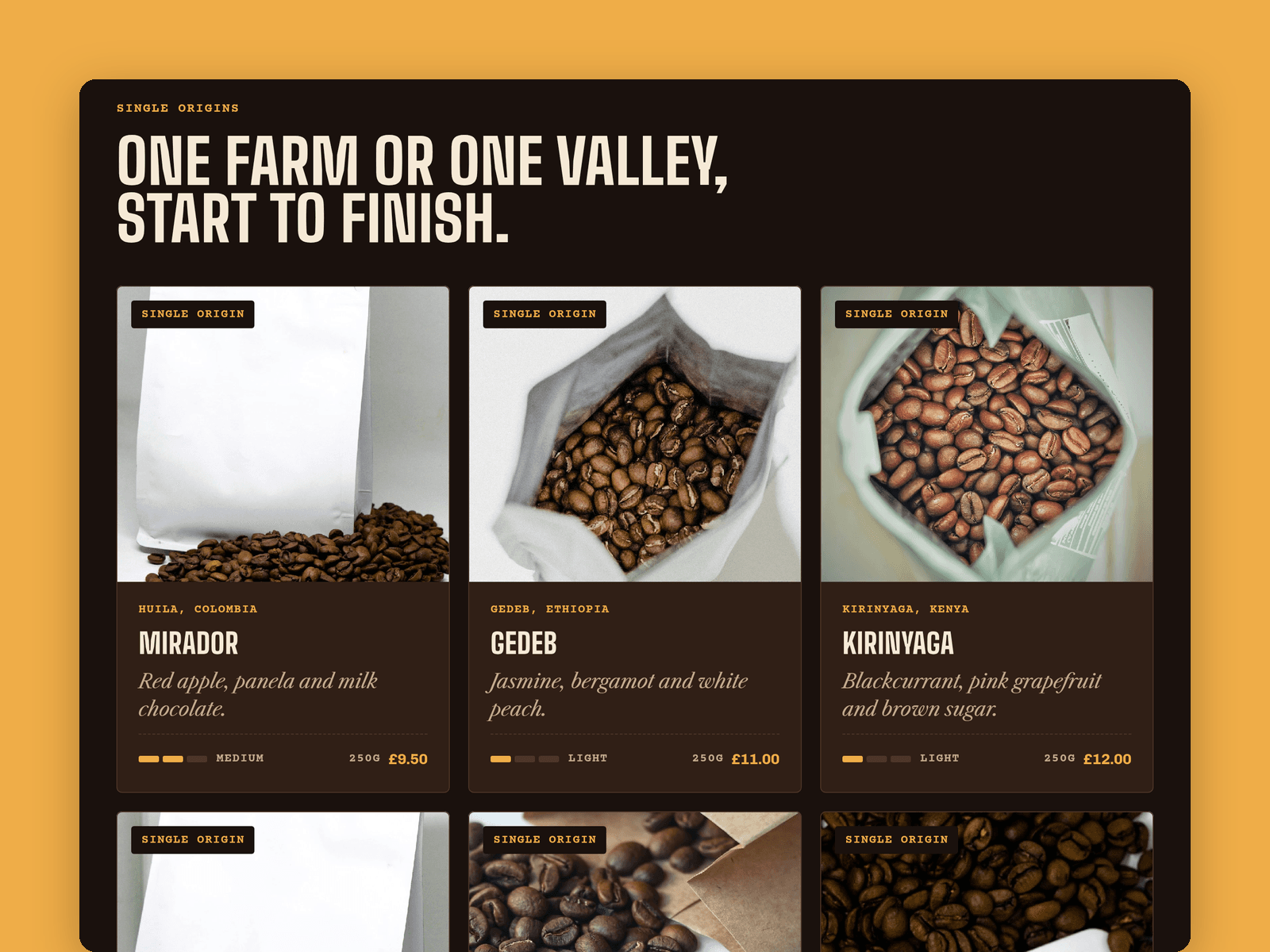
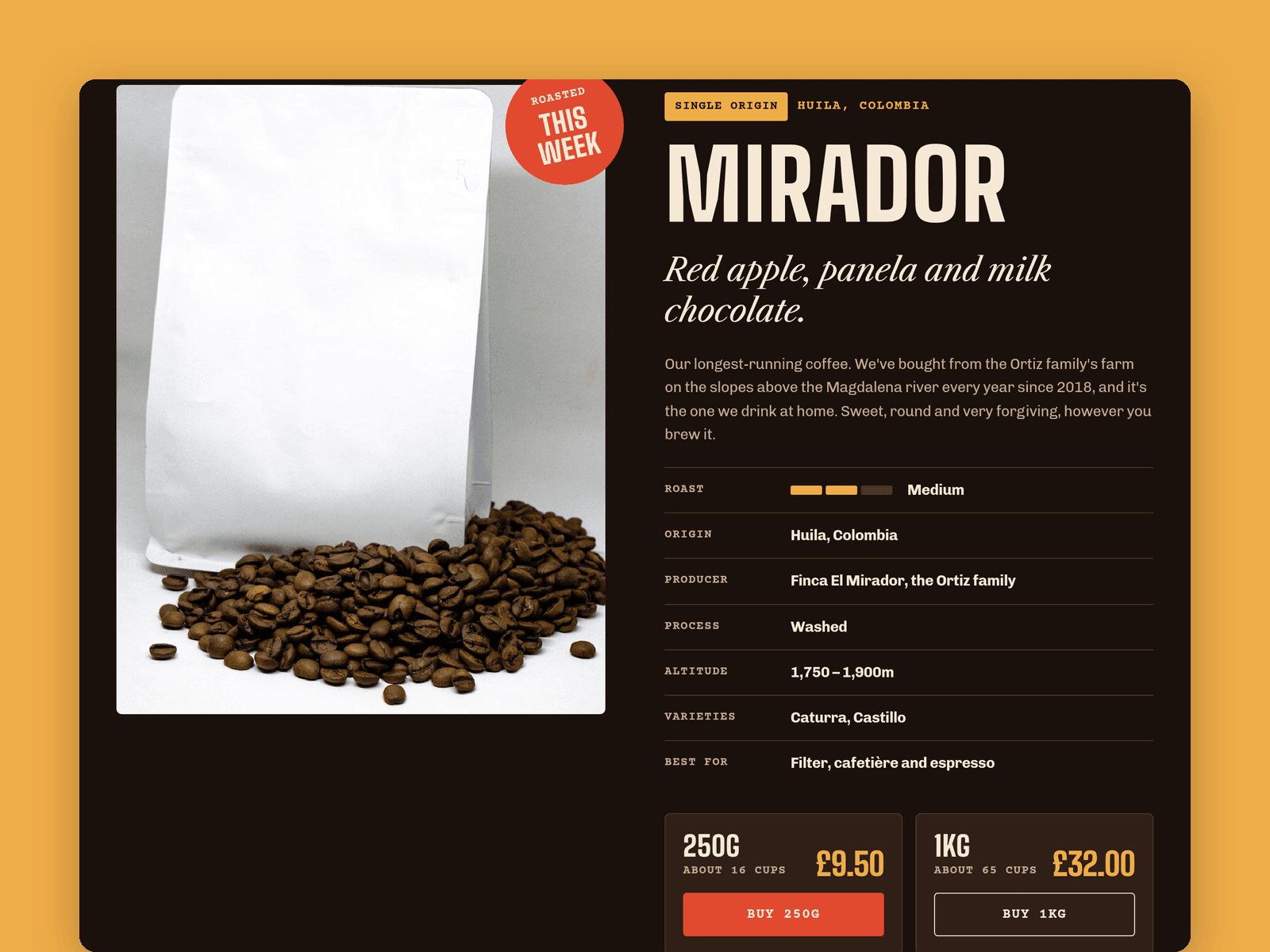
Coffees run from the CMS, each with origin, producer, process, roast level, tasting notes, altitude, varieties, prices for 250g and 1kg, a bag photo and brew tips. Every coffee gets its own page, with a roast meter that fills in from the roast level. A second collection holds brew guides with dose, water, grind, time and four steps.
The Wholesale page has a native enquiry form for cafés (business name, postcode, weekly volume, equipment and contact details) with loading, success and error states, plus a trade price list.
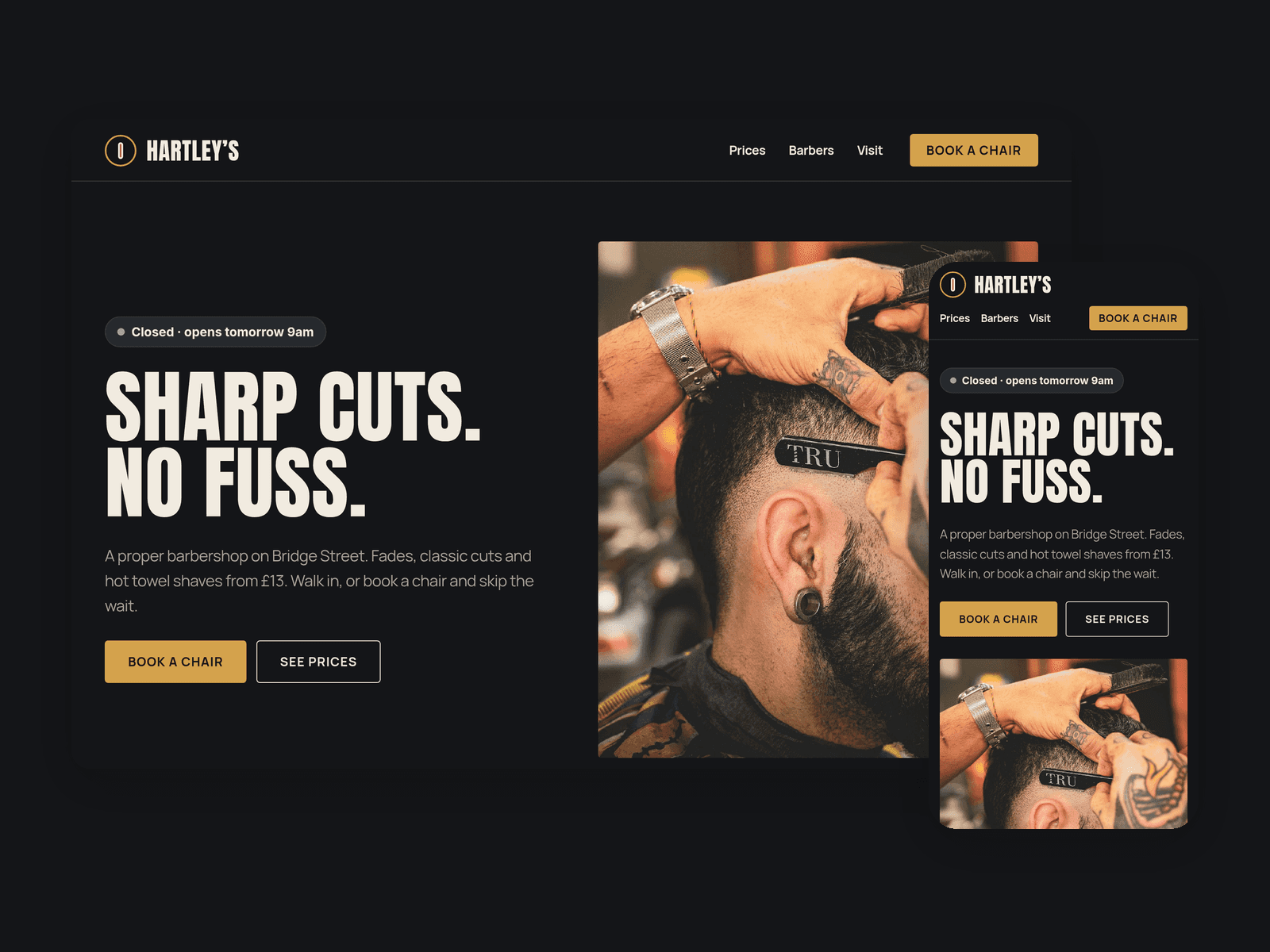
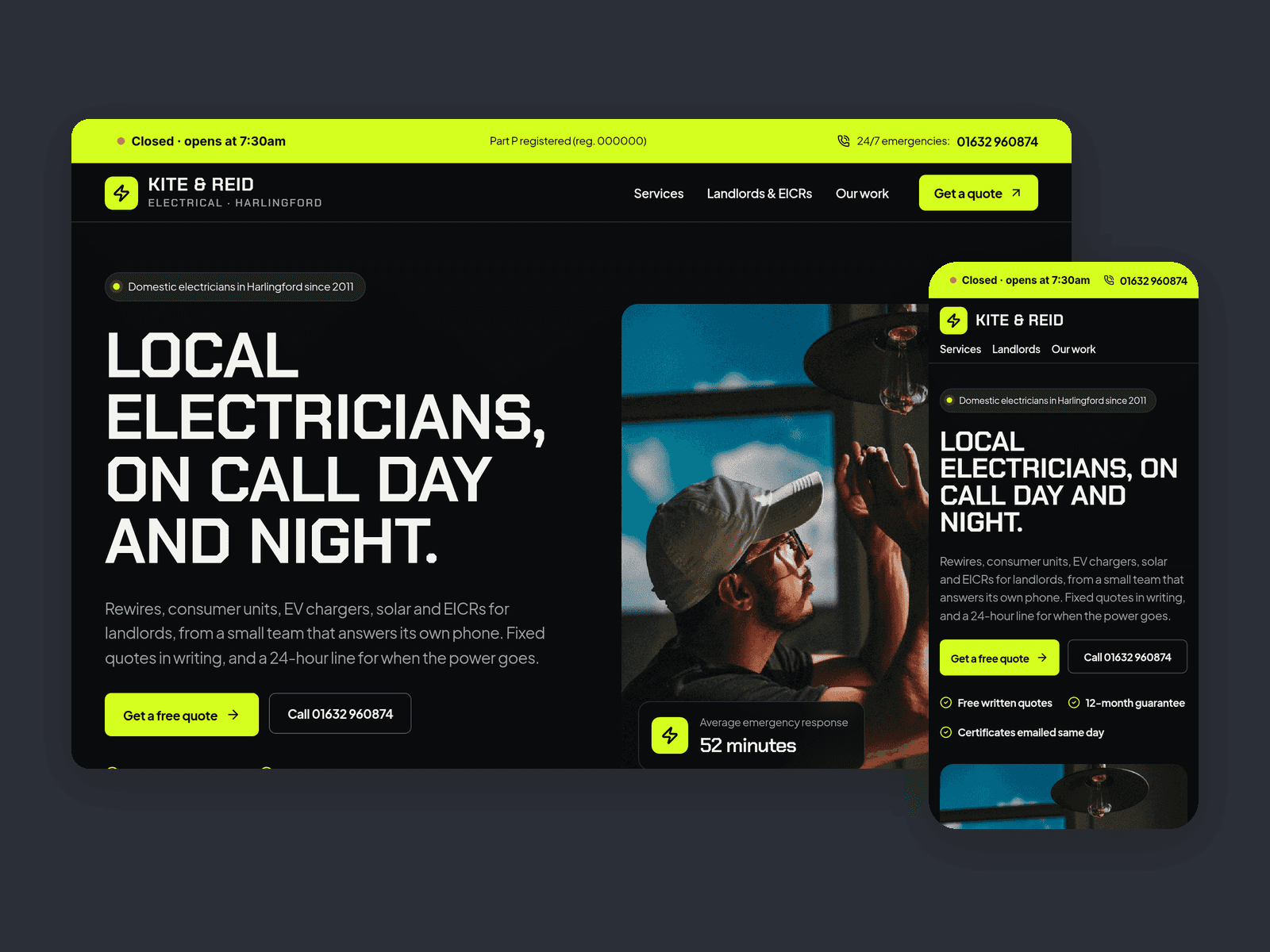
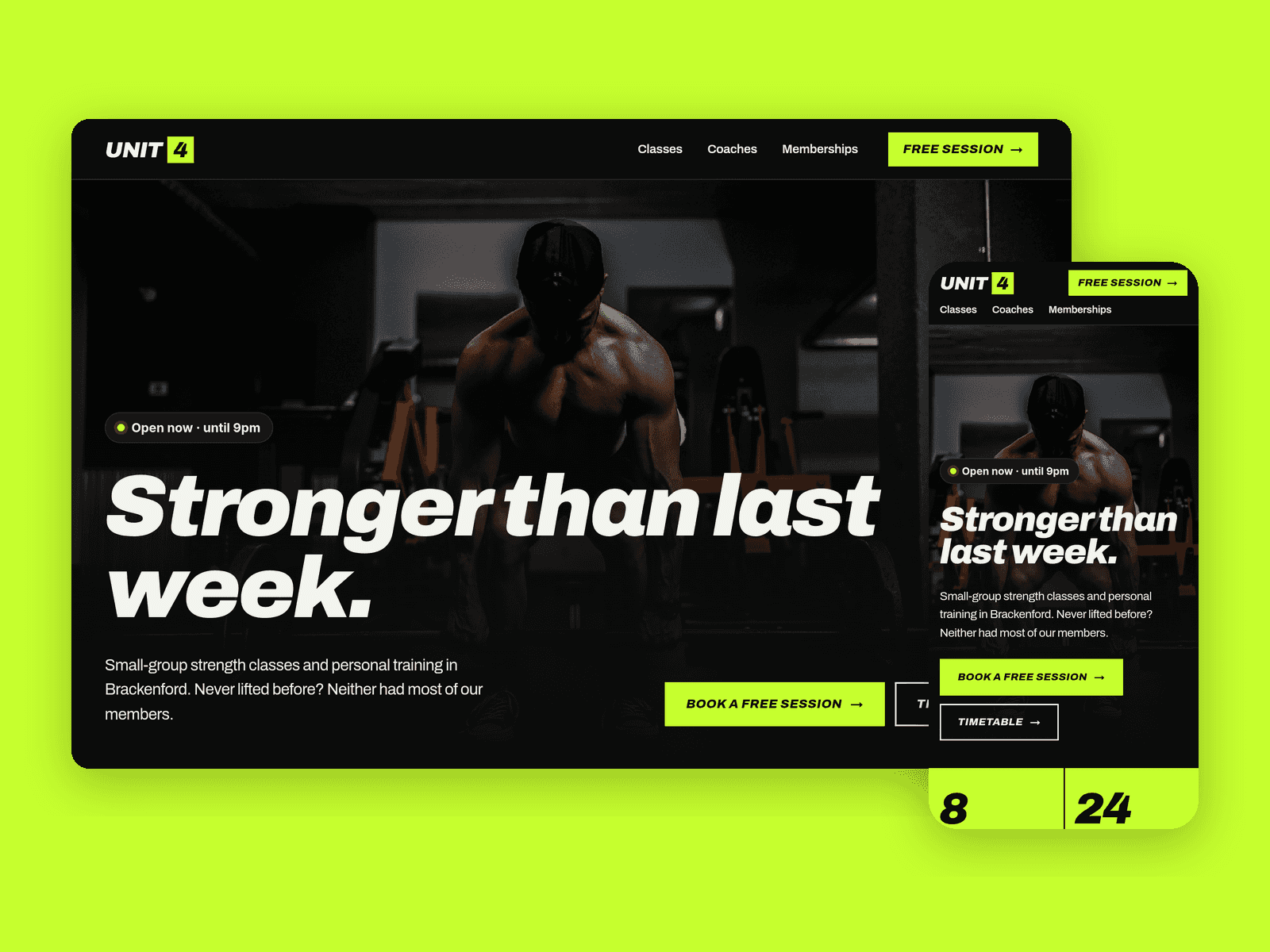
The "Open now" badge reads your roastery hours in your time zone and shows "Open now · until 2pm" or the next opening time.
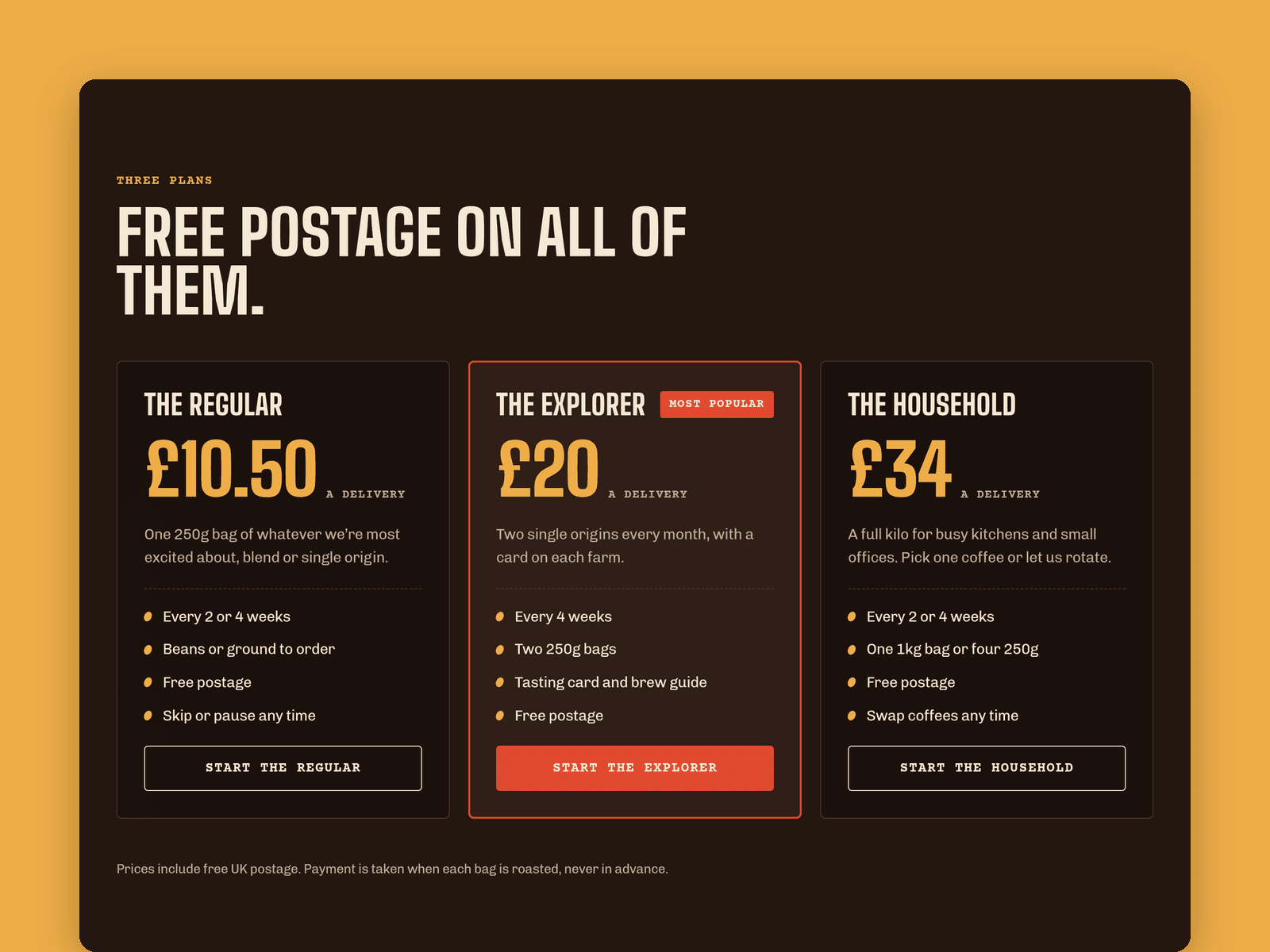
Pages: Home (farm-to-cup timeline, subscription plans, wholesale block), Coffees, a coffee page, Subscriptions (three plans, gift subscriptions, FAQ), Brew guides and kit, Wholesale, Roastery (Saturday timetable, brew bar, map), Order, Licenses and 404. Buy buttons go to /shop, an order page with the full price list. Connect Framer's checkout or a Shopify Buy Button there, or link the buttons to your own store.
Getting started:
Change the colours in Assets → Colors (all named Roast/...) and the fonts in Assets → Text Styles.
Replace the sample coffees and brew guides in the CMS.
Set your opening hours on the "Open now" badges and in the footer.
Open the form on /wholesale and choose where enquiries go.
Point the Buy and subscription buttons at your checkout, and put your address in the map on /roastery.
Swap the photos for your own and update the page titles in Page settings.