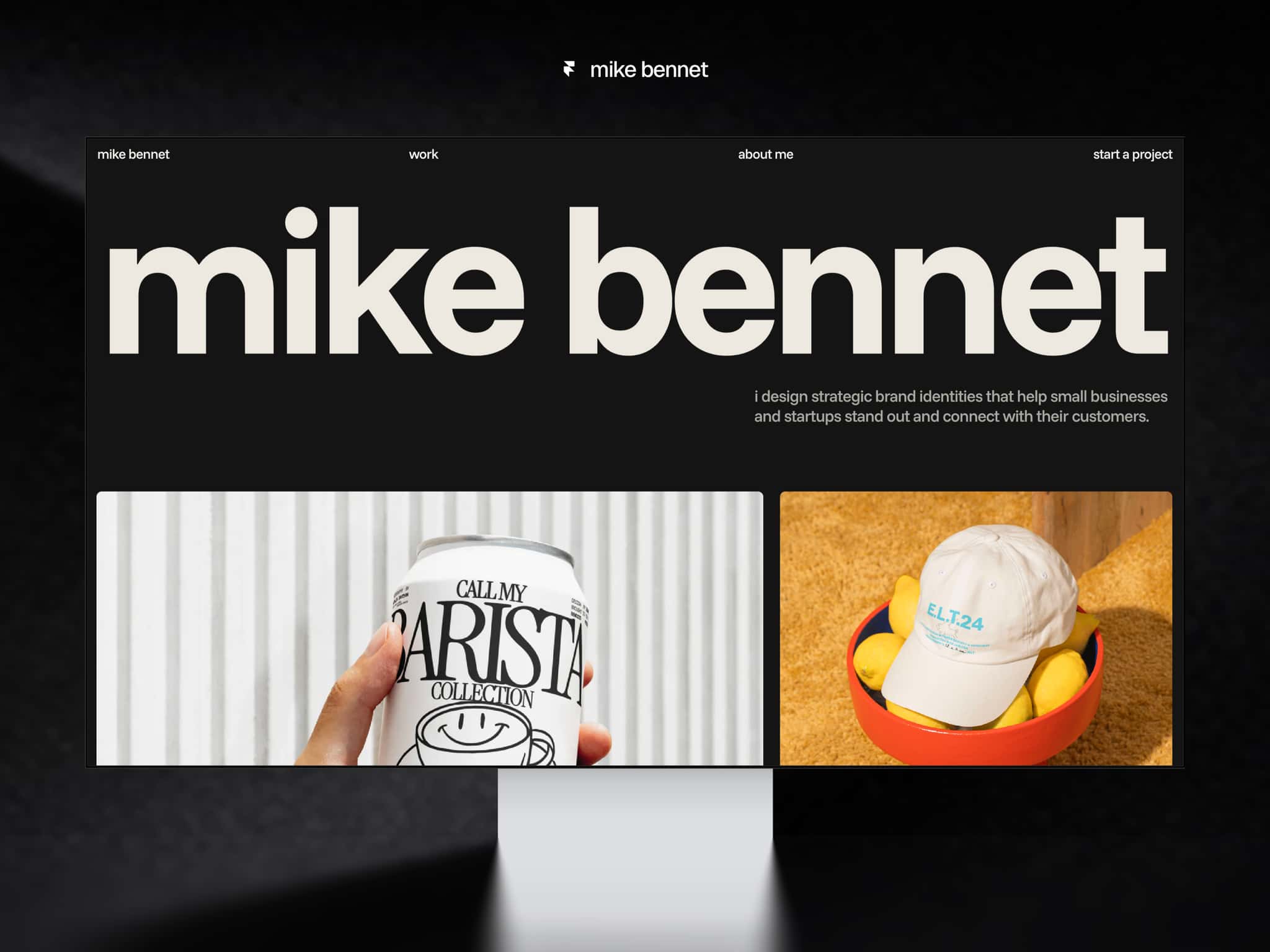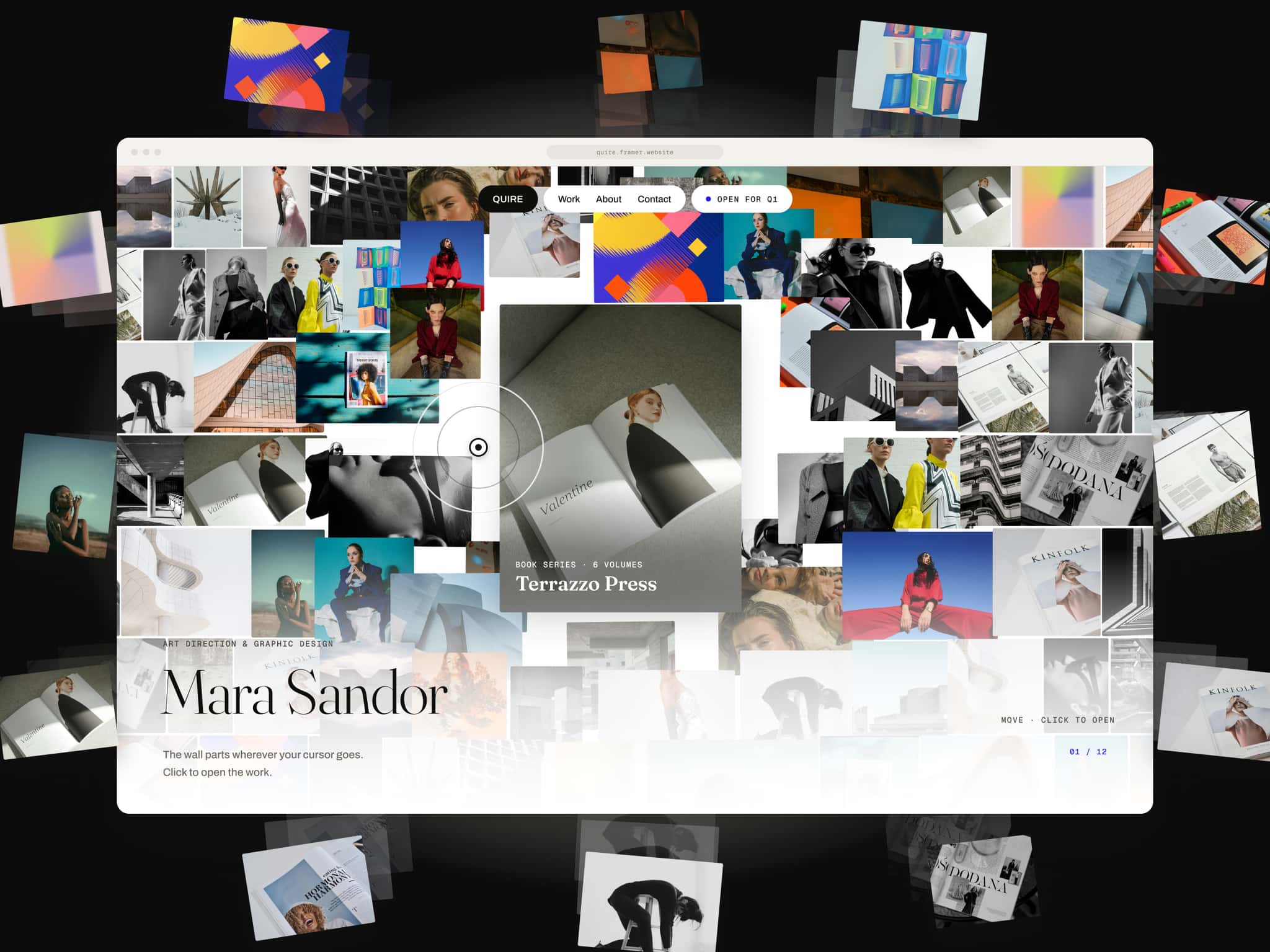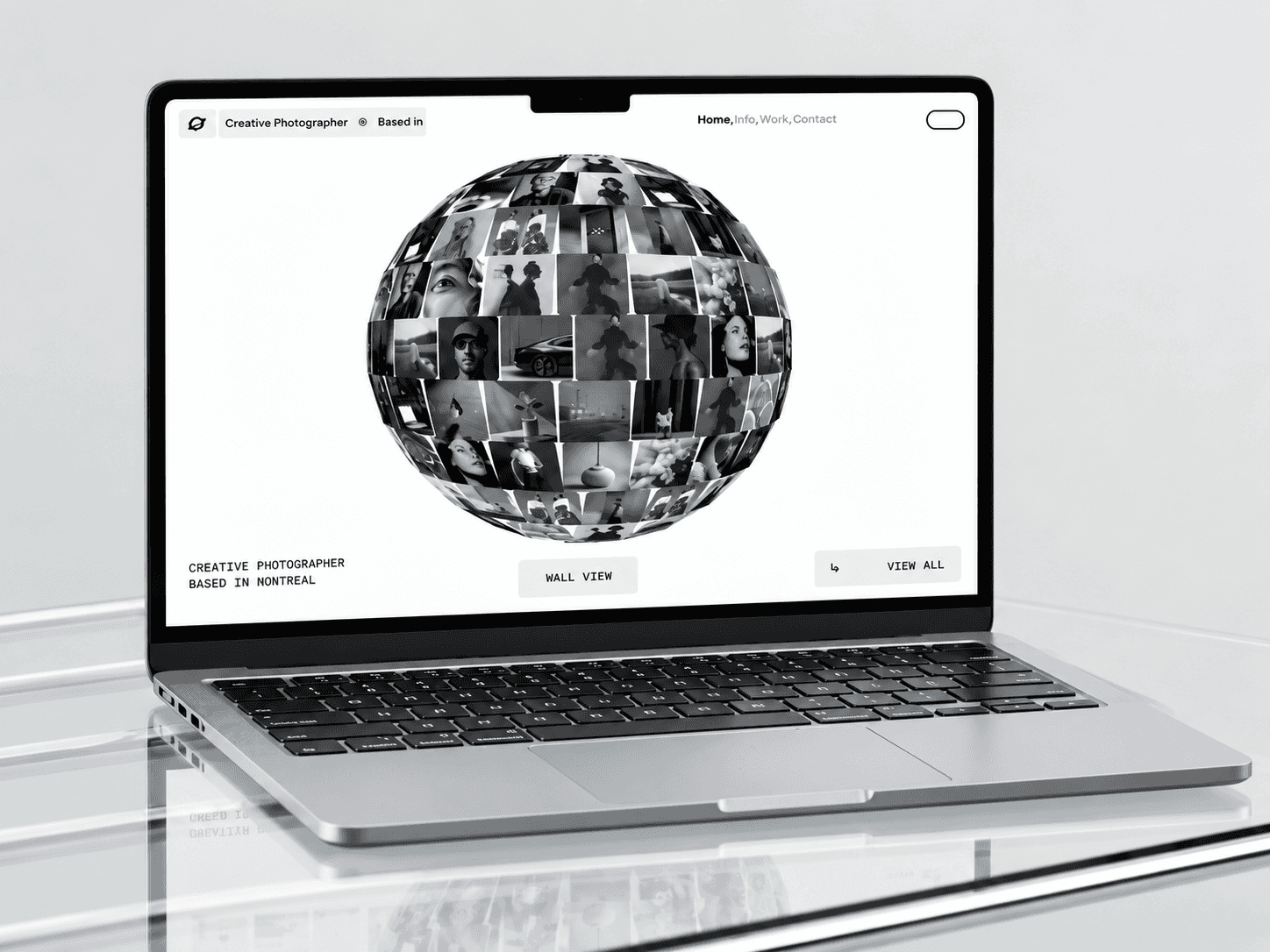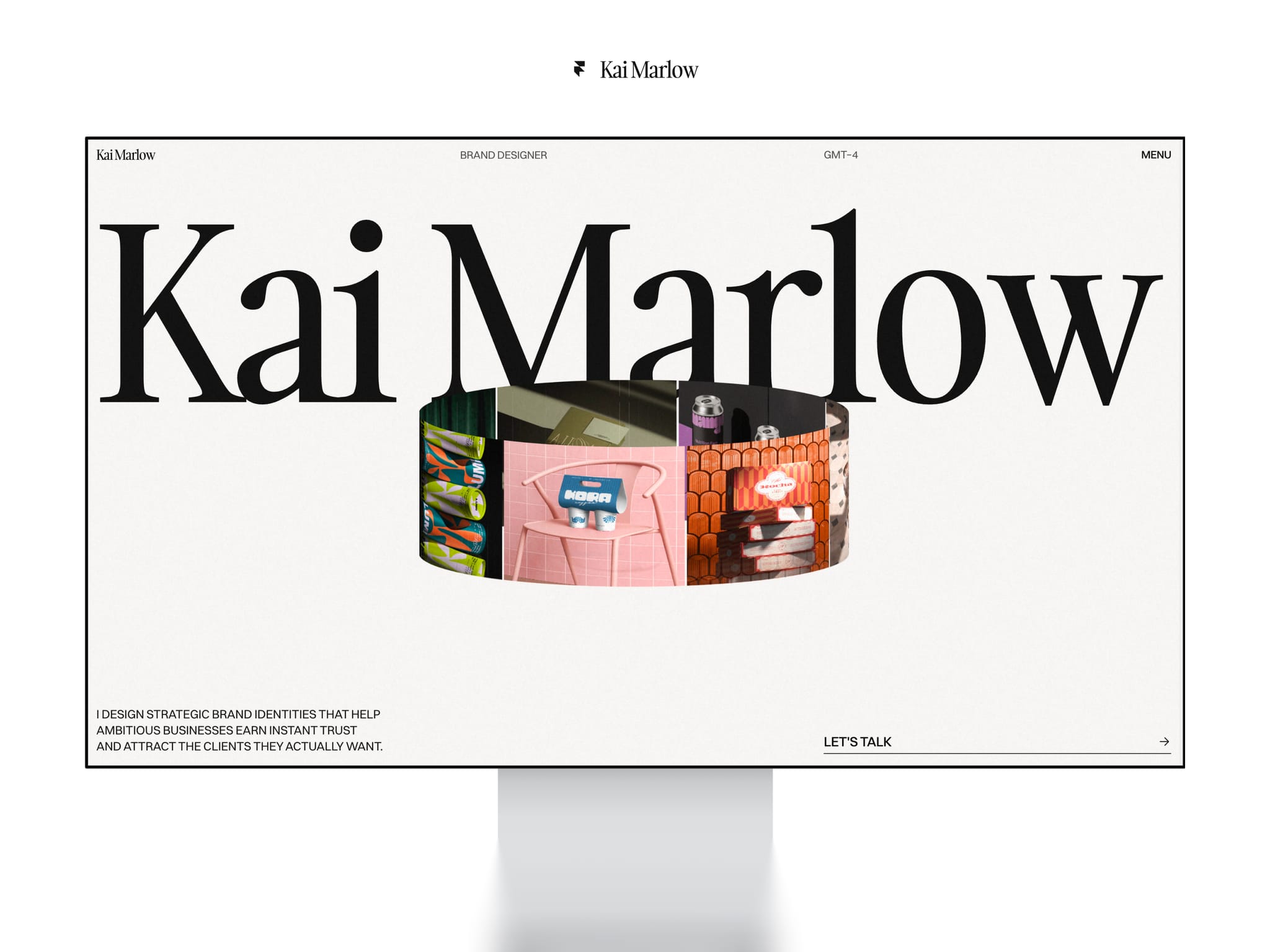
About Kai Marlow
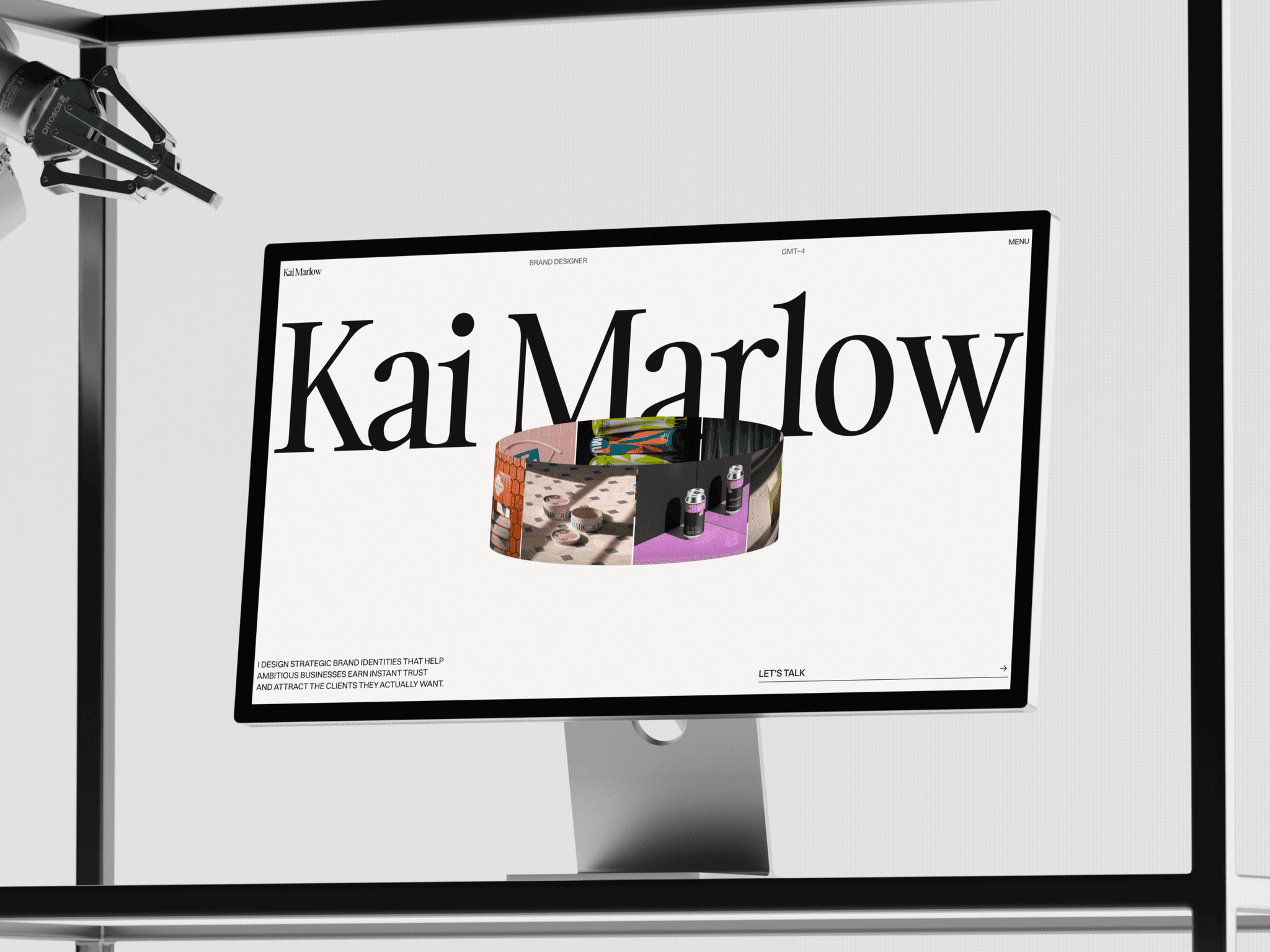
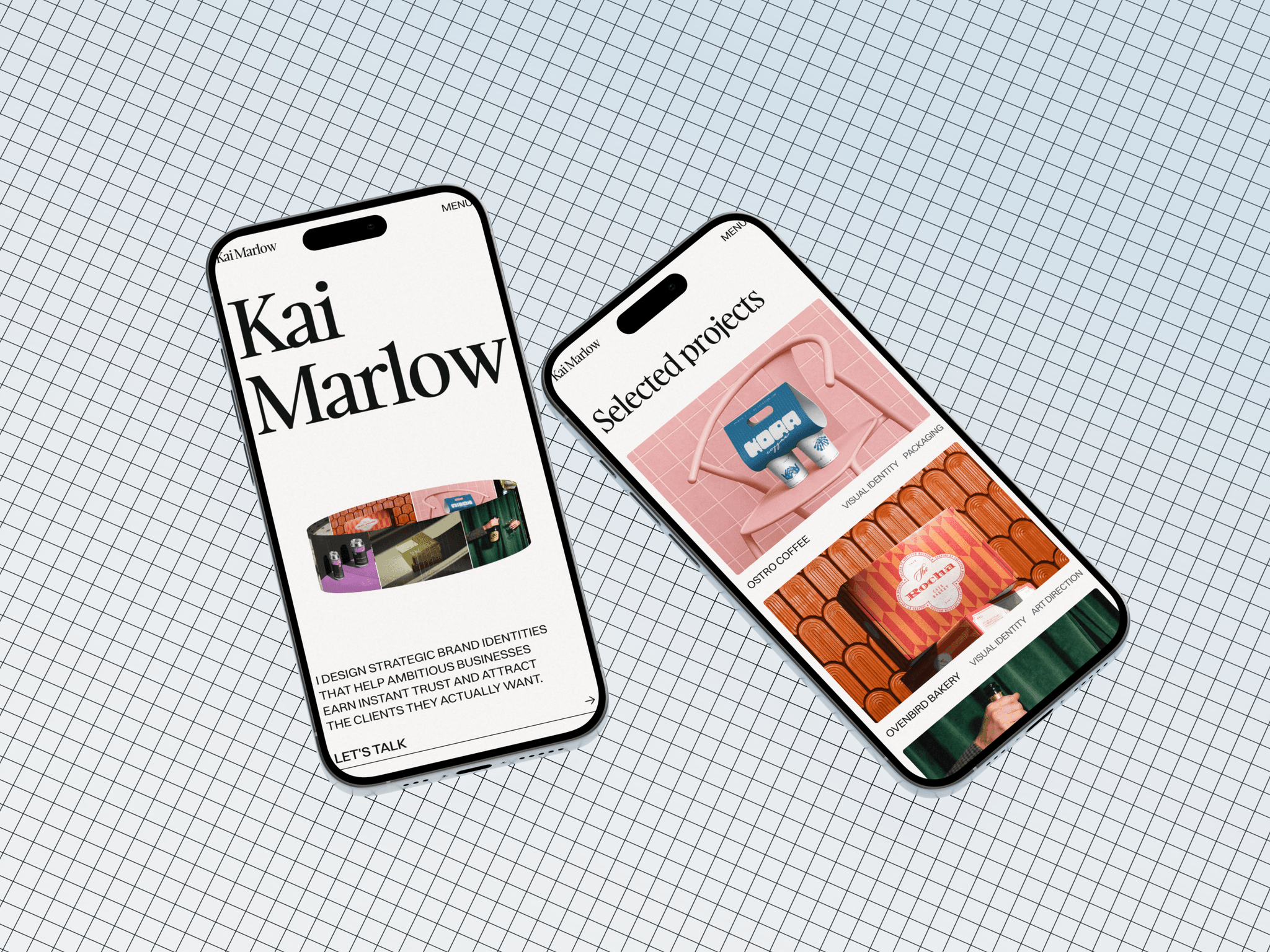
Kai Marlow is a free portfolio website template for Framer that helps designers, studios, and creatives launch a portfolio that makes visitors stop and look in a few hours.
Most free templates give you the design and nothing else. This one comes with a video guide for every step, a gallery that fits any project, and my email address for when something goes wrong.
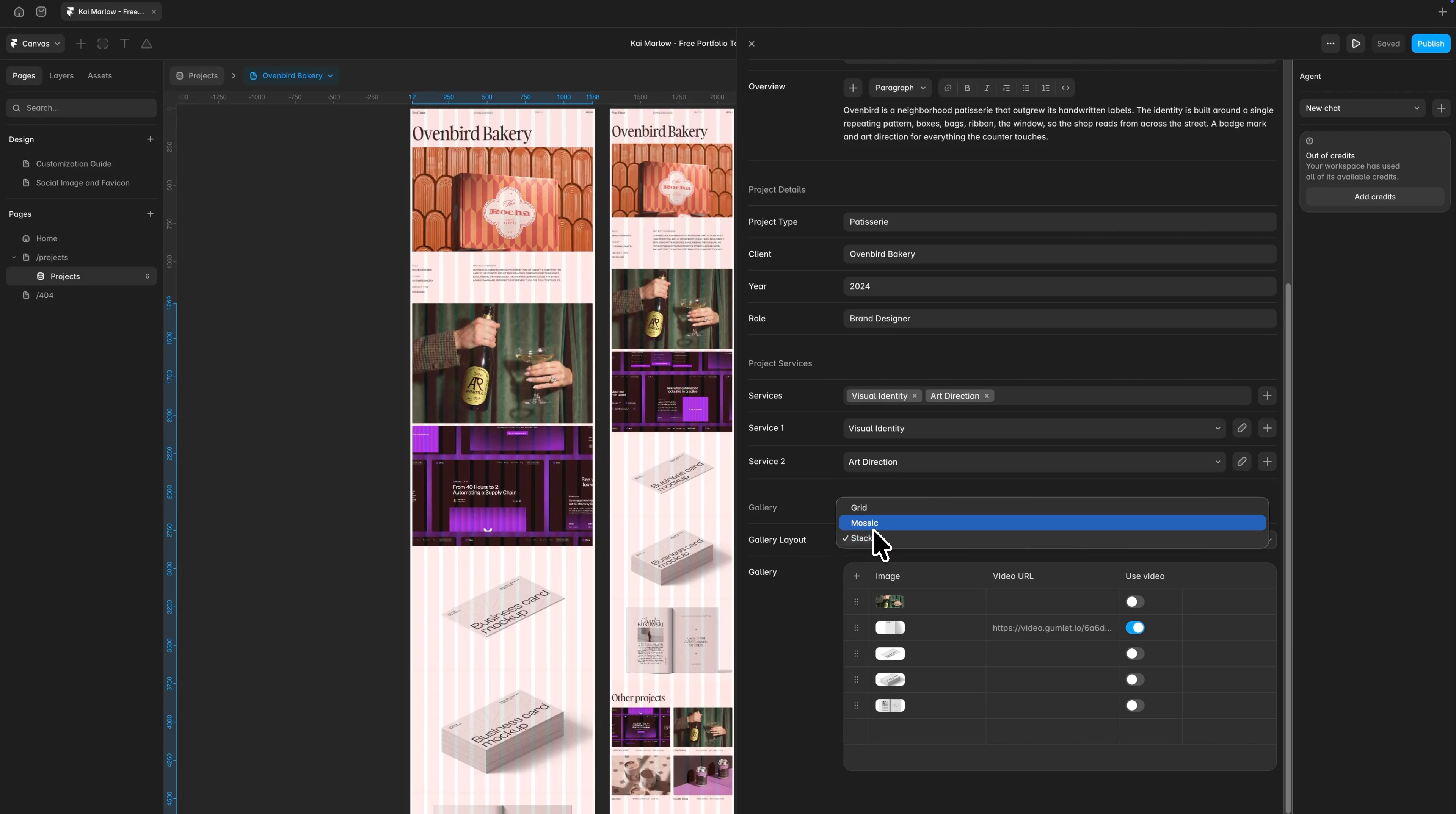
Flexible gallery for your case study pages that helps you show as many images and videos as you want, in three different layouts
You have four pieces of media for one project and eight for another, and some of them are videos.
The template has one layout, so you adapt the work to it. You cut images out of the project that has too many, and the one with too few looks half empty.
You would fix it yourself, but you do not have time to learn Framer.
That is why I built the Whoosh Media Grid.
Gallery layout
Choose a gallery layout for each project, so every case study fits the work in it without you building anything in Framer.
There are three to pick from. Each one arranges your images and videos in a different way.
You set this for each project on its own, so the one with four pieces and the one with eight do not have to look alike. Changing it takes a few seconds.
Gallery media
Add your images and videos here, in the order you want them. Four in one project, thirty in the next. Images and video sit side by side, so there is no component to swap.
It all happens in one place. You never open the project page, so nothing breaks, and adding a photo a year from now takes a minute.
Note: the second video above shows the same project in all three layouts.
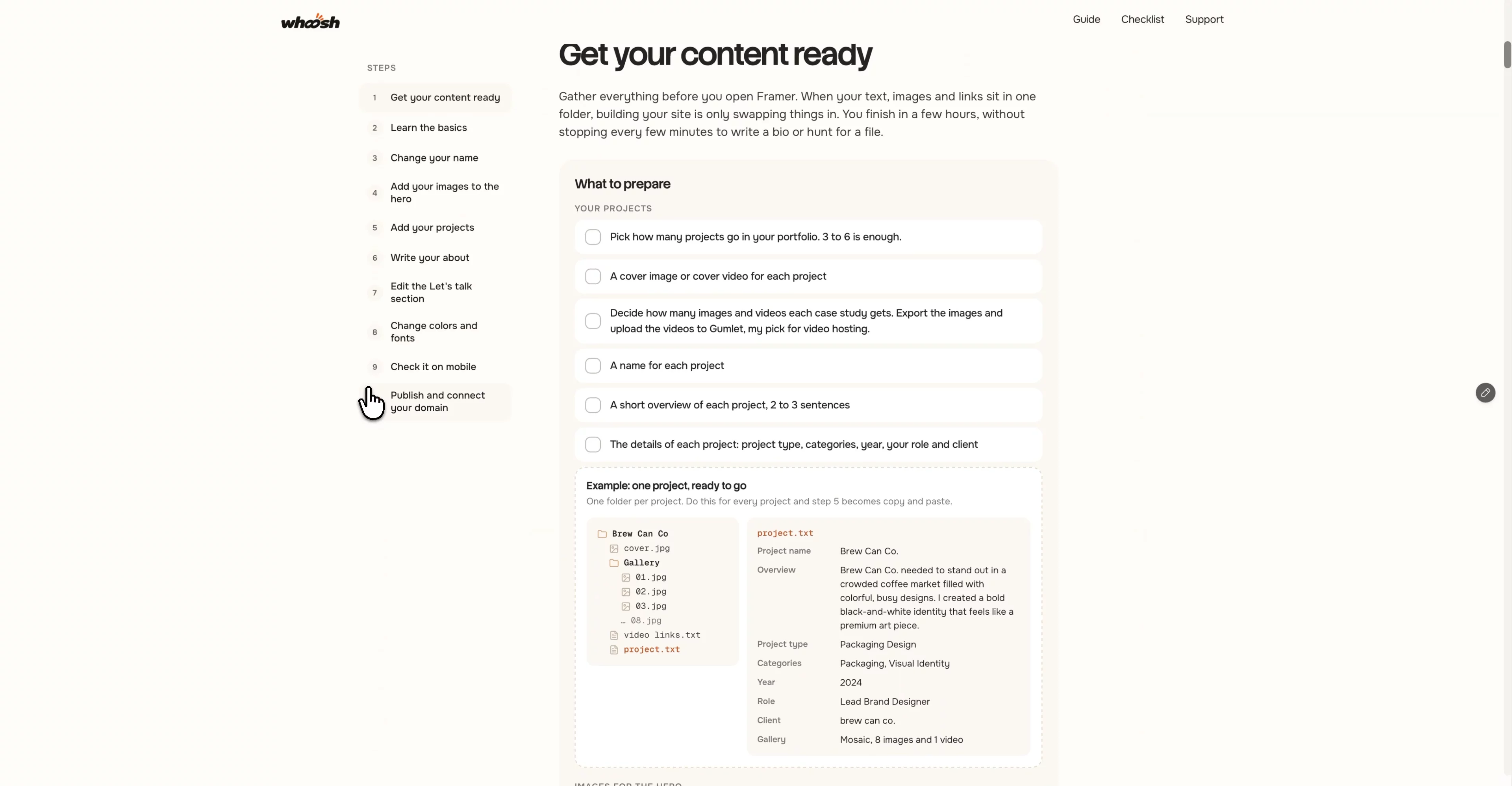
Video customization guide for every step, from remixing the template to launching your site
Most templates hand you a file and wish you luck. This one comes with a video customization guide that takes you from the first click to a live site.
Read the guide before you take the template: Kai Marlow - Customization guide