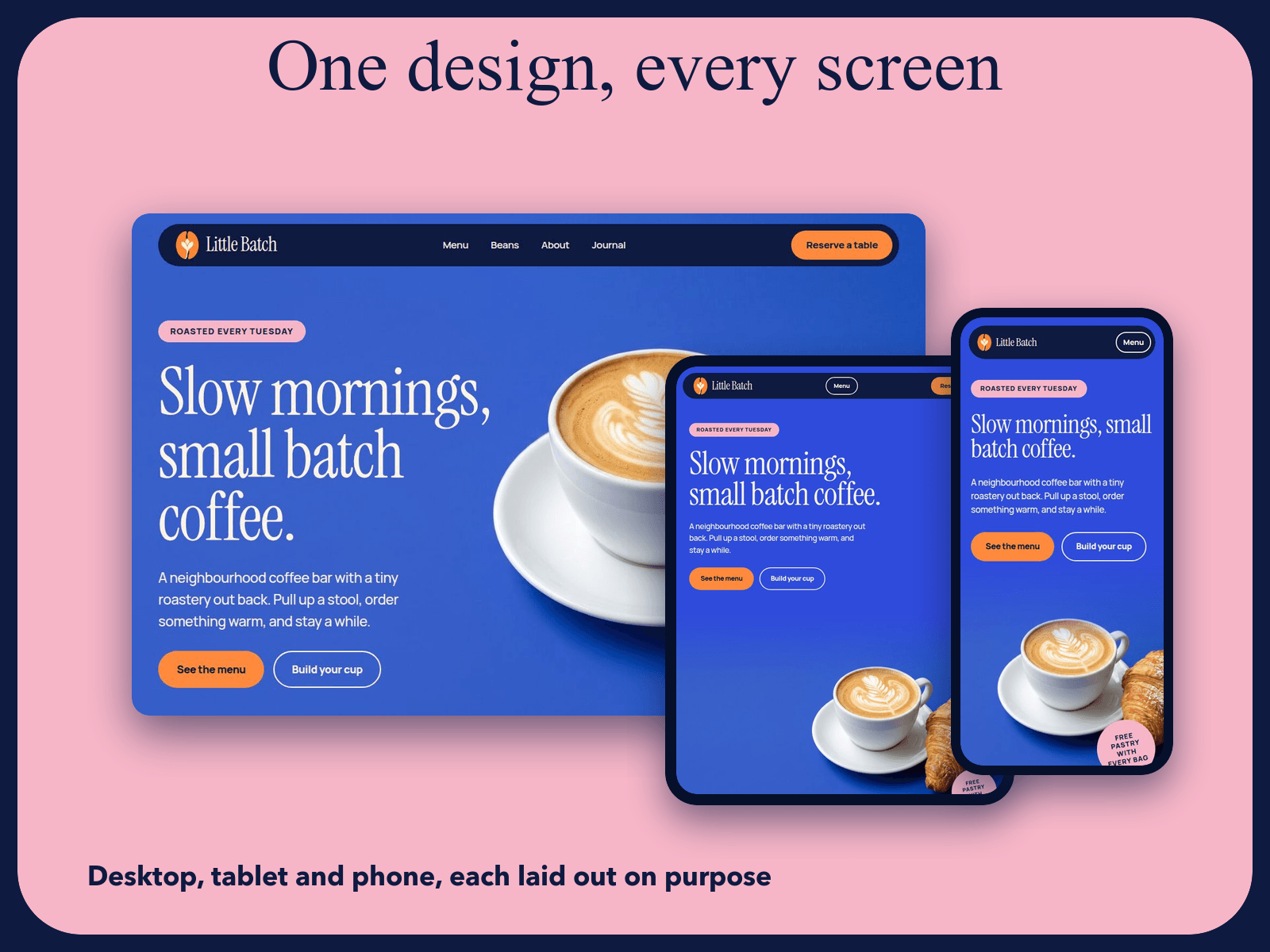
About Little Batch
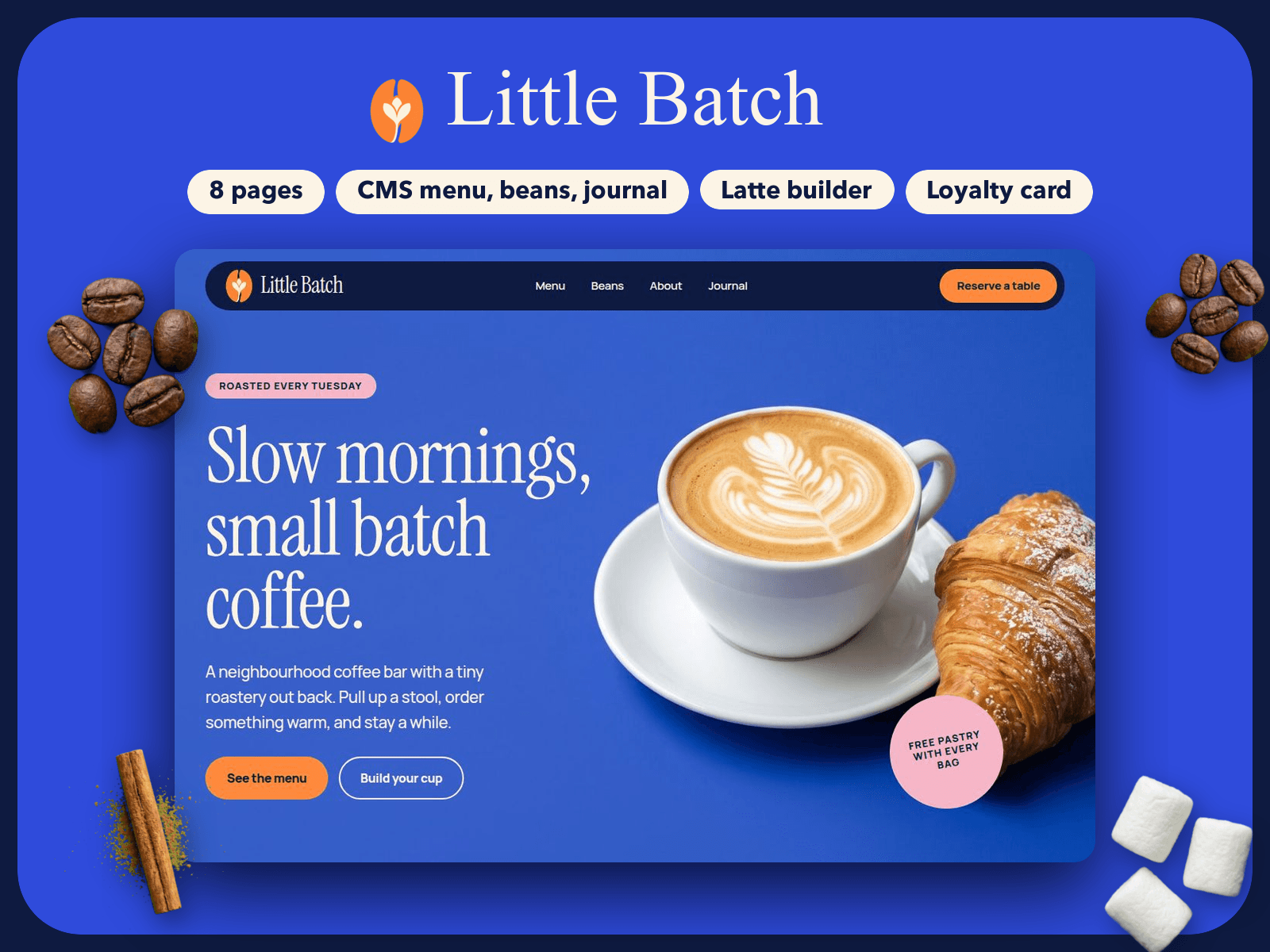
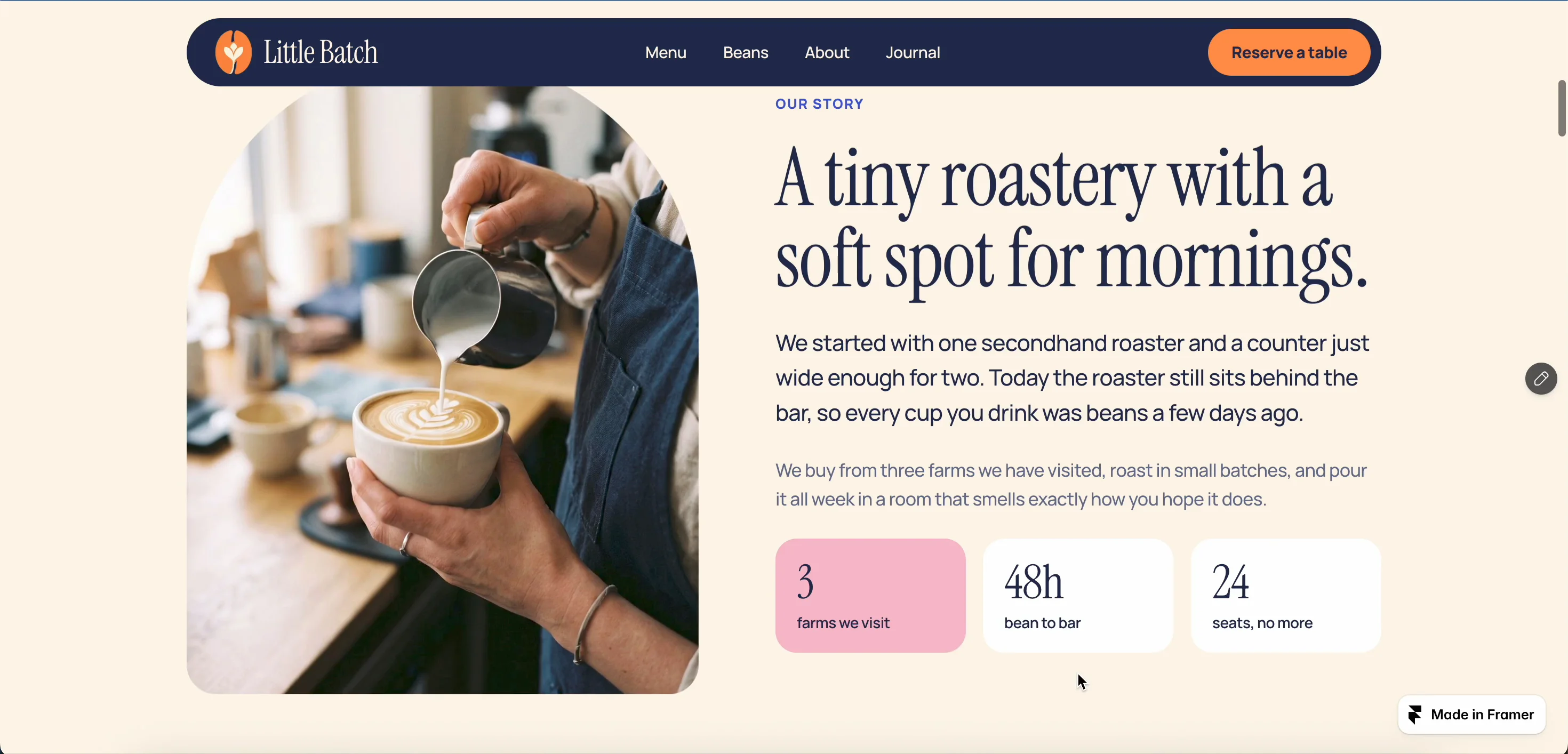
Little Batch is a playful Framer template for coffee shops and small roasteries, with a CMS menu, a bean shop, a latte builder, a loyalty stamp card and a reservation form. ☕
✨ WHAT'S INCLUDED
• 6 pages (Home, Menu, Beans, About, Visit, Journal) plus an article page and a 404 page
• Menu, Beans and Journal on the CMS, with 12 sample menu items, 3 coffees and 4 sample articles
• A sticky category bar on the Menu page that jumps to Coffee, Tea and more, and Pastries
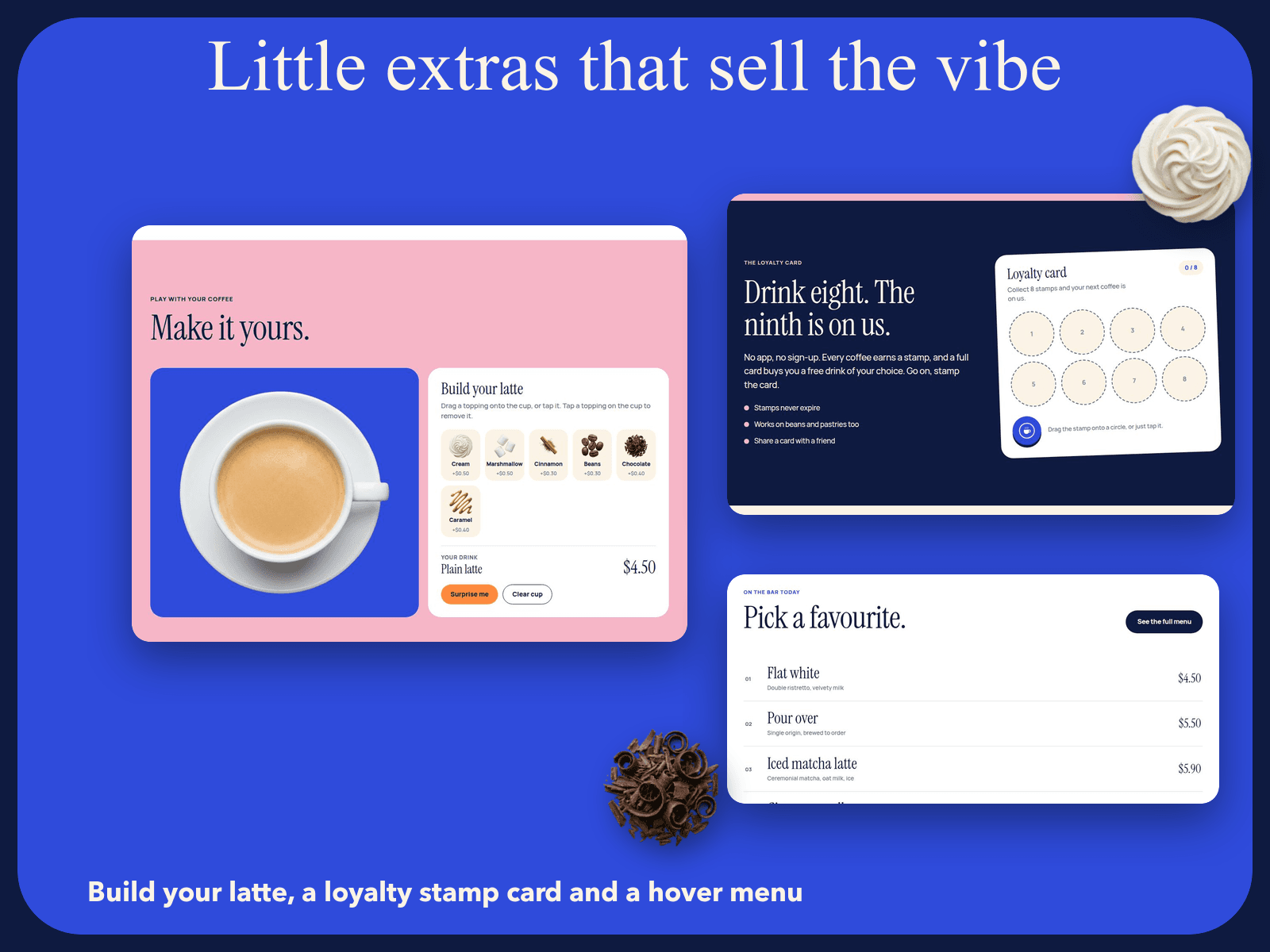
• Build your latte, a Loyalty stamp card, an FAQ list and a menu hover list, all editable from the properties panel
• Reservation form with Sending, Sent and Error button states
• Scrolling reviews and keyword ticker, hover effects, a phone menu and a Read me page inside the project
• Separate desktop, tablet and phone layouts, checked down to 320px, with Reduced Motion on
• Color tokens and text styles, plus Instrument Serif and Manrope
⚠️ GOOD TO KNOW
• The Visit form has no Send To email on purpose. Framer shows "Form not configured" until you add yours.
• All names, prices, hours, reviews and claims are sample text.
• Photos are AI-generated placeholders.
• No payments are built in. The Order this bag button opens a link you set.
• The Cup Builder and Stamp Card are code components. Edit them from the properties panel, not by double clicking.
🚀 GETTING STARTED
1. Duplicate or remix the project into your workspace.
2. Read the Read me page for where to change the logo, colors, text and photos.
3. Set the Send To email on the Visit form.
4. Replace the Little Batch name in the top bar and footer, and the sample email.
5. Edit the menu, beans and articles in the CMS.
6. Replace the sample photos and add alt text.
7. Set the site title, favicon and social image in Site Settings.
8. Publish your site.