About Maverini
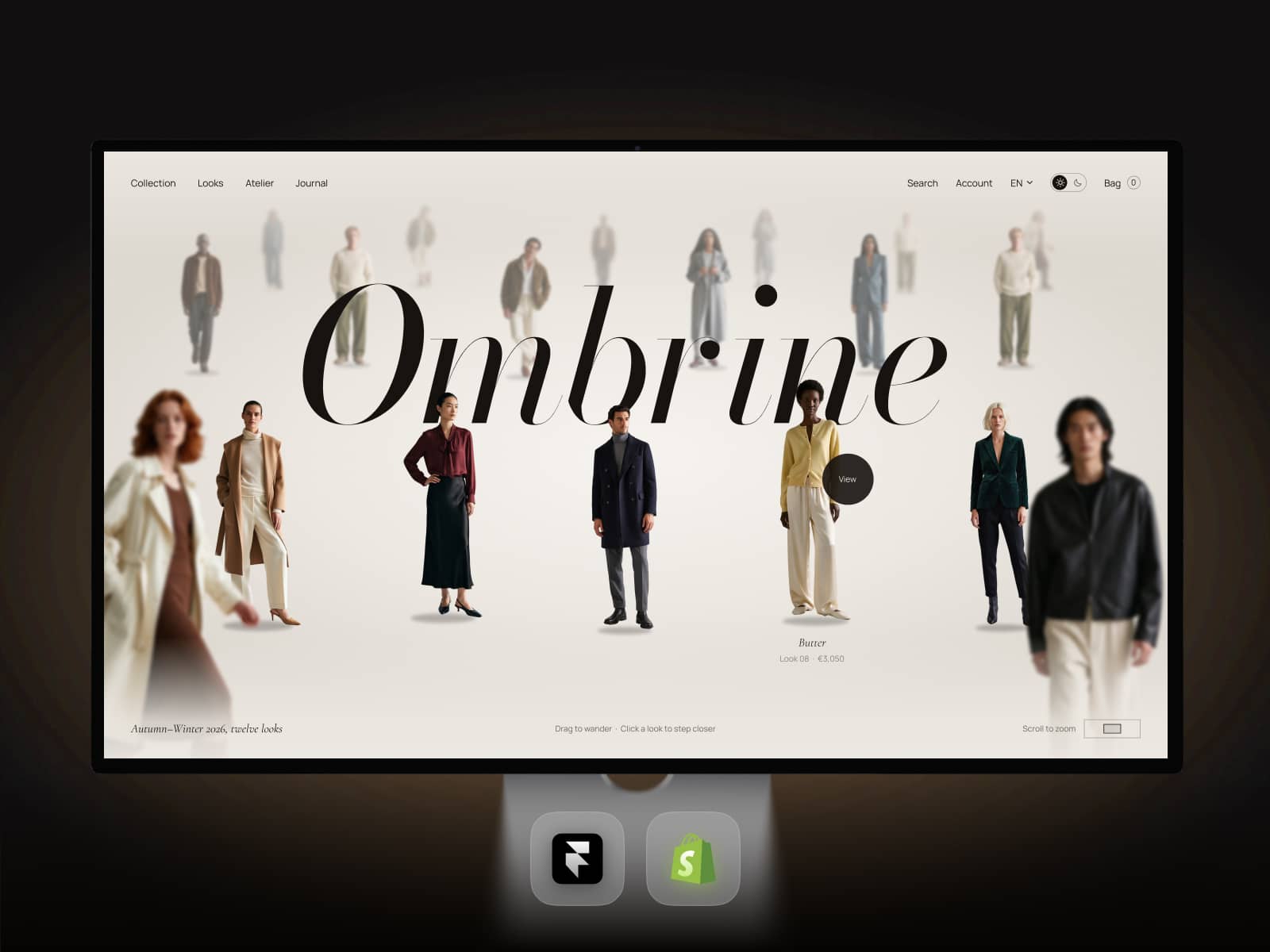
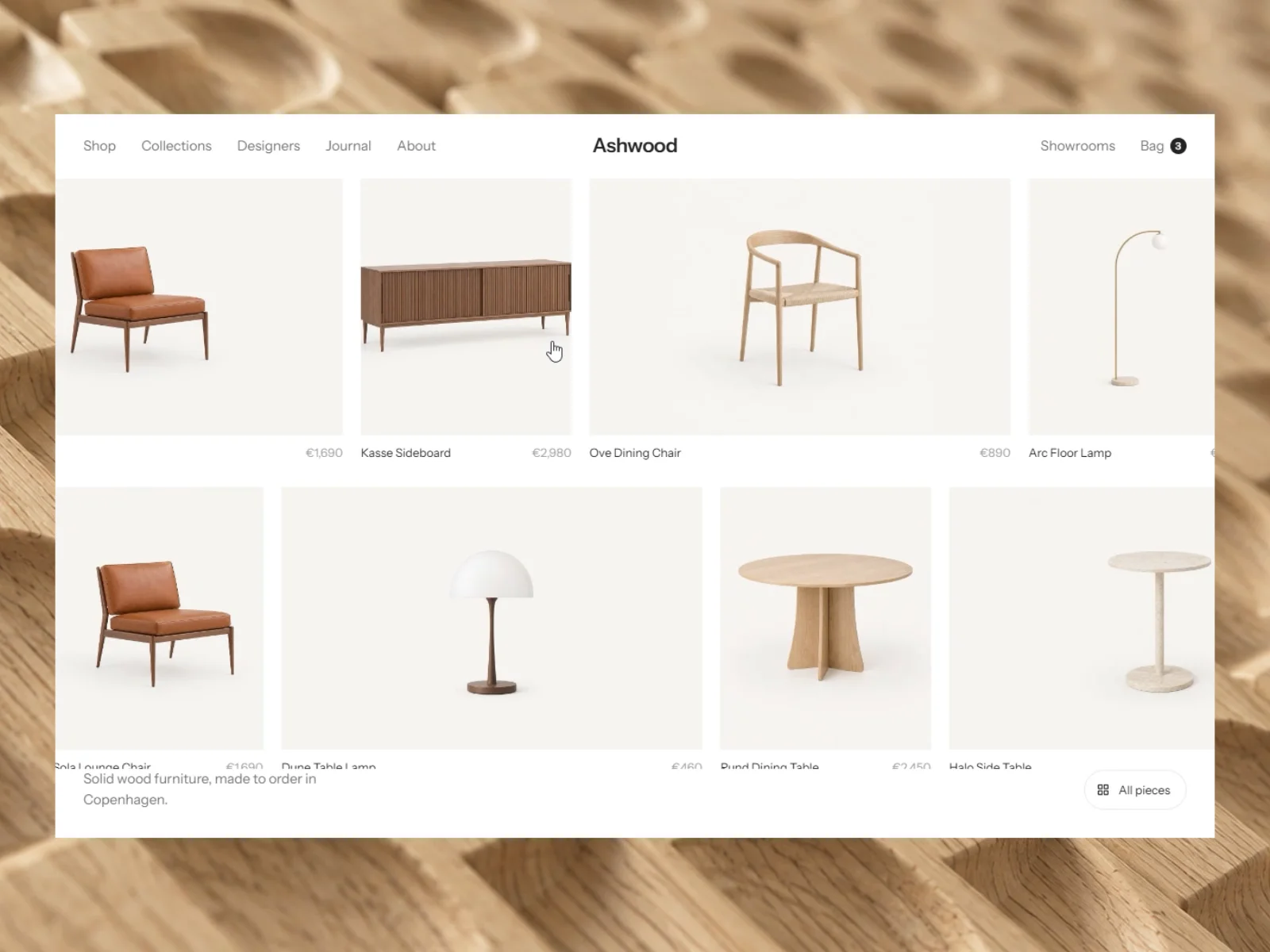
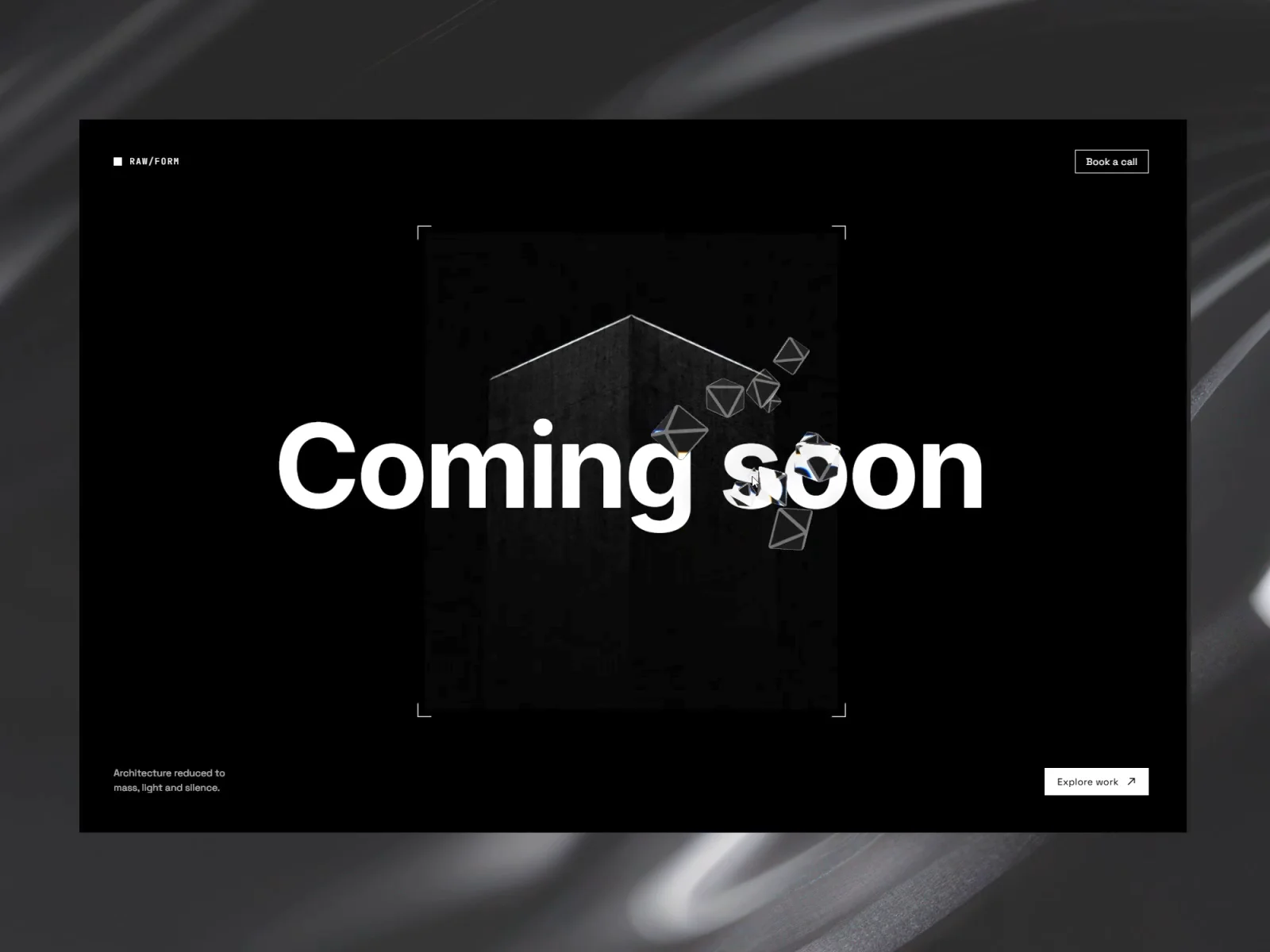
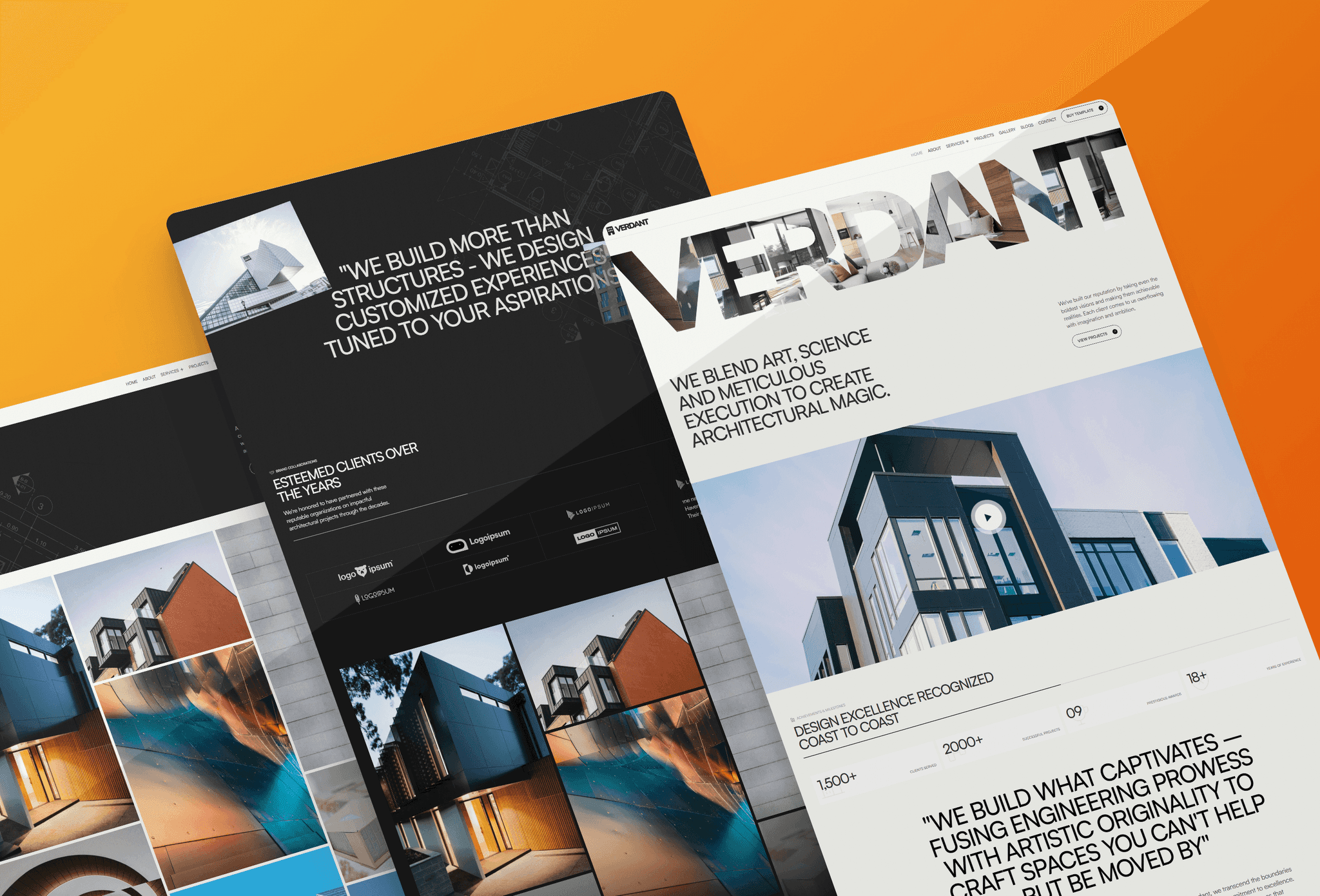
Maverini is a calm, motion-led template for interior architects and design studios. A black hero with a giant moving headline and floating room photos opens the site, and every section after it reveals itself slowly, images first, then text.
Features
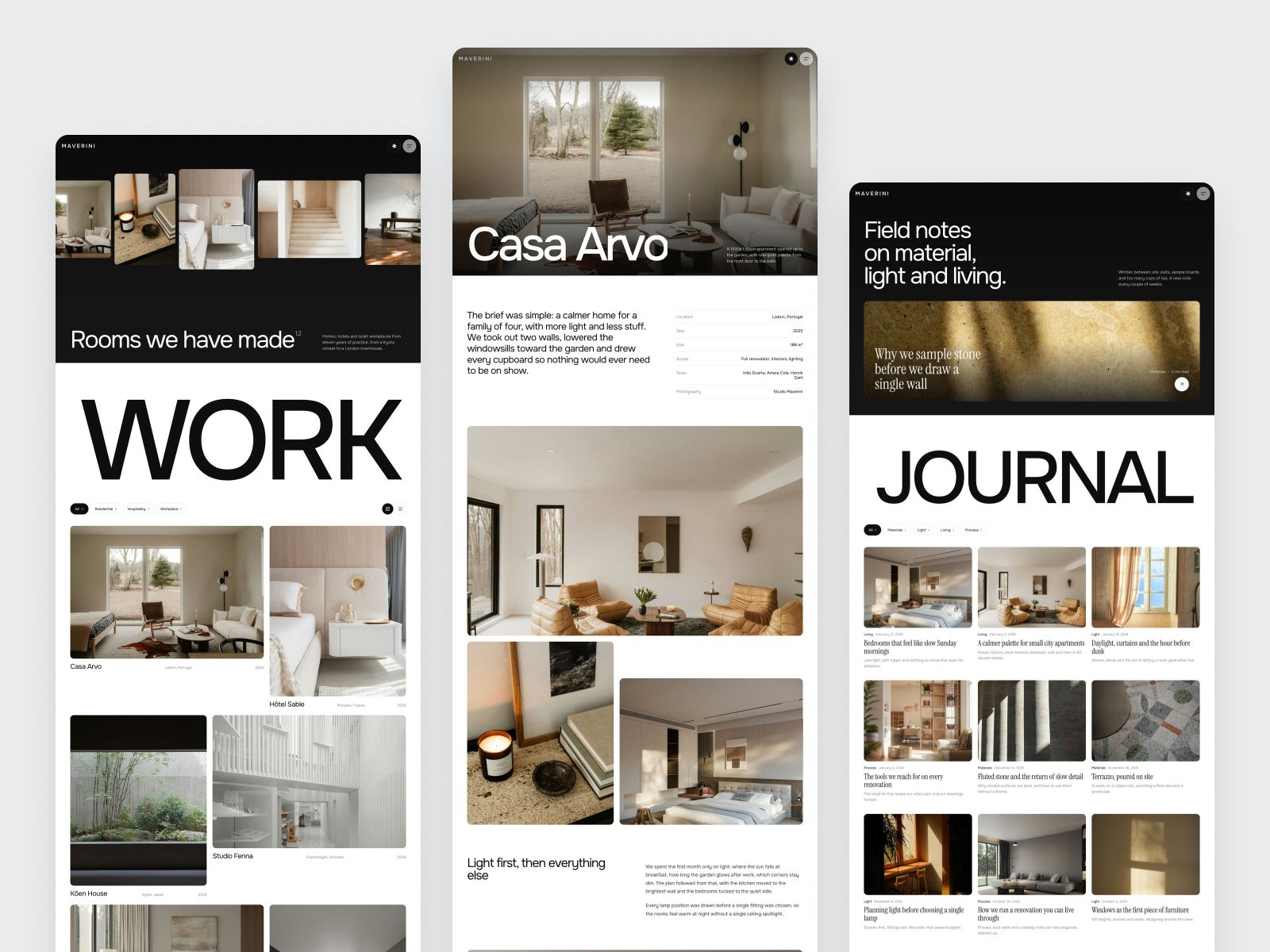
10 pages: Home, About, Services, Work, Project, Gallery, Journal, Article, Contact and 404
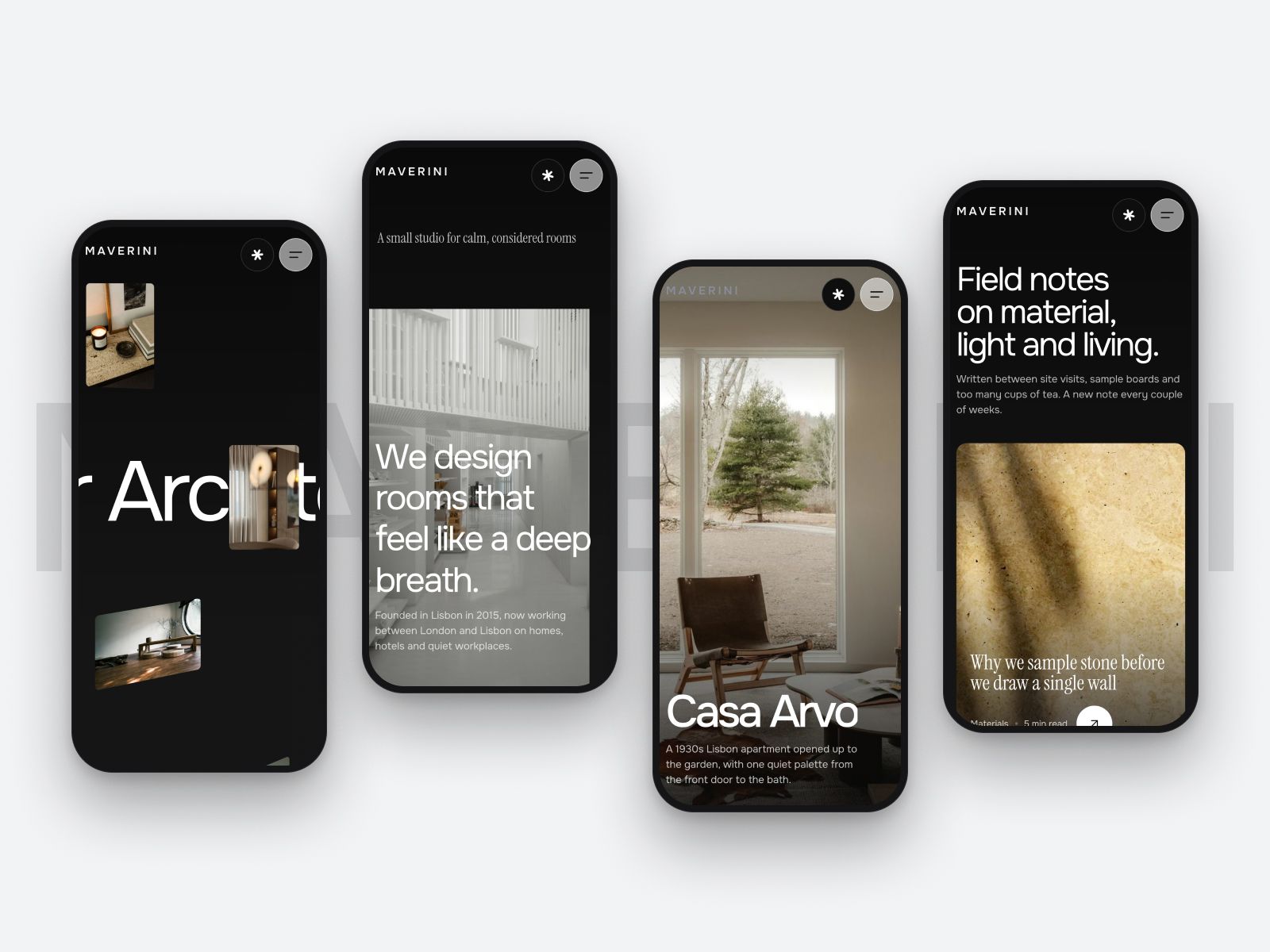
Giant-word hero with drifting, parallax room photos
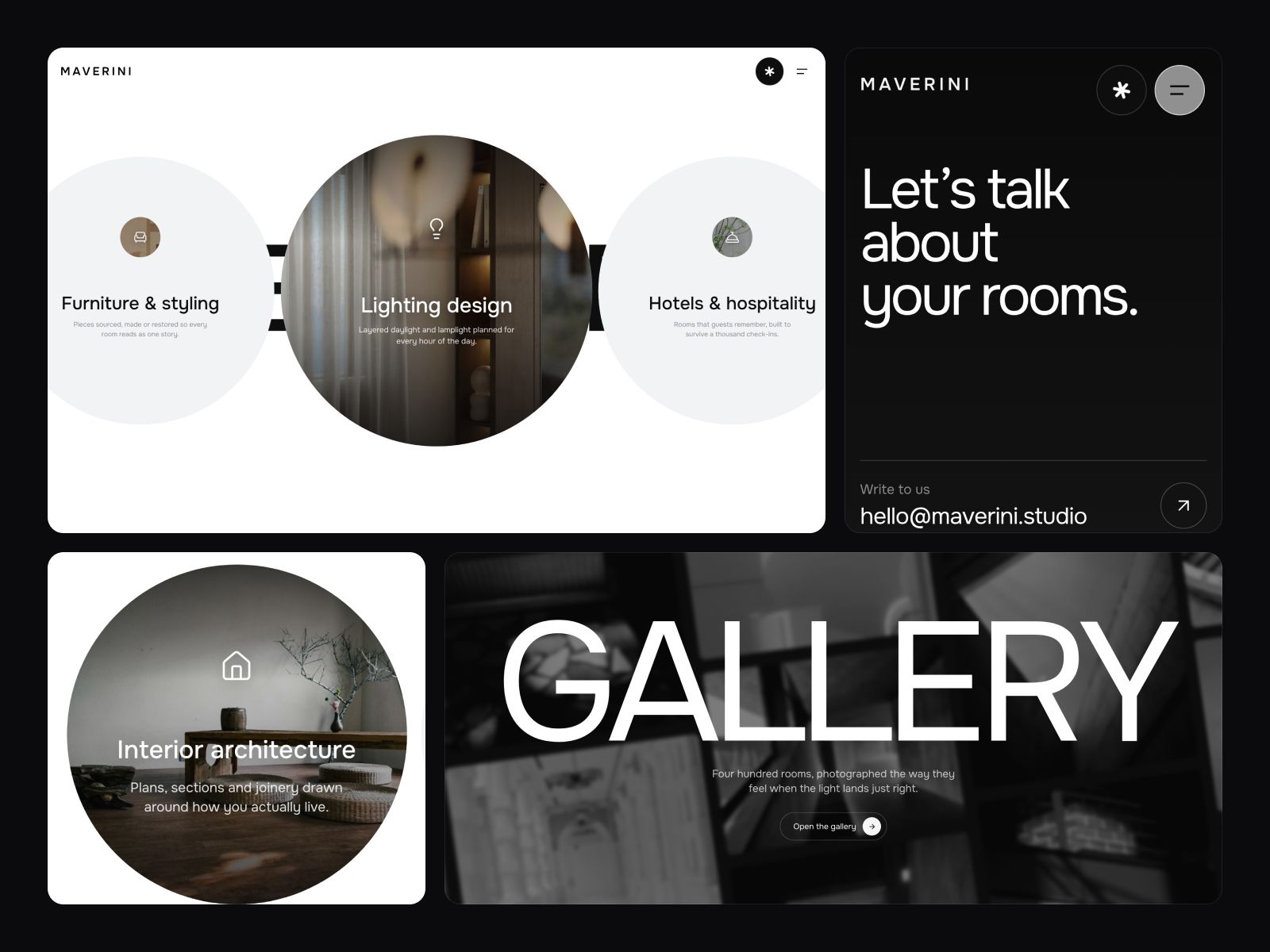
Services as orbiting circles that open into photographs on scroll
Pinned Work list, full-screen Gallery wall and an Instagram-style strip
CMS project pages and a filterable Journal
Contact brief form with project, budget and timing pills, plus live studio clocks
6 CMS collections, full-screen phone menu, fully responsive
SEO titles, descriptions, social image and favicon set
9 Agent skills for rebranding, content, pages, forms, automations and launch
Getting started
Type /studio-rebrand in the Agent with your studio name, contacts and offices, or edit them by hand.
Add projects with /project-add and articles with /journal-post, or edit the CMS.
Connect both forms with /form-setup (email, Zapier, Make or any webhook) and verify the email.
Optional: /automations-setup adds enquiry alerts, a publish check and a monthly journal draft.
Run /launch-check, then publish.
Good to know
The motion is built with code components. It stays still on the canvas; preview the site to see it.
Hero images, Services, Process, FAQ, Testimonials and Gallery are edited in the properties panel. The Services, Testimonials and Gallery collections are a backup copy and are not connected to pages.
The Instagram strip shows posts you add yourself; it is not a live feed.
Budget options are in pounds; change them to your currency.
Skills and automations need Framer's Agent and use your workspace's AI credits.
Demo photos are for preview only. Replace them with your own work before publishing.