About Rail Folio
One page for a personal site.
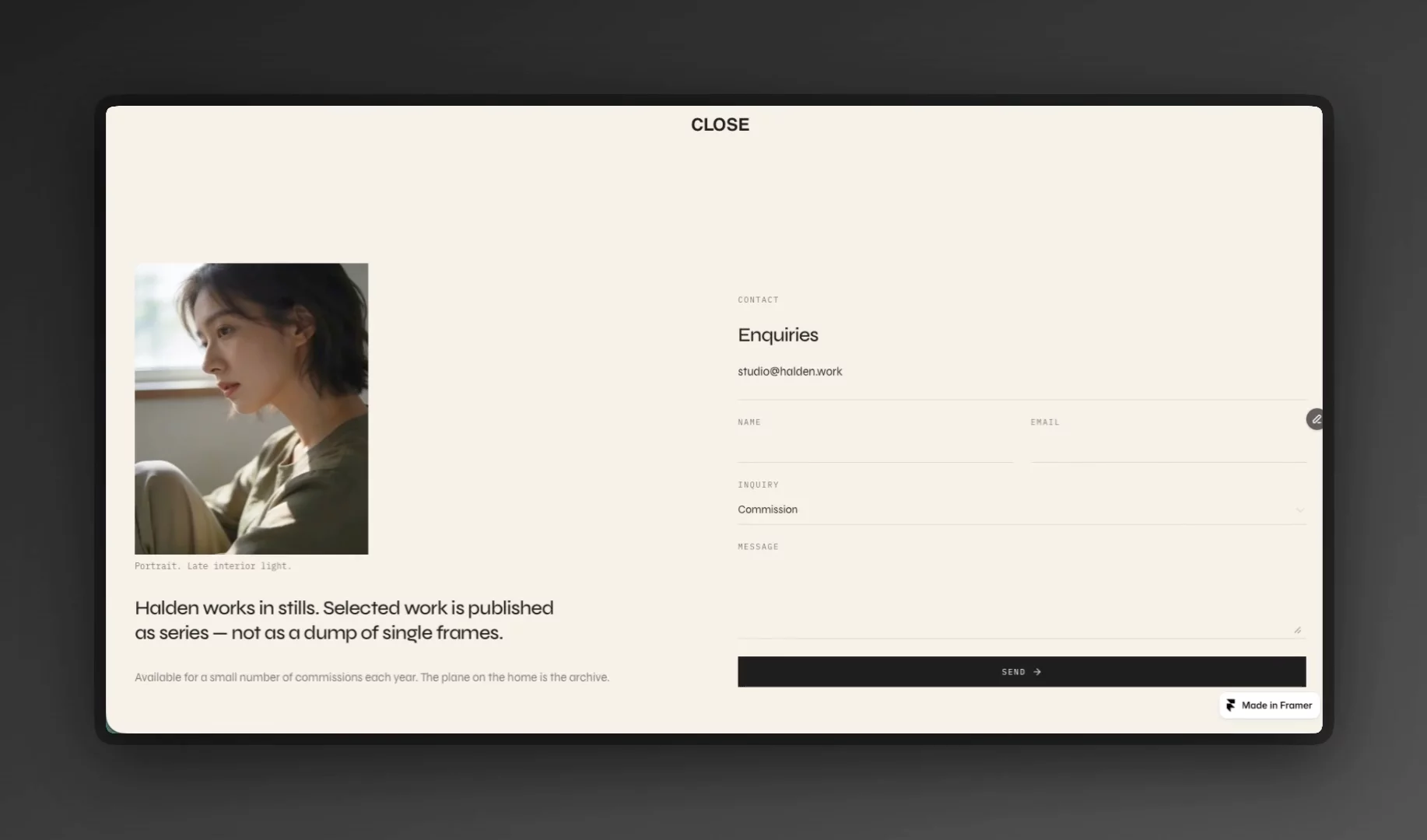
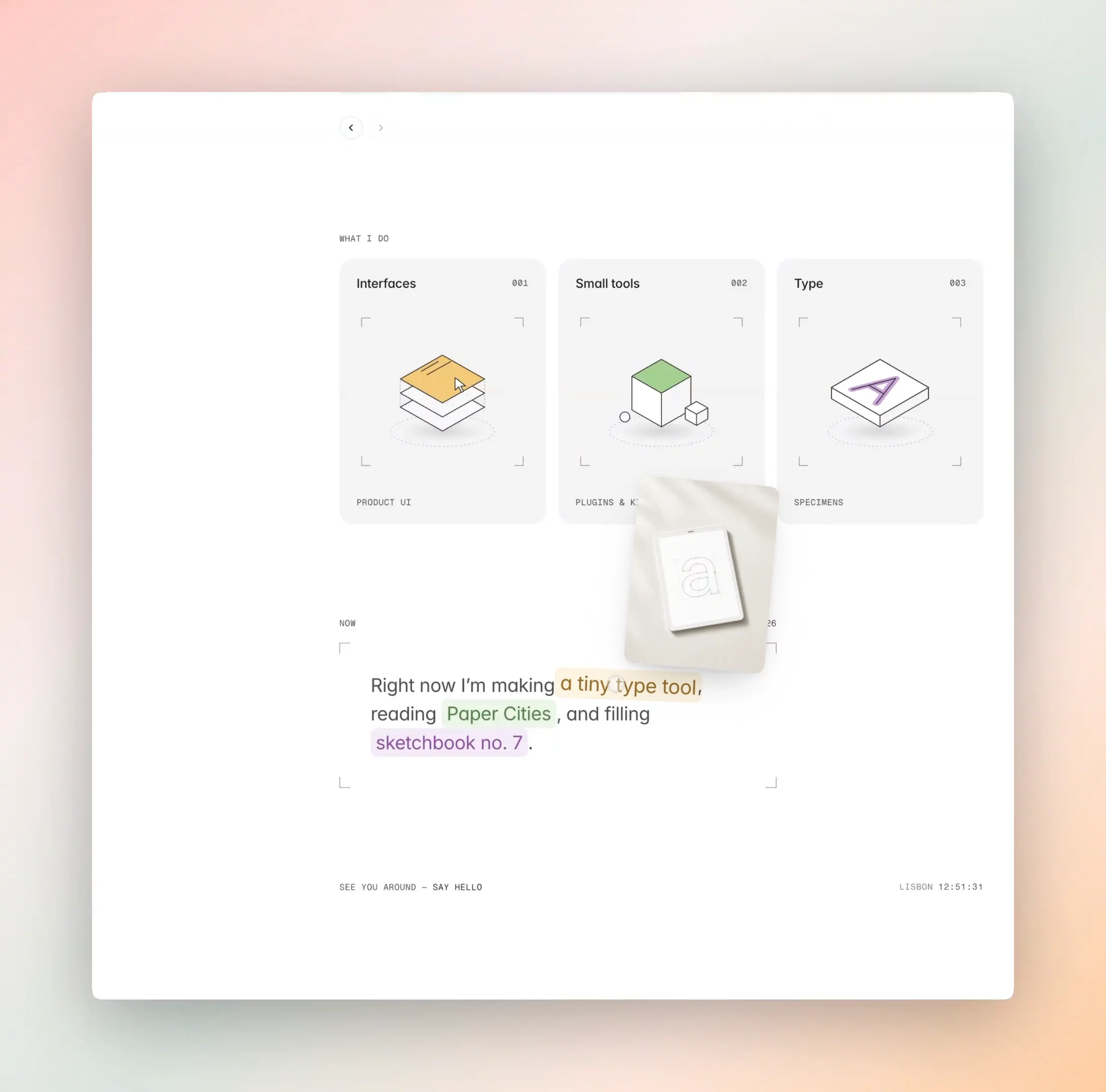
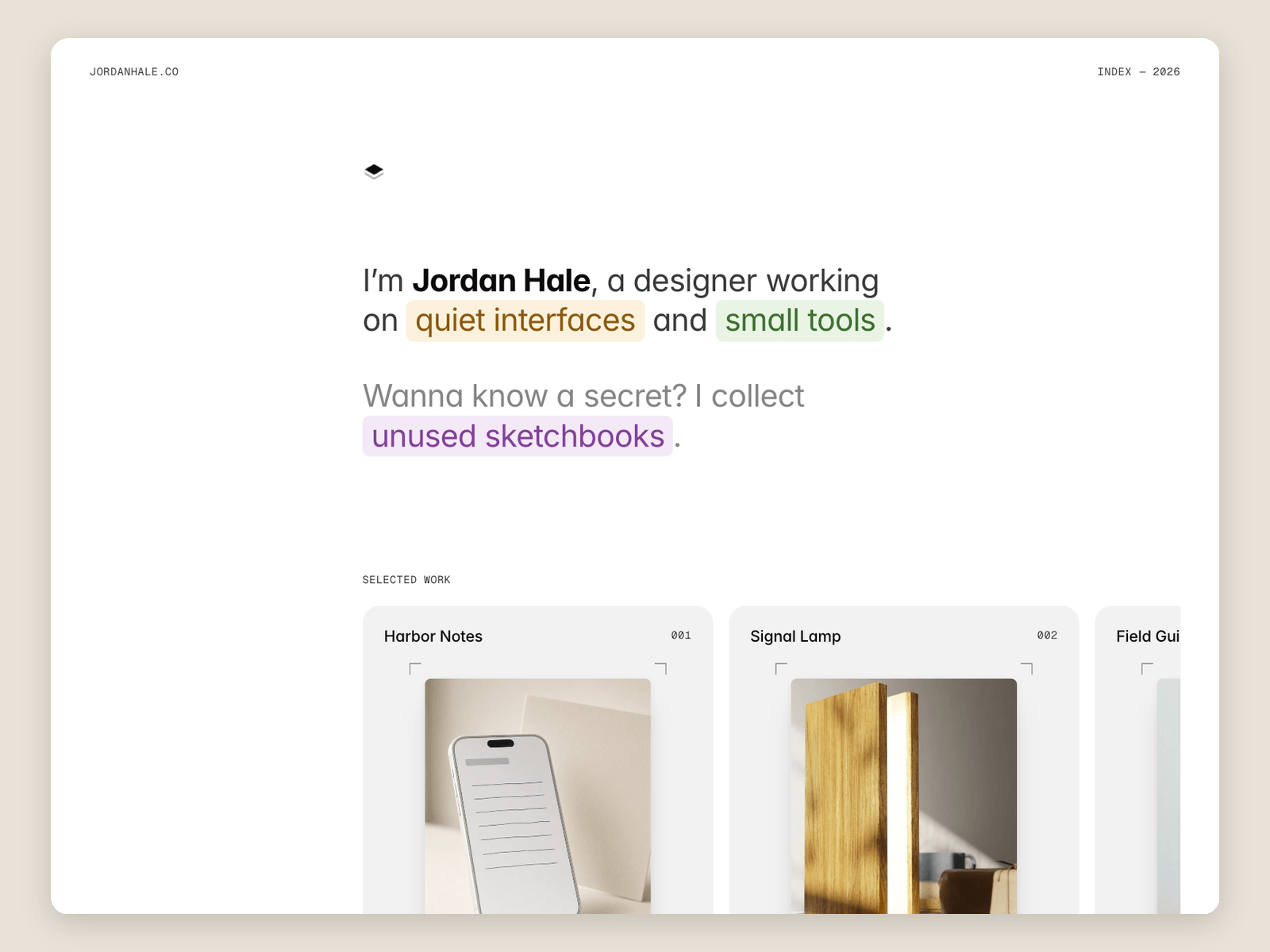
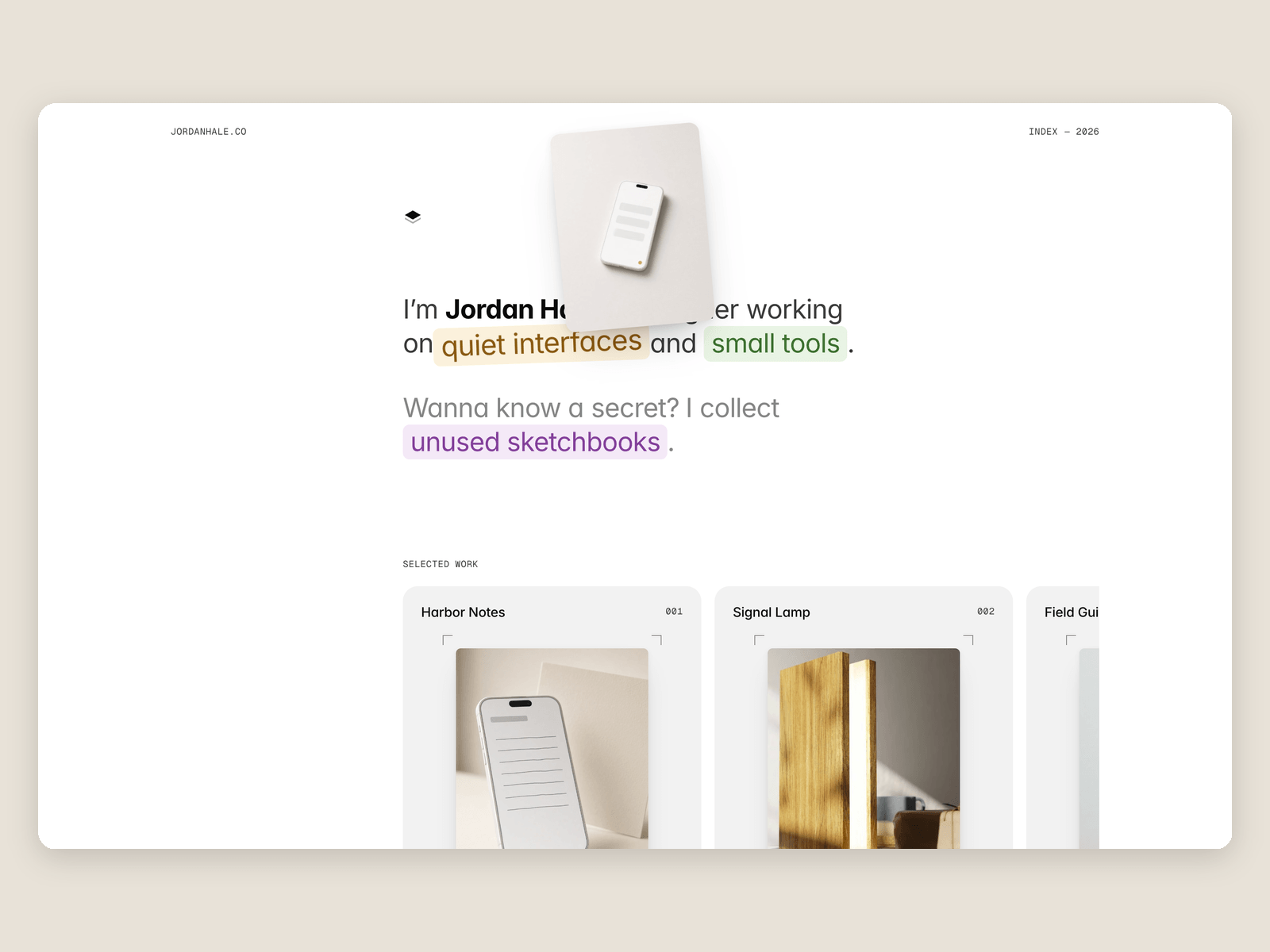
The intro is a sentence with a few words marked as chips: a photo sits beside the cursor on desktop, and opens on tap on tablet and phone.
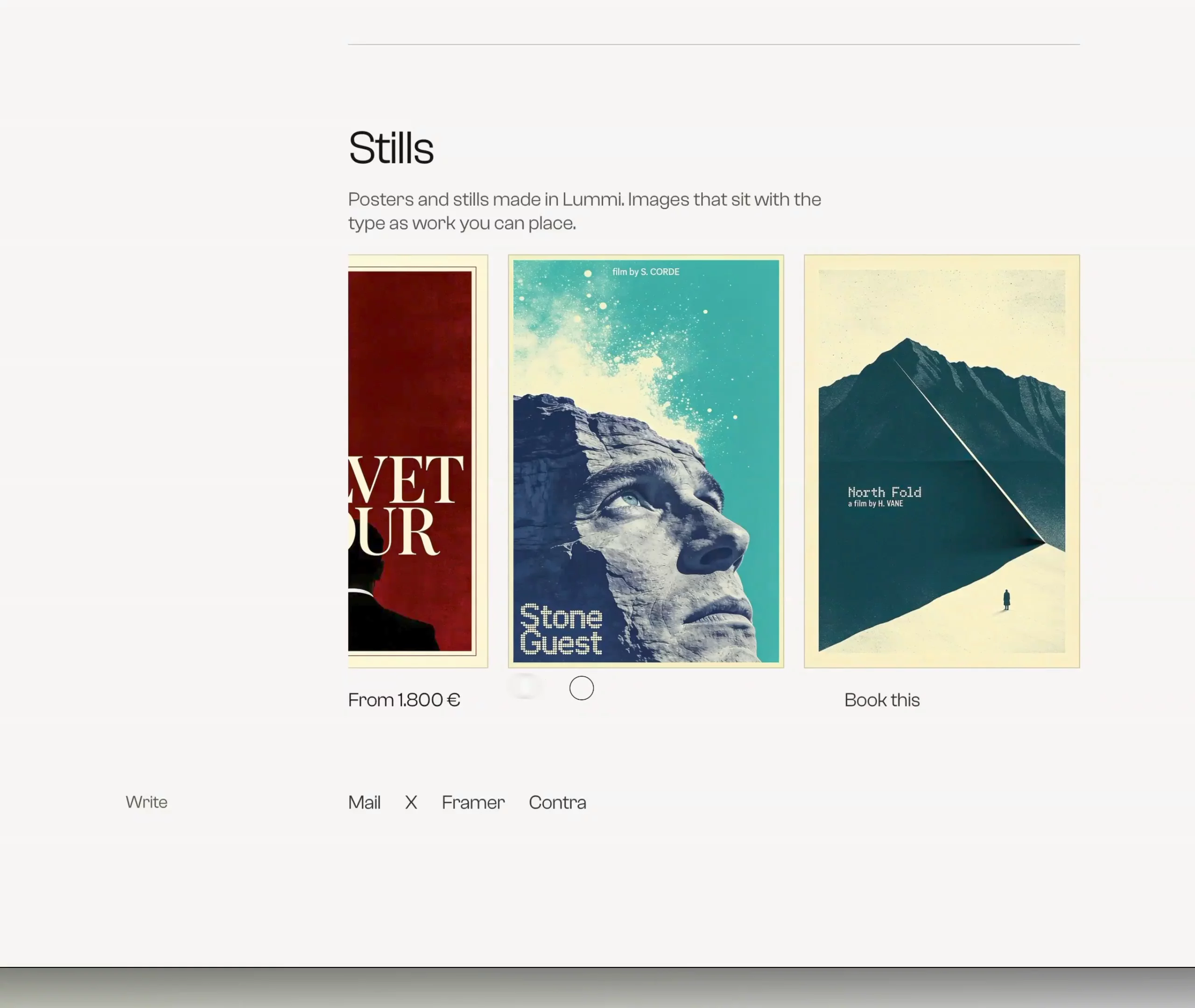
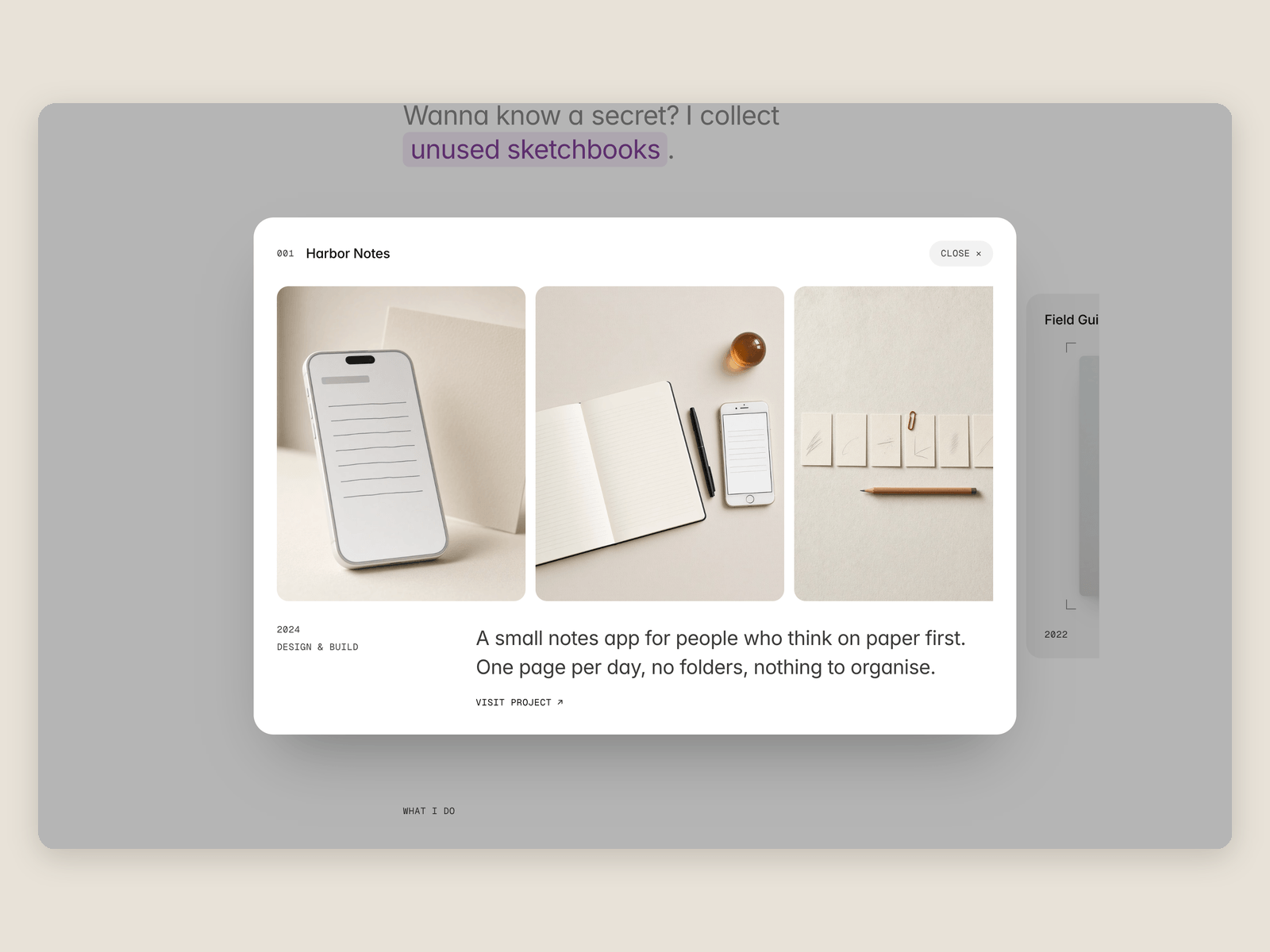
Projects live in the CMS and run in a horizontal rail. On desktop, arrows step one card. On tablet and phone, drag the rail and it stays where you let go. Open a card to see the gallery, role, year and link.
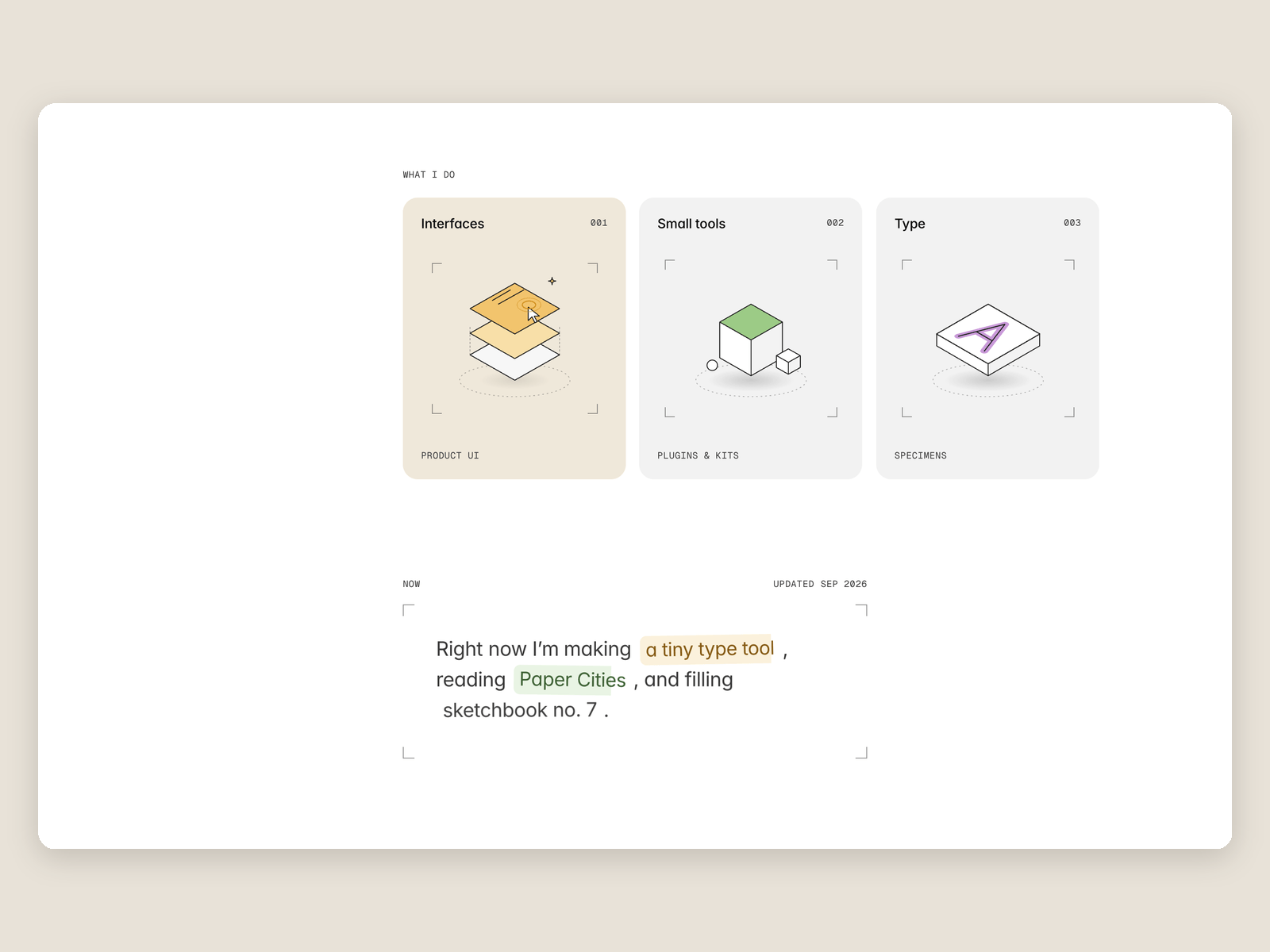
Three cards below say what you do. Choose one of six illustrations, or upload an SVG. A Now note, a city clock and a say-hello link finish the page.
Edit the words, the projects and the colors on the canvas. The Read me page and three skills, /rail-content, /rail-design and /rail-launch-check, name the layers. Includes desktop, tablet, phone and a 404 page. Free.