About Swatch Interiors
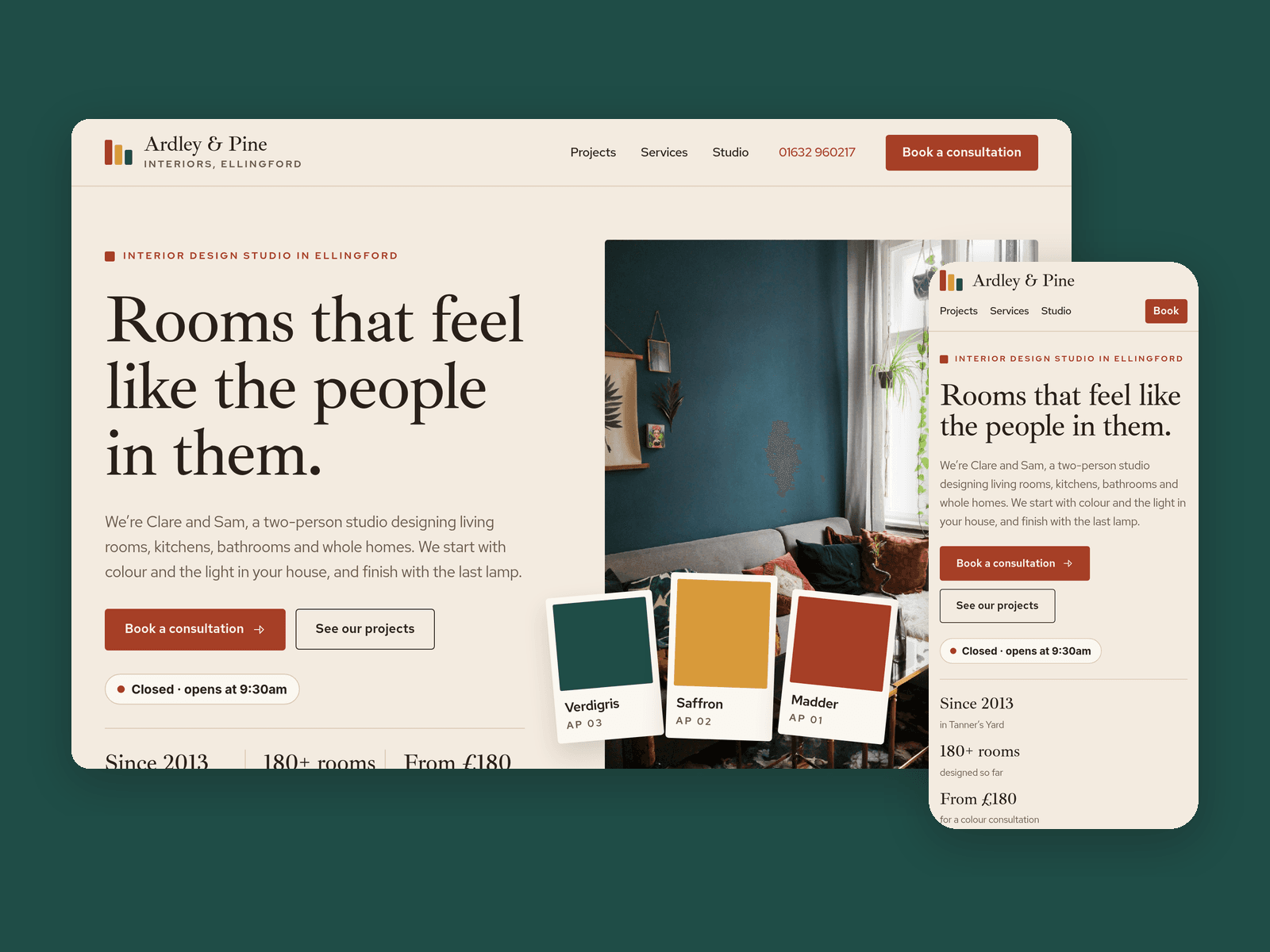
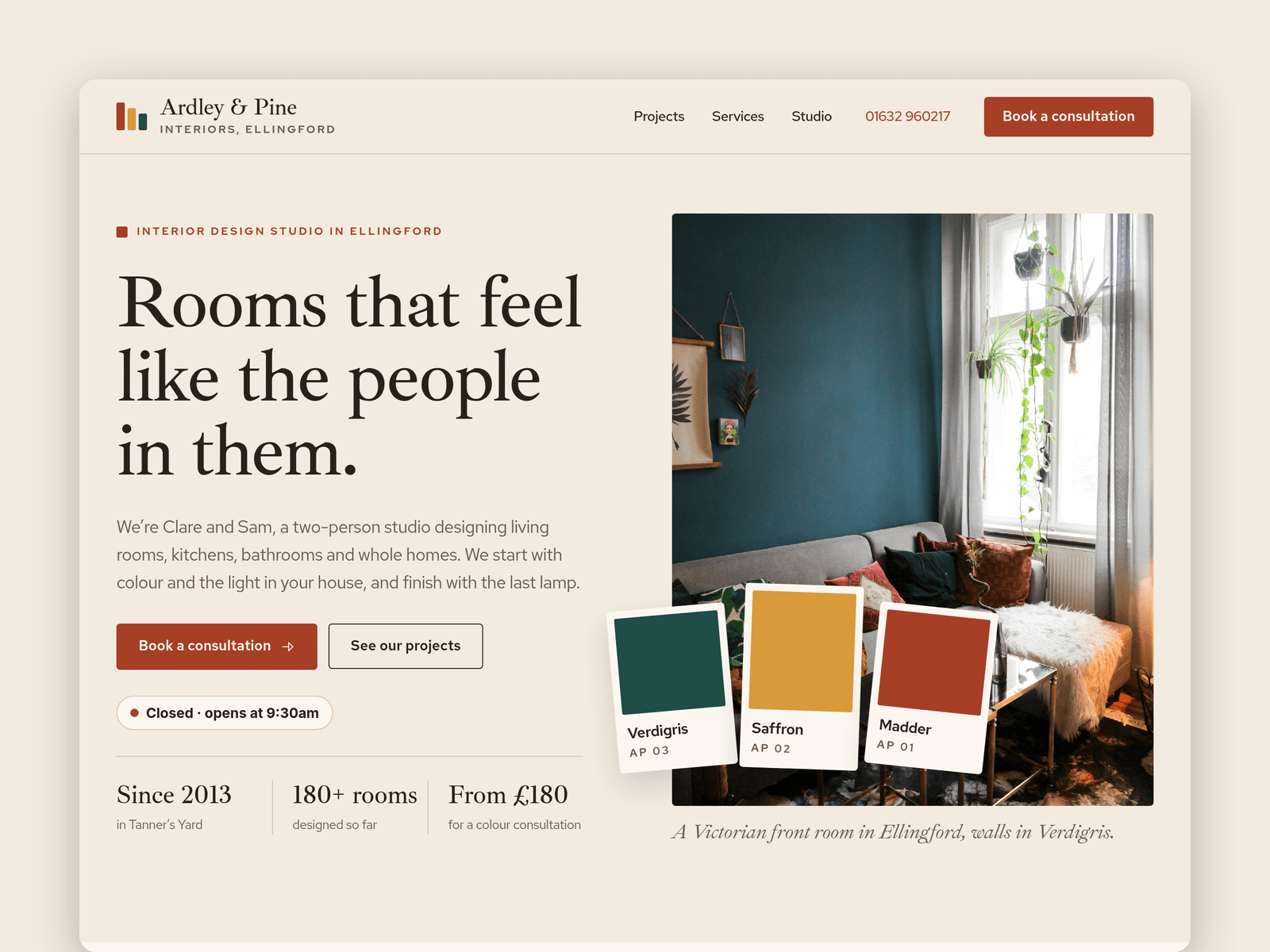
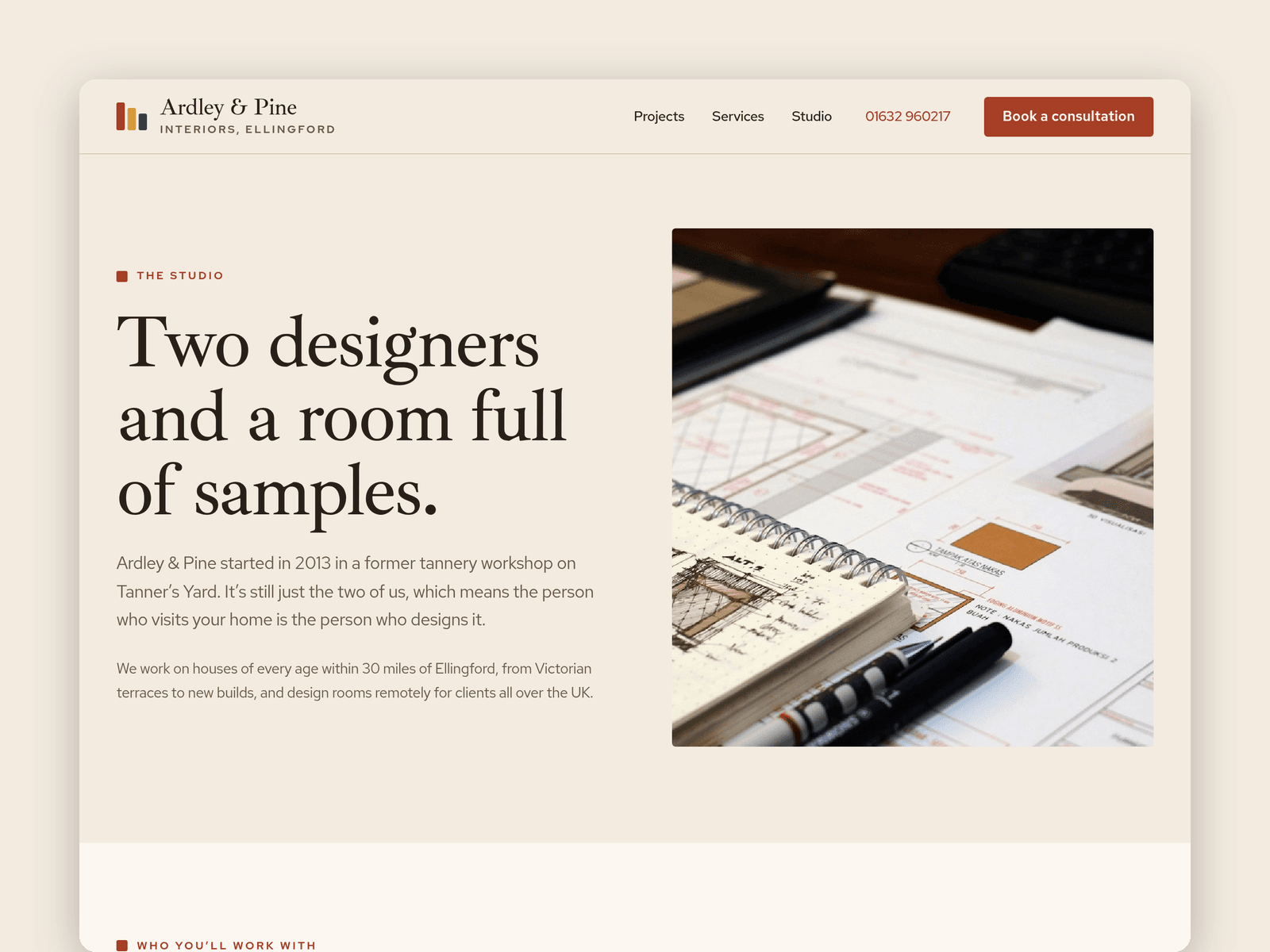
Swatch is a website template for small interior design studios that work on homes. It's warm and editorial, with a serif headline font, deep colours and paint-chip cards throughout.
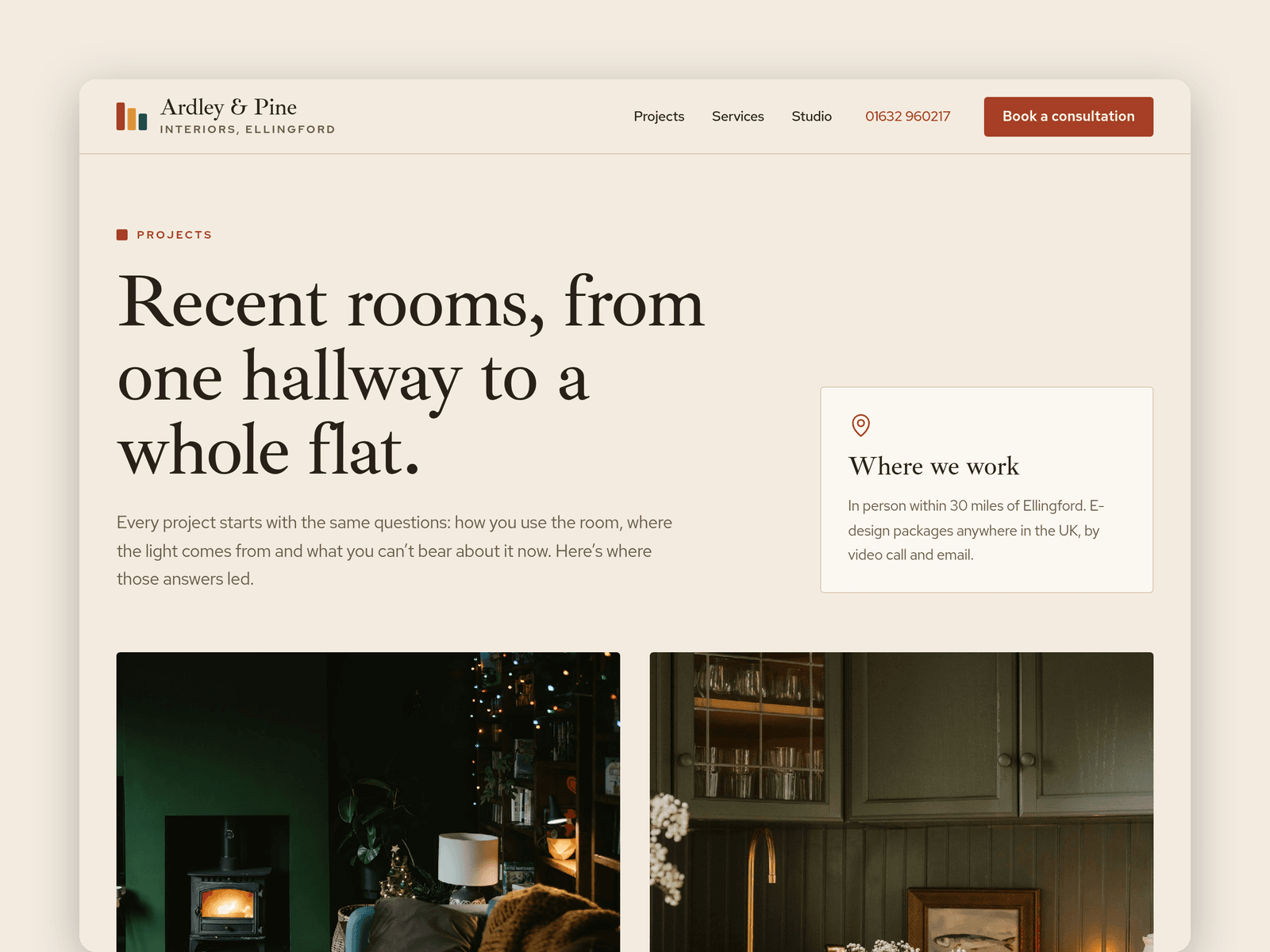
Projects run from the CMS. Each one has a room type, location, budget band, timescale, the client's brief, a written story, a main photo, a gallery and its own palette of colours with names and where each was used. Every project gets its own page, with the palette shown as paint chips.
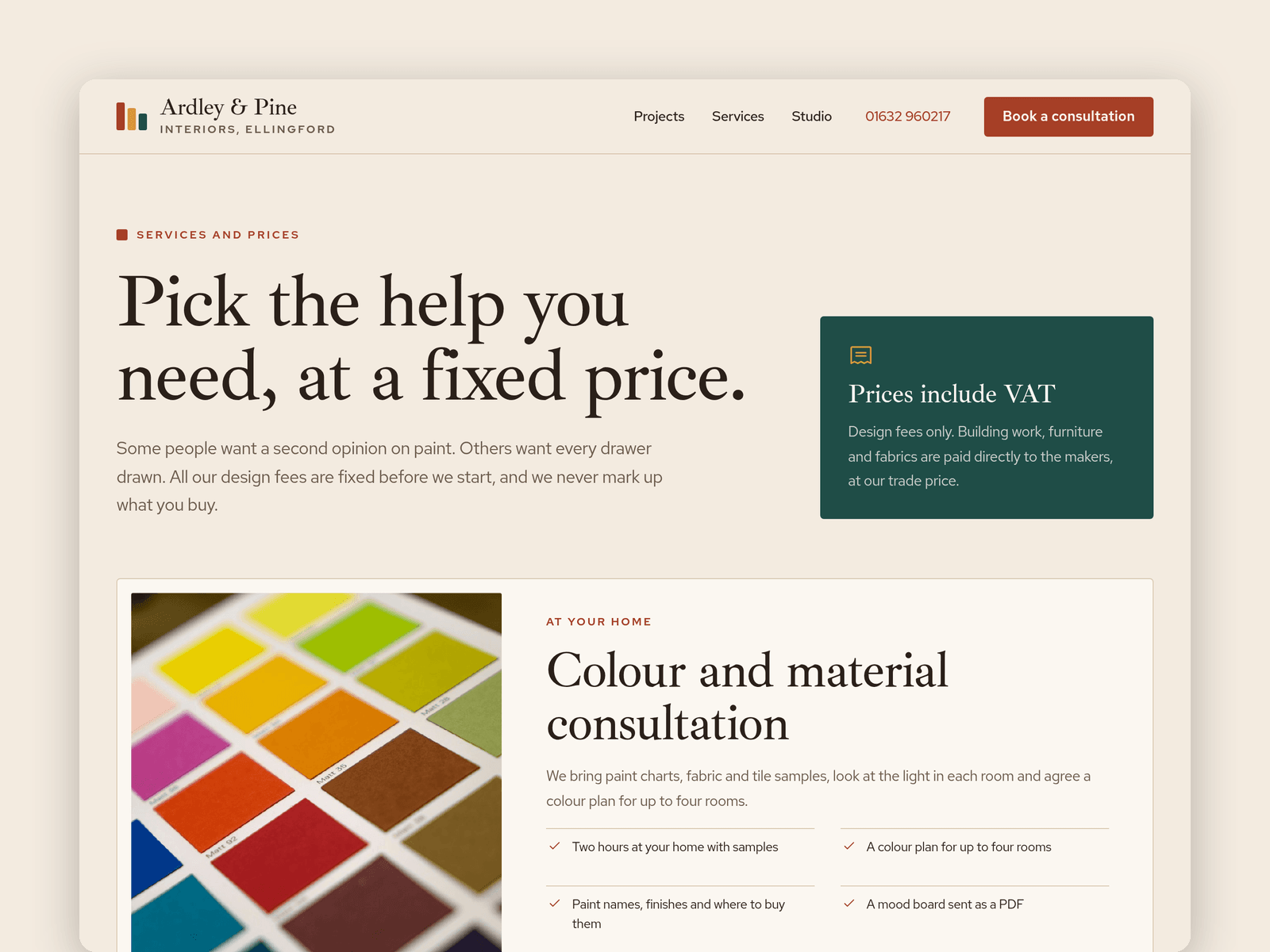
A second collection holds your services and packages, with a price from, what's included, a timescale and whether it's done at home or remotely. The home page shows three and the Services page lists them all, next to a four-step process and an FAQ.
The Consultation page has a native form for design requests (service, rooms, style likes, budget band, timescale, photos, contact details and postcode) with loading, success and error states. An "Open now" badge reads your studio hours and shows on the home page, the Studio page, the Consultation page and the footer.
Pages: Home (palette strip, services, projects, process, testimonials), Projects, a project page, Services, Studio (team, sample library, hours and map), Consultation, Licenses and 404. Every page has its own search title and works on desktop, tablet and phone.
Getting started:
Change the colours in Assets → Colors (all named Swatch/...) and the fonts in Assets → Text Styles.
Replace the projects in CMS → Projects and your prices in CMS → Services.
Edit the six palette colours on the home page to match your own favourites.
Select an "Open now" badge and set your hours in its controls; copy it to the other badges.
Open the form on /consultation and choose where requests go.
Point the map on /studio at your address, then swap the photos for your own.