About Tempo Lessons
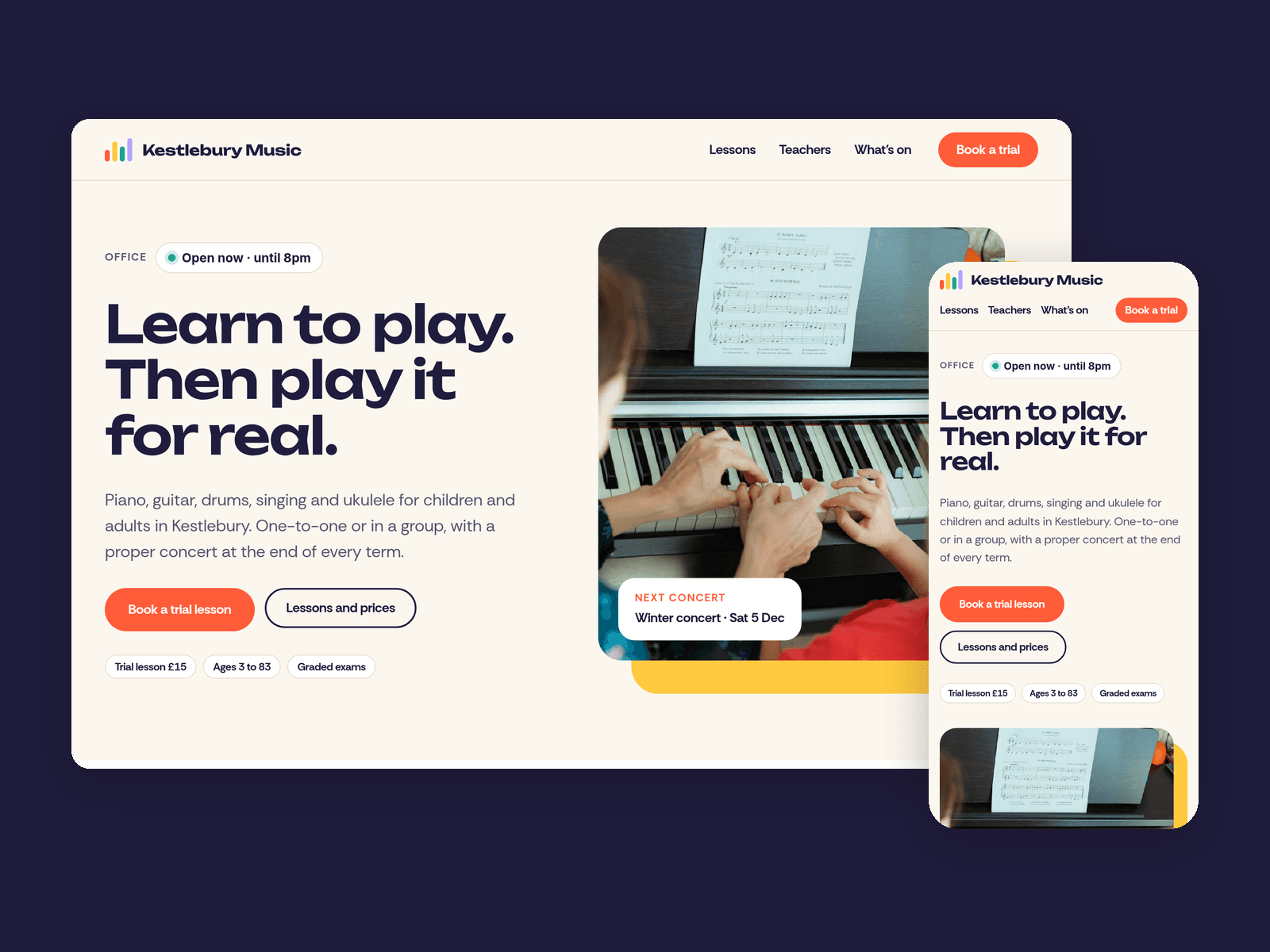
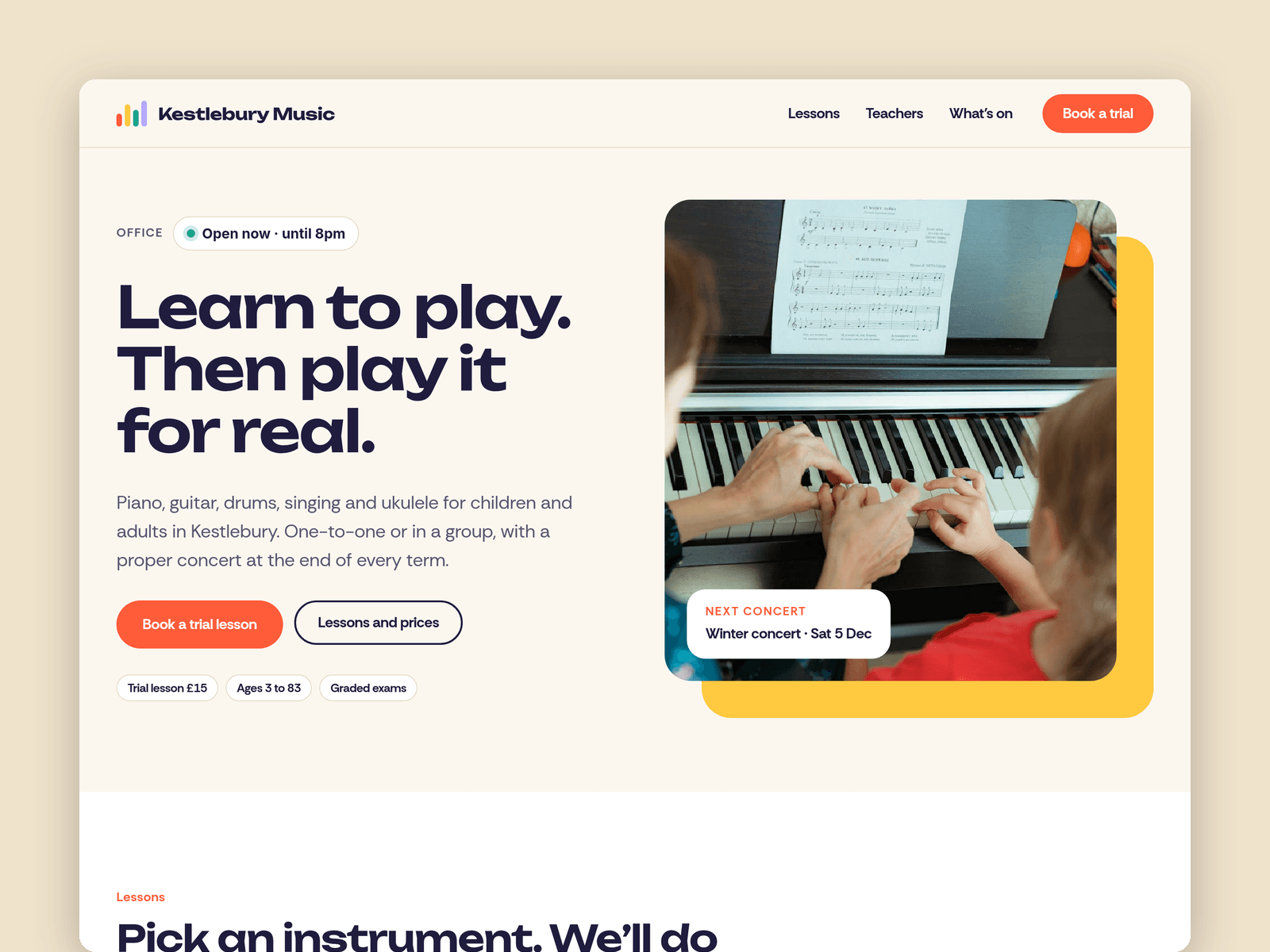
Tempo Lessons is a website template for music schools and music teachers. It's bright but tidy, and answers what parents and adult learners ask first: what can I learn, what does it cost, who teaches it and how do I try a lesson.
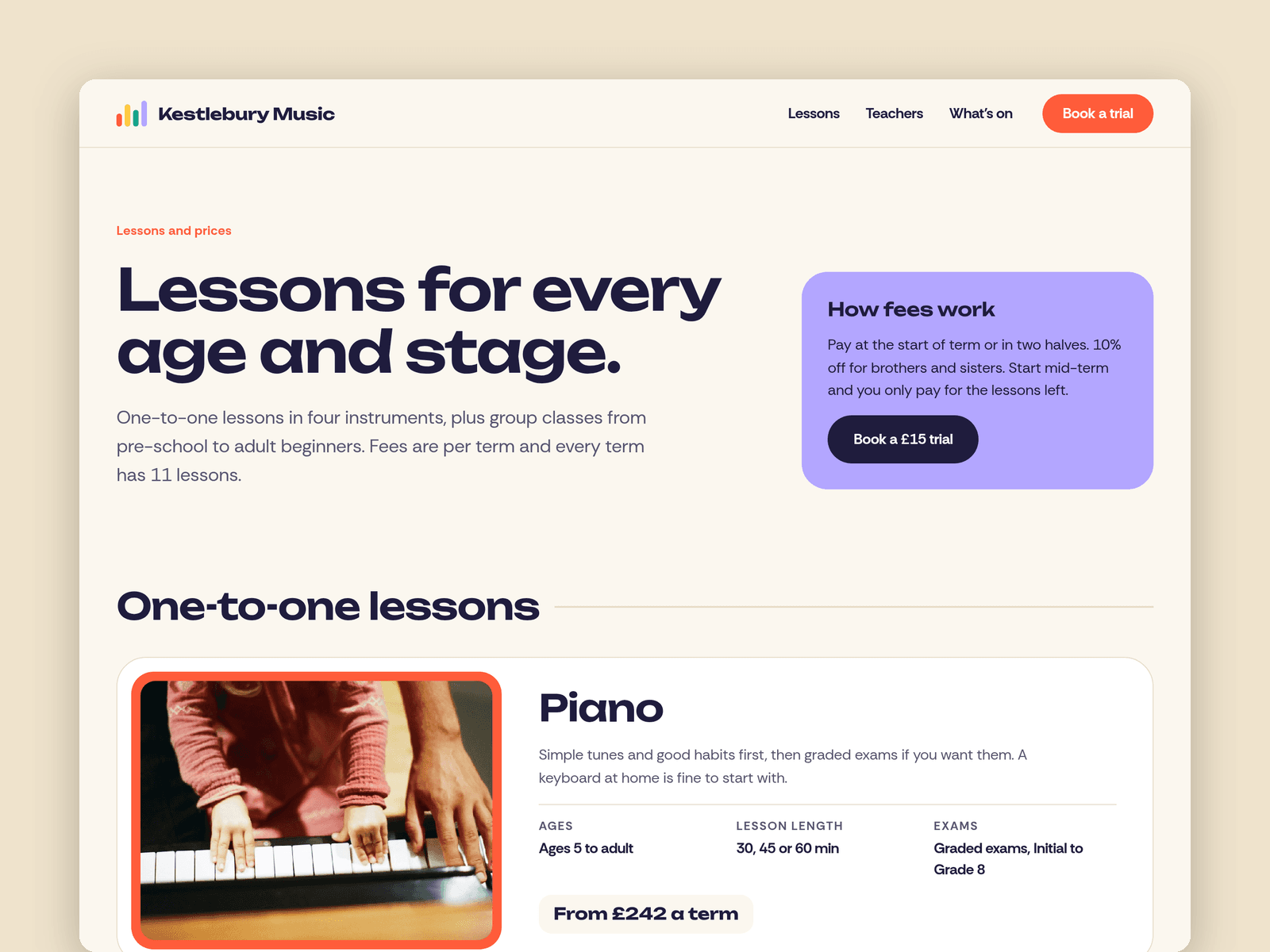
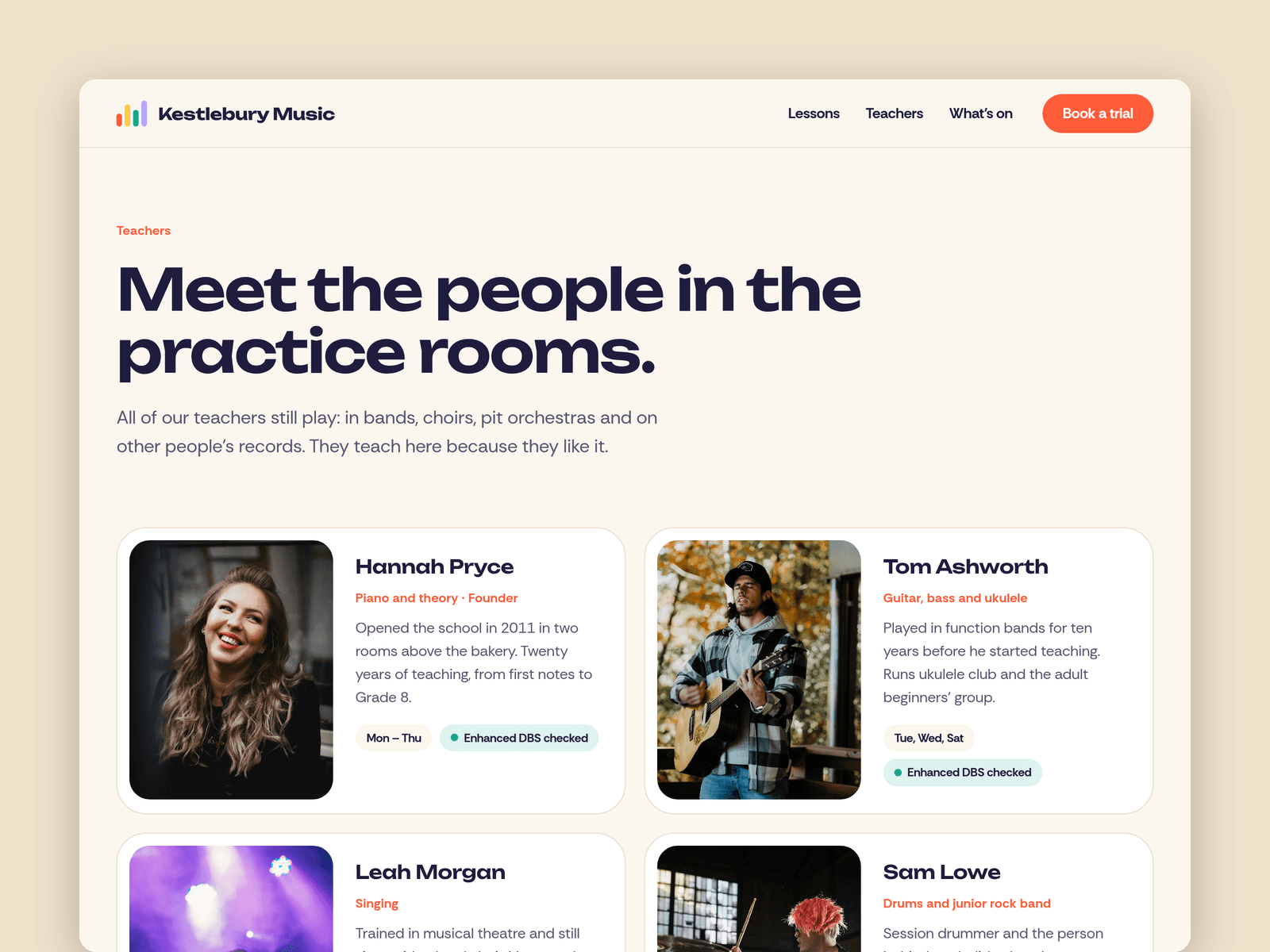
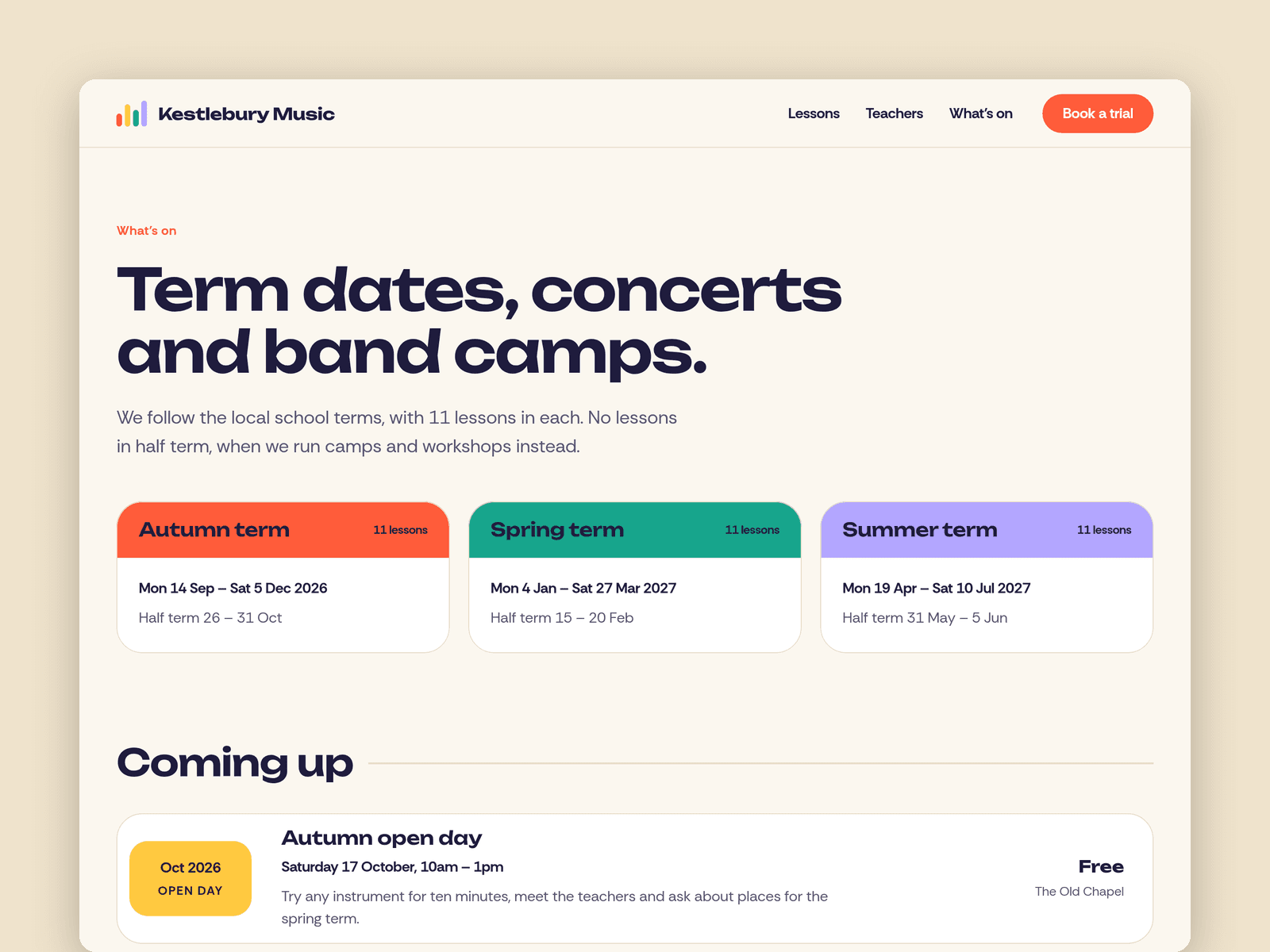
Lessons run from the CMS. Each one has an instrument, ages, lesson lengths, a termly price, one-to-one or group, exam notes, a photo and its own tile colour. The Lessons page splits one-to-one lessons and group classes automatically, and featured lessons show on the home page. Teachers and Events are in the CMS too: photos, instruments, days and a "DBS checked" note, plus concerts, camps and open days in date order.
The Book a trial page has a trial-lesson form (student name, age, instrument, experience, preferred day and time, and parent or guardian contact for under 18s) with loading, success and error states.
The "Open now" badge reads your office hours in your school's time zone. It shows "Open now · until 8pm" or the next opening time, such as "Closed · opens at 3pm", and updates every minute.
Pages: Home (with "Your first lesson" steps), Lessons (price table, graded exams, FAQ), Teachers (safeguarding), What's on (term dates, events, band camps, concerts), Book a trial (hours and map), Licenses and 404. Every page has its own search title and description and is laid out for desktop, tablet and phone.
Getting started:
Change the colours in Assets → Colors (all named Tempo/...) and the fonts in Assets → Text Styles.
Replace the lessons, teachers and events in the CMS. Each lesson's Colour field sets its tile colour.
Update the term dates on What's on and set your office hours on both "Open now" badges and in the footer.
Open the form on /trial and choose where requests go.
On /trial, put your address in the map component.
Swap the photos for your own and update the page titles in Page settings.