About Tailbreeze
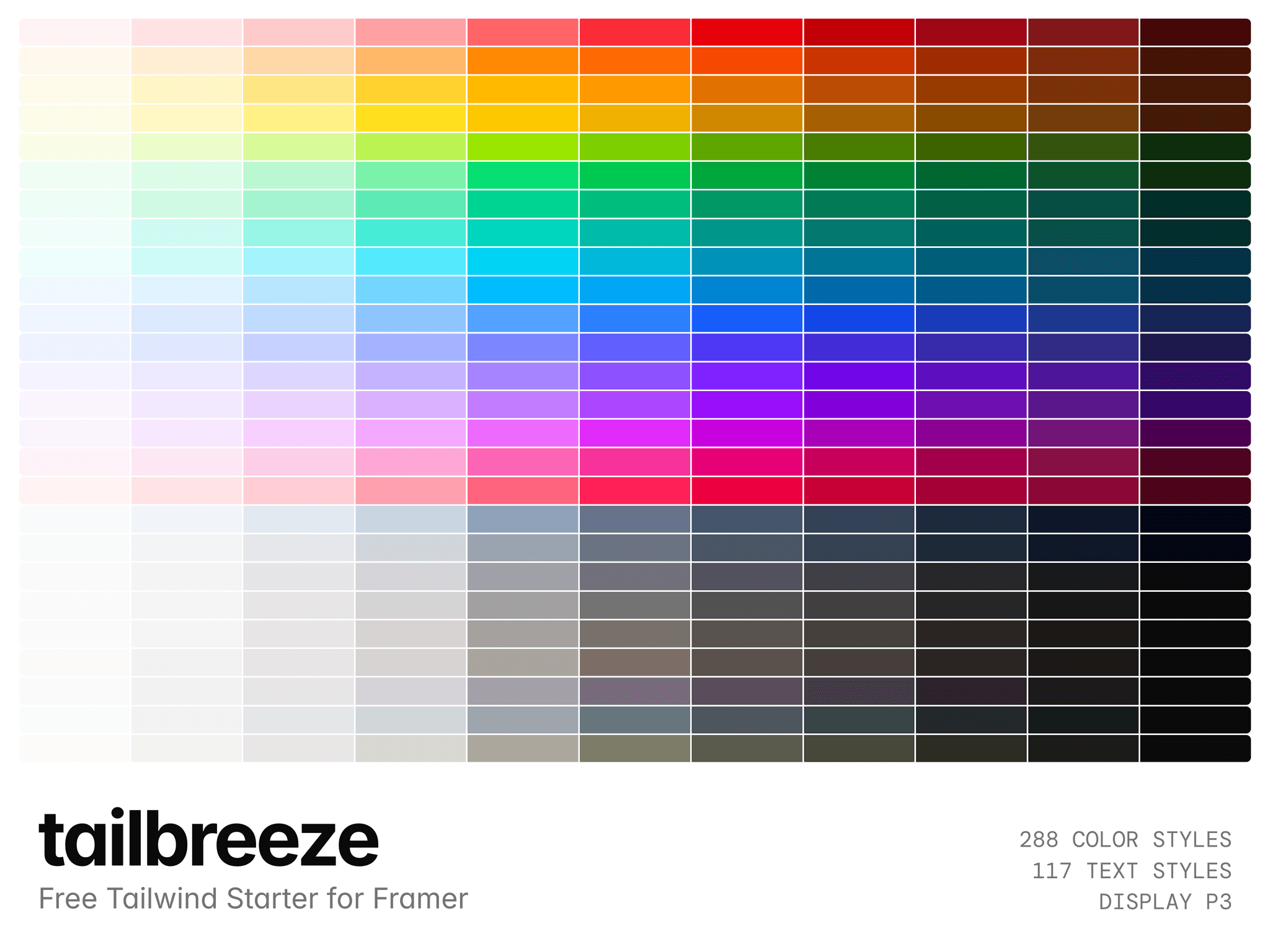
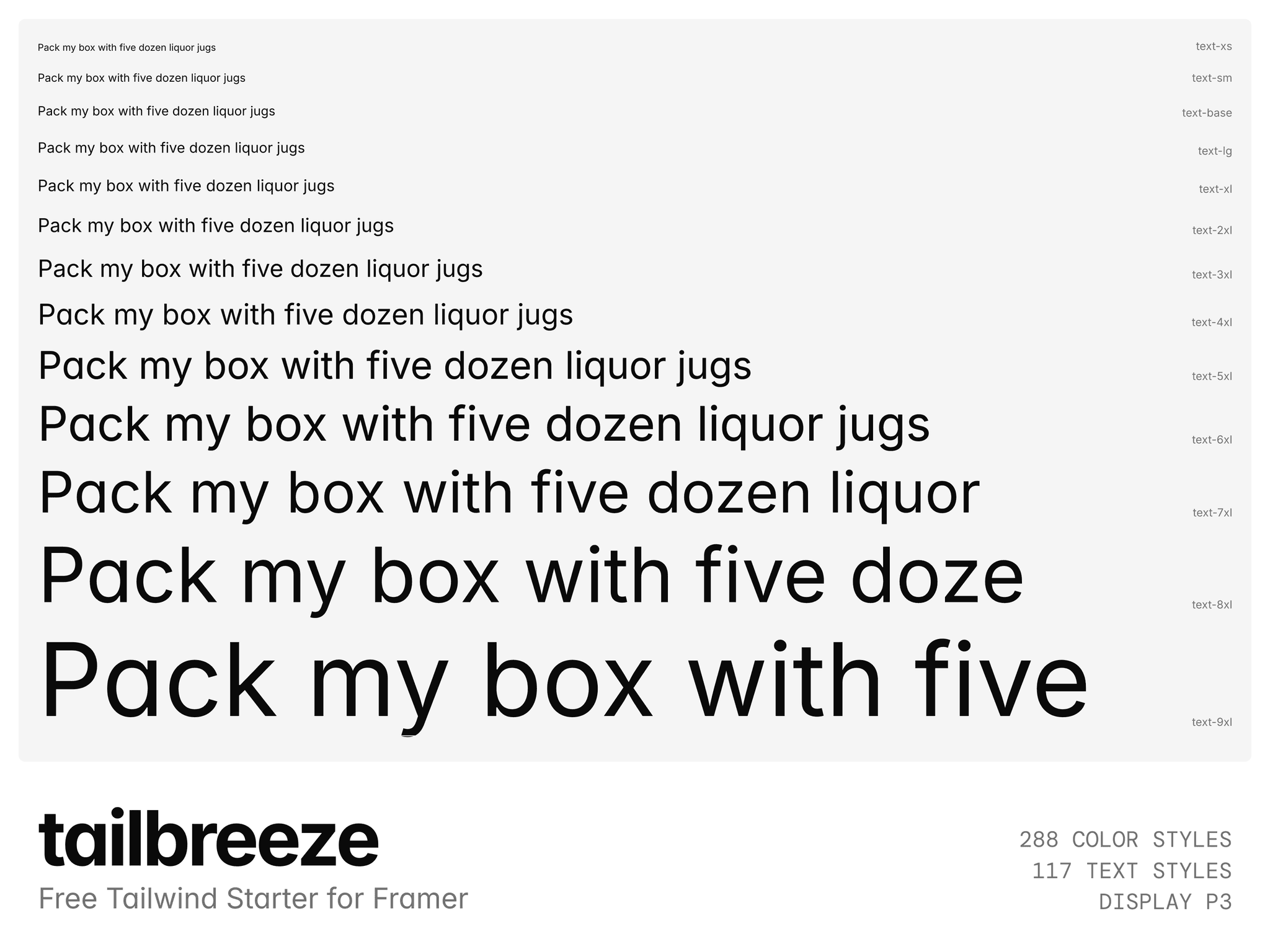
Tailbreeze is a free Tailwind CSS starter for Framer: the complete Tailwind v4.3 design system as a Framer file you start new projects from. 288 color styles in Display P3, 117 text styles, and every spacing, radius, border, shadow, blur, filter, easing and animation value, named the way Tailwind names them.
Free for client work, templates and personal projects. Remix it, build on top, and delete the documentation page when you're done. The styles stay.
A starting point for any project
You don't need to know Tailwind. These are foundations that already work together: colors that step evenly, type that scales, spacing that lines up. Every color was derived in OKLCH, so a 500 carries the same visual weight whether it's red, blue or teal. That's the hardest part of a palette, done. If you do know Tailwind, violet-500 is Violet 500 in the color picker and text-lg font-semibold is the LG/SemiBold text style.
What's inside
288 color styles: 26 ramps × 11 steps plus black and white, including four neutral ramps new in v4.3
117 text styles: 13 sizes × 9 weights, set in Inter
177 click-to-copy swatches: shadows, rings, radii, borders, blurs, opacity, 40 filters, easing and animation
34 spacing steps, 13 container widths, 5 breakpoints, tracking and leading
Why Display P3?
89 of Tailwind's colors sit outside sRGB, and hex clips them flat. Every color here goes straight from OKLCH to Display P3, so on a modern Mac, iPhone or wide-gamut display you get the color Tailwind actually specifies. On an sRGB screen, nothing is lost.
Click to copy what Framer can't save as a style
Framer has no shadow, radius or easing styles, so those values get retyped on every project. Not here: hover any swatch on the documentation page, click Copy, and paste it onto your own element. Spacing and breakpoint values copy as plain text, ready for the field. The copy component ships with the file.