About Uncropped
Your photographs, exactly as you framed them.
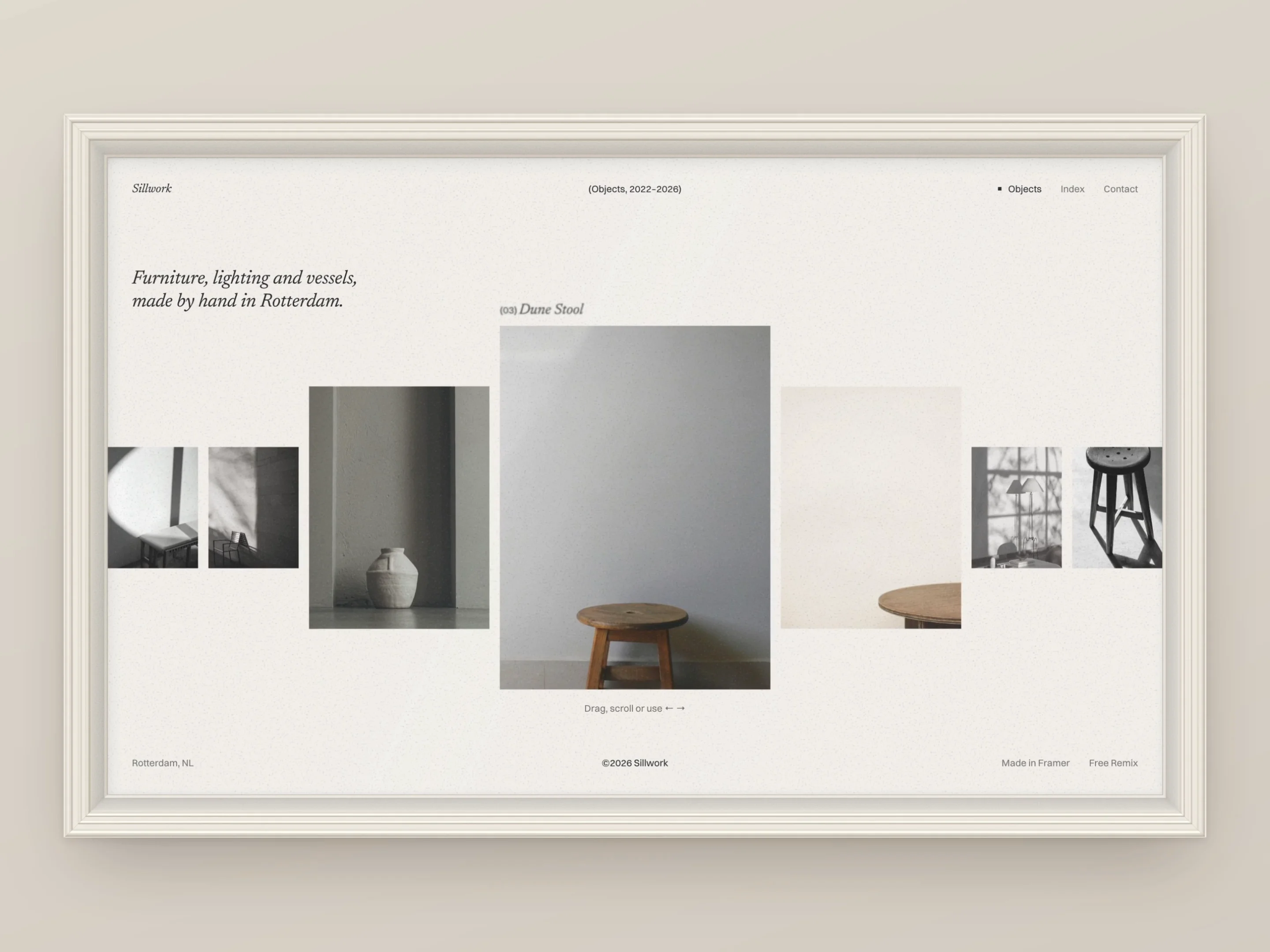
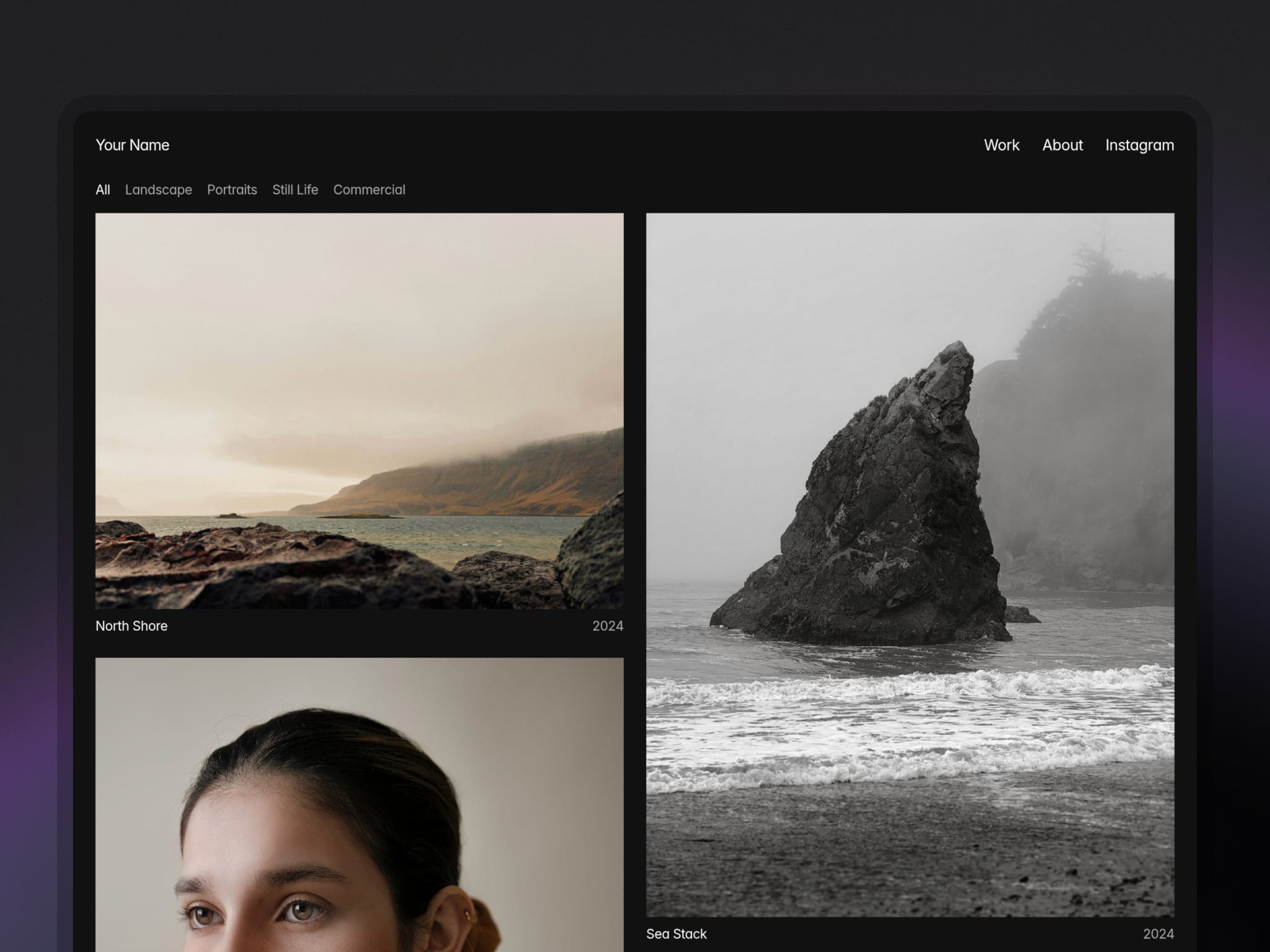
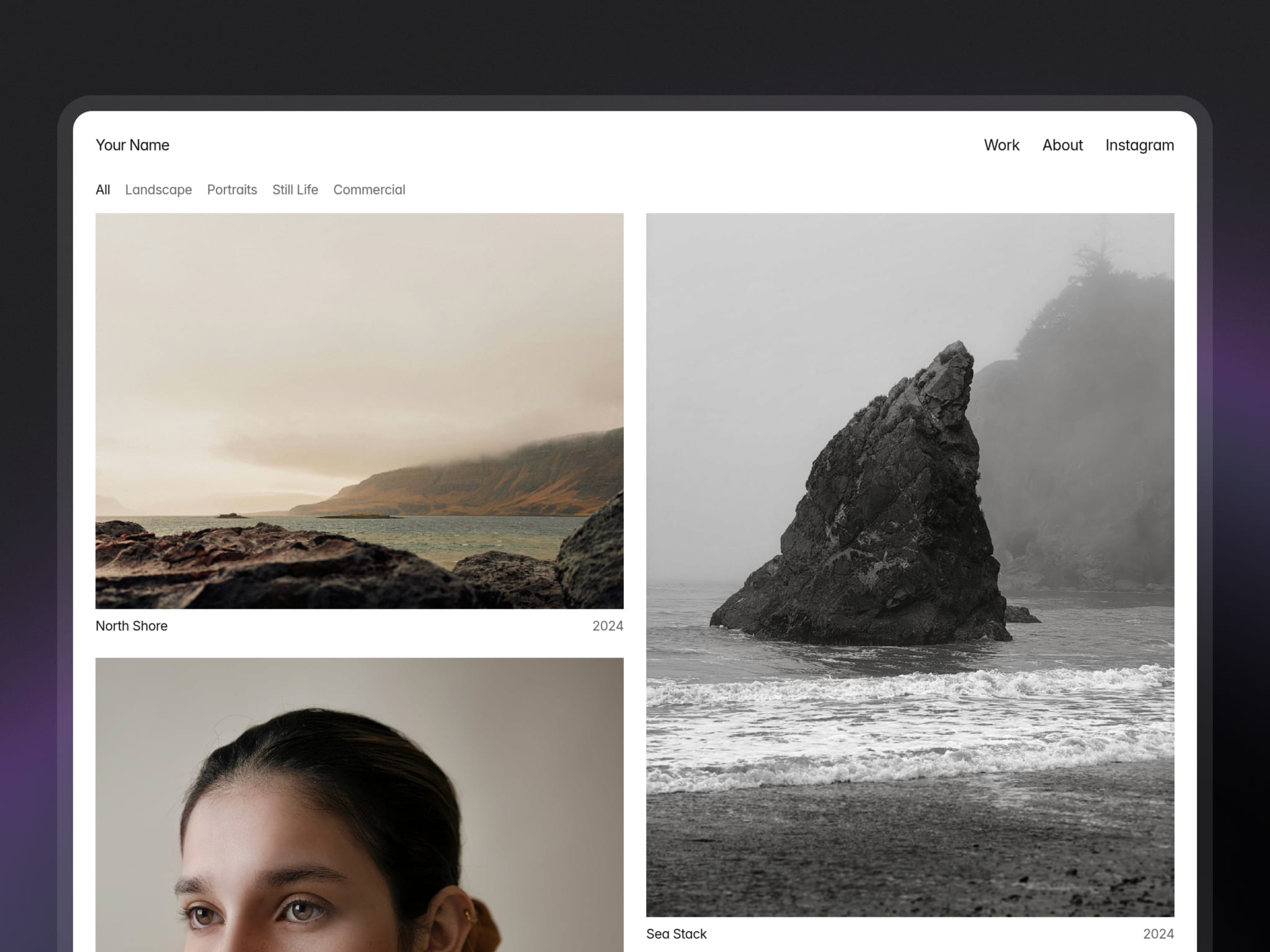
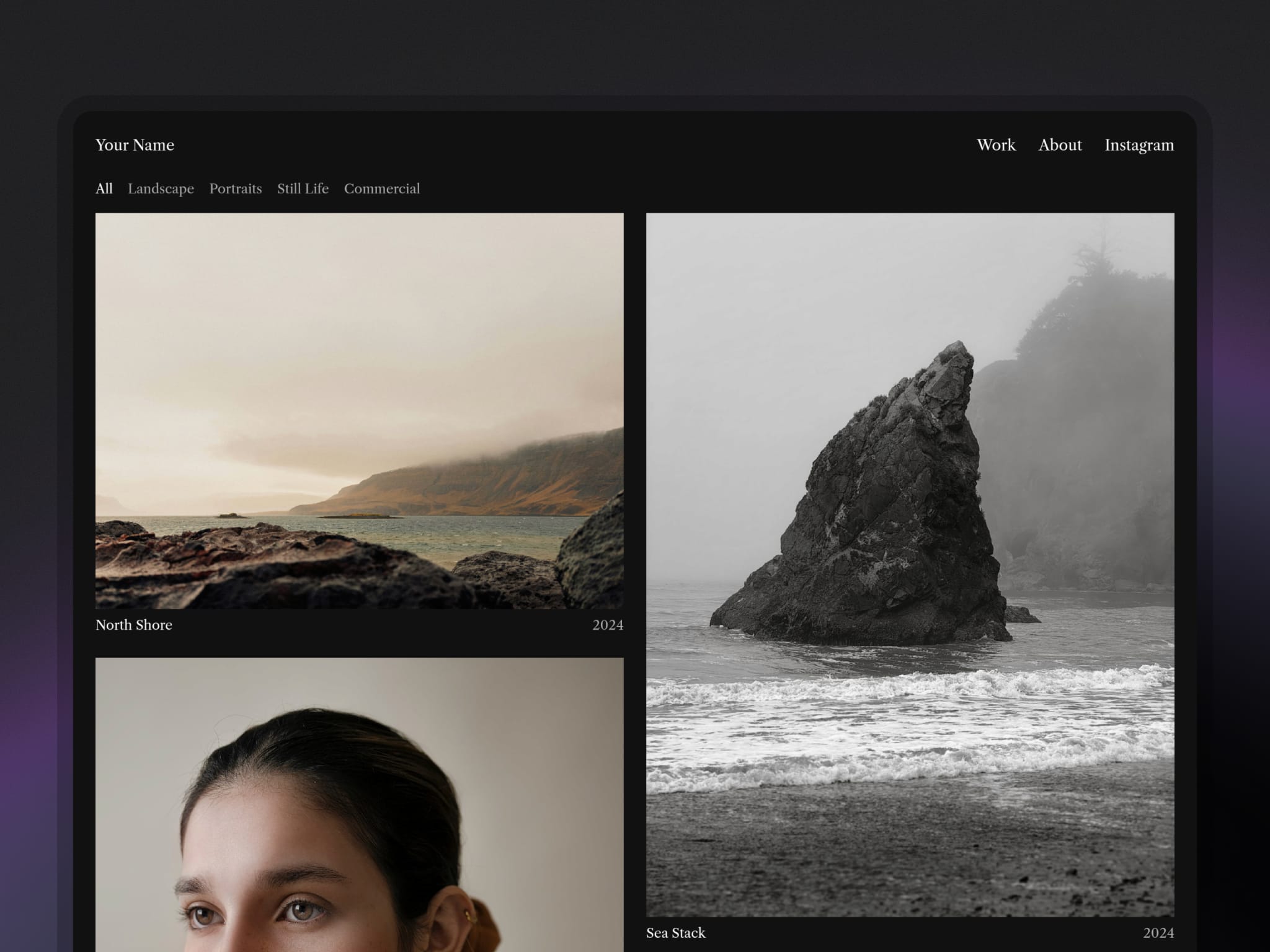
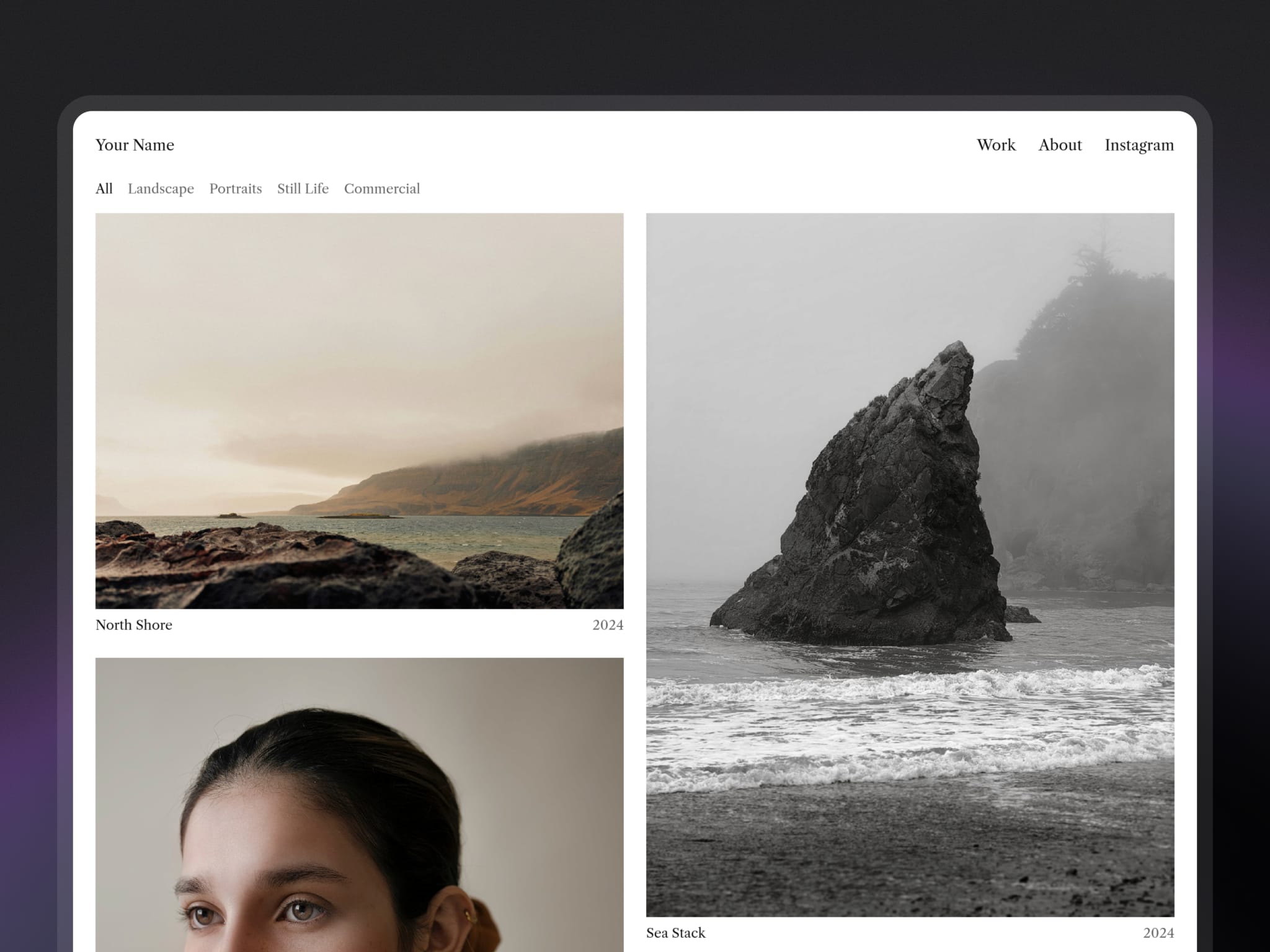
Most portfolio templates force every image into the same shape — 3:2, square, a designed cell — and crop whatever doesn't fit. Uncropped doesn't. Every photograph sits in the grid at its own ratio, portrait and landscape side by side.
One photograph or a whole series. Each work can hold a single image or a full set with captions. The cover goes on the home page; the set opens full width on its own page, with Previous and Next to walk through the rest.
Categories that look after themselves. Create a category in the CMS — Portraits, Landscape, Commercial — and a filter appears on the home page. Delete it and the filter goes. Every filtered view has its own link to share.
Four themes, chosen once. Light or dark, serif or sans — four complete themes, not a light/dark mode that switches with the visitor's settings. You pick one at setup and the whole site uses it, so your work is always seen on the ground you chose.
Set up in an afternoon. A Start here page walks you through every step, by hand or with Framer's agent. Your name goes in once; titles, years and details sit beneath each image like a gallery label.
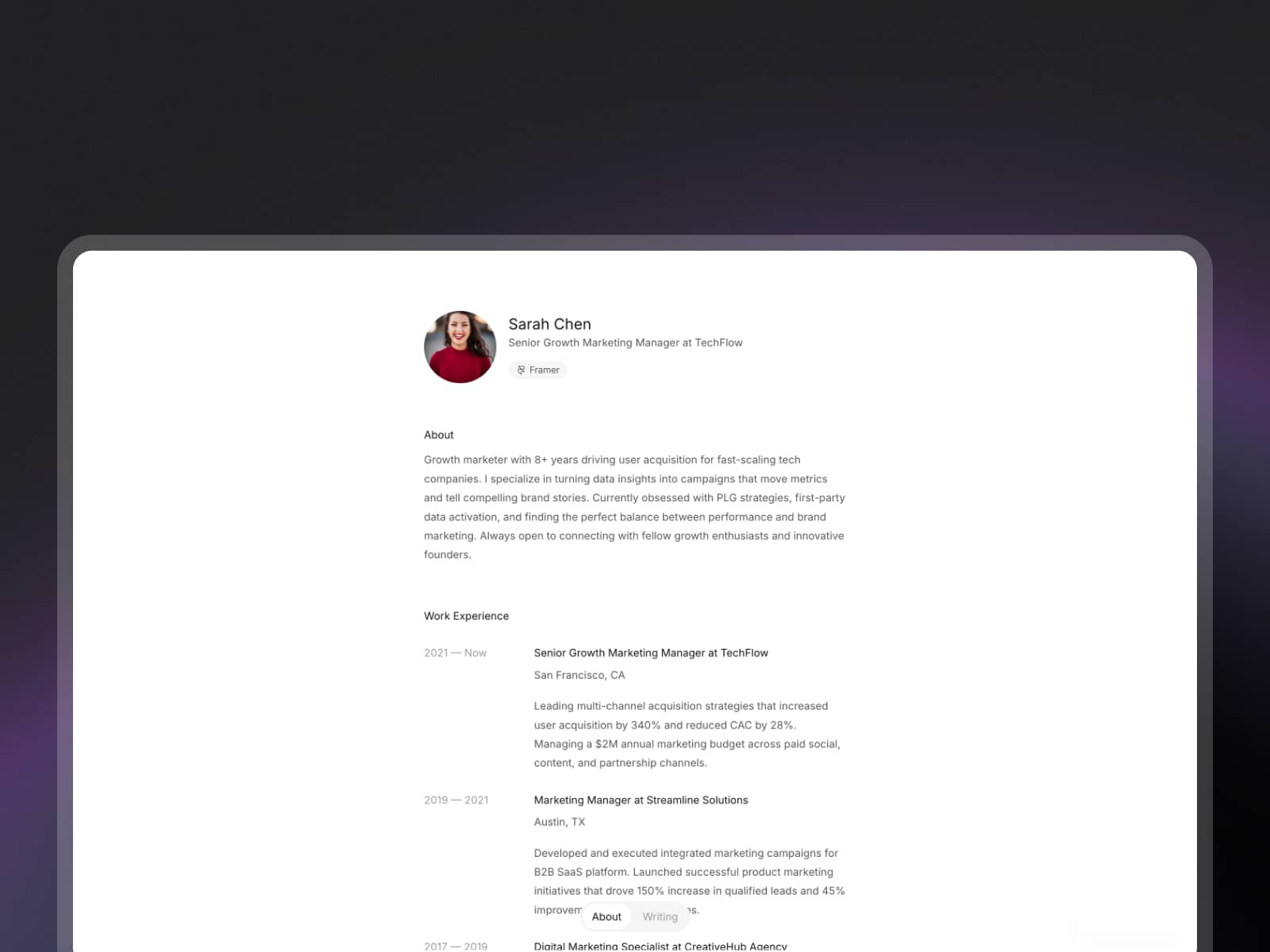
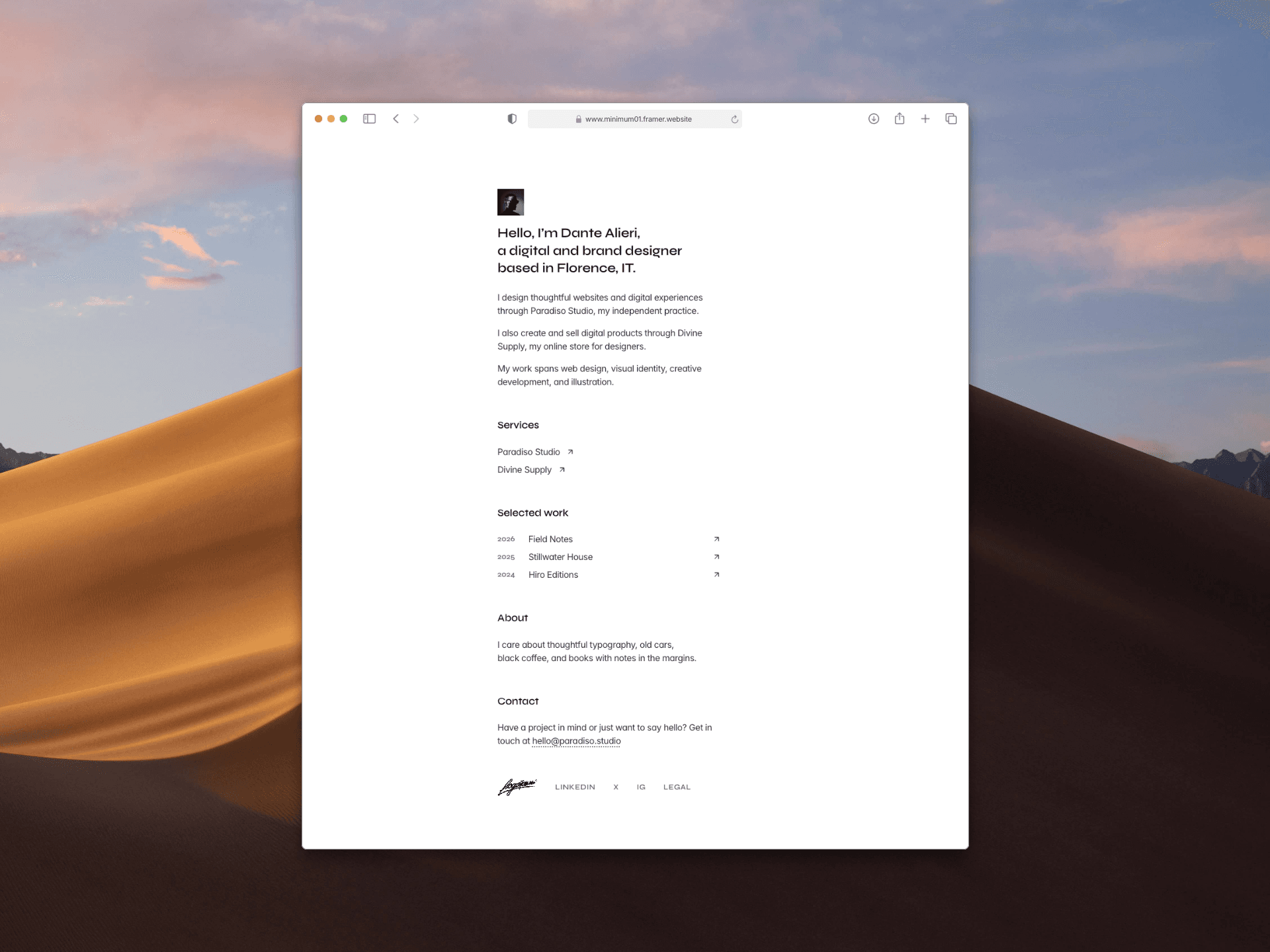
Also included: an About page with contact and an optional CV, an unlisted page for work you share by link only, a per-work enquiry link, and layouts for desktop, tablet and phone. Built for Framer's Basic plan.
Demo photographs from Unsplash.