About Tearsheet
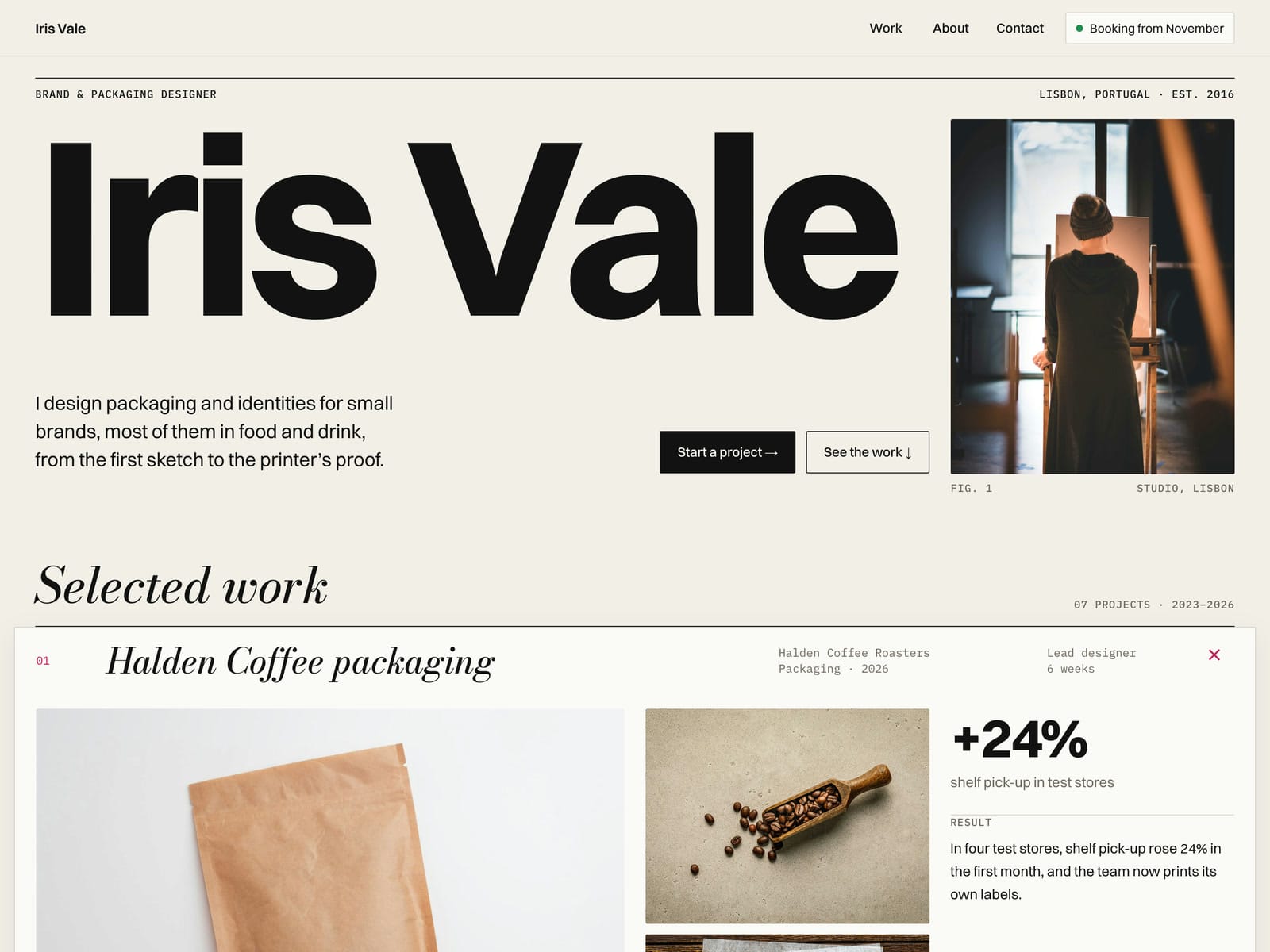
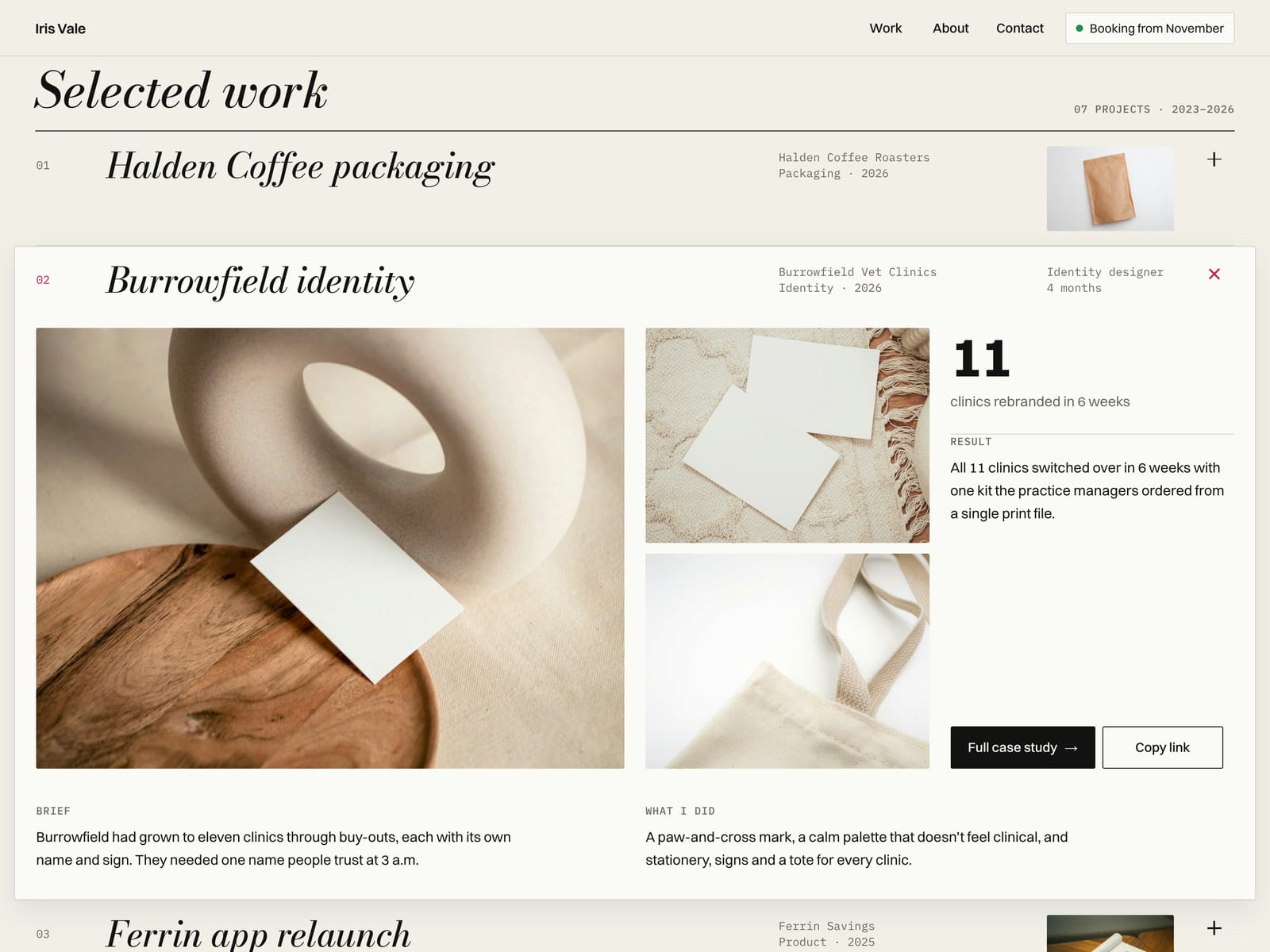
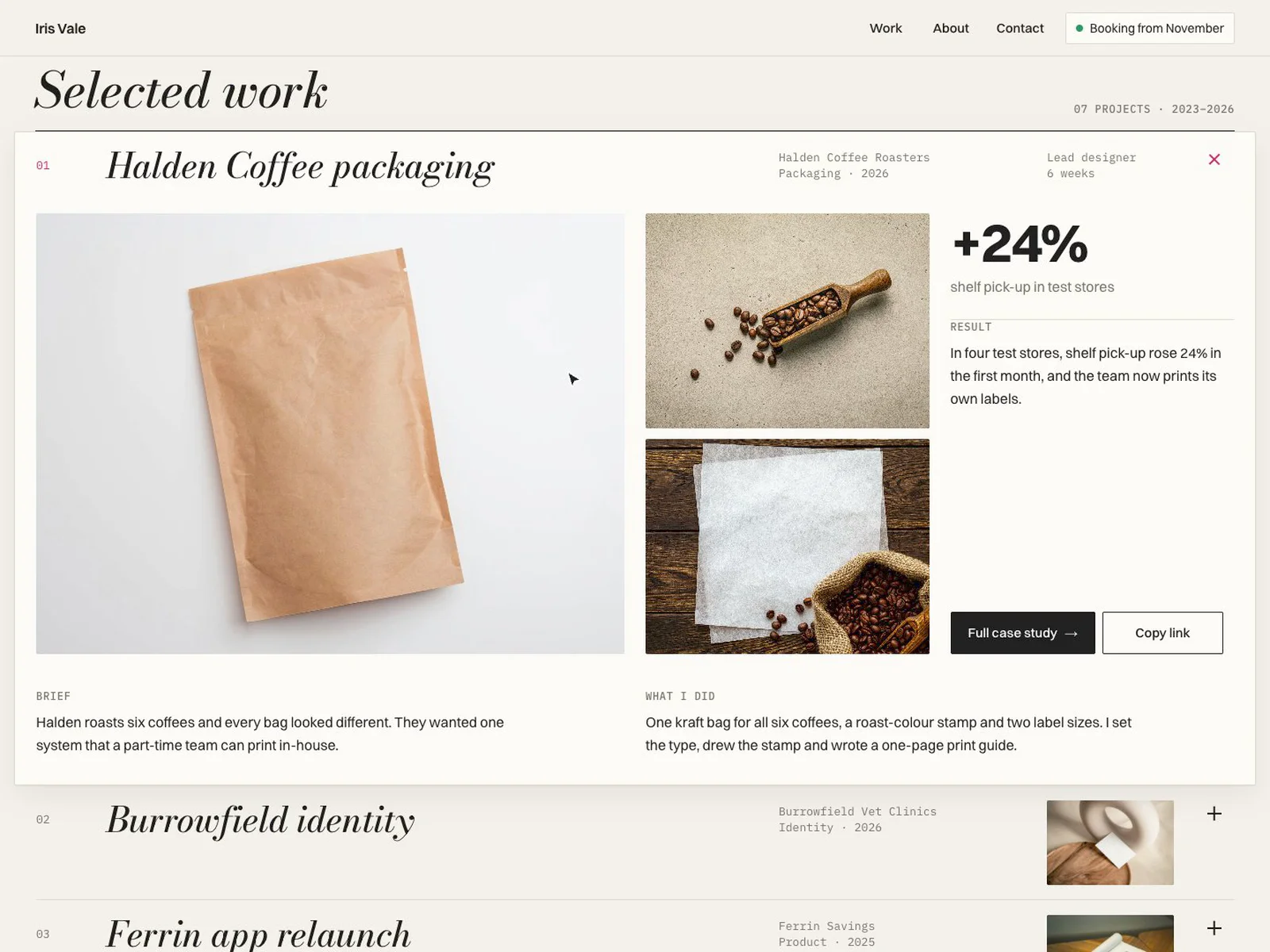
Tearsheet is a free one-page portfolio for independent designers and small studios. Your name runs across the top in huge type, and your projects open in place: click a row and it unfolds into the case right there (gallery, brief, what you did, result and one number) without leaving the page.
What you get
A remix link to the Framer project. The demo site is the same project.
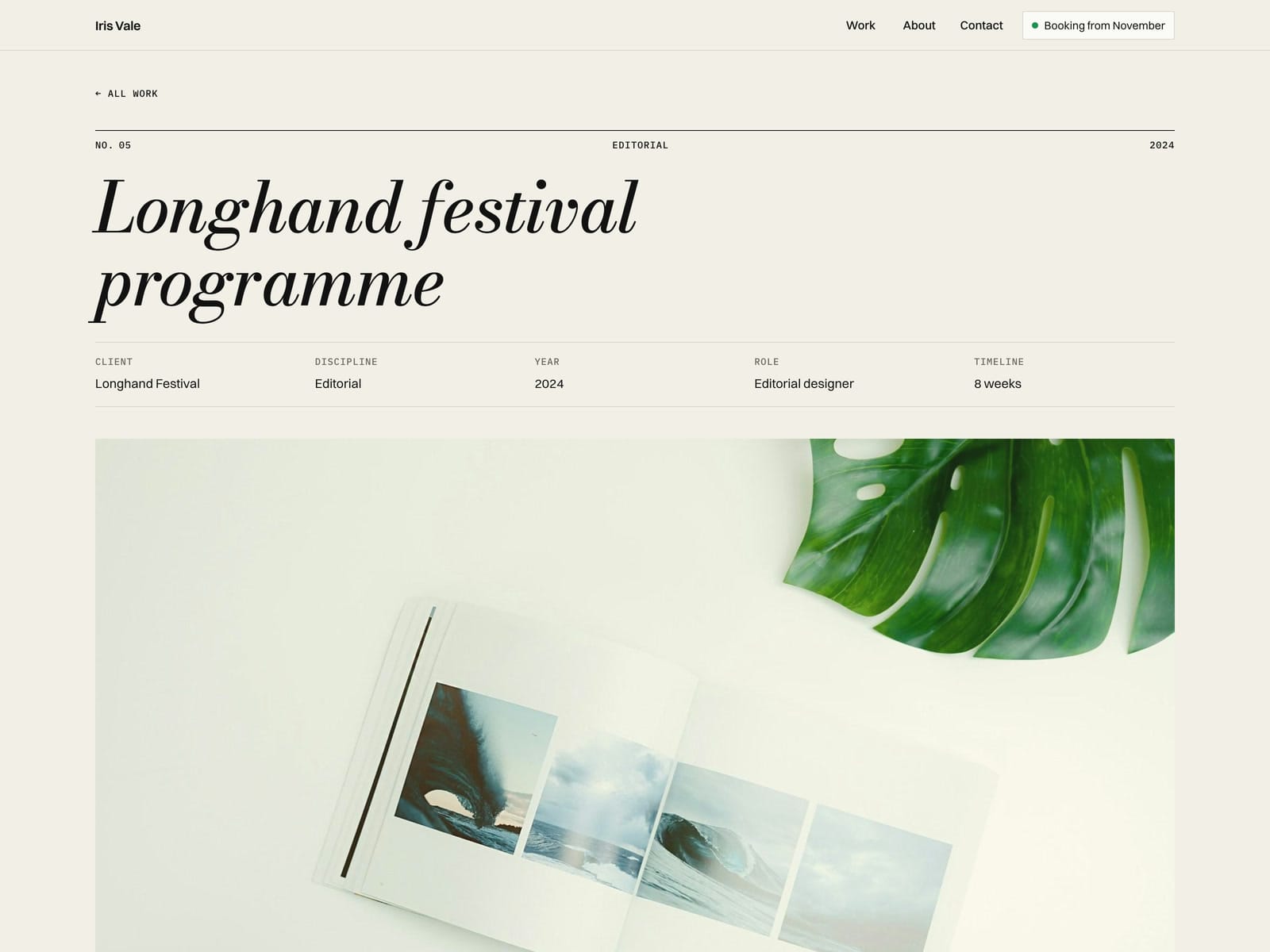
Pages: Home, 7 example projects from the CMS (each with its own case page) and a 404.
Project rows: each opens in place, the first one is open when the page loads, and every project has its own link (/#work-<slug>) that opens it straight away.
Copy link: copies that project link and shows "Link copied" (if the browser blocks the clipboard, it shows the link to select).
Hero name that sizes itself to fit the width, so long names fit automatically.
About, services, experience, two testimonials and a client line.
Contact: an email that copies on click and a form (name, email, project type, timeline, message) using Framer's built-in form submissions.
CMS fields per project: Title, Folio, Client, Discipline, Year, Role, Timeline, Cover, Image 2, Image 3, Share Image, Brief, What I Did, Result, Metric Value, Metric Label, Live Link, Open First, Order, Body.
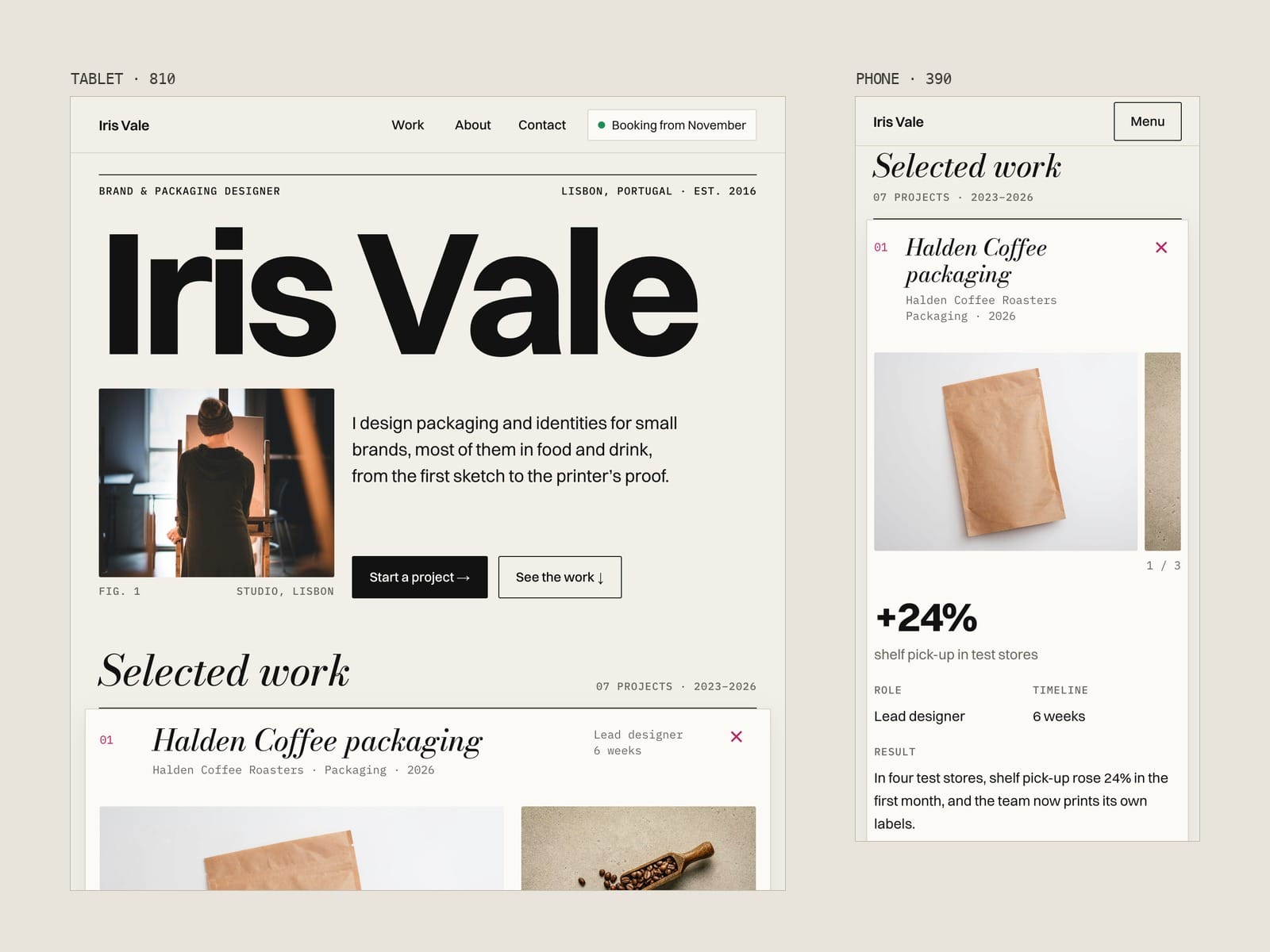
Four layouts: 1440, 1200, 810 and 390.
Good to know
All example content is made up: the person, the clients, the projects and the numbers. Photos are from Unsplash.
The "View live" button and the social links are placeholders; point them at your own pages.
Project rows are a small code component. You edit them in the CMS, not in code. The in-place view uses plain text; formatted text (Body) is on the full case page.
The CMS is one collection with 7 items. Framer's CMS limits per plan change over time, so check framer.com/pricing before you add more projects. A custom domain needs a paid Framer site plan.