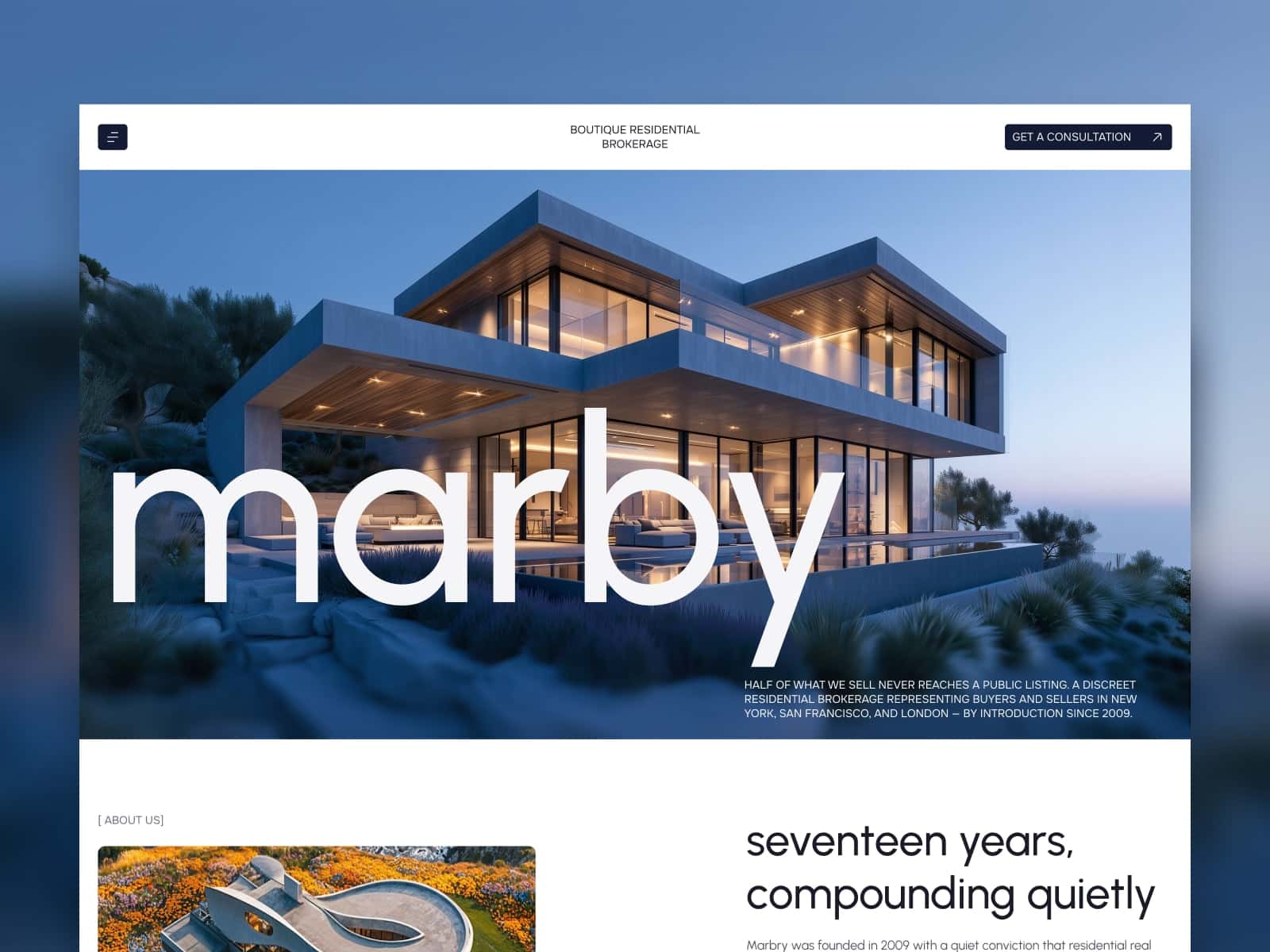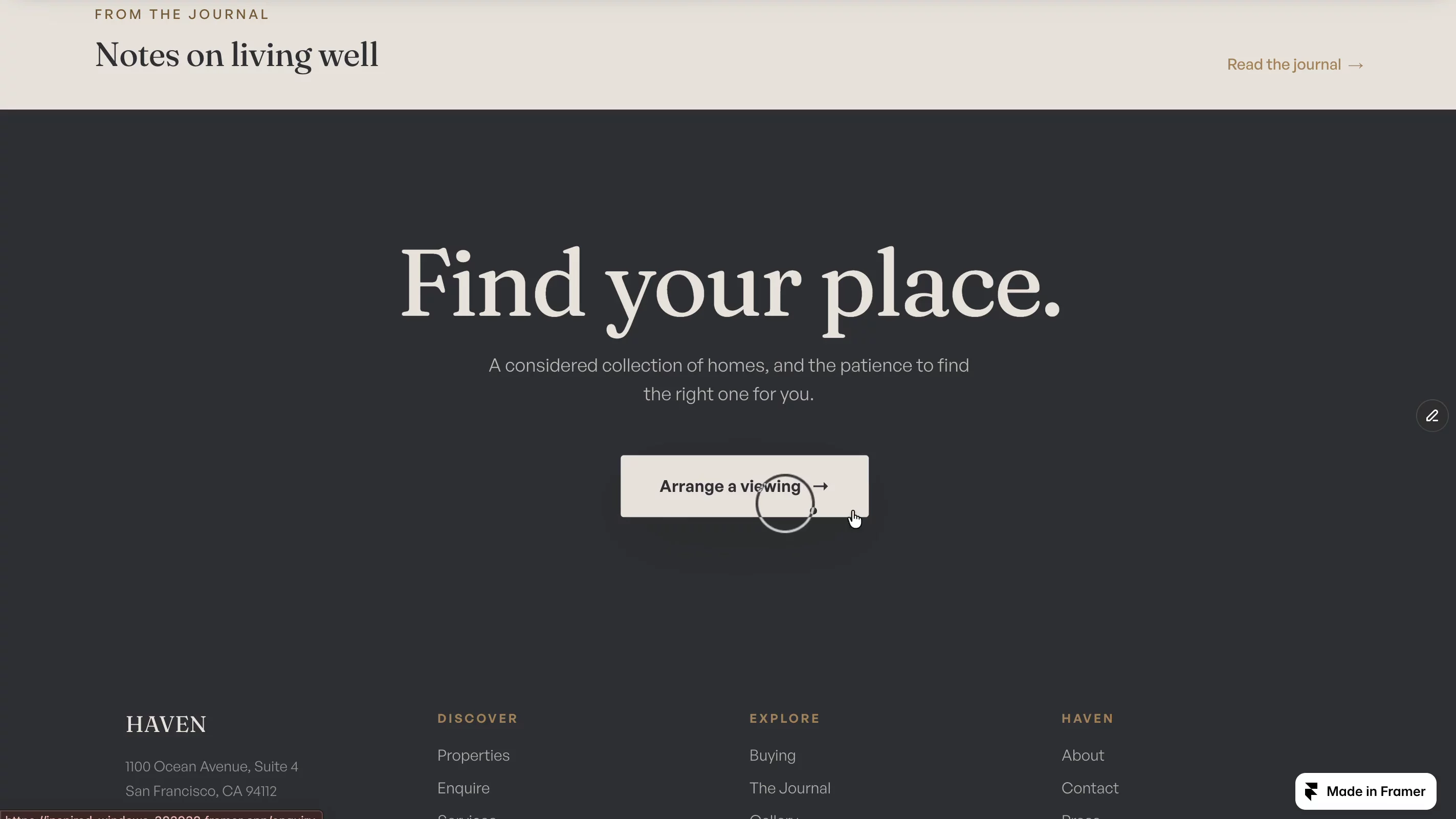
About Terrane
When a real estate site has a lot of homes, the hard part is helping someone find the few that fit them. Most Framer real estate templates only give you the basic filters, a dropdown or two. So buyers scroll, guess, and give up. The listings are there, but they're hard to discover.
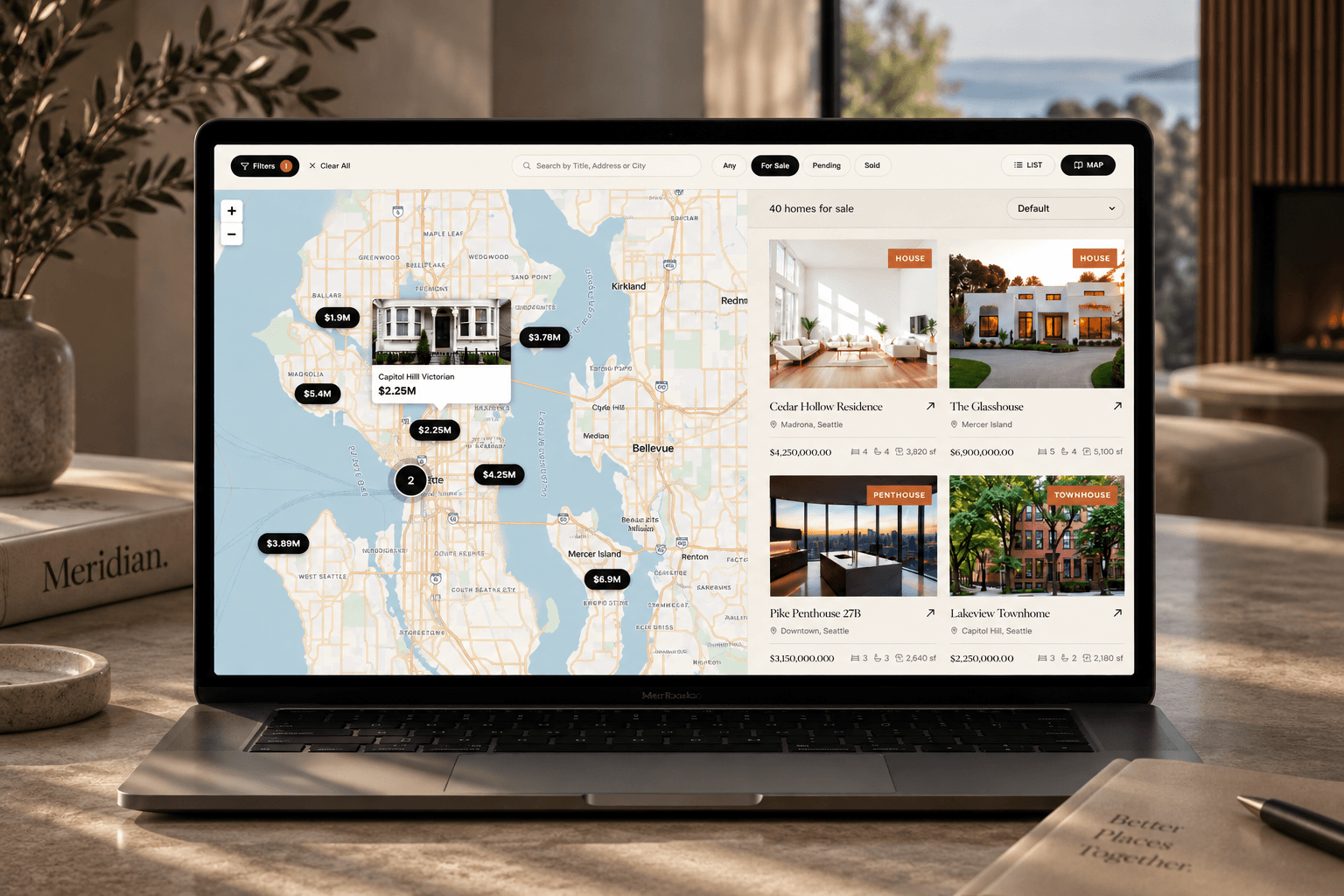
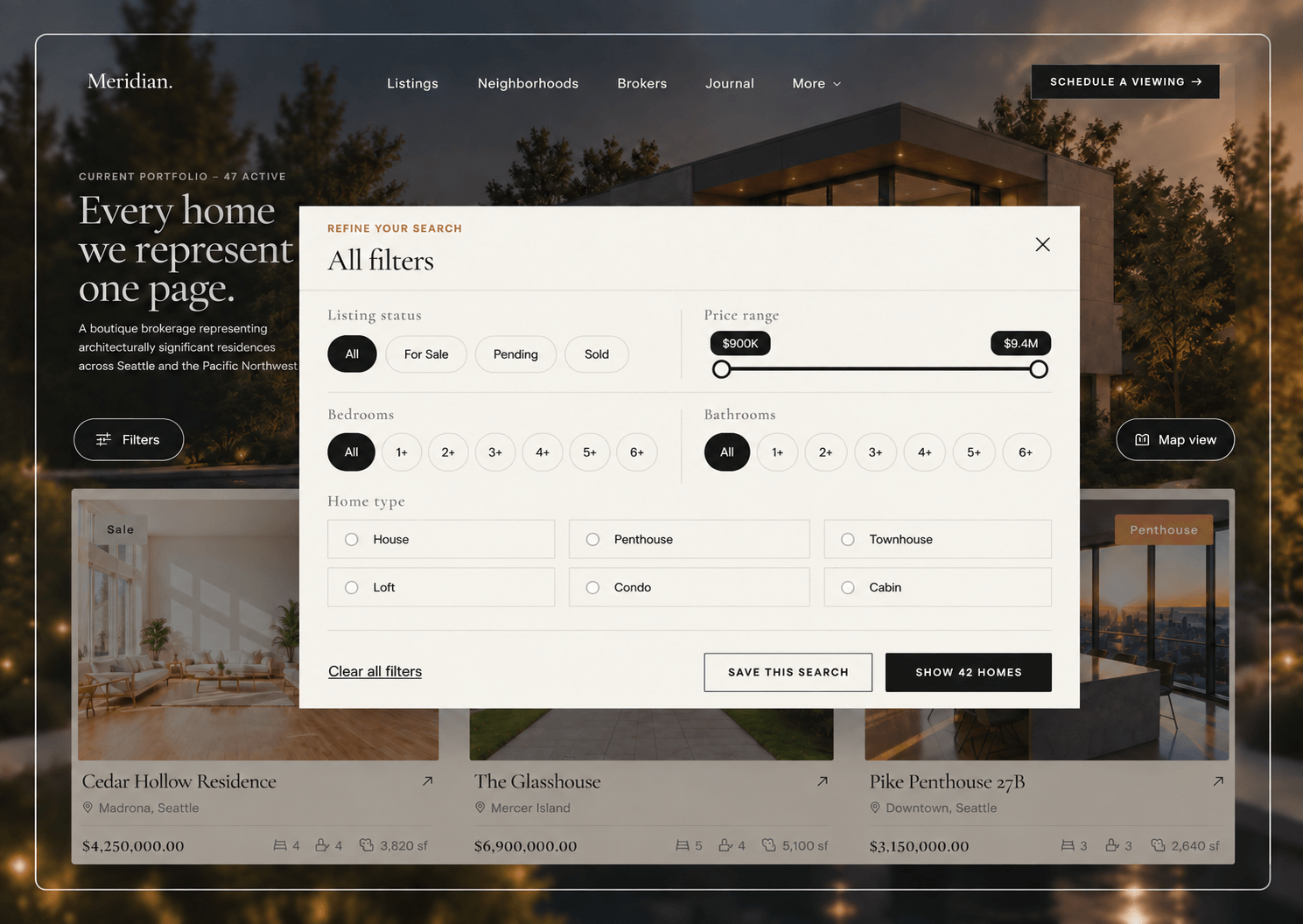
Terrane is built for that problem. It uses advanced filtering:
• A price range slider, not just fixed price bands
• Filters for status, beds, baths, and home type, which you can stack together
• A clear-all button to start over
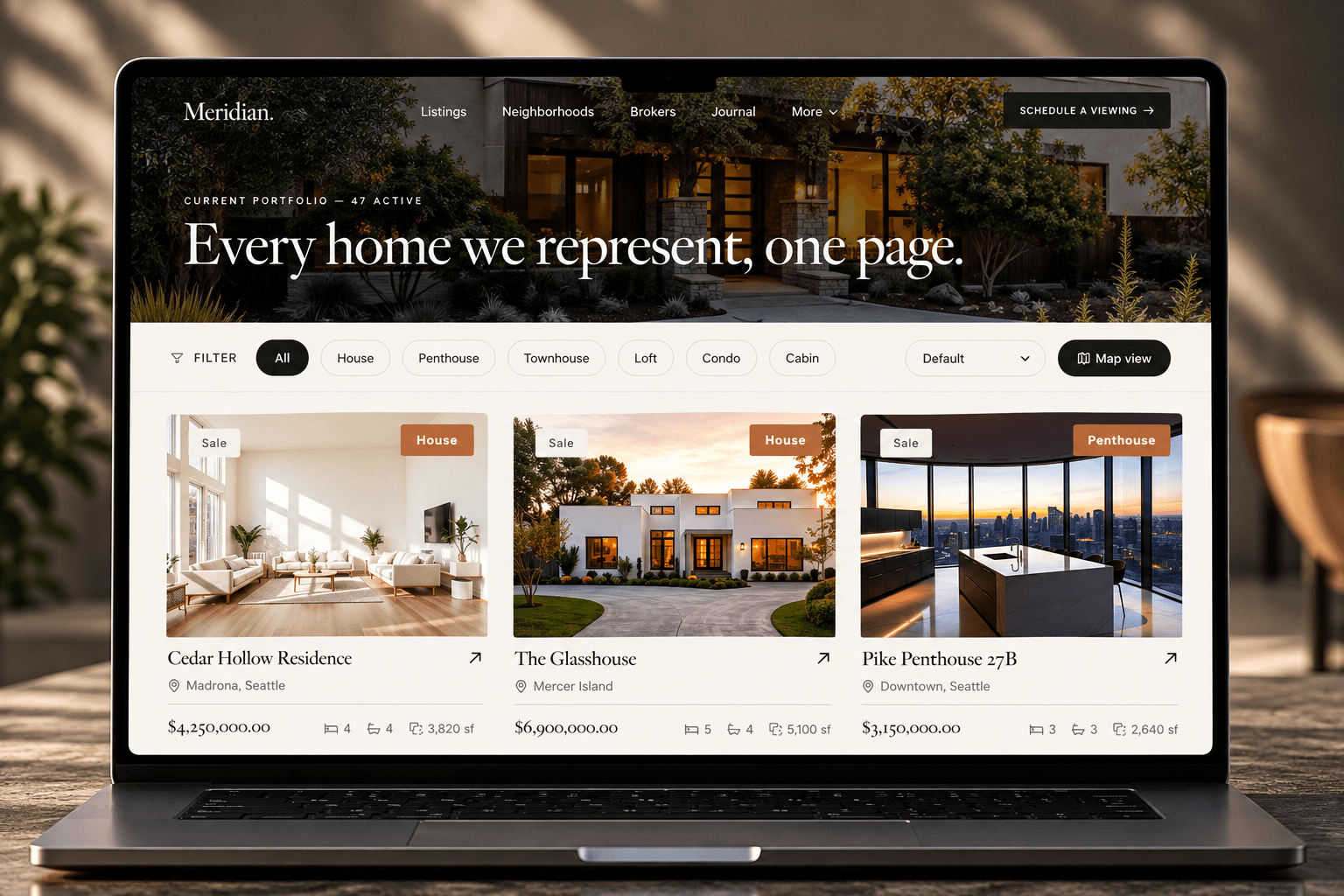
• Sorting
Next to the results is a map. It shows where each home is, and it updates in real time as you filter, search, or load more listings. People can shop by area, not just by a list.
Every home gets a full detail page: a photo gallery, the key stats (beds, baths, size, lot, price), the features, and the broker who represents it.
You edit all of this in Framer's CMS, like filling in a spreadsheet: address, price, beds, baths, photos, and location. The filters and the map read straight from those fields.
You get 12 pages, already designed:
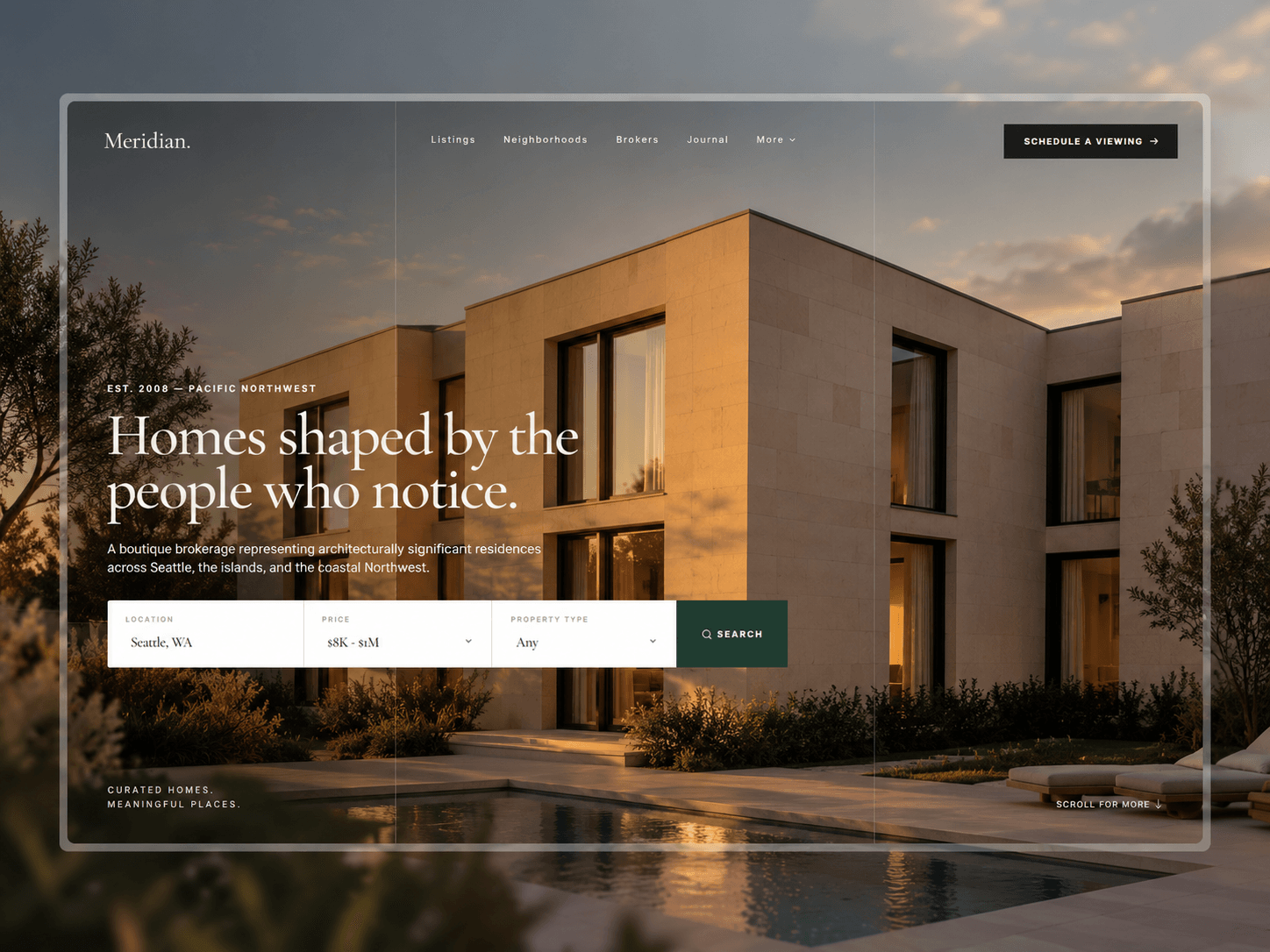
• Home, with a search box
• Listings, with the map and advanced filters
• A detail page for each home
• Neighborhood guides
• Broker profiles
• A journal for market notes
• About and contact
• A 404 page
It works on phones. To make it yours, change the logo, colors, listings, and text, then publish.
Visit Framer templates and plugins for more High Quality tempaltes and plugins.