About Trailframe
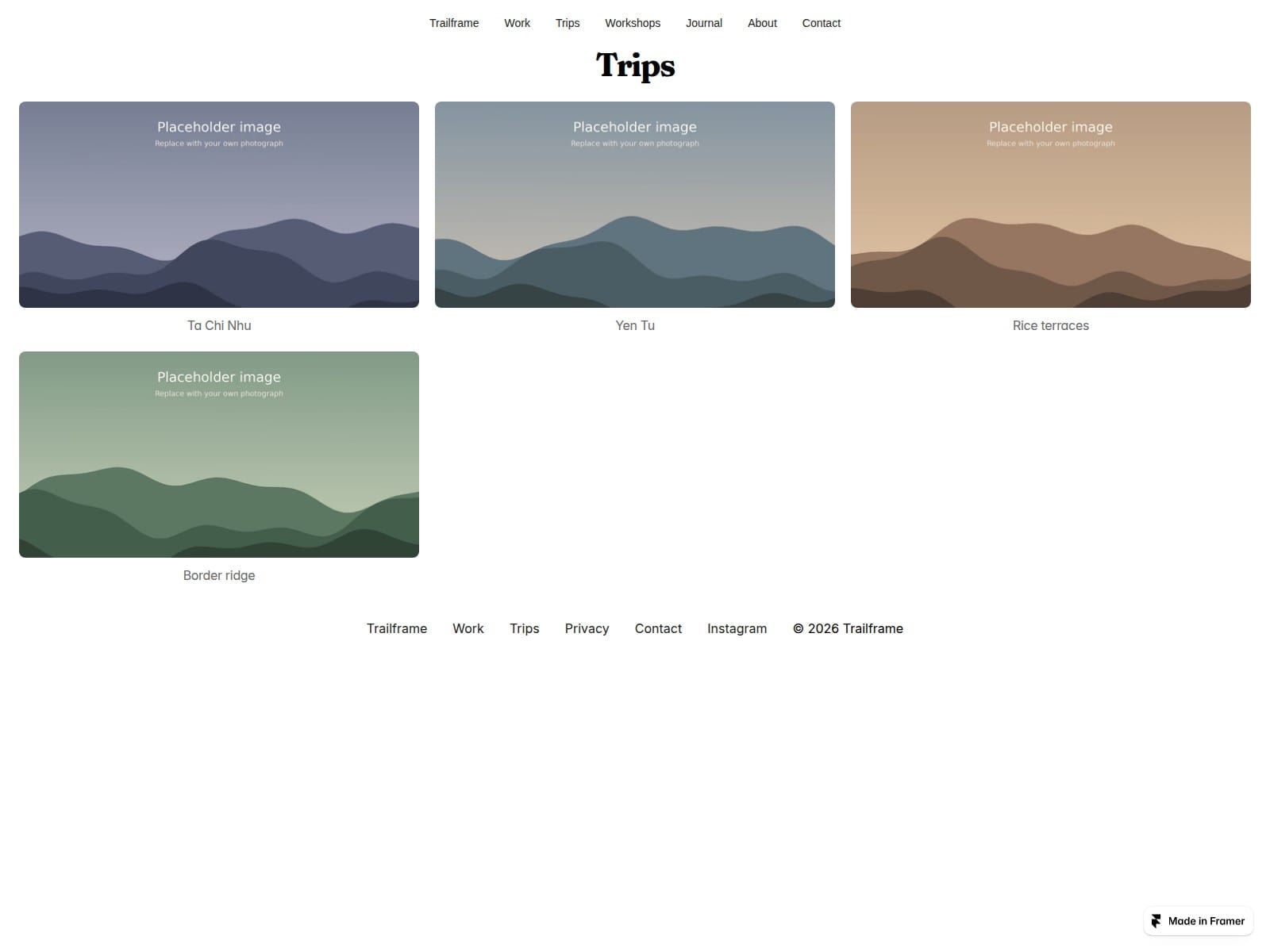
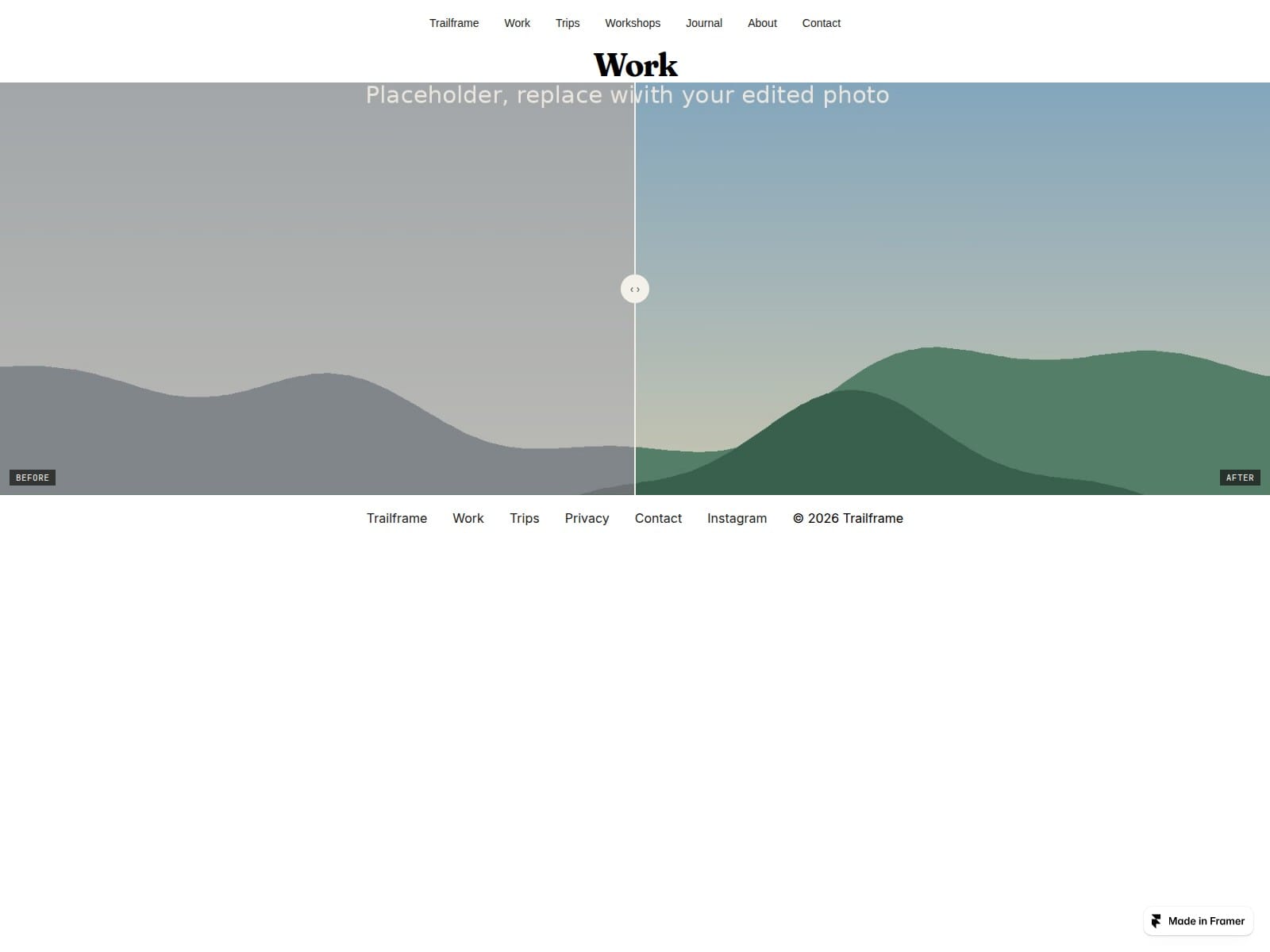
Trailframe gives travel and landscape photographers a portfolio organised around their trips. Add distance, elevation and duration through the CMS, then show your photographs in a full-screen lightbox with camera settings. A before-and-after slider lets visitors explore your editing.
Trip pages with trail stats: every trip has its own page with cover photo, distance, elevation gain and duration, driven by CMS fields.
Lightbox with EXIF: click any photo to see title, aperture, shutter, ISO and focal length. Arrow keys and Esc work.
Before and after slider: compare the RAW file with the final edit.
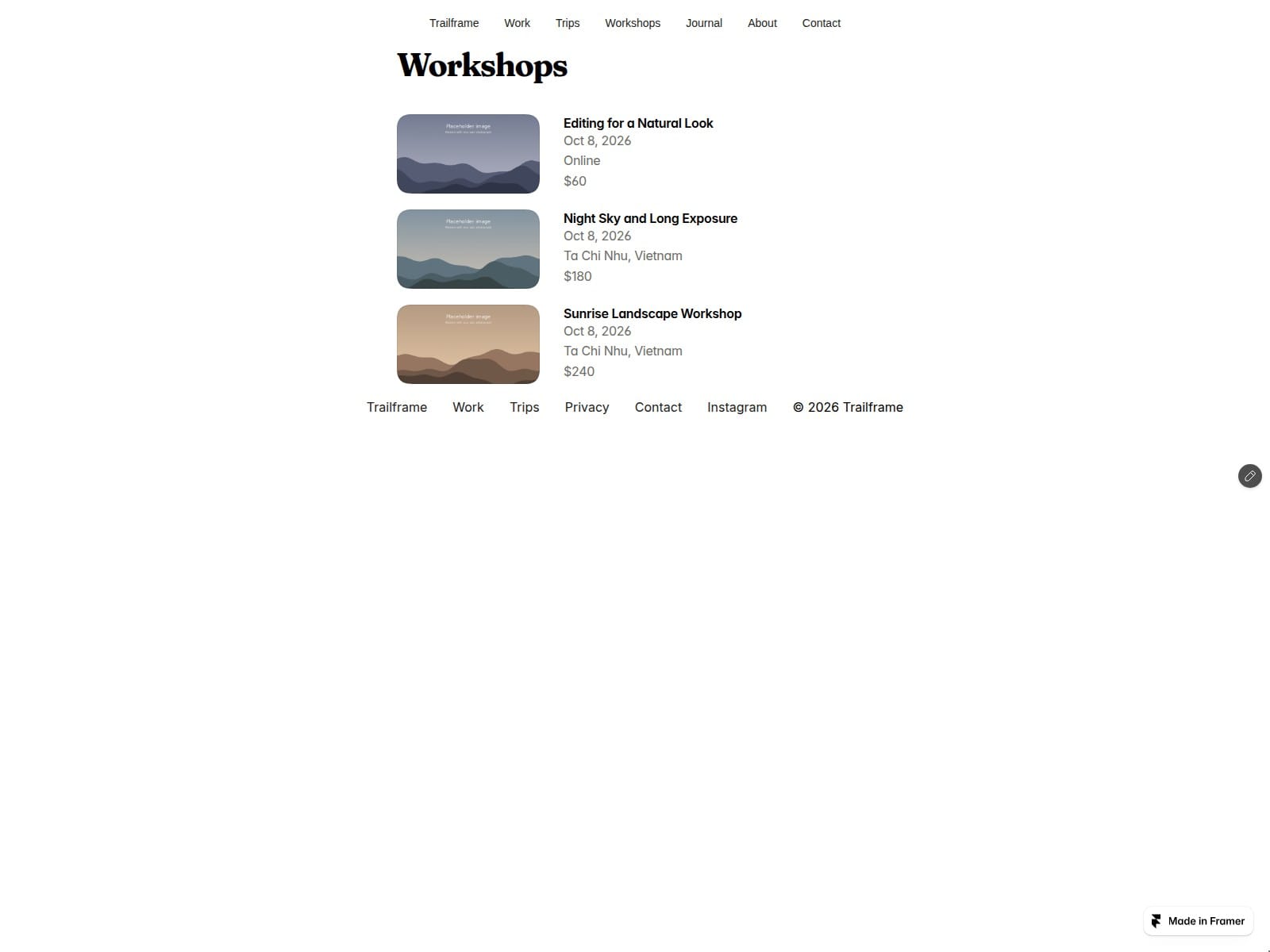
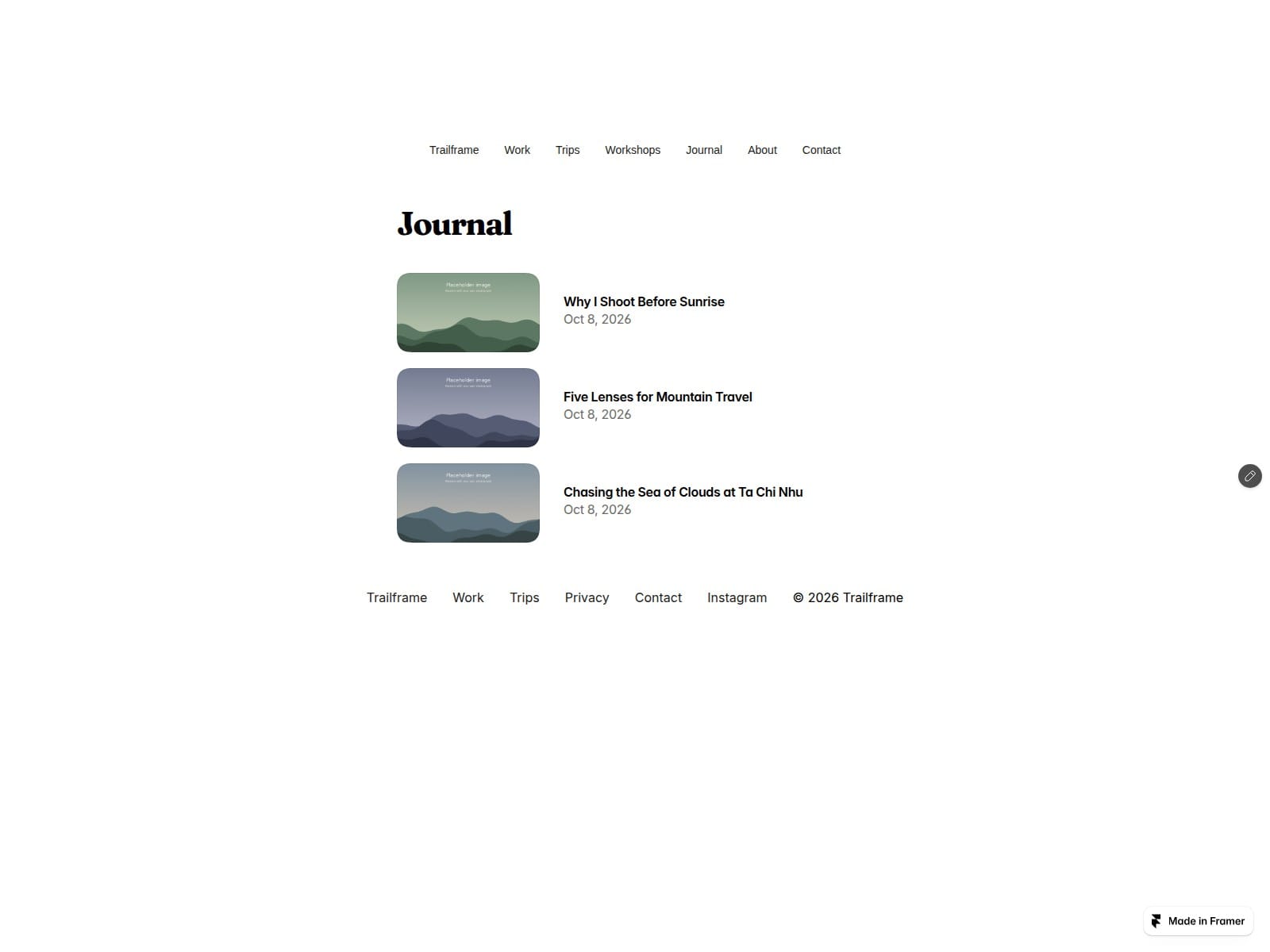
Workshops and Journal: four CMS collections (Trips, Photos, Workshops, Journal) with detail pages and sample content.
Contact form with a topic dropdown. Connect it to email, a webhook or Google Sheets in Framer's form settings.
Included: layouts for Home, Trips, Work, Workshops, Journal, About, Contact, Privacy and 404, with Desktop, Tablet and Phone breakpoints. Code components: PhotoTile, ExifLightbox, BeforeAfter, SiteNav, plus optional TripMap and MapPin source for buyers who want a map (the demo ships without one). A setup guide and an EXIF-to-CSV tool are included.
Good to know: the demo uses generated placeholder images; replace them with your own photographs. Trail stats are sample figures. The Privacy page is sample text, not legal advice. Performance depends on your photos and page content.