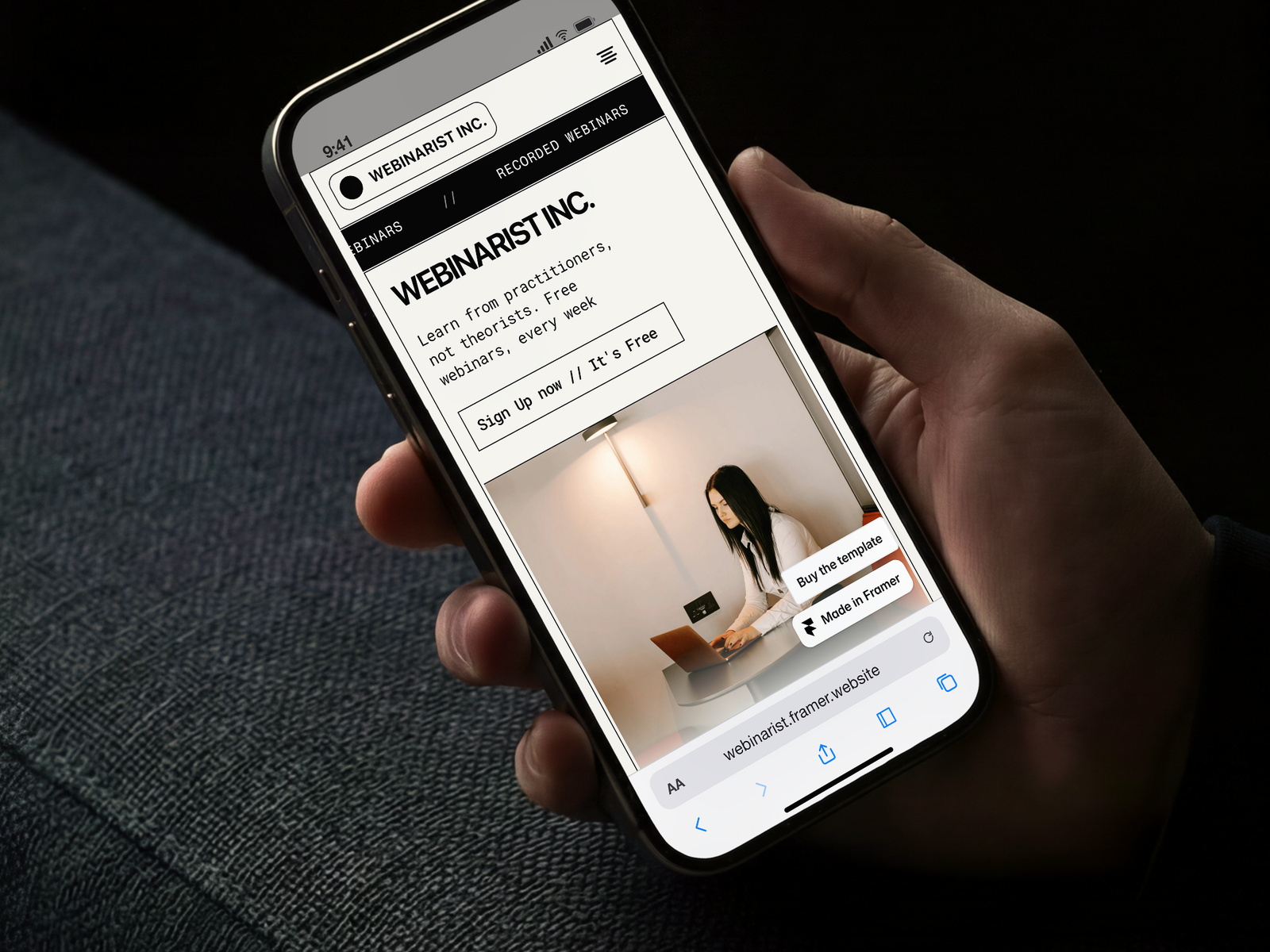
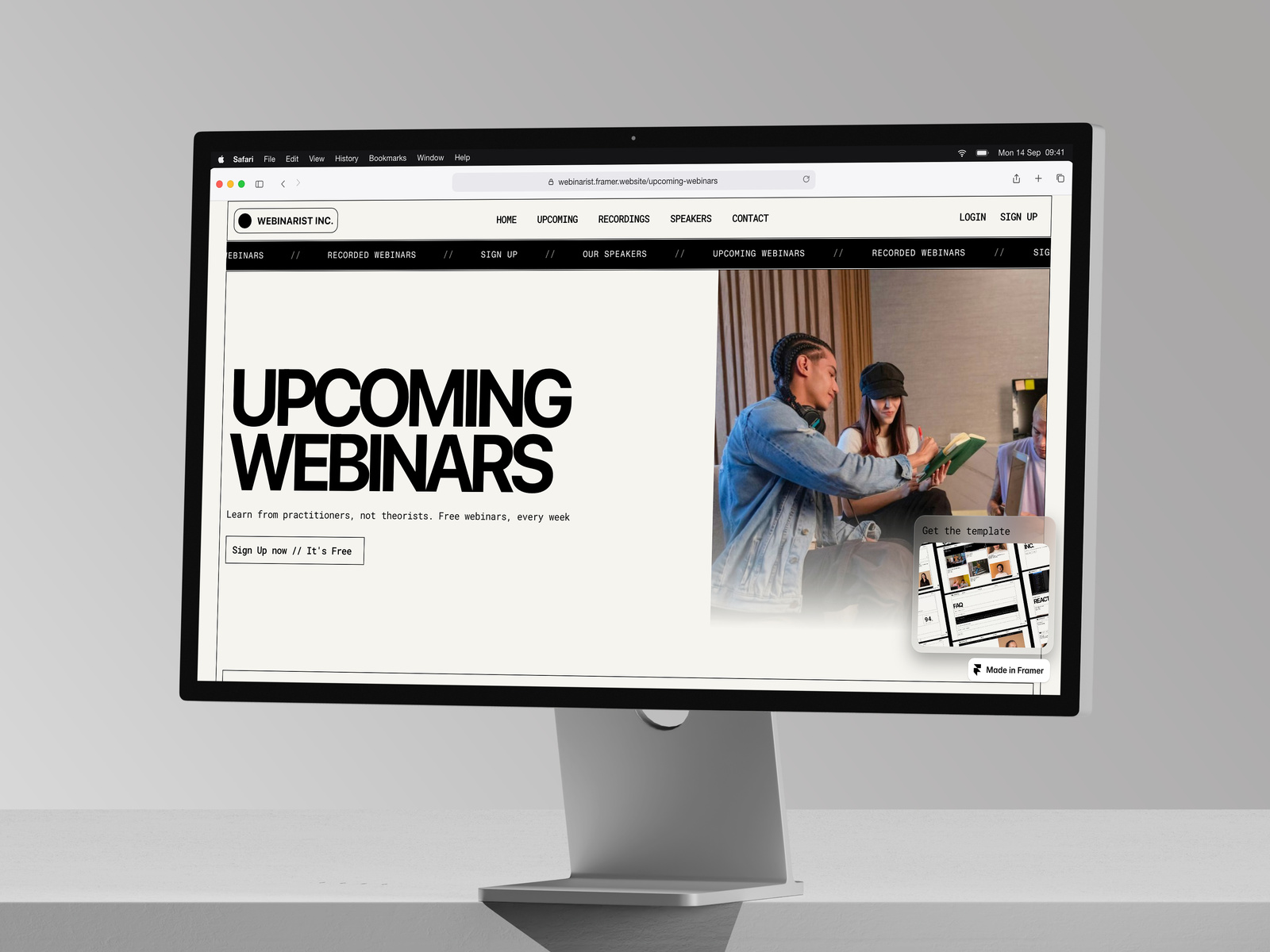
# Webinarist
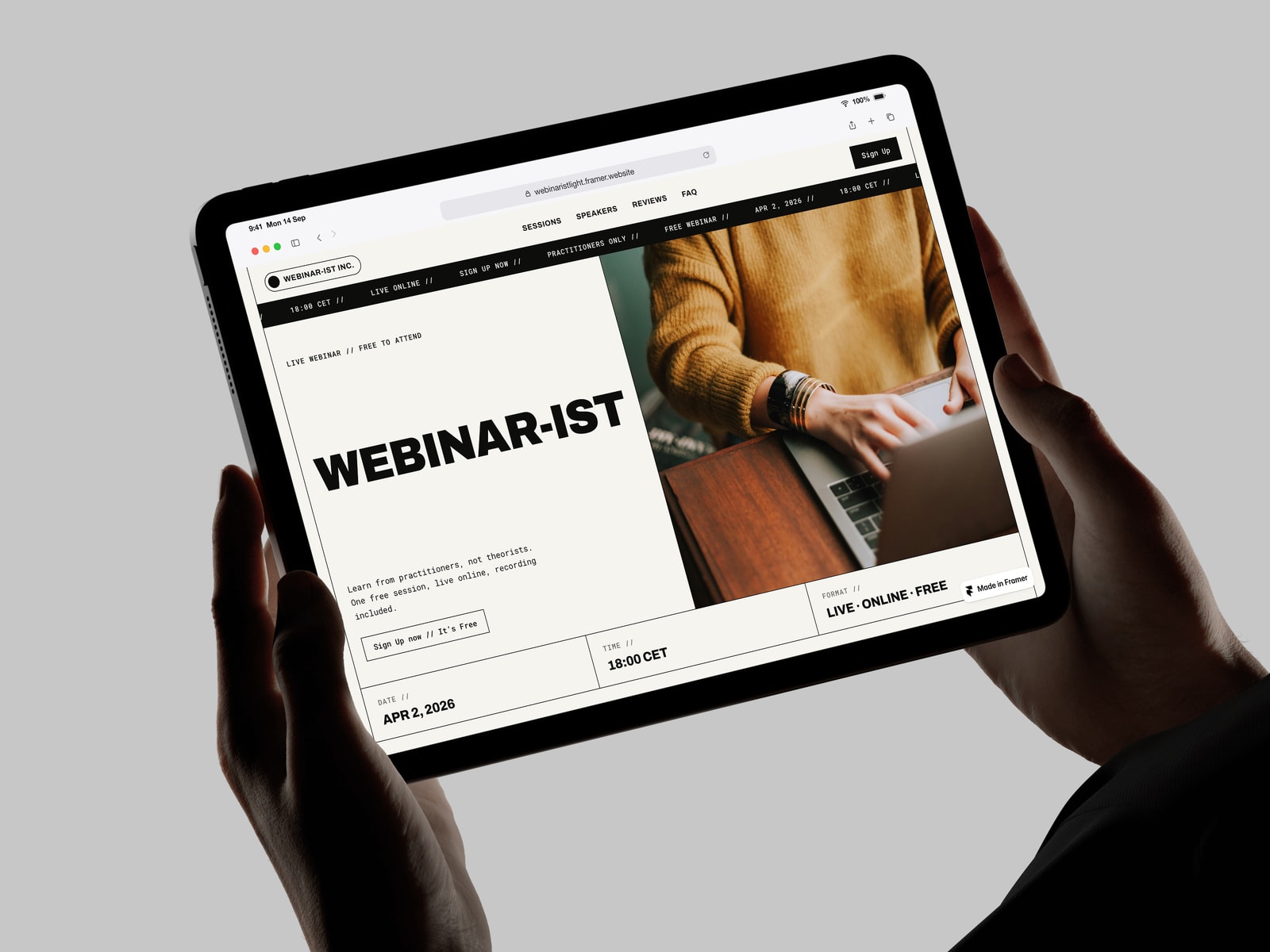
A brutalist Framer template for webinar businesses, course platforms, and event-driven brands. CMS-driven from end to end — every section connects to your content so adding a webinar, swapping a speaker, or updating a review is a content task, not a design one.
Built on a monospace aesthetic with editorial restraint. Card grids, line dividers, hover-invert states. Fits brands that want their typography to do the talking.
## What's inside
Pages
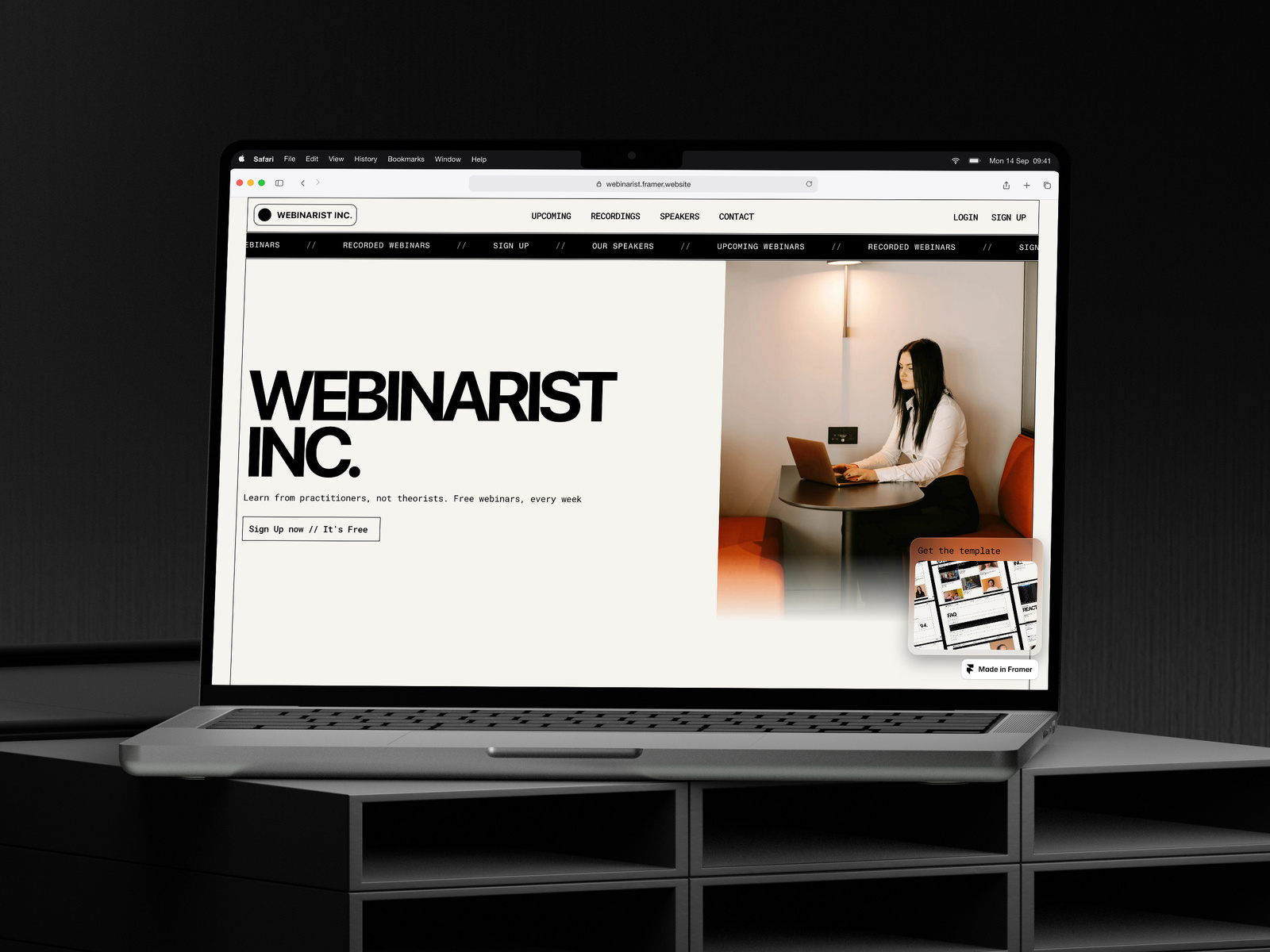
- Home — hero with upcoming session preview
- Upcoming Webinars — CMS card grid with category filtering
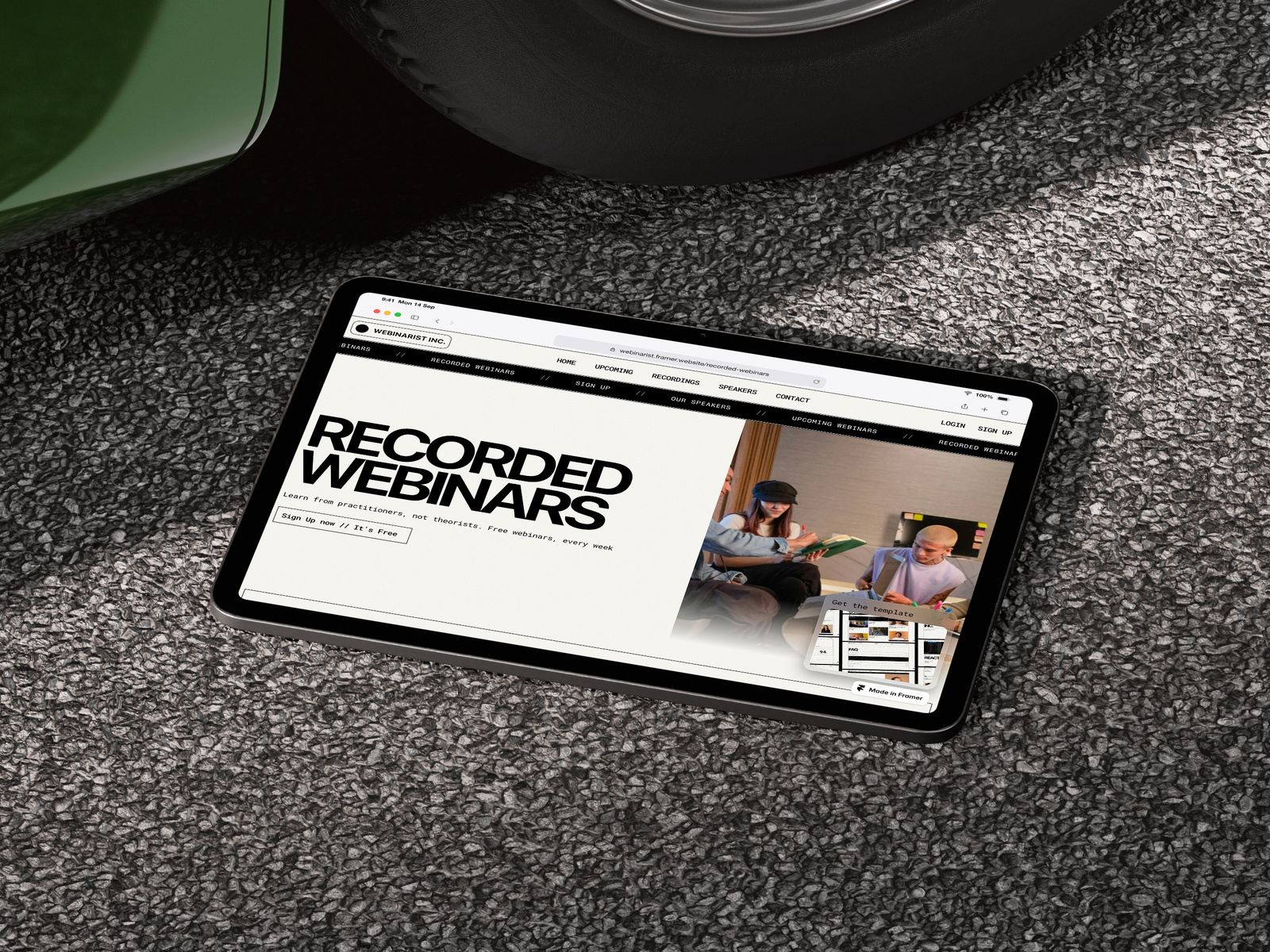
- Recorded Webinars — on-demand archive
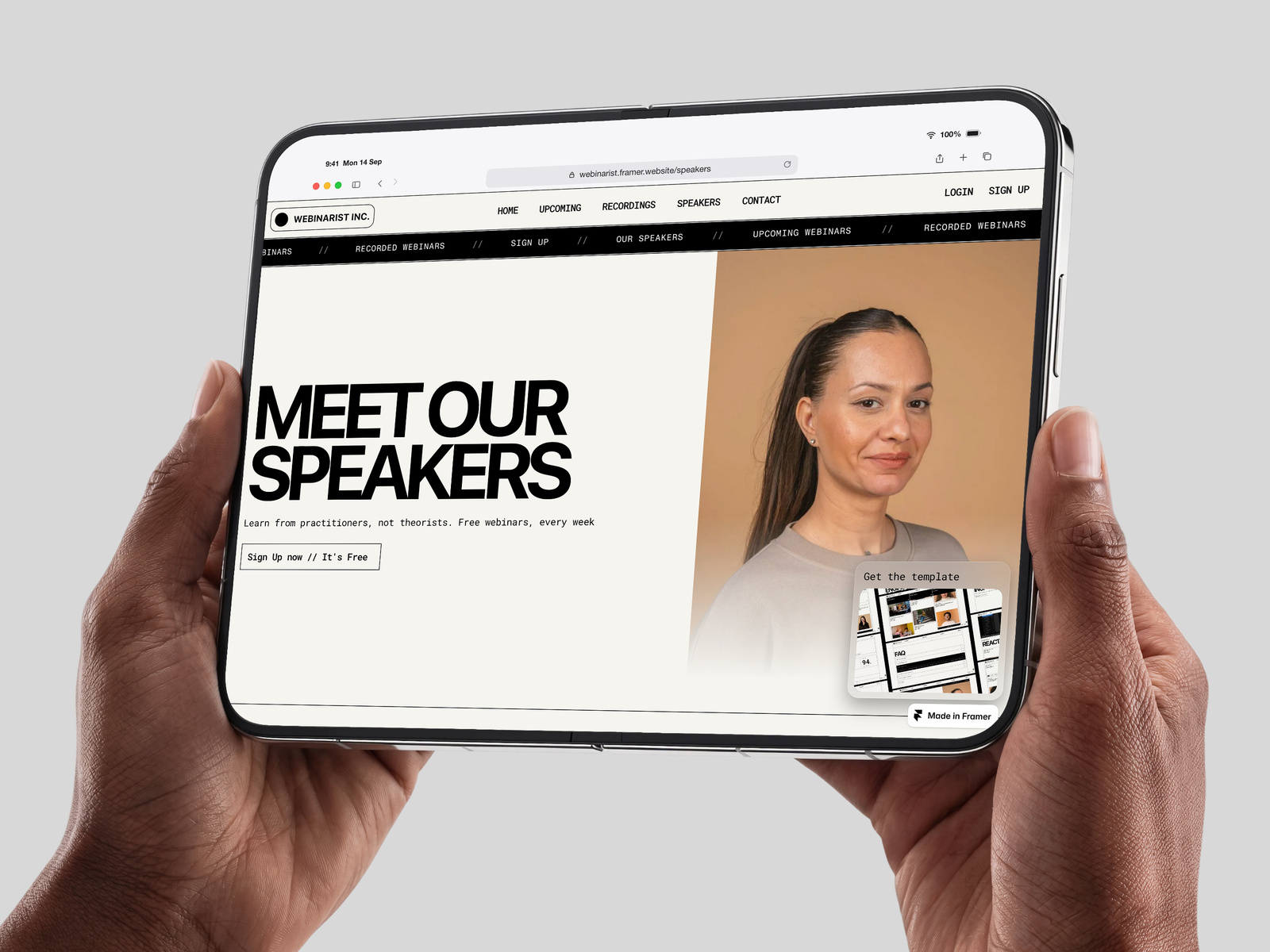
- Speakers — full roster bound to a Speakers Collection
- Sign Up — working registration form with submission states
- Thank You — confirmation page after registration
- Terms, Privacy, Cookies — pre-written legal copy
- 404
Individual CMS detail pages
Every webinar, speaker, and recorded session gets its own auto-generated detail page from the CMS. Card clicks navigate to fully designed individual pages with full descriptions, speaker bios, session metadata, and registration CTAs. No manual page creation needed — add a CMS row, get a published page.
- `/upcoming-webinars/[slug]` — one page per upcoming webinar
- `/recorded-webinars/[slug]` — one page per recorded session
- `/speakers/[slug]` — one page per speaker profile
CMS Collections (5 total)
Every section of the template is powered by its own Collection. Edit content from the CMS panel and watch the site update live.
- Upcoming Webinars — 19 demo entries (name, date, description, speaker, category, image)
- Recorded Webinars — 22 demo entries (same structure plus recording link)
- Speakers — 20 demo profiles (name, role, company, bio, avatar, categories)
- Categories — 3 demo categories (powers filtering across upcoming, recorded, and speakers)
- Reviews — 20 demo testimonials (name, job position, review text)
Categories work across all three main Collections, so a single tag like "Engineering" filters webinars, recordings, and speakers consistently.
Custom code components
- Animated stats grid with scroll-triggered counters
- FAQ accordion with hover-invert states
- Registration form with session selector, validation, success and error states
- Speaker and webinar cards with consistent height handling
- Footer with social links and accessibility-ready ARIA labels
- Page transition components (reveal, fade, stagger)
Working registration form
The form sends submissions to any service that accepts a POST request — Formspree, Zapier, Make, n8n, Web3Forms, or your own backend. Setup takes about 5 minutes. Three states handled (loading, success, error) and an optional redirect to a confirmation page.
## Why this template
Most webinar templates are static landing pages with hardcoded content. This one is built for ongoing series — recurring sessions, growing speaker rosters, accumulating reviews. The CMS-driven structure means buyers can add a new webinar in 30 seconds, not 30 minutes.
Each CMS item gets its own detail page automatically, so adding 50 webinars creates 50 individual pages with no extra work. The brutalist mono aesthetic is uncommon in the conference category, which gives buyers something distinctive without crossing into novelty.
## Built for
- Webinar series and recurring live sessions
- Online conferences and summits
- Course platforms with live components
- Workshop and masterclass businesses
- Community-led events with a strong design point of view
## What's included on purchase
- Full Framer project with all pages, components, and CMS data
- Three responsive breakpoints (desktop, tablet, mobile)
- Documentation covering setup, content editing, and customization
- Sample legal copy (cookies, privacy, terms) — starting points for your own
- Direct support via email for setup questions and reasonable customization help
## Requirements
- Framer Pro subscription (3 months off via framer.link/framerexpert)
- Optional: a form submission service like Formspree (free tier available)
## Customization
Every visual element is editable through the property panel — colors, fonts, padding, borders, hover states, animation timing. CMS Collections are pre-built and ready for your content.
## Image licensing
Demo imagery is sourced from Unsplash. Using the included demo images requires an Unsplash+ subscription. Replace with your own licensed assets for production use.