Updates
What’s new.
Introducing the Flow Effect, a simple yet powerful new addition that lets you animate sections in response to any interaction or component. A common example is an accordion in a FAQ where the question rows expand or collapse smoothly, but adjacent sections jump instantly, breaking the illusion and lowering the overall fidelity. To avoid this, people typically nest multiple sections inside components just to force everything to animate, which makes sites heavier and editing more complicated. The Flow Effect solves this. Add it to your Page and the wrapping Stack of your component, and all sections will automatically animate together. We will soon bring this Effect to Layout Templates as well. For now, you can watch the video here to learn more.
Starting today, Framer lets you translate paths for any page on your site, not just CMS content. This creates a smoother experience for visitors browsing in their language, and helps search engines index translated content more accurately. In the Localization view, from Settings, you can now enable Translate Page Paths. If you were already translating CMS slugs, it will be on by default. There’s also an additional checkbox to include paths in AI translations. Once enabled, page paths appear under the page headers in the Localization view, together with all other translations. They can also be translated directly from the canvas, where you normally rename all your pages: when your project includes multiple languages, the page panel displays a new locale switcher at the top, so you can easily rename each page per locale. After publishing, switching locale updates the page path automatically, and built in conflict warnings help prevent overlaps. You can read more about localized page paths and see a step by step guide in this article page.
The December Update introduces Squircle, a modern property that lets you design layers with incredibly smooth corners, like iOS app icons. Squircle is deeply integrated in Framer, working across Frames and Stacks as well as Link Styles and Forms. This means layers using Squircle can be animated. Squircle is based on the fresh corner-shape property in CSS, which works perfectly in Chrome and Edge, but currently not yet on Safari and Firefox. To work around this, we’ve designed our own fallback solution that will try to match the optical rounding using just Radius, ensuring your designs never look broken. We’re also bringing Variable Fonts to Forms, multi-selection support to Vectors, and more. Check out the Squircle video here to learn more.
Added
Added the new Squircle property to Styles
Added ability to copy-paste Grid Styles
Added Variable Font support to Forms
Added ability to multi-select Vectors
Added ability to unlink Vector Sets
Added cap to Component Events
Improved
Improved Font Picker by scrolling to the selected font
Improved Page Panel by scrolling to the current page
Improved Custom Fonts, making them team-based
Improved Desktop tabs with middle-mouse closing
Improved experience of pasting of Vector Sets
Improved editing experience of rich text links
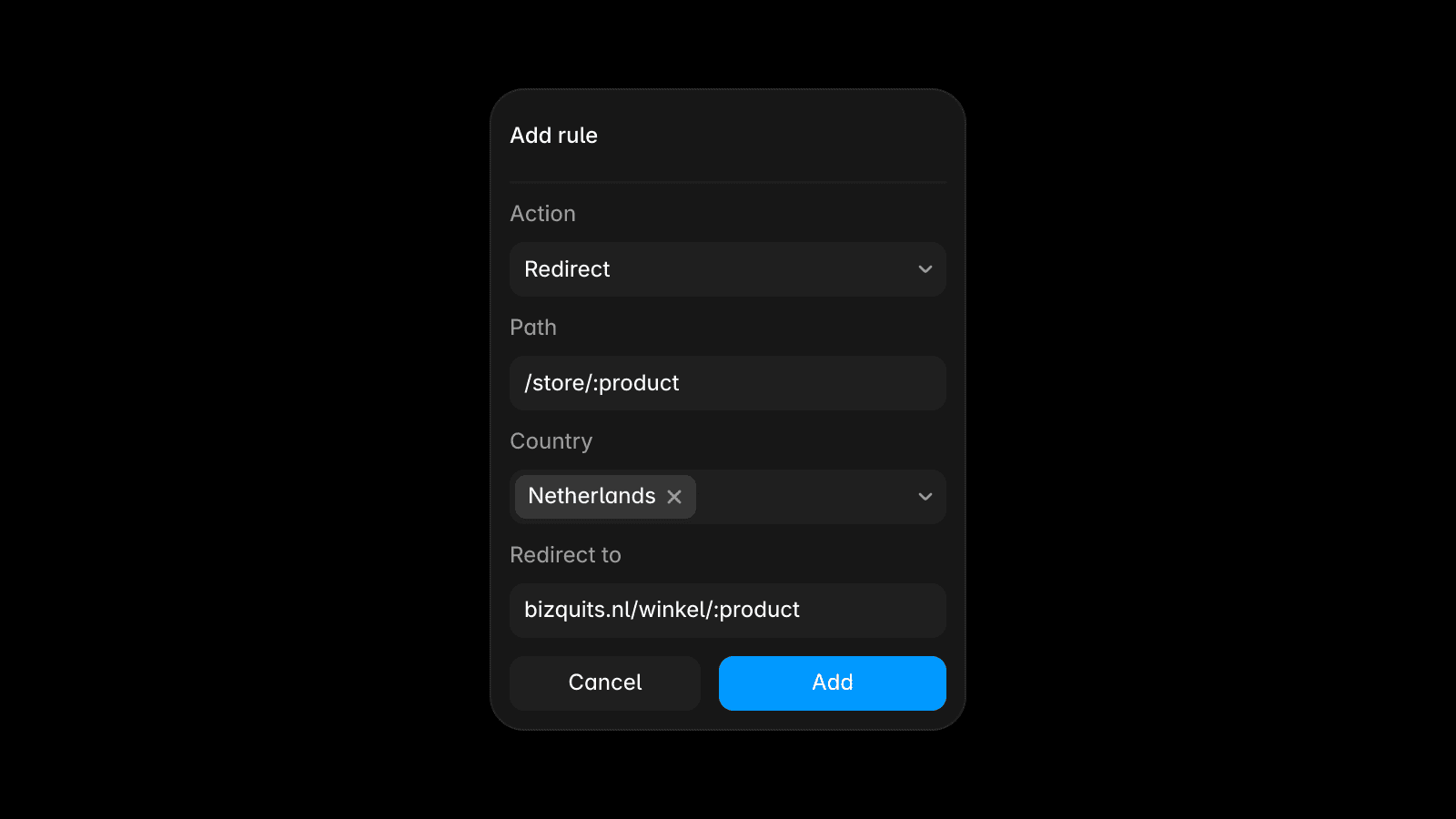
Improved redirects with parentheses support
Improved renaming Assets via double-click
Improved performance of renaming Assets
Fixed
Fixed Tickers with Position set to Absolute collapsing
Fixed Tickers not supporting Scroll and Loop Effects
Fixed Scroll Effects in Templates with A/B Variants
Fixed Aspect Ratio persisting when changing size
Fixed Gradient angles not having rounded values
Fixed Viewers being able to change Color Styles
Fixed custom code with references not building
Fixed code errors not showing in publish sheet
Fixed Add Custom Cursors in Scroll Sections
Fixed alignment of App Toasts across views
Fixed Link Style Transitions for Text Styles
Fixed pasting text layers from Collections
Fixed exporting layers with missing fonts
Fixed Desktop tab crashing on Windows
Fixed Text Selection Colors in Overlays
Fixed Quick Actions not finding folders
Fixed Submit Button Variants in Forms
Introducing Masonry Grids in Framer. Turn any Grid into a packed masonry grid with a single click. The Masonry toggle is available under the Grid properties, and enabling it lets you craft masonry layouts. These types of layouts use fixed columns but flexible row heights, so items stack tightly, creating a brick-like pattern driven by each layer’s content or height. This works especially well with our recently introduced Fit Image feature, letting you design Pinterest-like layouts directly in Framer. You can also design new masonry grids from scratch, by selecting Masonry from the Layout Menu in the Toolbar. Masonry Grids play nice with our CMS, where using Effects like Stagger and Lightbox unlock all kinds of new animations and interactions. Watch the video on YouTube to learn more about designing with Masonry Grids in Framer.
The sixteenth Framer Font Drop™ adds Tiny 5×3, Xx Stardust, Wavetosh, and St. Martin to our curated Open Source font collection. All of these typefaces are now available in the Font Picker and ready to use in your next template or website. Would you like to see your own open source font featured in Framer? Please feel free to reach out, we’re always looking for more additions.
Tiny 5×3 by Jack Halten Fahnestock
Stardust by Studio Mucho Gusto
St. Martin Carl J. Kurtz
Wavetosh by GGBot
Meet the Ticker Effect, a new way to design continuous animations for text, images, and beyond. We’ve completely re-imagined Tickers in Framer. This new Ticker Effect now works with the CMS, can be applied to any Stack, supports unique settings for each Breakpoint, and is even faster and more accessible. You can find it in the Effects menu, and it can be applied to any CMS Collection List or Stack. No more messy canvas, duplicated collections with filters, or hidden duplicates for responsiveness. Plus, it brings all-new features, like draggable support and automatic orientation detection, unlocking new workflows and more creative interactions. We think you’ll love it. Watch the video here to learn more. The highest-fidelity animation and interaction tools. Only in Framer.