# Work in progress #
Putting together a new template, built from references and a few older pieces that didn’t make the cut.
# Work in progress #
Putting together a new template, built from references and a few older pieces that didn’t make the cut.
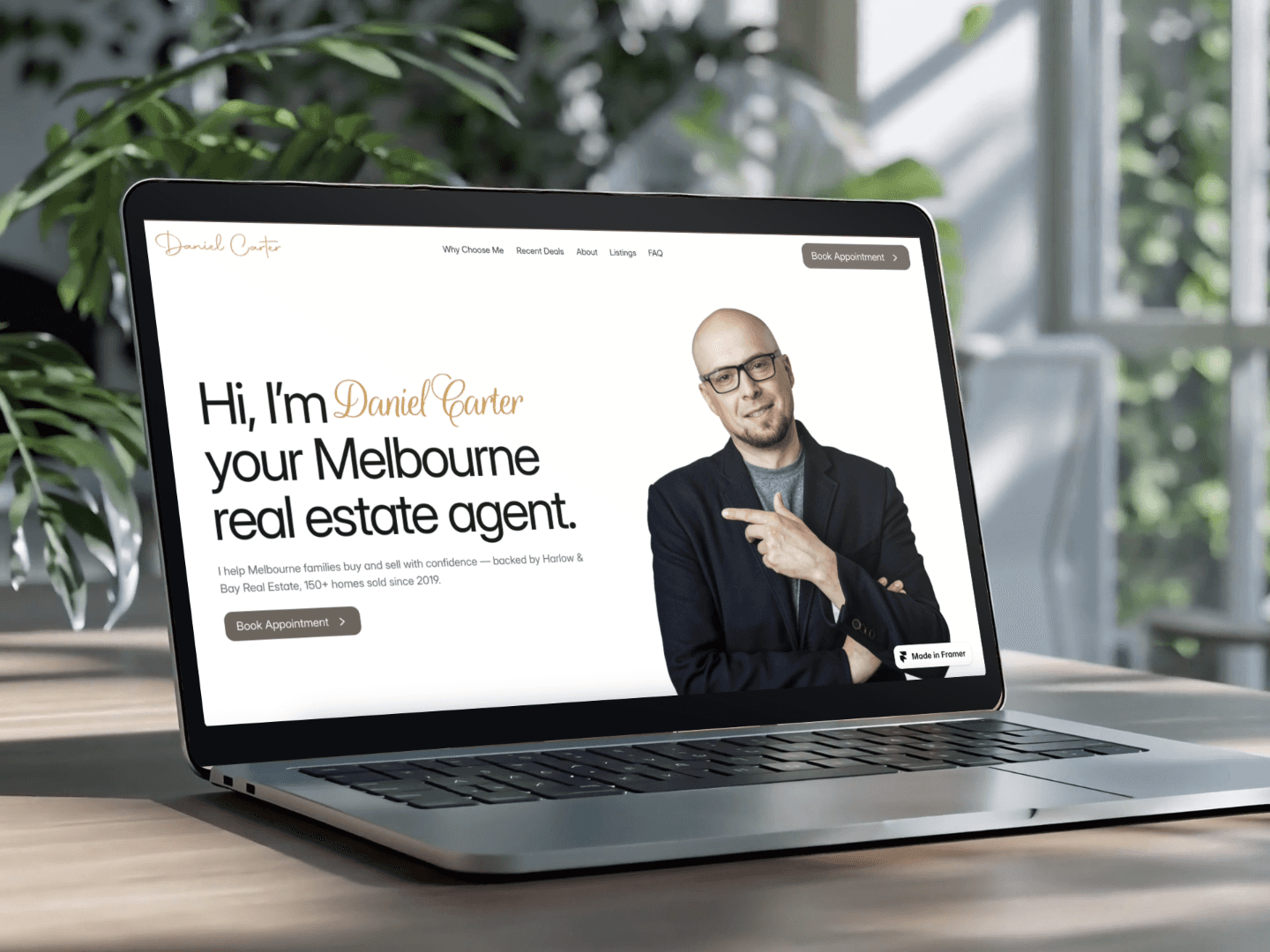
Domaine is built for real real estate agents — not just a demo.
I set it up for my sister this week to see how it holds up beyond placeholder content. We swapped the name, the story, the deals — kept the same structure — and by the end, it still felt unmistakably hers. That’s the real test of a template: not how it looks in a mockup, but how it feels when it’s real.
Checkout the template : https://contra.com/payment-link/Gu4L7pwg-domaine-real-estate-agent-and-realtor-website-framer-template
A lot of realtors are great at their actual job and still end up with a website that doesn't make anyone trust them.
I built this one-page template to fix that.
- It’s structured to build credibility as people scroll: more clarity, more proof, more trust.
- No endless pages to fill out, no time wasted.
- A modular component that is easy to edit
Know a realtor who could use this? Send it their way.
New component, now available.
Introducing the Glimpse Card: a sleek value/product card that transforms into an image on hover. Built with a modern, see-through style, but fully customizable, so you can tweak almost every detail.
Want to try it?
https://www.framer.com/community/marketplace/components/glimpse-card/
Is this website really worth $10K? 👇
I saw a YouTube video claiming you can build a “$10,000” site with AI, so I tested it using Framer
I used a scroll component from @Nandi , built for the Mist Winter of Japan.
Worth it… or just overhyped?
Three months ago, I couldn’t have built this footer.
If I had stopped back then, I wouldn’t know I’m capable of building something like this.
Practice makes perfect.
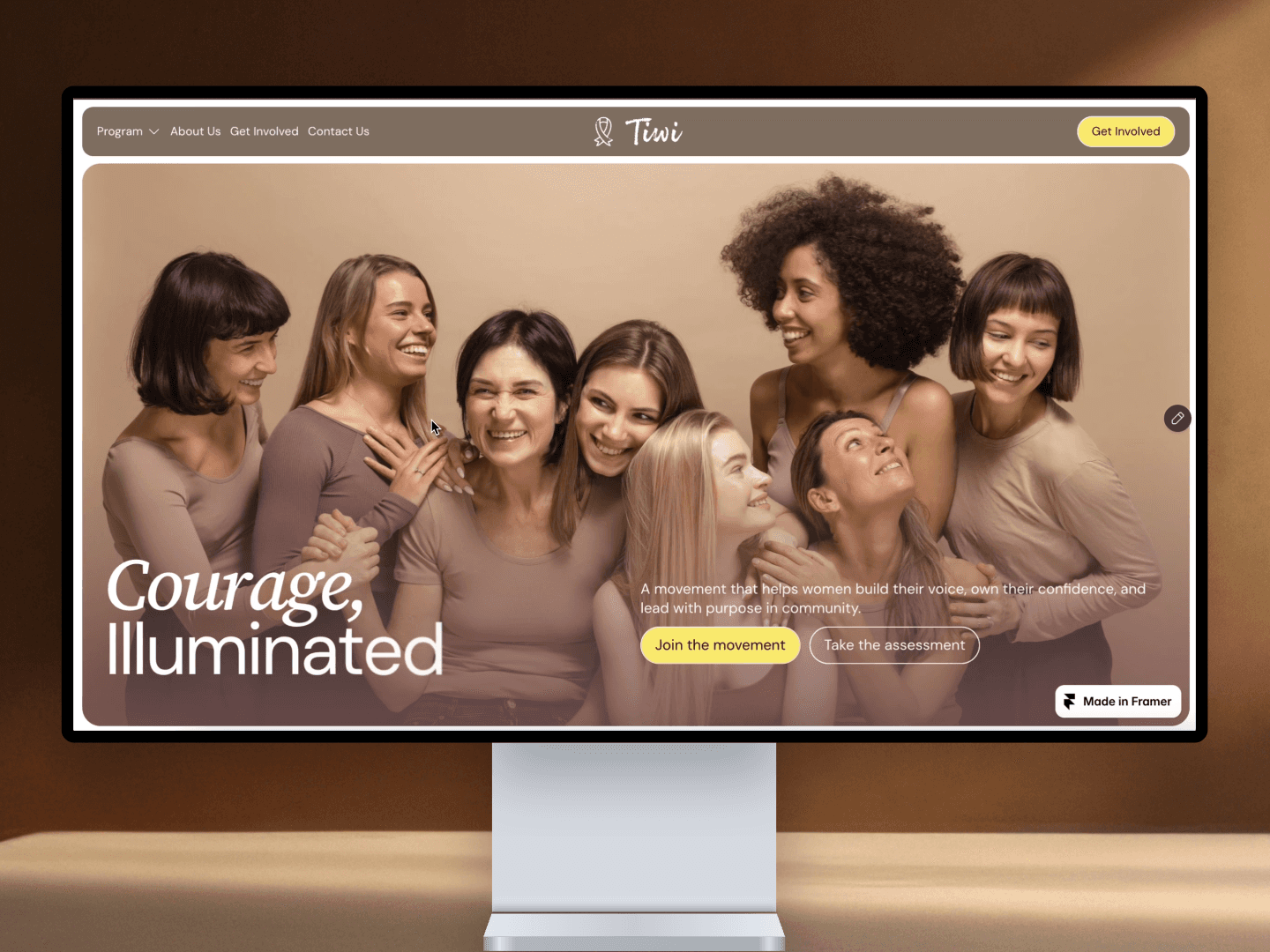
I made a nonprofit template. And I'm giving it away free.
Small organizations rarely have budget for a good site — so I built one they can just take. Editorial, warm, fully responsive.
No CMS, nothing to set up. If you're new to Framer, you won't drown in it — swap the words, connect a form, publish.
Free to remix, hoping it helps
Quick update on WAIS, my free conference & event template.
I added an AI Prompt page right in the file — the exact prompts I use to fill the template with real content, ready to copy:
- Unified speaker portraits (with or without a brand uniform)
- Speaker bios
- Agenda & session details
The trick with the portraits: keep the style words identical every time and only change the person — that’s what keeps the grid consistent.
It’s free. Remix here — and I’d love to hear what you’d add.
I’m relatively new to Framer. What I’ve noticed is that the support here is really different—not just from the community, but from the Framer support team as well.
If you have trouble on the weekend, they’ll answer right away. Big appreciation to the @framer support team.
Just found this.
The arrangement on the marketplace is based on likes and comments, but the features are based on remixes, and only God and the Framer team know. Lol 🤣🤣
What are your rookie mistakes?
Let me start: making a full layout and the animation, and then remembering that part is CMS. It felt like... 🤯
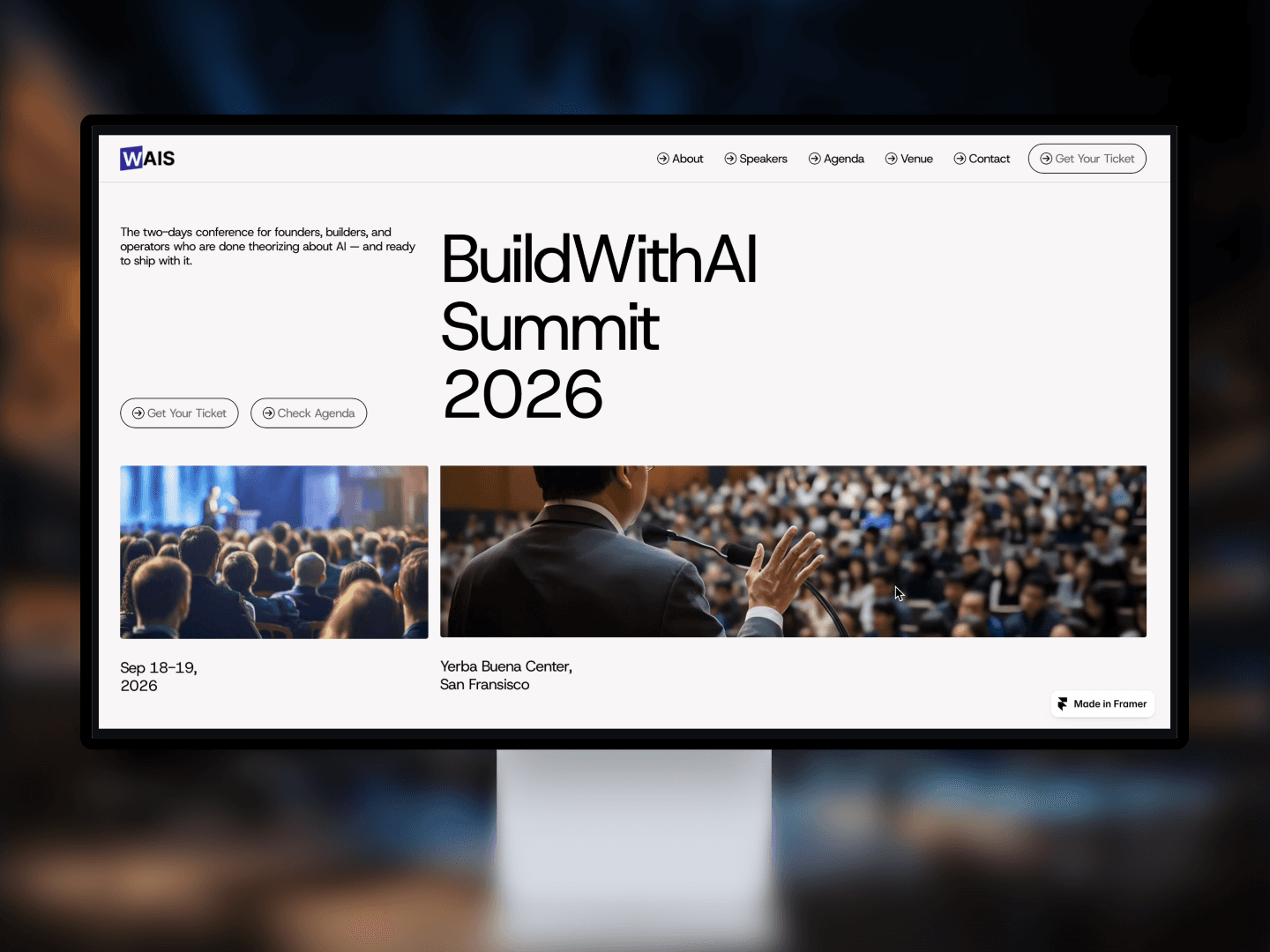
Introducing WAIS — a Framer conference and event website template built for the reality of running an event, not the fantasy version where everything is confirmed three months in advance.
Feel free to gave me a feedback.
I built a tiny creature that lives inside a retro computer.
it watches your cursor, gets heart-eyes when you click it, and falls asleep if you ignore it for too long.
it's my entry in the @framer Agents hackathon — and winners are picked partly by likes. if it makes you smile, a like on my entry takes 5 seconds and genuinely help