Gururaj J1mo
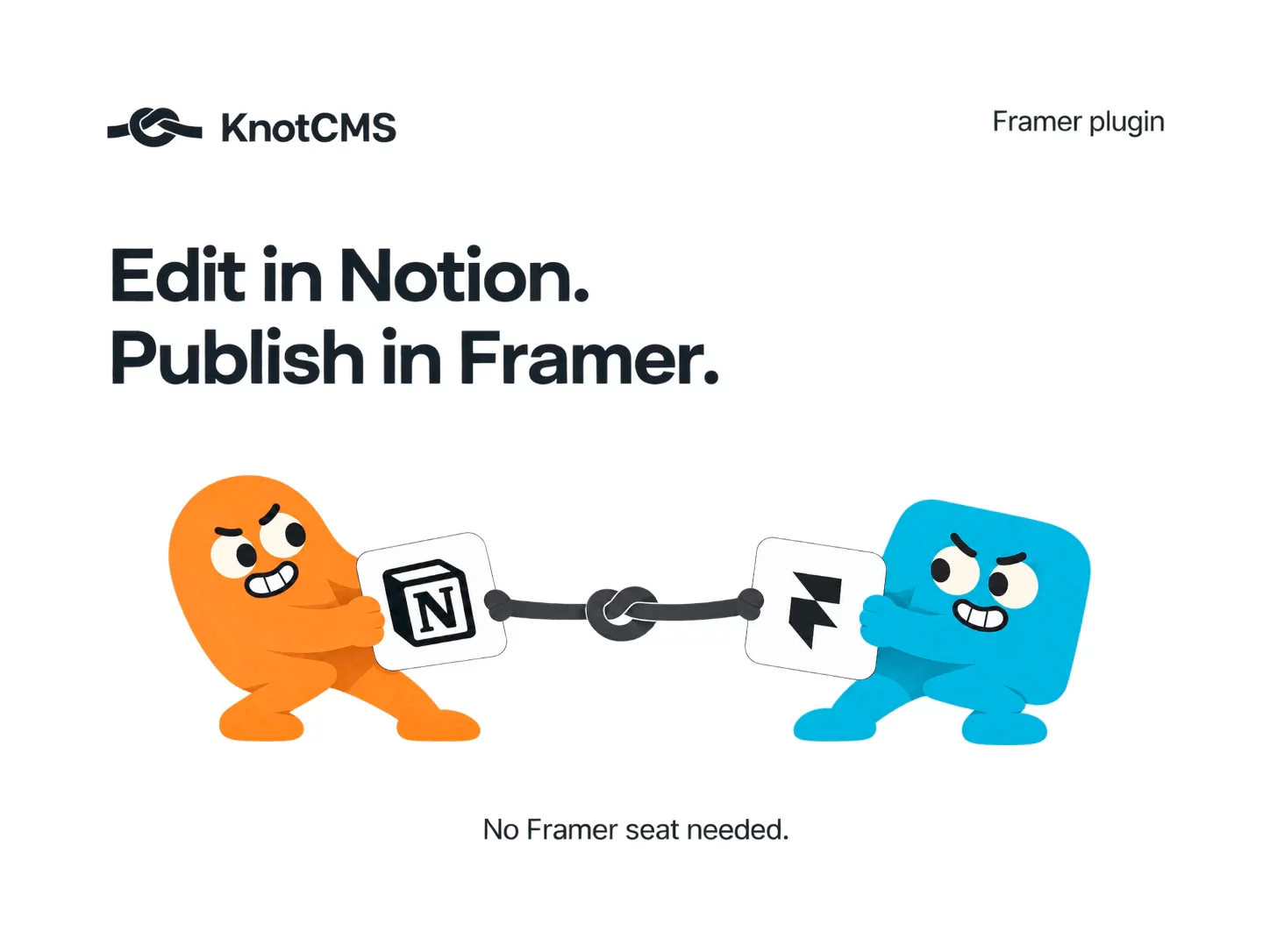
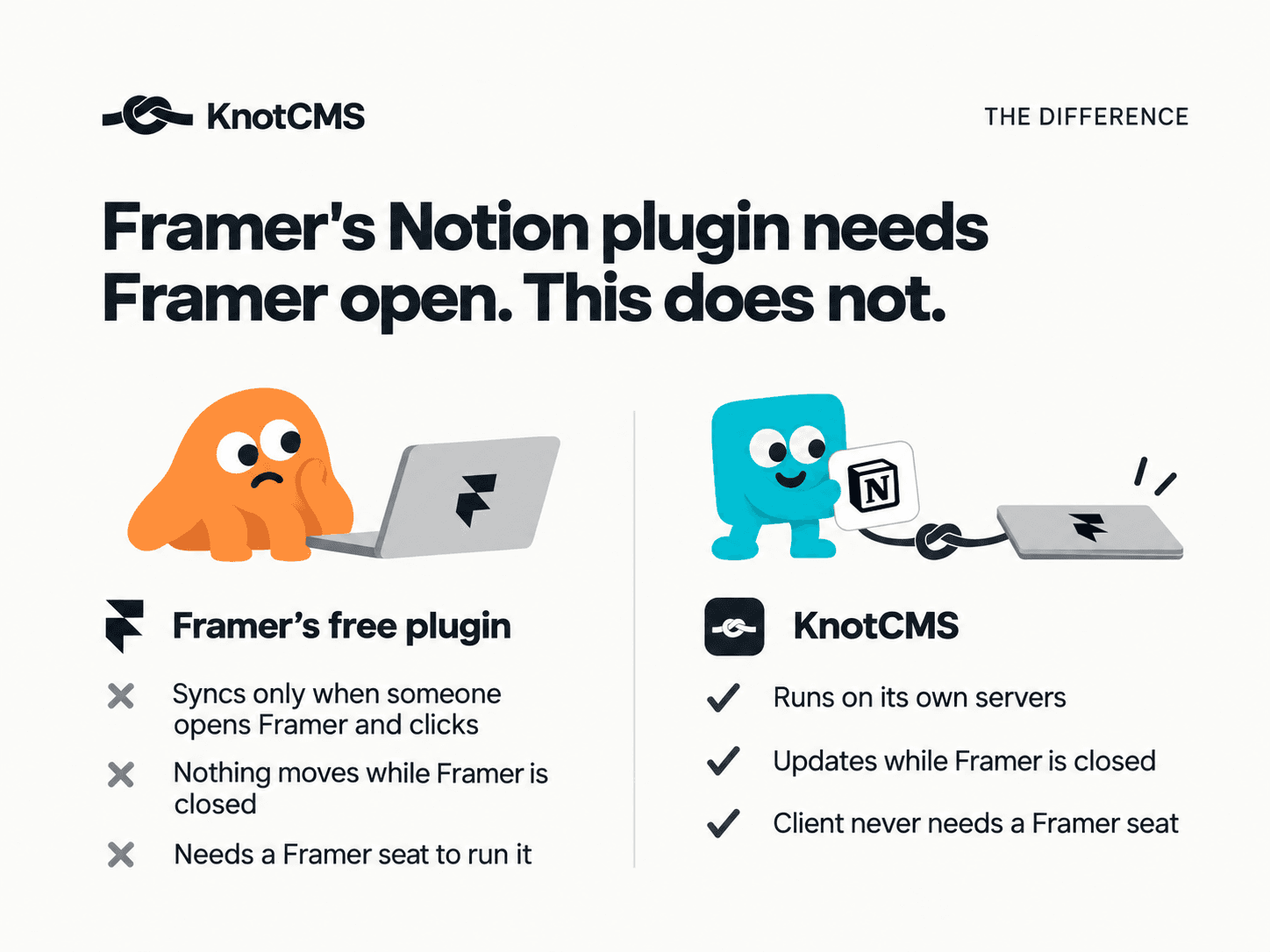
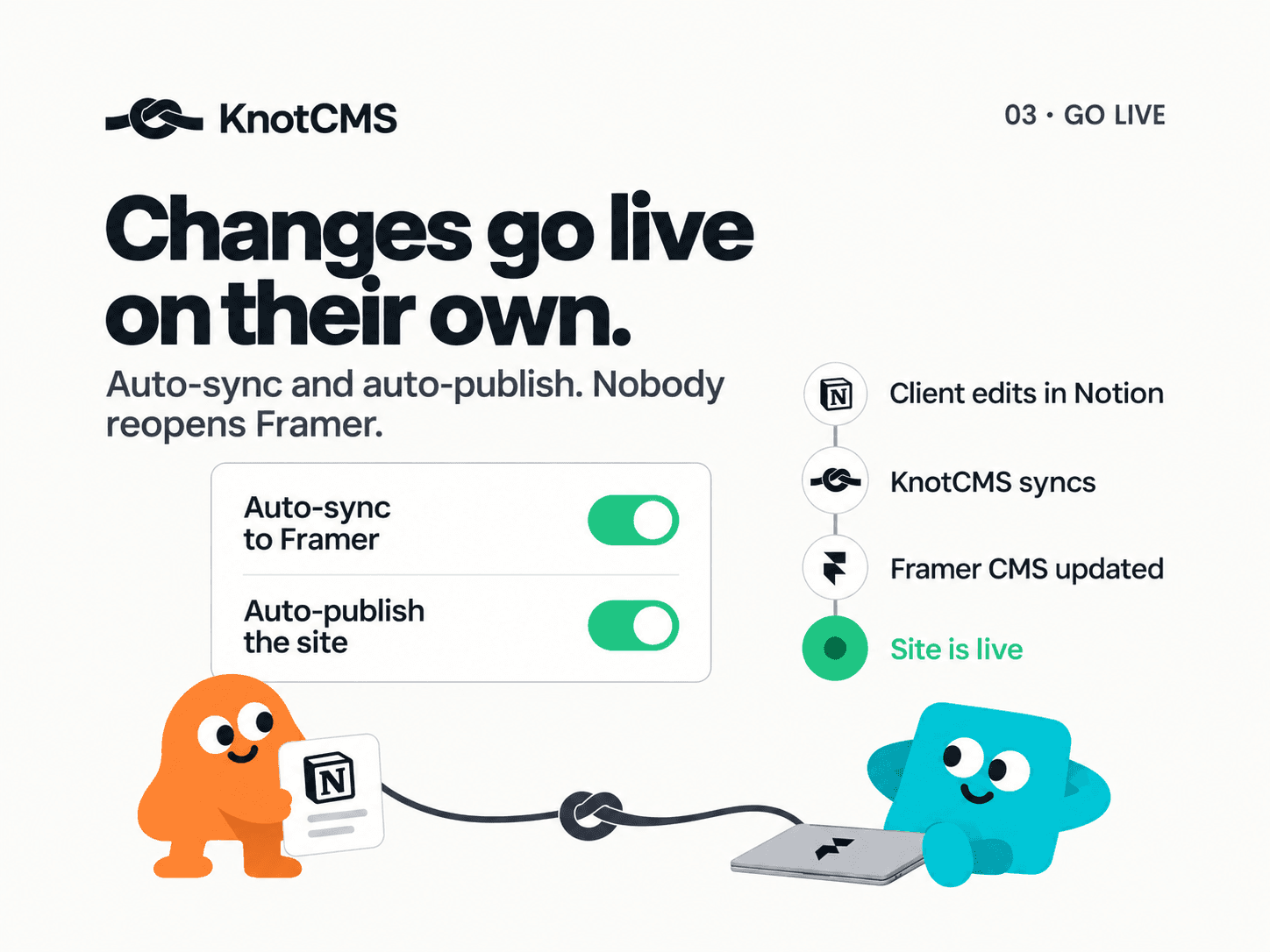
Finding hard to find suitable auto-sync plugins from notion to framer? check out KnotCMS, it lets you setup auto-sync between your notion DB and framer CMS, after setup you don't even have to open the plugin for syncing, just update on notion, and see it in framer under 2 mins and site published with your CMS.
Gururaj J1mo
Found new users from here for my plugin, KnotCMS. It's refreshing to see that framer devs want a solution that auto syncs their CMS from their data source, and KnotCMS does it well and easy.
Check out my website
Gururaj J1mo
Small update on KnotCMS 👋
Plans are now based on how many Framer sites you connect, not how many collections. Each site can hold as many collections as you like, so you can hook up your blog, changelog and team page on the same site and pay for one.
Already have a site connected? Just open it and hit Add collection. Your site details are filled in for you.
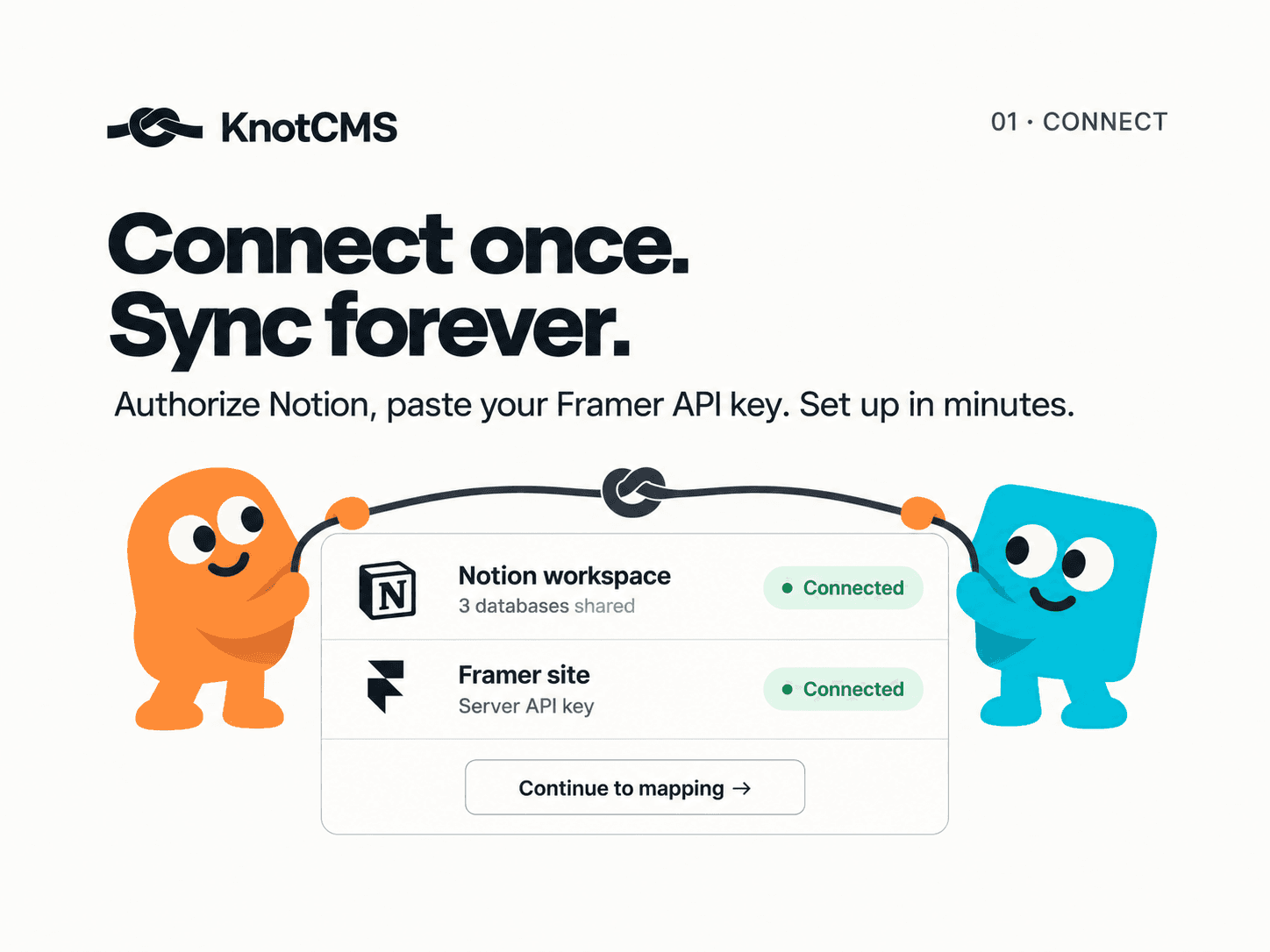
New here? A quick setup tour walks you through it, from connecting Notion to seeing your content in Framer.
Would love to hear what you think!
Gururaj J1mo
Small update on KnotCMS 👋
Plans are now based on how many Framer sites you connect, not how many collections. Each site can hold as many collections as you like, so you can hook up your blog, changelog and team page on the same site and pay for one.
Already have a site connected? Just open it and hit Add collection. Your site details are filled in for you.
New here? A quick setup tour walks you through it, from connecting Notion to seeing your content in Framer.
Would love to hear what you think!
Gururaj J1mo
Client emails a change, you open Framer, find the CMS item, paste, publish. Every week.
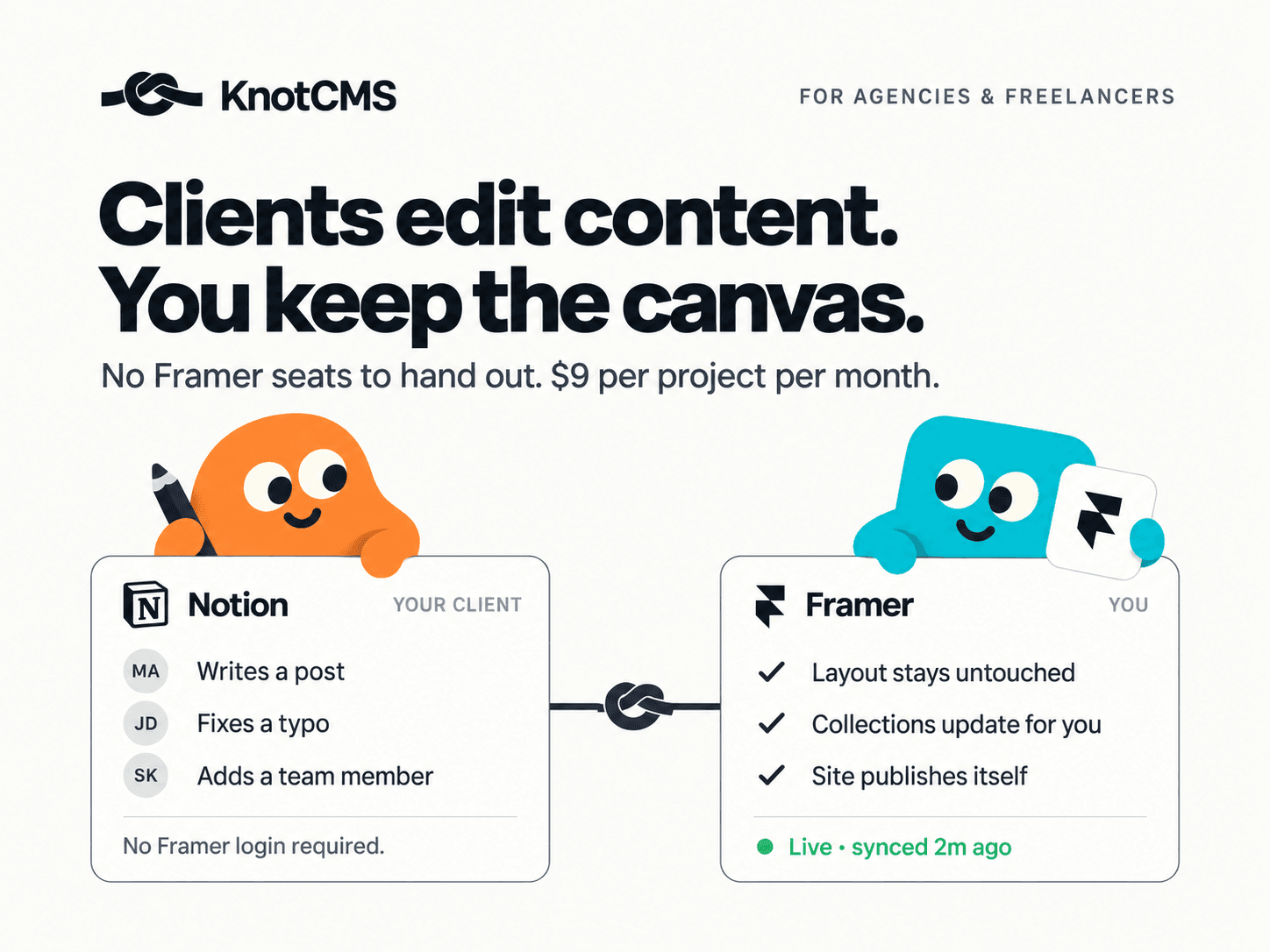
Inviting them into Framer means paying for a seat and teaching them a CMS they'll touch twice a month.
KnotCMS syncs a Notion database to your Framer CMS instead. Changes land as drafts, or turn on auto-publish. Client never needs a Framer account.
Interactive demo, add a row and watch it land in Framer: https://knotcms.com/#demo
Free tier available. Solo dev, still early. If you manage content for client sites, where does your workflow break?
Demo first is right. It's the only link where someone understands the product without signing up, and the marketplace listing is the weaker read of the two.
Two links is the ceiling, though. Some subs auto-flag posts with multiple outbound links, so if it gets caught, drop the marketplace one and keep the demo.
Gururaj J4mo
Hey y'all, launched my new Plugin, KnotCMS. It's a plugin that automate the sync between Notion database and Framer CMS.
Links
Website: https://knotcms.com
Dashboard: https://app.knotcms.com
Gururaj J4mo
Hey y'all, launched my new Plugin, KnotCMS. It's a plugin that automate the sync between Notion database and Framer CMS.
Links
Website: https://knotcms.com
Dashboard: https://app.knotcms.com
Gururaj J4mo
Hey, I'm Gururaj, an indie developer. I just shipped KnotCMS: sync Notion or Google Sheets into Framer CMS without copy-pasting.
How it works: open the plugin in Framer → connect your source → map fields to your collection → sync. Write in Notion or Sheets; Framer CMS stays updated. Manual sync on all plans; auto-sync on paid.
The plugin is the launcher — setup and sync run in the dashboard at app.knotcms.com.
Links
Website: https://knotcms.com
Dashboard: https://app.knotcms.com
Early days and iterating fast. If you use Notion or Sheets for client sites, I'd love reviews, feedback, or bug reports.
Thanks for taking a look 🙏