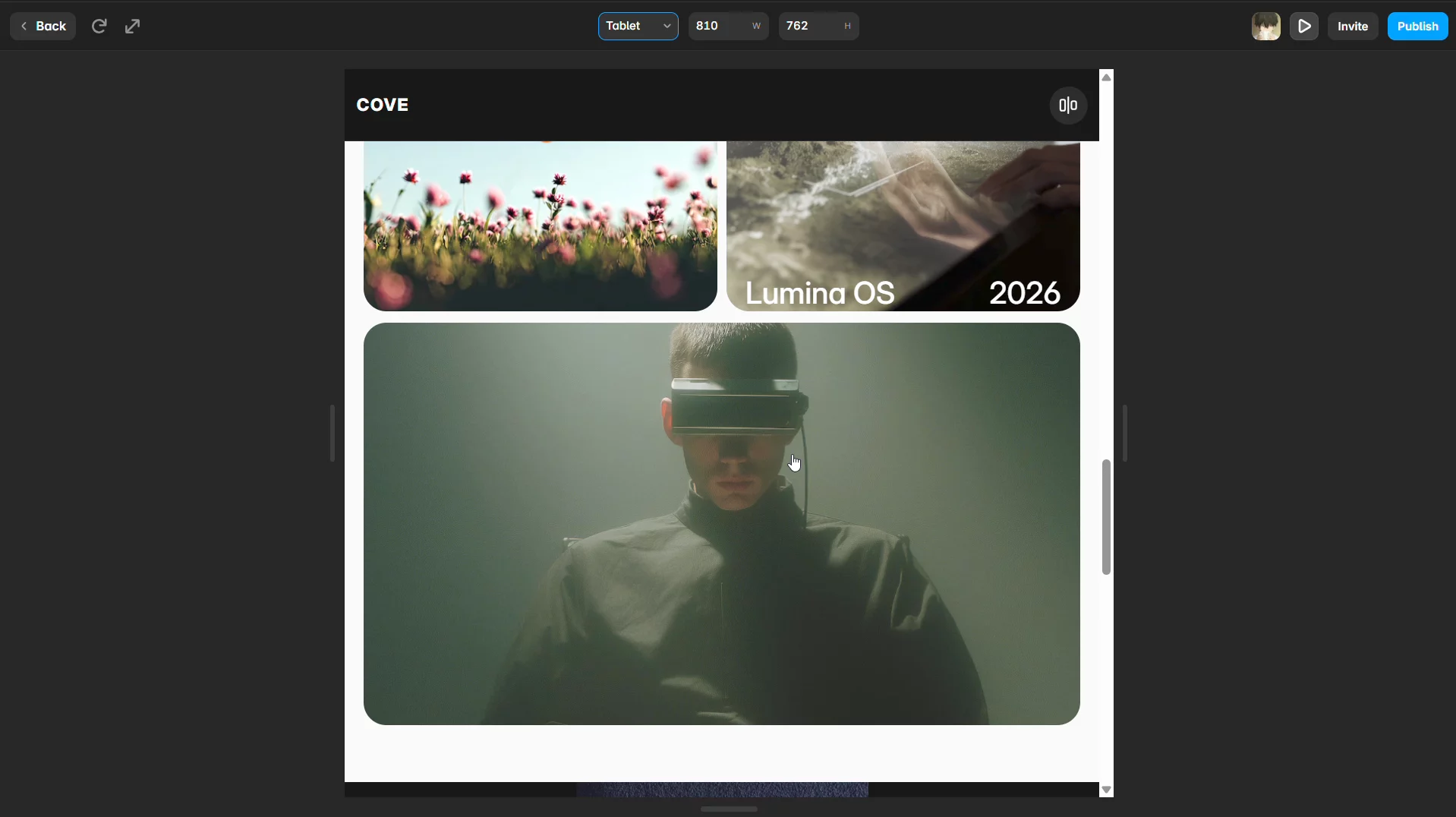
Code Component Navigation Returns 404 in Framer Preview but Works on Published Website
Hi Framer team and community,
I'm developing a custom Framer Code Component called LiquidProjectShowcase.
I'm facing a navigation issue that I haven't been able to resolve despite trying multiple approaches.
The problem:
The component displays a list of projects, each with a custom cursor CTA that allows visitors to open the corresponding project page.
Navigation works perfectly on the published website. However, when testing the same interaction inside Framer's editor Preview, clicking a project redirects to a 404 page.
My setup:
Component: LiquidProjectShowcase
Project page URL: /page-4
Published website: https://delicate-approach-934257.framer.app
Editor: Framer Web Editor
What I've tried:
Using Framer's ControlType.Link for project URLs.
Using window.location.href for navigation.
Using relative page paths such as /page-4.
Testing with both published and unpublished project pages.
The published website handles navigation correctly, but the editor Preview does not.
What I'm trying to achieve:
I want the component to behave like Framer's native link components, allowing users to navigate to internal pages directly from the editor Preview, without requiring the website to be published first.
This is particularly important because I'm developing this component as a reusable template component. I don't want users to experience broken navigation when testing their projects inside Framer.
Is there an officially supported way to handle internal page navigation from a custom Code Component that works in both editor Preview and published websites?
Any guidance would be appreciated.
Thanks!