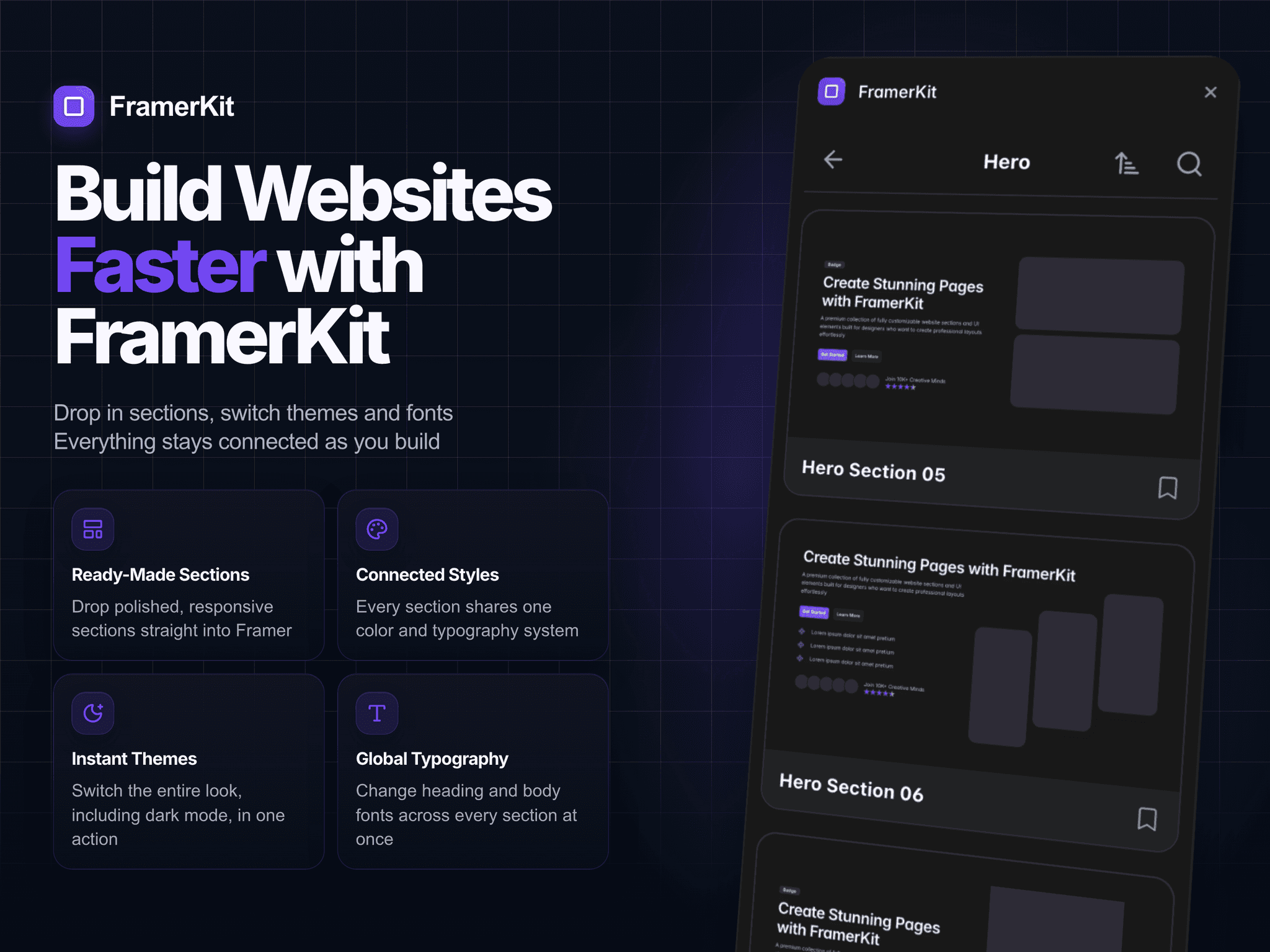
🚀 New FramerKit update coming soon
I’ve been working on a big update for the plugin
A lot has changed, both visually and under the hood
The new version is coming very soon

Founder of FramerKit & Banyam Building software, tools & digital products
🚀 New FramerKit update coming soon
I’ve been working on a big update for the plugin
A lot has changed, both visually and under the hood
The new version is coming very soon
🛠 Site polish
Plugin’s in review, so I’m spending time on framerkit.site, bringing things into order
Added a soft page background. Before it was just plain white - a bit harsh on long scrolls. Now it’s a calmer off-white that sits nicer with the cards and sections
Also added animated section dividers. Same grid snakes as on the hero — when a section comes into view, they run out from the center. I’d been wanting to reuse that idea somewhere, and it finally clicked here
Love these small details. They don’t shout, but they make the page feel alive 💜
🛠 Catalog Cards
Updated the group cards on the site
Before, each card just flipped on its own. Random preview, no idea how many variants were inside
Now it only cycles on hover. Still random, just not by itself
Five squares appear in the middle. The active one is bigger. After two seconds it shrinks, the next one grows, and the preview changes
On the right there’s a layers icon with a number. That’s how many sections are in the group. Hero, Buttons, same idea
📬 Plugin Review
- Isaac (before): “Hey, this link is broken and the style doesn't switch. Please fix”
- Moderator from Community (now): “Please implement appropriate error handling around project-modifying operations and provide clear user-facing feedback when an operation fails.”
Any plugin developers out there feeling this? 😅
🛠 FramerKit Update
Today I finished a new section for the FramerKit site
You copy a block from the card. Paste in Framer. That’s one step
Then the next one. Same thing. Navbar, hero, logos, features, testimonials, footer
On the right, the preview is the page. Each copy lands there, in the same order. After six steps it’s complete
The first of every section is free. Wireframe or design, light or dark
What do you think? 🙂
🛠 New Banyam Section
Today I finished a new interactive product preview for the Banyam website
It shows the app screens as a stack of windows. You can click any screen behind the active one and it smoothly moves to the front
The active screen shows the real product UI, while the background layers stay lightweight
Not really a slider, more like a small interactive stack that lets you explore the product before opening its full page
✨ Banyam Footer
Finished the footer today
Large BANYAM wordmark, a small link to X, and a subtle cloud effect inside the letters that follows the cursor
Really like how this one turned out
🛠 Banyam Website Update
Today I worked on two things for the Banyam website: languages and a new section
The site now supports English, Russian, and Georgian
I also finished the new About Banyam section, explaining a bit more about how I want to approach the products I build
🌱 Building Something New
I’ve been a bit quiet here lately because I’ve been working on a new project
It started with software for a hotel and restaurant, but pretty quickly I realized I wanted to build something bigger around it
So I bought the Banyam domain and started creating a home for the products I want to build next
Banyam Stay is the first one, focused on hotel operations
Banyam Stock will be next
And this is the first look at the new Banyam website
There’s still a lot to build, but it feels like the start of something interesting
💭 Start With What You Have
For anyone waiting for the perfect laptop before starting:
This is the 15-inch MacBook Pro from 2015 that I’m building FramerKit on
Not the newest machine
But ideas, consistency, and the desire to build matter much more than hardware
FramerKit - the website, the plugin, sections, components, and templates - is being built from here
So if you have an idea, start with what you have
The laptop is just a tool
Create. Keep going. Don’t stop
And one day, you’ll post a photo with a new MacBook and two simple words:
“Thank you, Framer”
💜 Thank you!
FramerKit reached 250 followers in the Framer Community
I’m really happy and grateful for every comment, message, piece of feedback, and all the support you share here
I’m building FramerKit solo, and this kind of support gives me a lot of energy to keep improving the product every day
Thank you for following the journey and supporting what I’m building 💜
🎁 Small gift for the Framer Community
FramerKit is currently #25 on FramerRanks, so I wanted to do something simple for the community
For the first 25 people:
25% off Lifetime Access
Code: TOP25
Thank you for following the project and supporting what I’m building 💜
🛠 Development Log
Today I realized I had accidentally made my own life much harder 😄
FramerKit supports both Light and Dark themes, and every component has its own Light and Dark version
The tricky part is that the preview page should always follow the website theme, while the component itself should display in the selected variant
So if the website is in Light mode, the page stays light-even when you're previewing a Dark component
And of course, the exact opposite has to work in Dark mode
It sounded simple when I designed it
Now I'm busy untangling all the logic behind it 🚀
📈 Milestone
I recently started checking FramerKit's ranking on FramerRanks
I have a lot of respect for everyone building plugins for the Framer ecosystem, so seeing FramerKit reach #30 out of almost 850 plugins genuinely means a lot to me.
Thank you to everyone who's using it, sharing feedback, and supporting the project
🛠 Development Log
Today I added zoom to the new FramerKit component viewer
Small UI components can now be inspected much more closely before copying them
🛠 Development Log
Another day working on the new component viewer for FramerKit
Today I finished all of the Light Card previews. Now every card opens as a real component instead of just a preview image
Slowly moving the whole library to this new format ✨
✨ Quick Demo
A quick look at Hero Section 19 in action
Open the plugin, drag it onto the canvas, and start customizing
Has anyone else noticed this?
My For You feed seems to be stuck on older posts, while Following keeps updating with new ones.
My friends are seeing fresh posts, so I'm curious if it's just me
✨ New Release
The design version of Hero Section 19 is now available in FramerKit
It uses a new interactive Aura Ring that reacts to your cursor, comes with several built-in color palettes, and also lets you create your own colors directly inside Framer