Adding a font? Check three places before you publish.
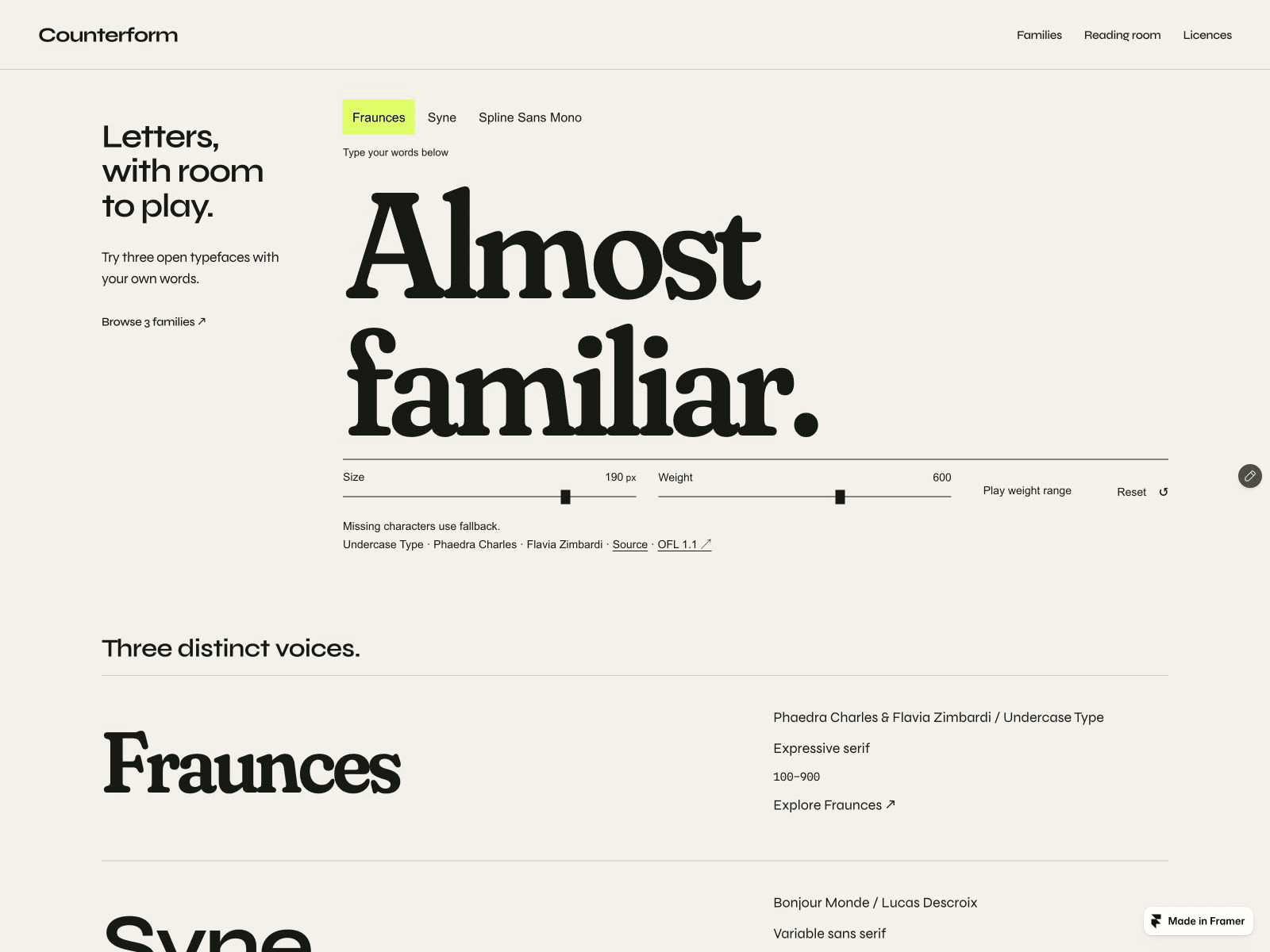
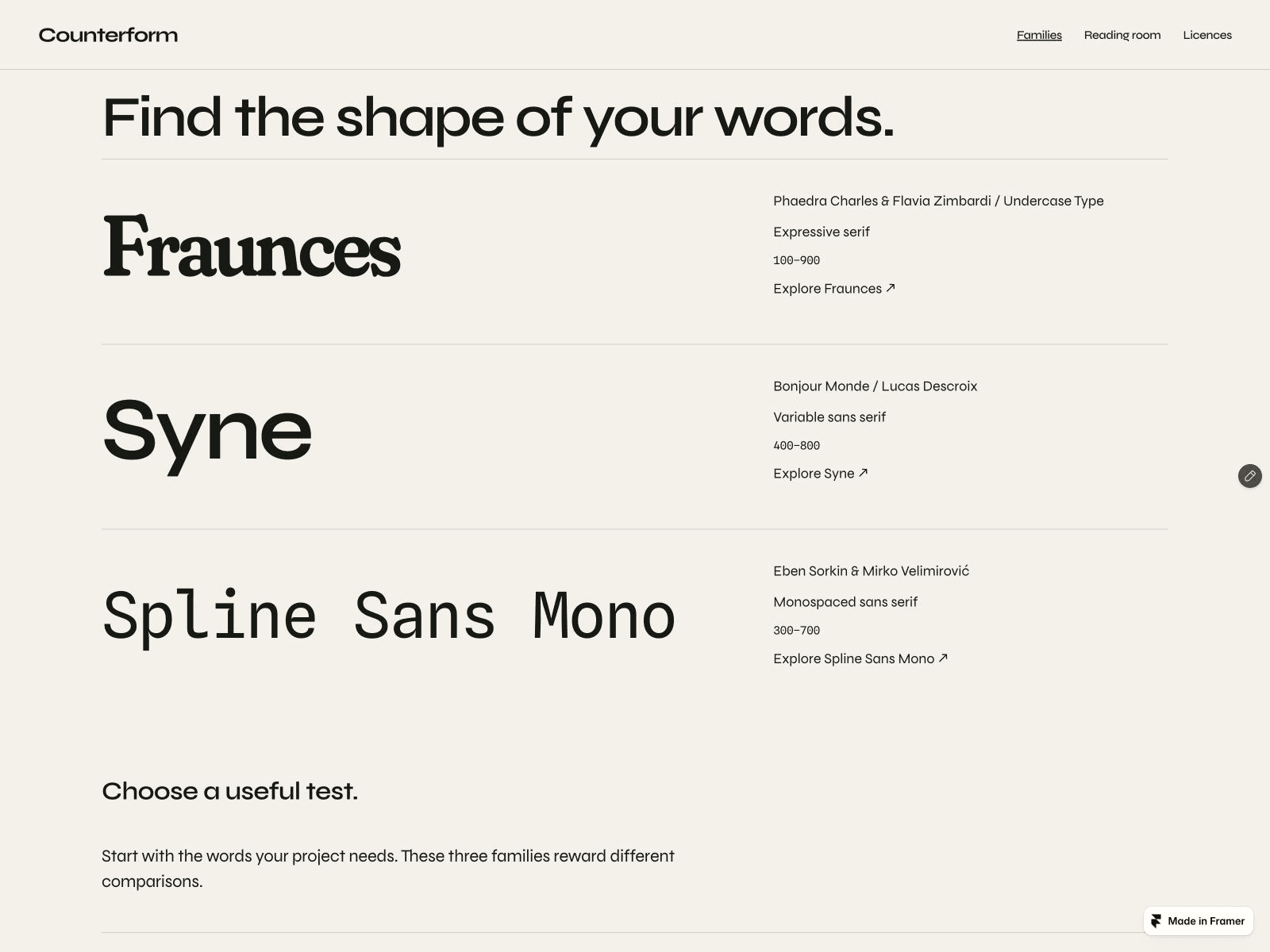
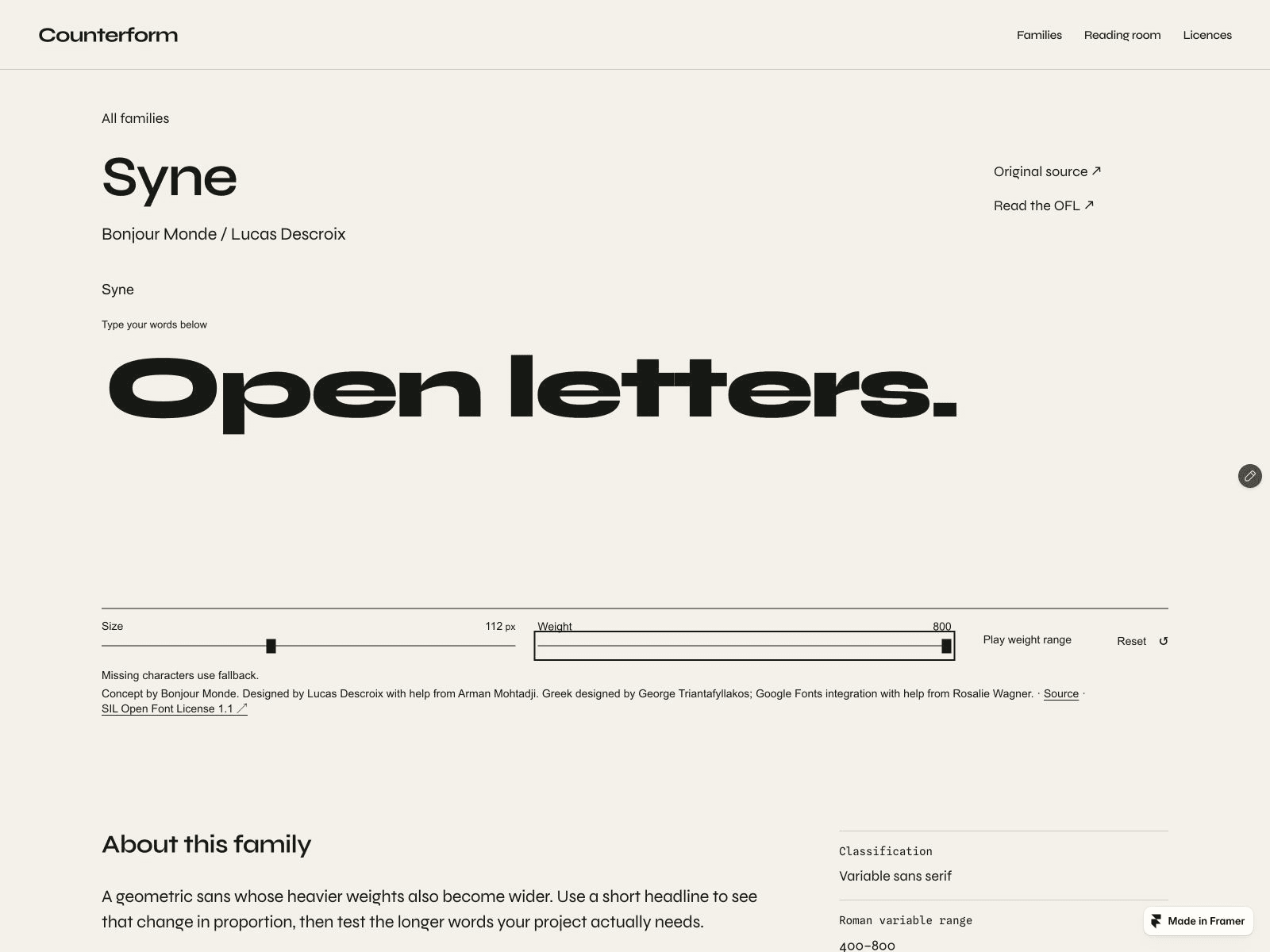
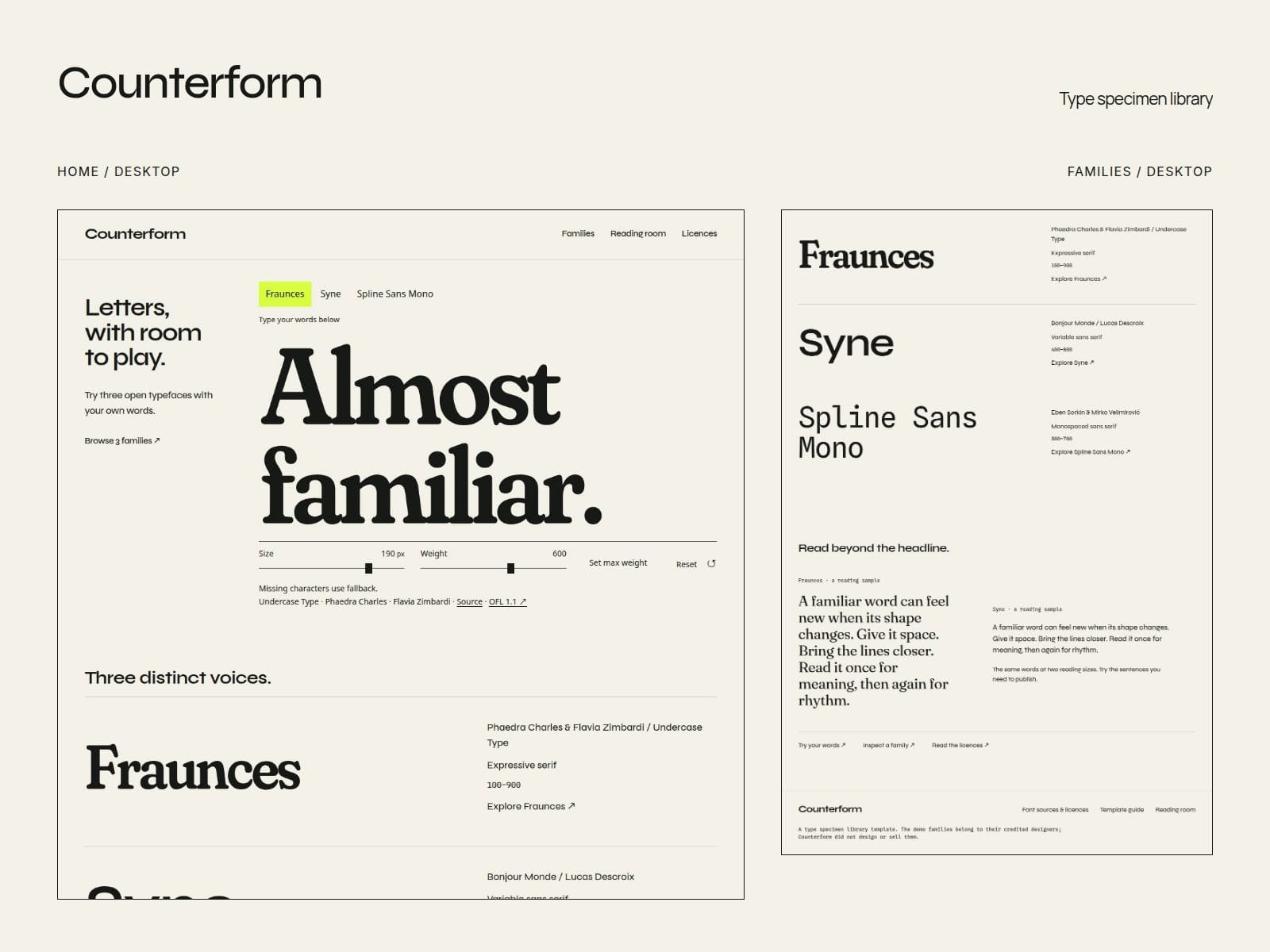
Here is the setup in Counterform, our free Framer template:
1. Family detail: update the Families CMS record. Its Key supplies the family ID; the detail Specimen uses Single family with the record's bindings.
2. Home tester: update the component's separate Families list with the same ID, font URL and supported weights. Matching IDs do not sync these two sources.
3. Native pages: update comparison text styles, reading and glyph samples, and curated links. A new CMS row will not redraw them.
Quick check: type your own headline, switch family, then check that family's detail page on your phone. Keep the source/licence credits and fallback note: a visible character may come from another font.
Full setup guide:
https://dark-screen-514507.framer.app/guide
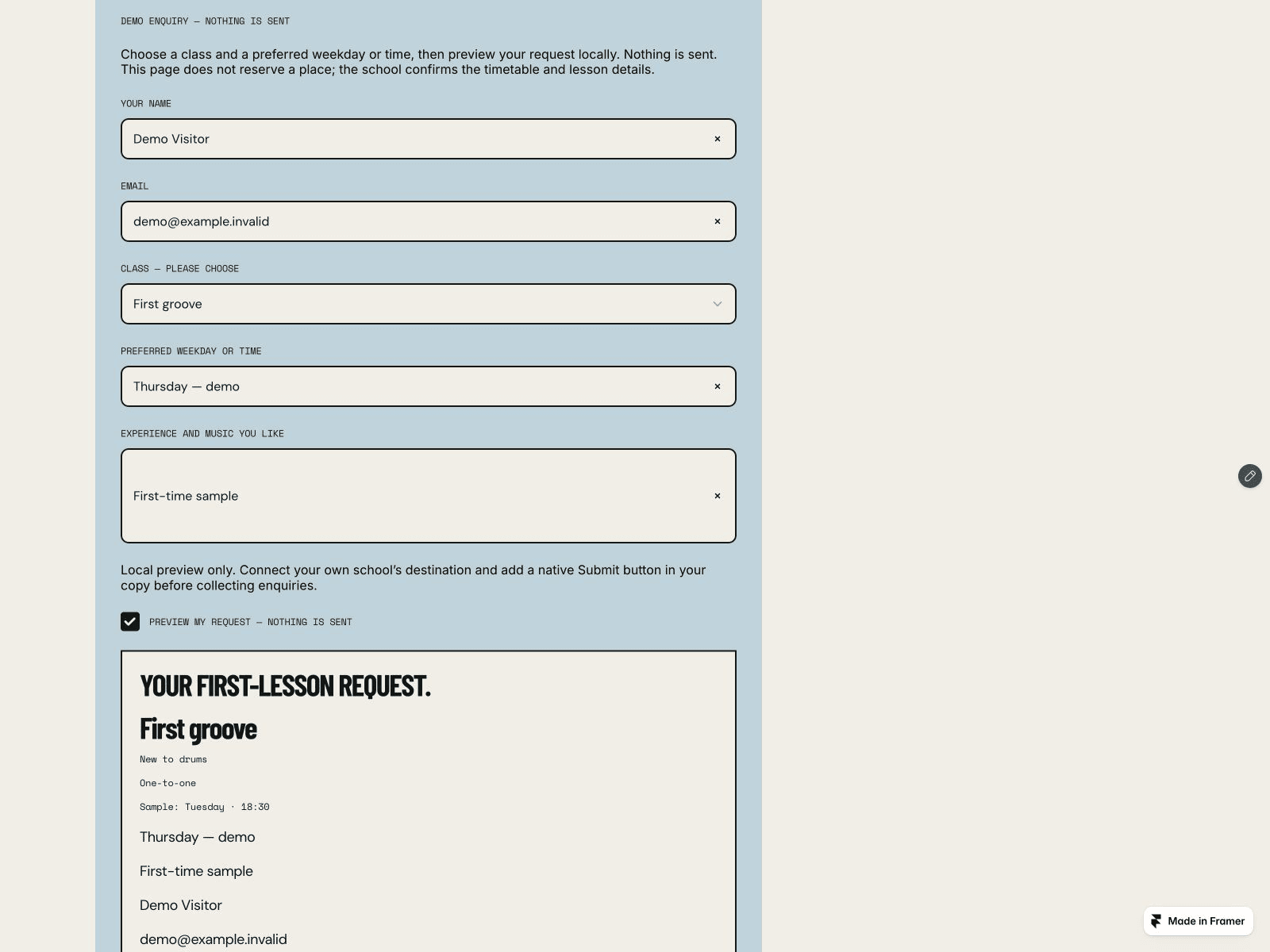
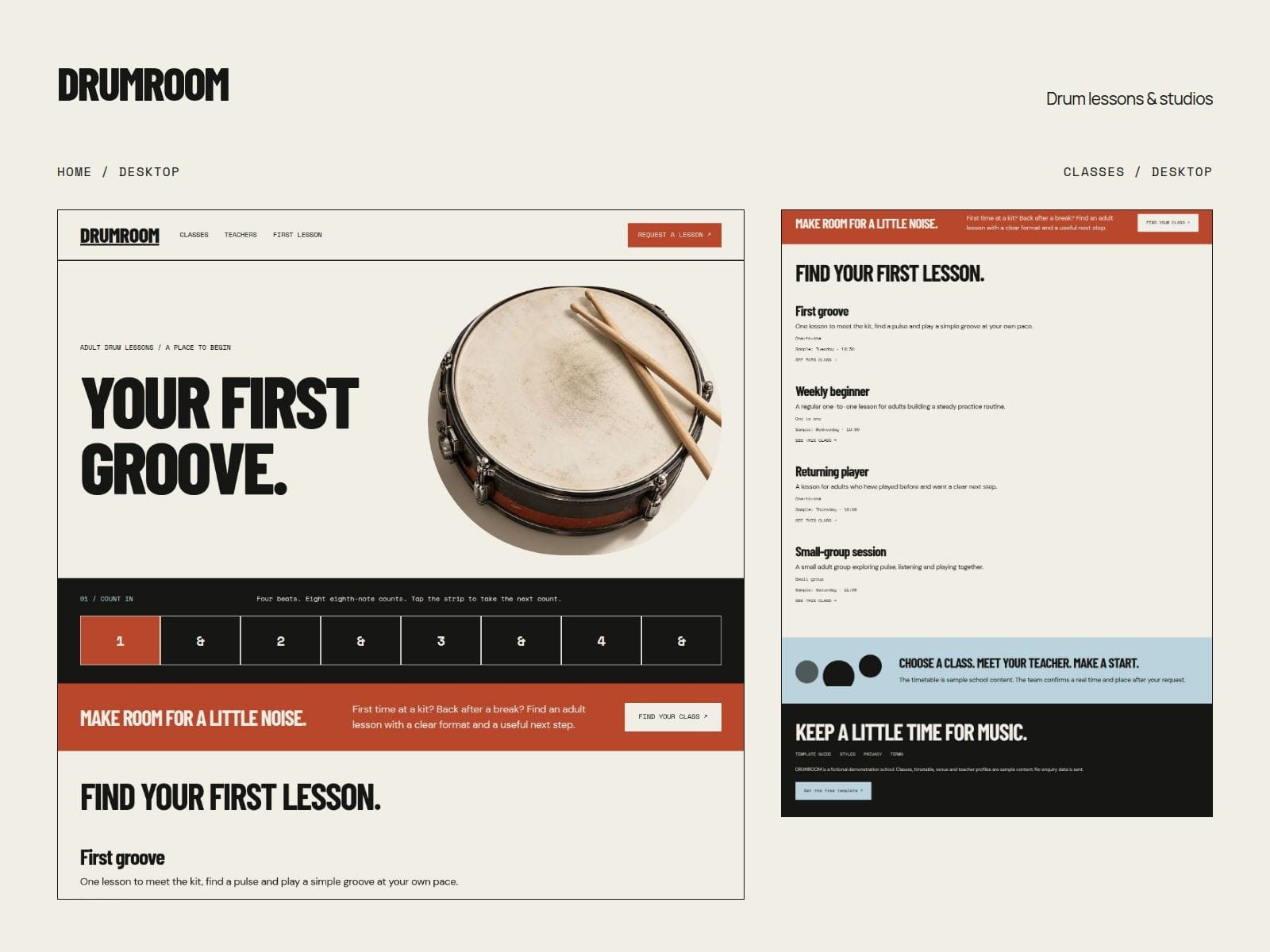
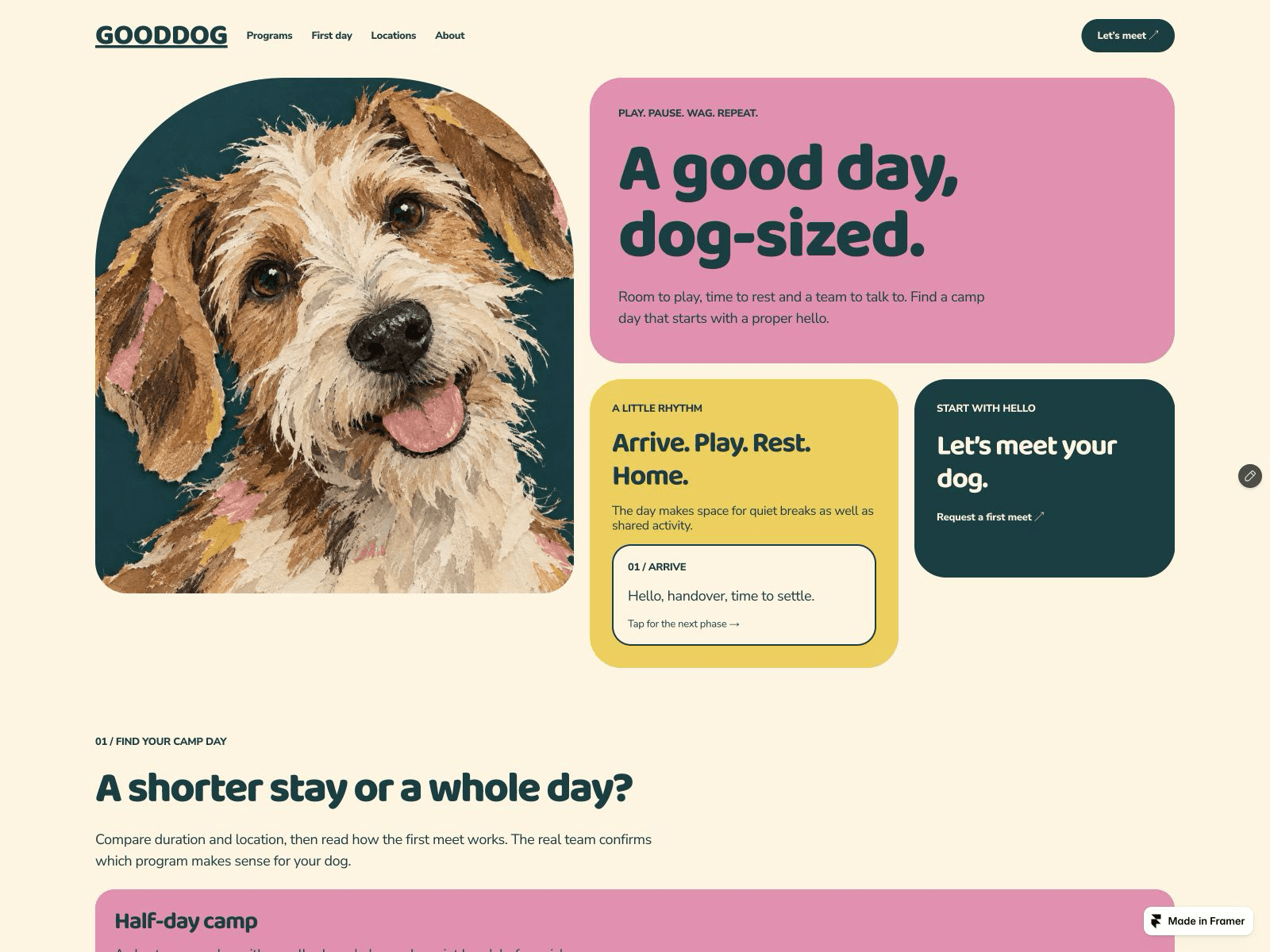
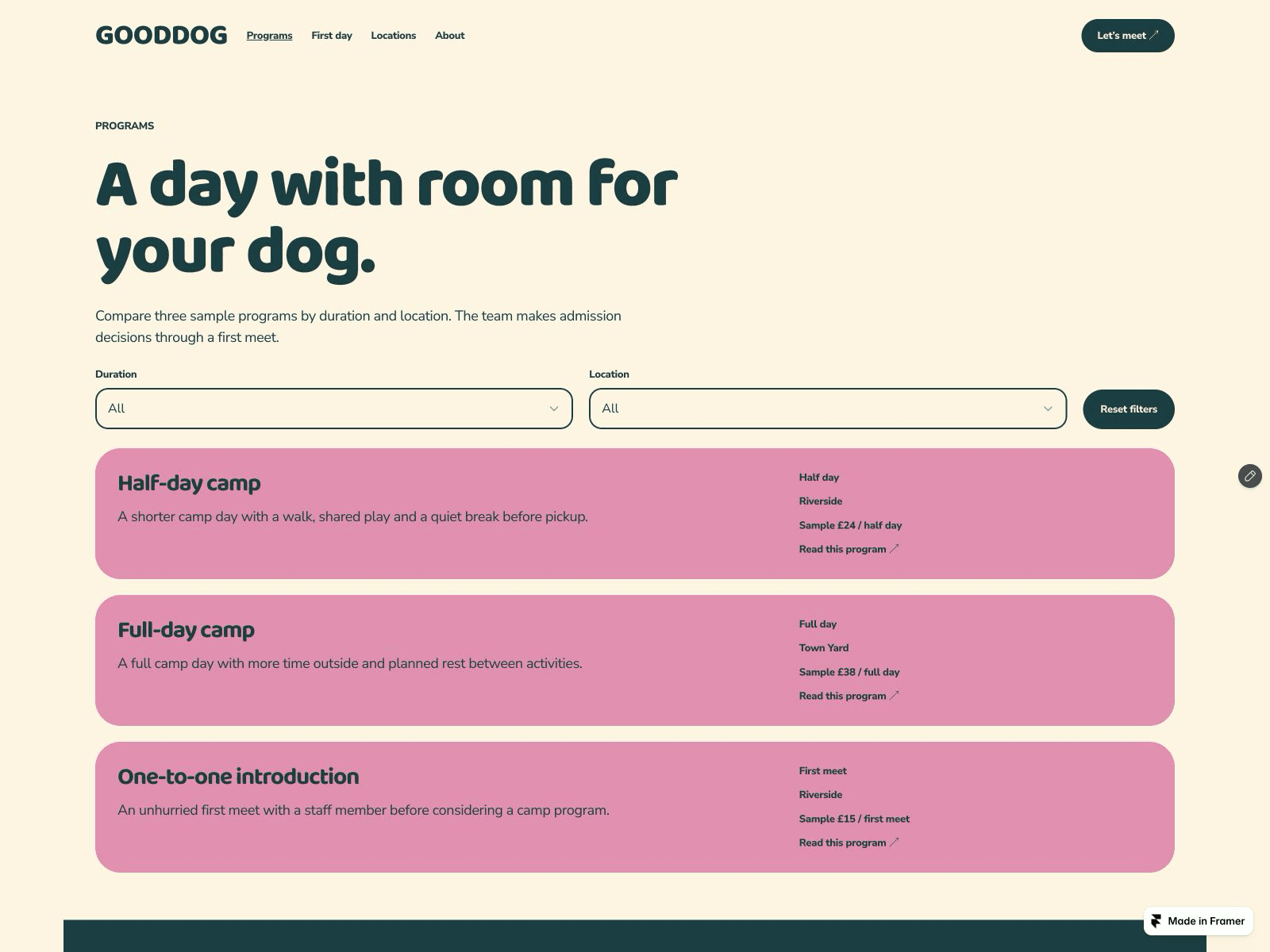
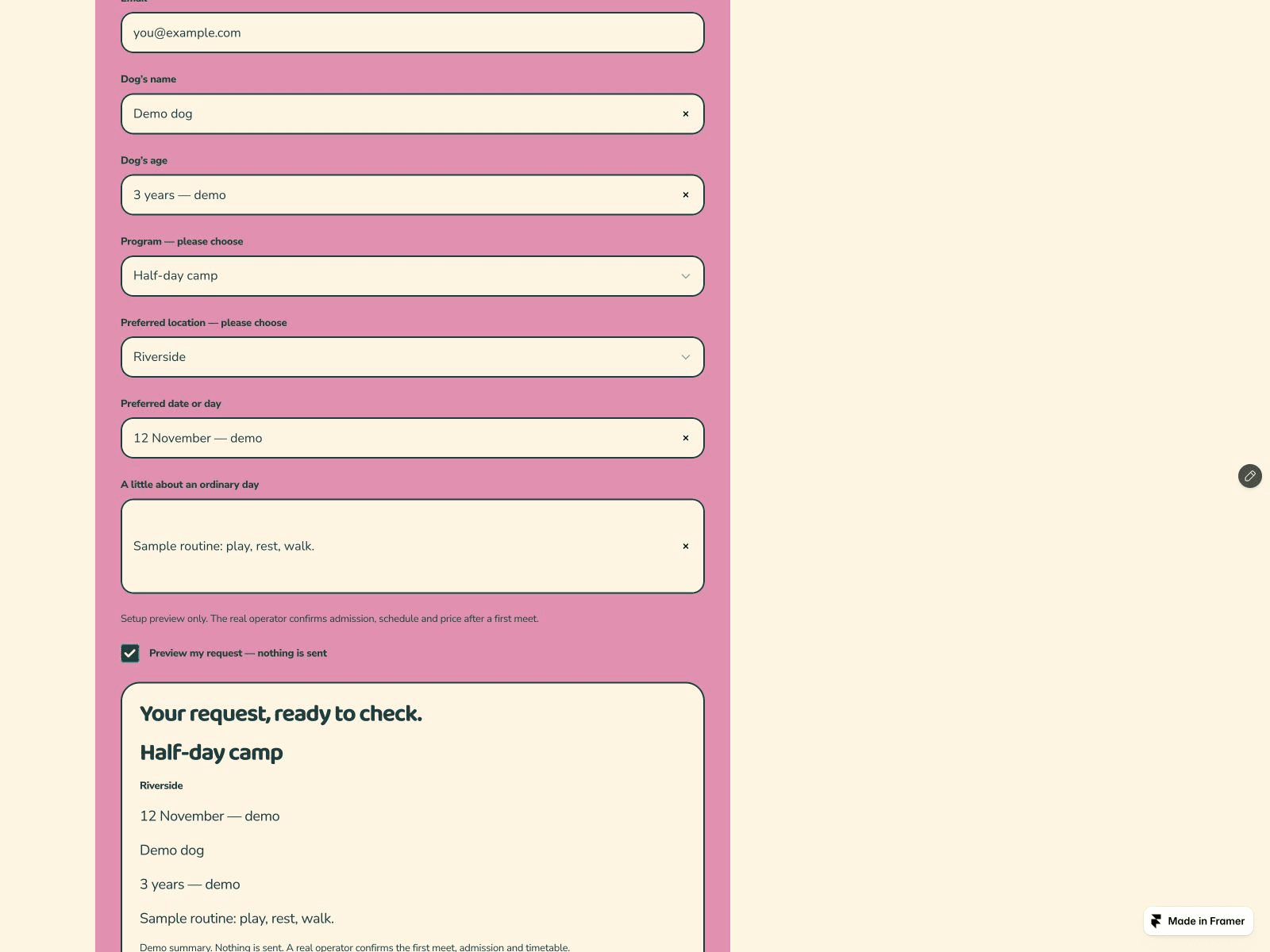
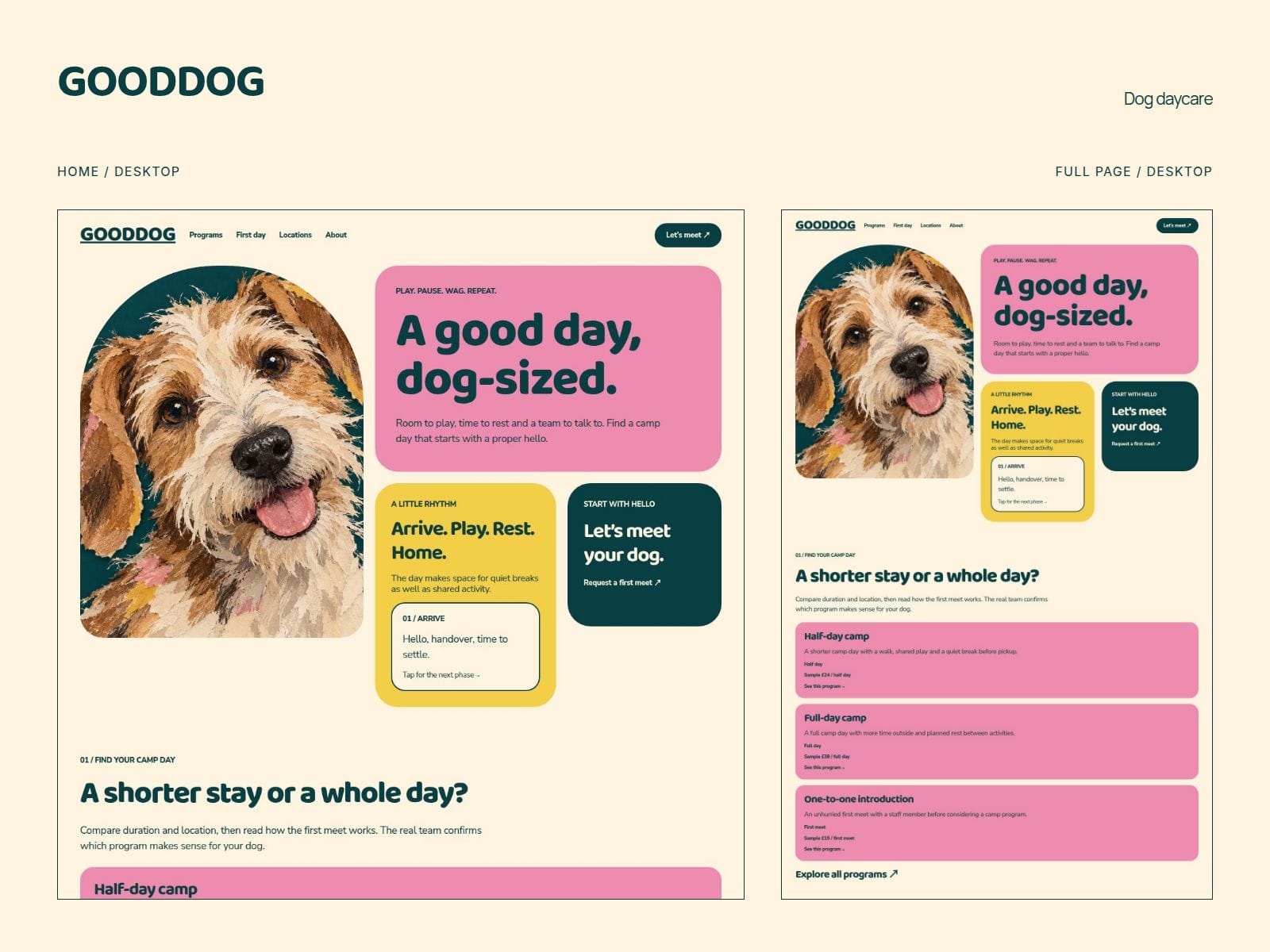
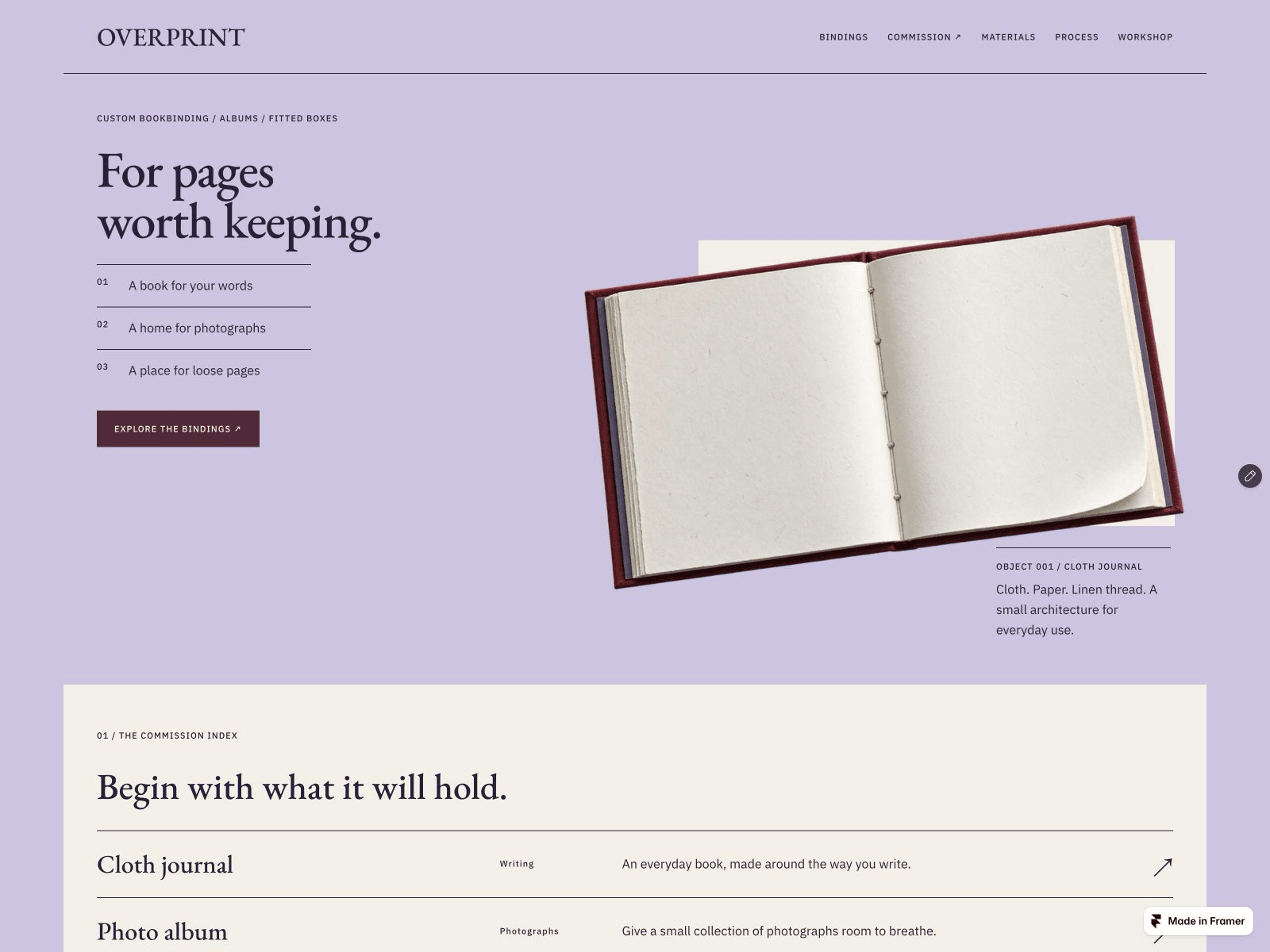
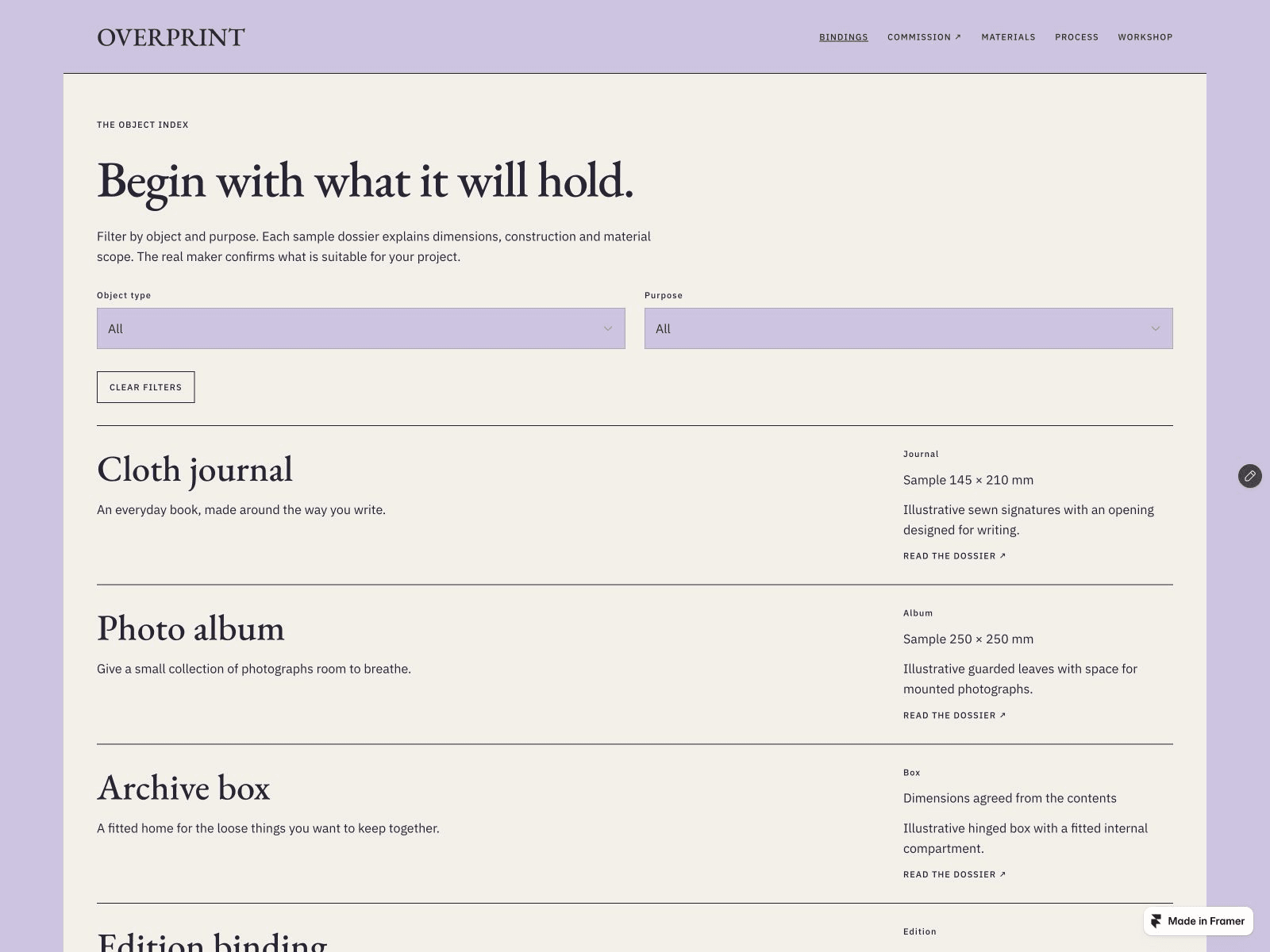
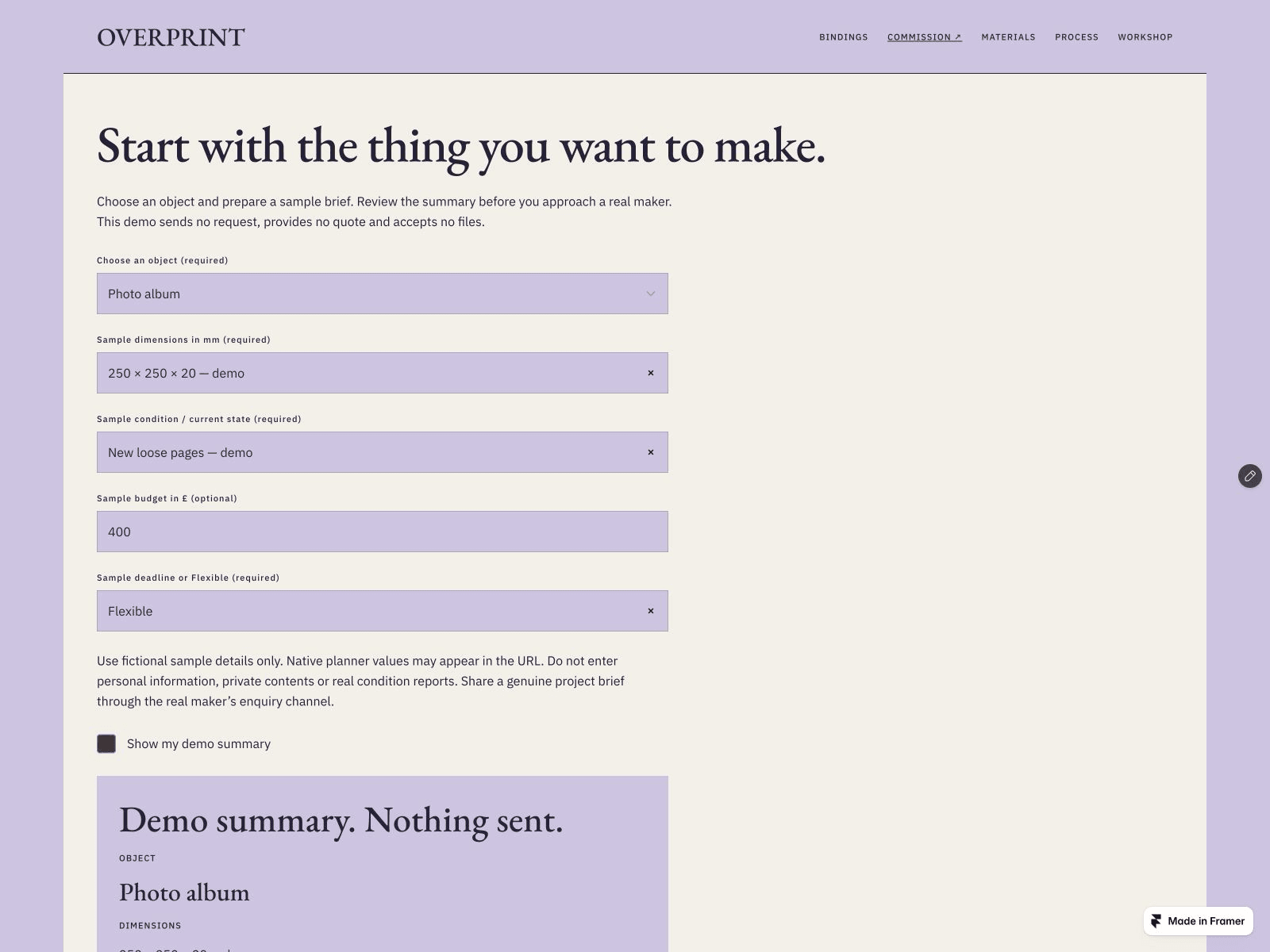
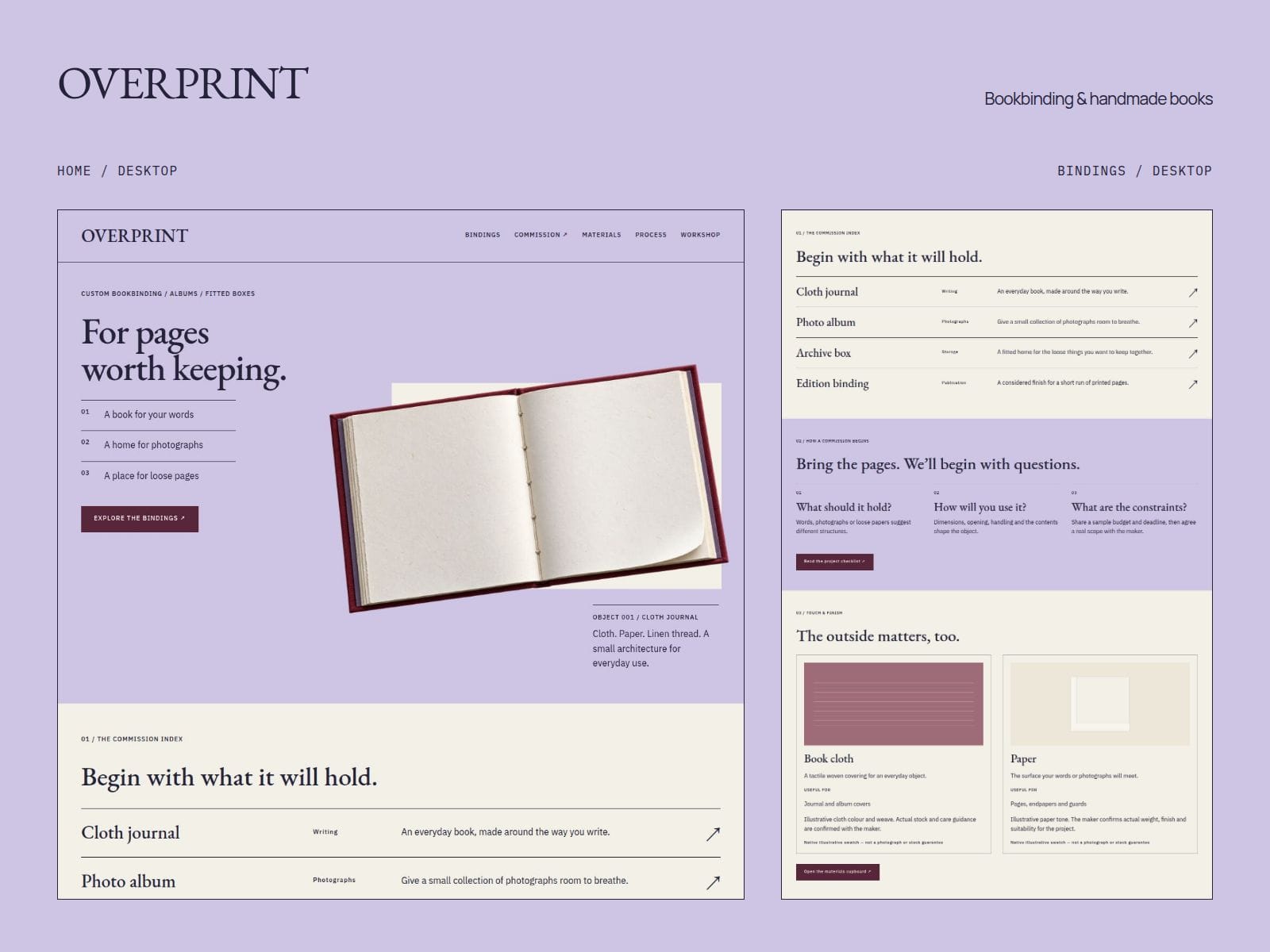
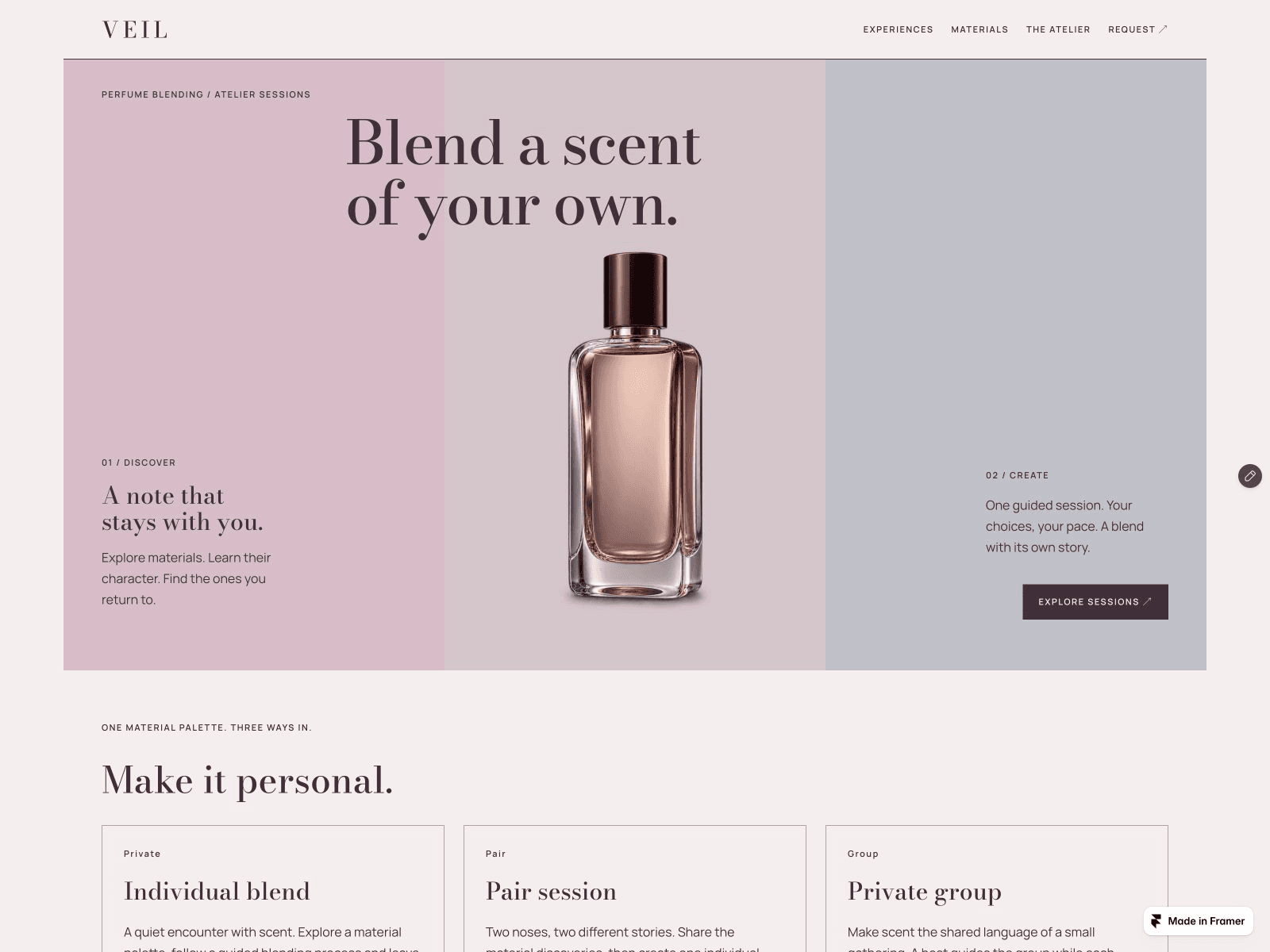
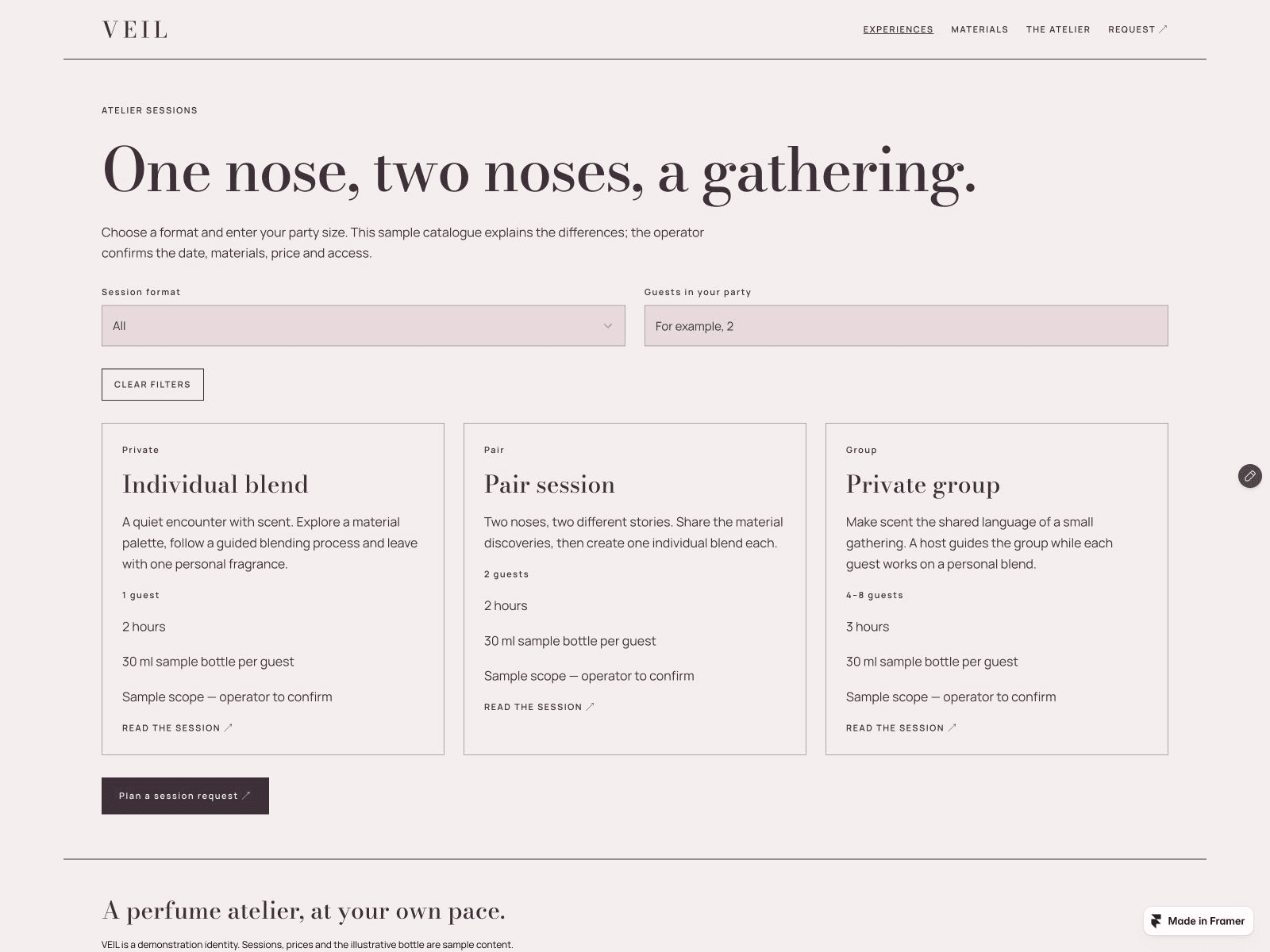
Promotional build note by KamnevApps. Template free; Framer hosting and domains are separate. Eligible paid Framer plans through our referral links may earn us a commission. Fonts belong to their credited designers; no font checkout or licence-management service is included. Prepared with AI assistance; screenshots show the actual interface, with no generated illustration.