
Akın Gündoğan
Hi! I'm a Designer/Builder from Istanbul/Turkey, I also create Framer & Design content on https://www.youtube.com/@AkinsRealm , cheers!
Hi! I'm a Designer/Builder from Istanbul/Turkey, I also create Framer & Design content on https://www.youtube.com/@AkinsRealm , cheers!
After making its video ( https://www.youtube.com/watch?v=AalASscFLZk ) I wanted to post the template also to the marketplace, enjoy! 🙌
This is a great "pet care website" template I generated & redesigned while taking "Framer Agents Masterclass" (its link and template's remix link is in the video desc), and wanted to make a giveaway video on my channel, I hope you like it! https://youtu.be/AalASscFLZk
Multi-filtering CMS content in Framer using Superfields plugin is really easy, here's the tutorial with free starter file: https://www.youtube.com/watch?v=KLOIAkHDt9g
This slider with "dual rotation" effect turned out really great, taking advantage of Framer's animation & 3D capabilities, you can check the tutorial (includes the free file) here: https://www.youtube.com/watch?v=AsvEUSXobL4
CMS powered interactive map in Framer is totally possible using Insert Frame's MapFrame plugin, (you can try it for free & 10% discount code is AKINGN , as for all Insert Frame products :)) Here's the tutorial with free starter file: https://www.youtube.com/watch?v=hsS3bJZ7QJo
Creating light & dark versions of the components, color styles and adding this light/dark mode switcher by Pixcodrops resulted in this great tutorial, which includes free remix, here's the link if you'd like to check 🙂 https://www.youtube.com/watch?v=c5mUoNxQDlg
These "rotating icon rings" with scroll variant feature in Framer made a great tutorial, if you want to check it & free remix, here's the tutorial link: https://youtu.be/8_LJgixasvs
I really enjoyed creating this 3D interactive mini story book using @David McBacon's component in Framer, here's the tutorial link if you'd like to check, which includes free remix btw :) https://youtu.be/PcEM_ZklvUw
Since this one's also doing great in terms of views after sharing as a short, I wanted to share here also this past tutorial "Background Image Transitions in Framer (& Free File)", for the ones who haven't seen, I hope you like it! 🙂 https://youtu.be/jdKnhhXbDJ0?si=Ofs9Sp8XO_DwsfaR
I really enjoyed creating this icons slider with a circular mask in Framer, you can check the tutorial (includes the free remix) with the link in the first comment ⬇
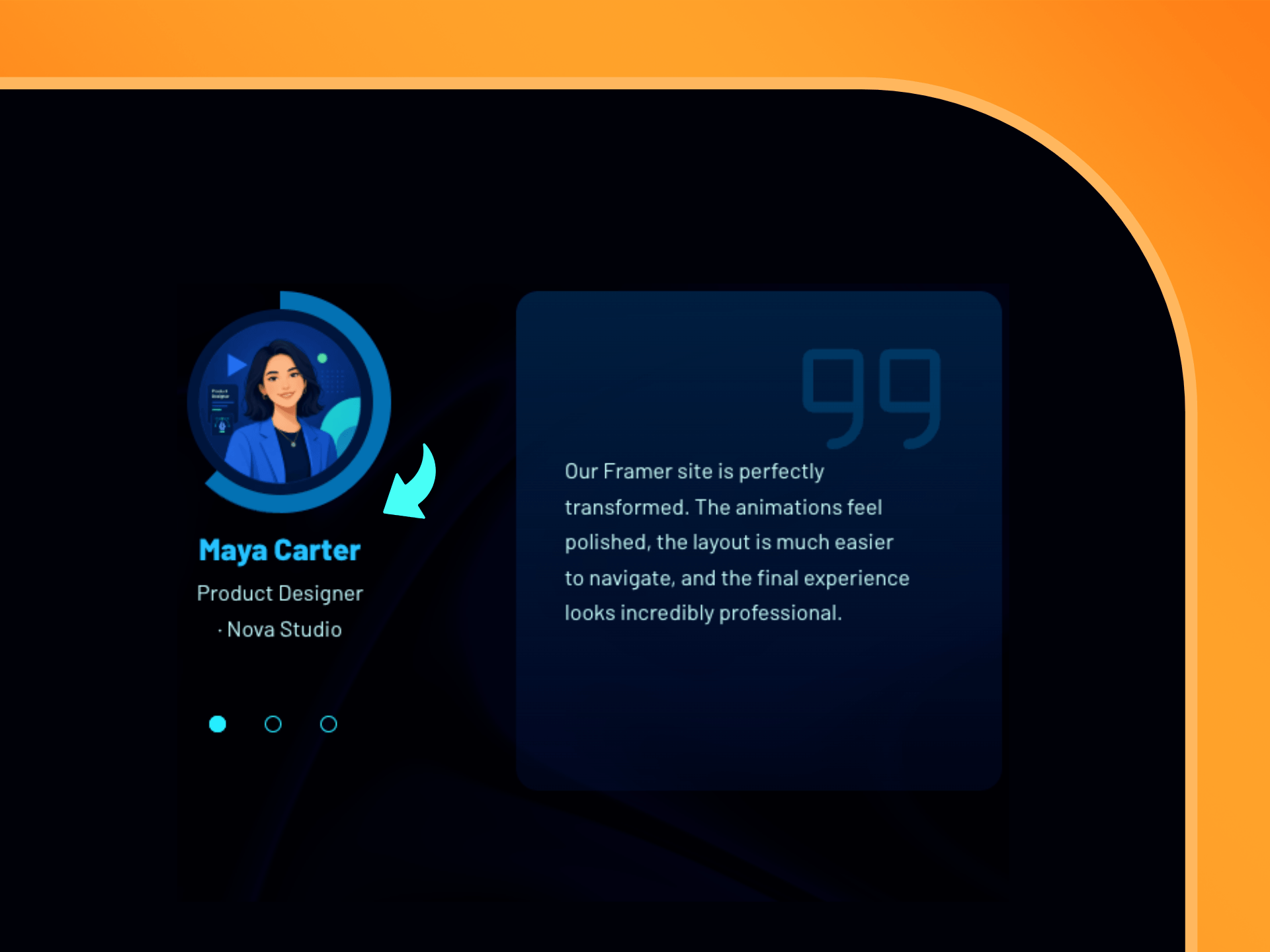
I made the "Animated Testimonial Slider with Circular Progress" responsive and submitted as a free component 😊👍
In this Framer tutorial, I'm sharing my process of creating an awesome testimonials slider with a circular progress animation (including file remix), you can check it with the link in the first comment ⬇
Since we're talking about 3D cubes etc, if you'd like to learn how to create a 3D Cube with your Shopify product images & a great 3D hover rotation in Framer using @insertframe's Frameship plugin (with discount code: AKINGN btw :) you'll like my latest tutorial, which has its link in the first comment below 🙌
This "3D Video Slider" short is also doing good, so why not sharing, full tutorial (including file remix) is in the first comment, if you'd like to check 🙂 ⬇
After sharing this past tutorial as a short, it turned out to be the most viewed short video among the last 10 ones I shared, so I wanted to share a screencast from my "Hero Slider with 3D Cube Rotations in Framer (& Free File)" tutorial, its link is in the first comment ⬇
This tutorial shows using a "Ripple Shader" can help creating an awesome interactive product showcase page with info/card buttons in Framer, you can check the tutorial (with free file remix) by using the link in the first comment ⬇
After generating a design with Framer Agents, I wanted to redesign it and made a tutorial about it, sharing the redesign 🙂 If it sounds interesting, you can check the tutorial link in the comments ⬇
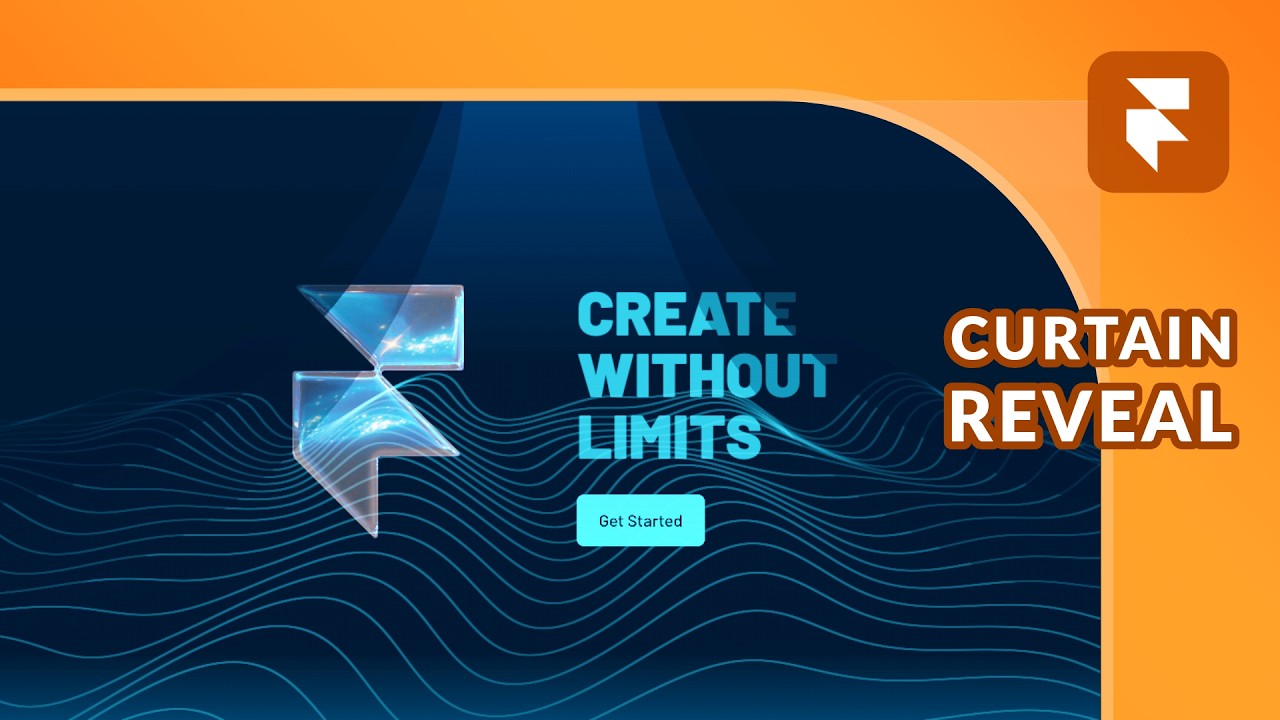
Hi fellow designers/builders! Help me decide pls, should I use blue banner in my profile (current one) or orange banner? Adding images below, curious about your opinion, thanks! 😊